

Shortlist Staffing company website template
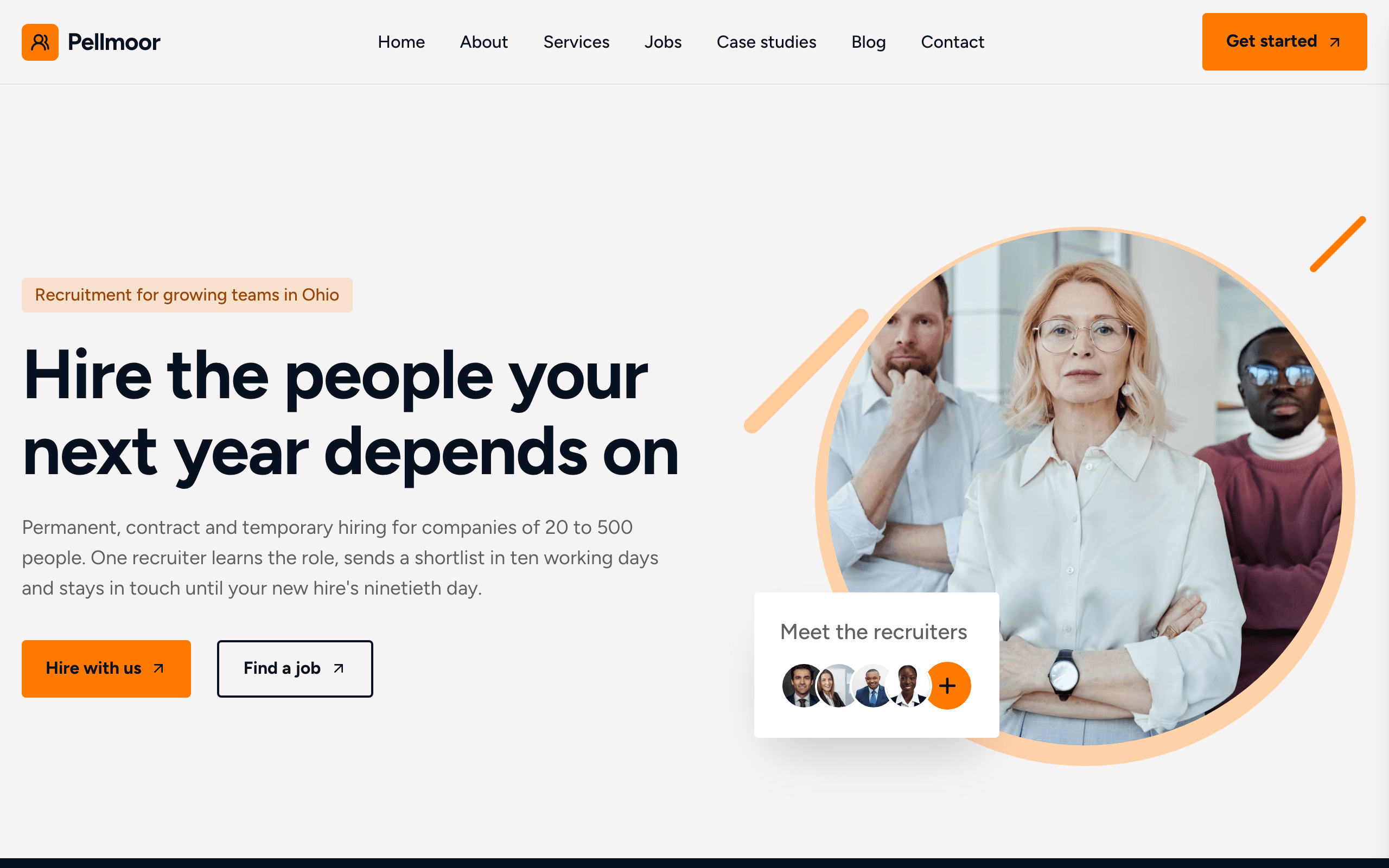
Shortlist is for recruitment agencies, staffing and temp agencies, and executive search firms. The home page speaks to employers and job seekers at once, with a button for each, and the jobs board has a tab for each job type: permanent, contract, temporary and temp-to-hire. Each job has its own page with the pay and an application form.
Who Shortlist is for
- Recruitment agency
- Staffing agency or temp agency
- Job recruitment website with a board of open vacancies
- Executive search or headhunting firm
- Healthcare, nursing or care staffing agency
- Industrial and warehouse staffing agency
- IT or finance recruitment consultancy
- Agency collecting CVs and job applications online
What’s included
- Pages
- 7 pages, written and laid out
- Grows with you
- 6 service entries at /services/, 8 job entries at /jobs/, 4 case-study entries at /case-studies/, 3 post entries at /blog/ — add one and its index and detail page both update
- Enquiries
- A working form — messages land in your Sitelas inbox
- Fonts
- Figtree · light theme
Build Shortlist by asking your AI agent
- 1Connect Sitelas to Claude, ChatGPT or another AI agent that supports MCP. How to connect
- 2Ask for it in plain words: “Build a website for a recruitment agency using the Shortlist template.”
- 3Open the preview link it sends back, ask for changes, and publish when it reads right.
Then keep changing it from the same chat
- Rewrite the copy“Rewrite the ‘About’ page with my details, in a warmer voice.”
- Change the design“Keep the layout, but swap Figtree for another typeface and use my brand colours.”
- Add service entries“Add three service entries from these notes, each with its own page.”
- Swap the photos“Replace the photos on the ‘Services’ page with my own.”
Everything here can also be done by hand in the visual editor.
About the Shortlist template
Built for recruitment and staffing agencies
Shortlist suits a recruitment agency, a staffing or temp agency, or an executive search firm. An agency's site has two audiences, employers who want to hire and people who want a job; the home page gives each a button of its own.
What's on the site
- Home — sectors, figures, services, case studies, how a search runs, reviews, a contact form, recruiters and blog posts
- About — why clients choose you, the whole team, reviews and an FAQ
- Services — every service, each with its own page
- Jobs — open roles with tabs by job type; each job has a page and an application form that takes a CV
- Case studies — briefs you filled, each with three results
- Blog — articles, each on its own page
- Contact — the message form, phone, email, office address and hours
What to know
Jobs, services, case studies and posts are collections you add to from the editor or your AI agent. Applications arrive in your inbox with the CV attached; the site is not an applicant tracking system. The job-alert signup collects addresses; you send the alerts. Reviews and figures are samples to replace.
When to pick something else
Shortlist is the wrong template for these. Where there is a better one, it is linked.
Free to use · No credit card required
Key Highlights
Questions about Shortlist
Where do job applications go?
Every job page has an application form that asks for a first and last name, an email and an optional phone number, and takes a CV as a PDF or Word file. Applications land in your Sitelas inbox labelled with the job title, with the CV attached. The site collects applications; it is not an applicant tracking system.
Can employers or candidates post jobs themselves?
No. You add jobs from the editor or by asking your AI agent, and each one appears on the jobs board under its type. Employers reach you through the message form, which asks whether the sender is hiring or looking for work.
Who is Shortlist for?
Shortlist is built for a recruitment agency, a staffing agency or temp agency and a job recruitment website with a board of open vacancies. Not built for one company's own careers page for its in-house roles — try Hatch instead.
What pages come with Shortlist?
7 pages, already written and laid out: Home, About, Services, Jobs, Case studies, Blog and Contact. Add, rename or remove pages whenever you like.
Can Claude or ChatGPT build my site from Shortlist?
Yes. Connect Sitelas to your AI agent and ask for a site that uses Shortlist. It fills in your details, sends you a preview link, and publishes when you approve. The same chat can keep running the site afterwards.
Can I change Shortlist without code?
Yes. The Figtree type, all 7 pages and the service entries, every photo and every colour can be changed in the visual editor, or by asking your AI agent.
What does it cost?
Nothing to start, with no trial clock. A free site runs on a sitelas.com address; Pro is $9 a month per site ($90 a year) for your own domain, analytics and more room.
Make Shortlist yours
All 7 pages open in the editor already written, with 6 starter service entries. Make the words and photos yours, then publish.
Free to use · No credit card required
Related templates
All agencies & firms templates →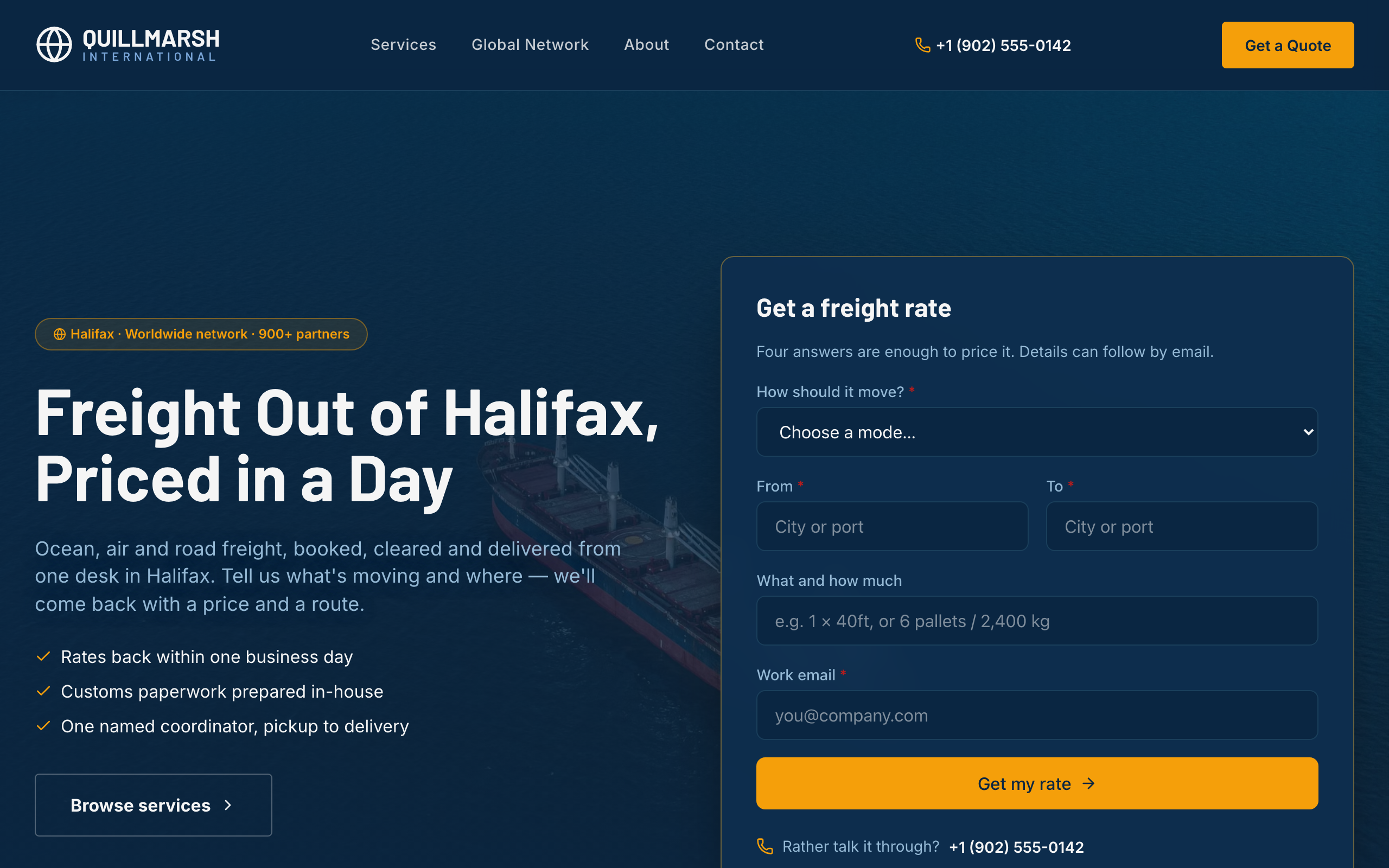
Bollard
For freight forwarders and logistics firms: a rate form up front, lanes and transit times, and service pages.
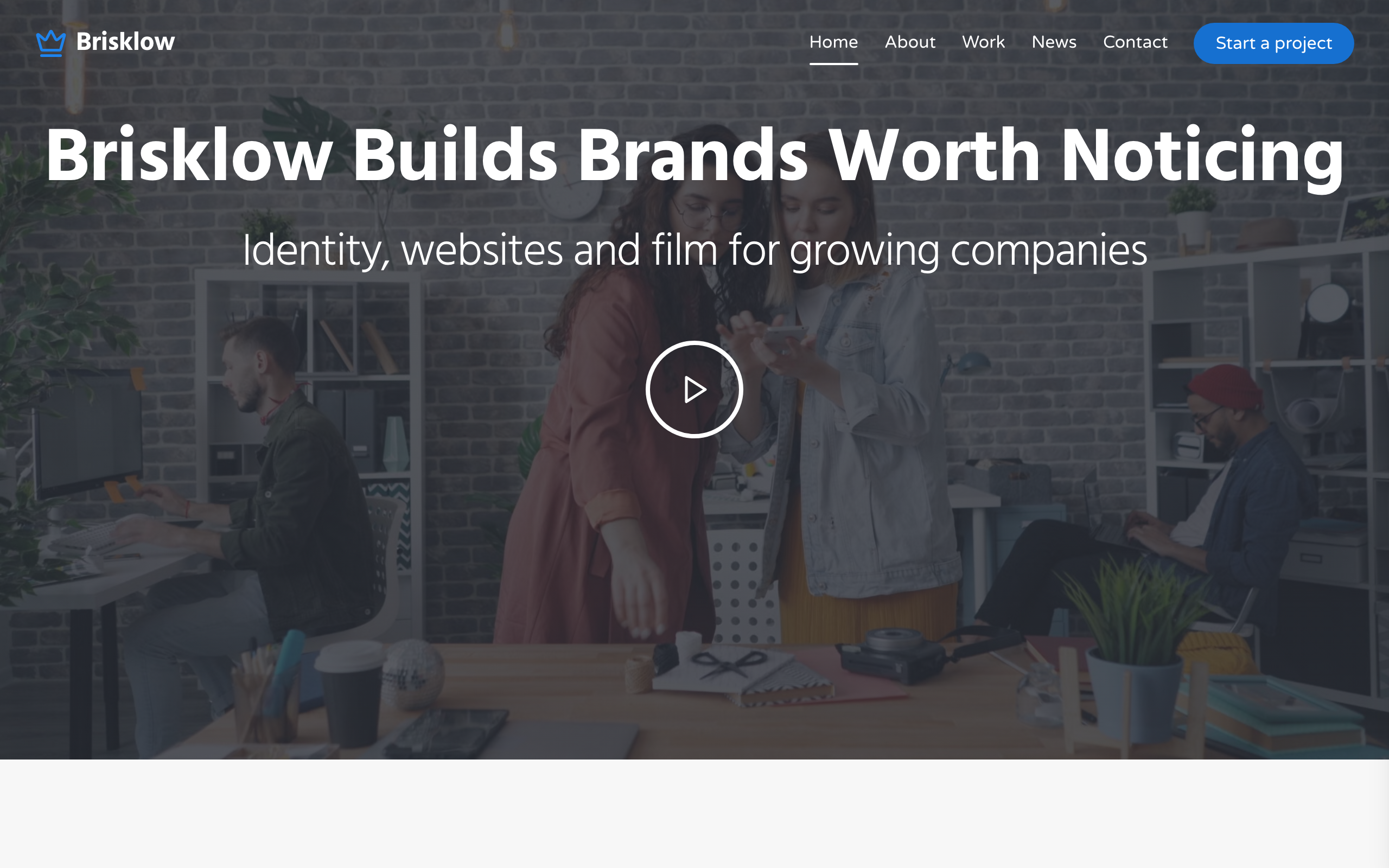
Cornice
A site for brand, web and film studios: a project mosaic, a showreel, client quotes and studio news.
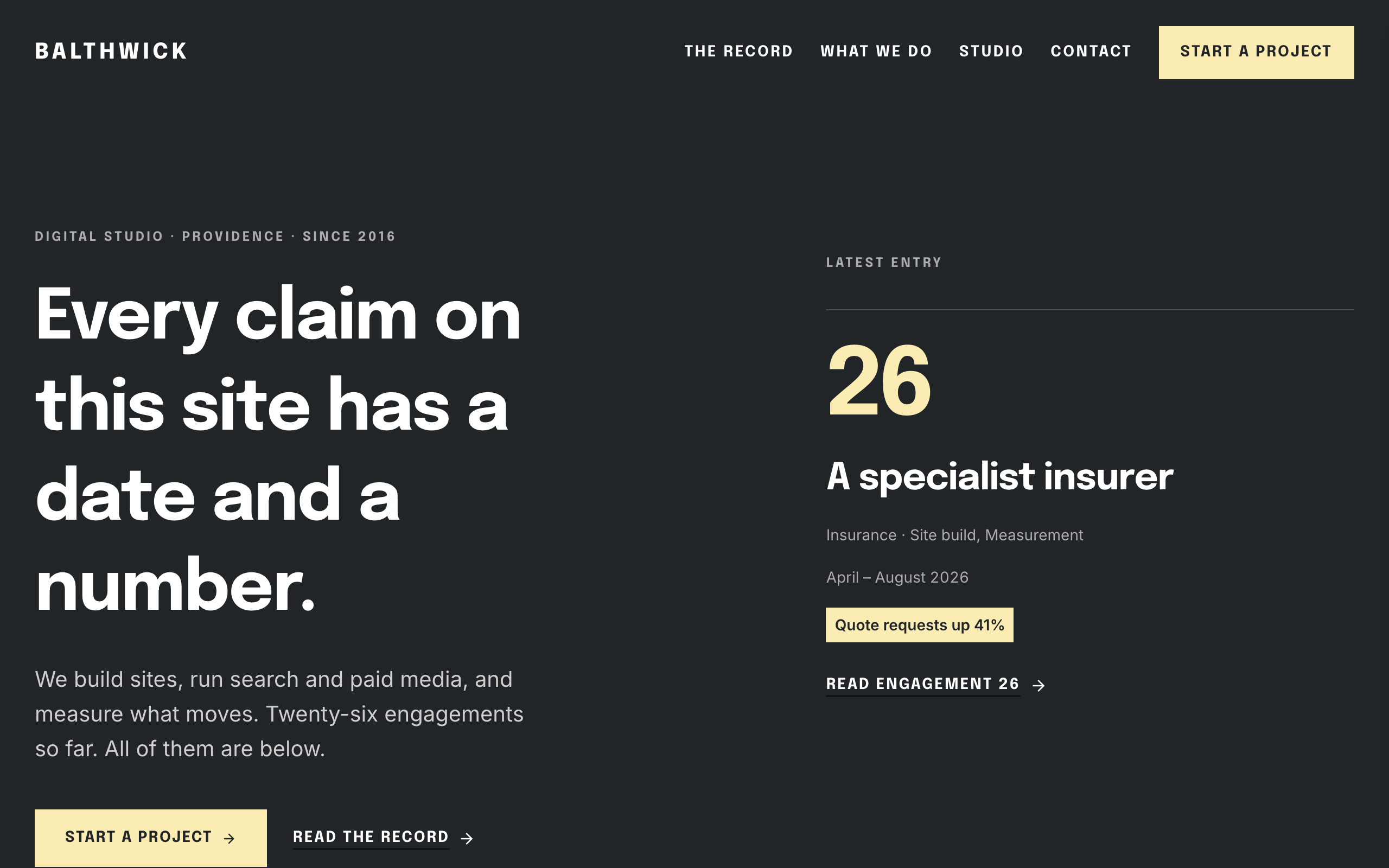
Daybook
For agencies hired on results: a dated record of engagements, each with the number it moved.
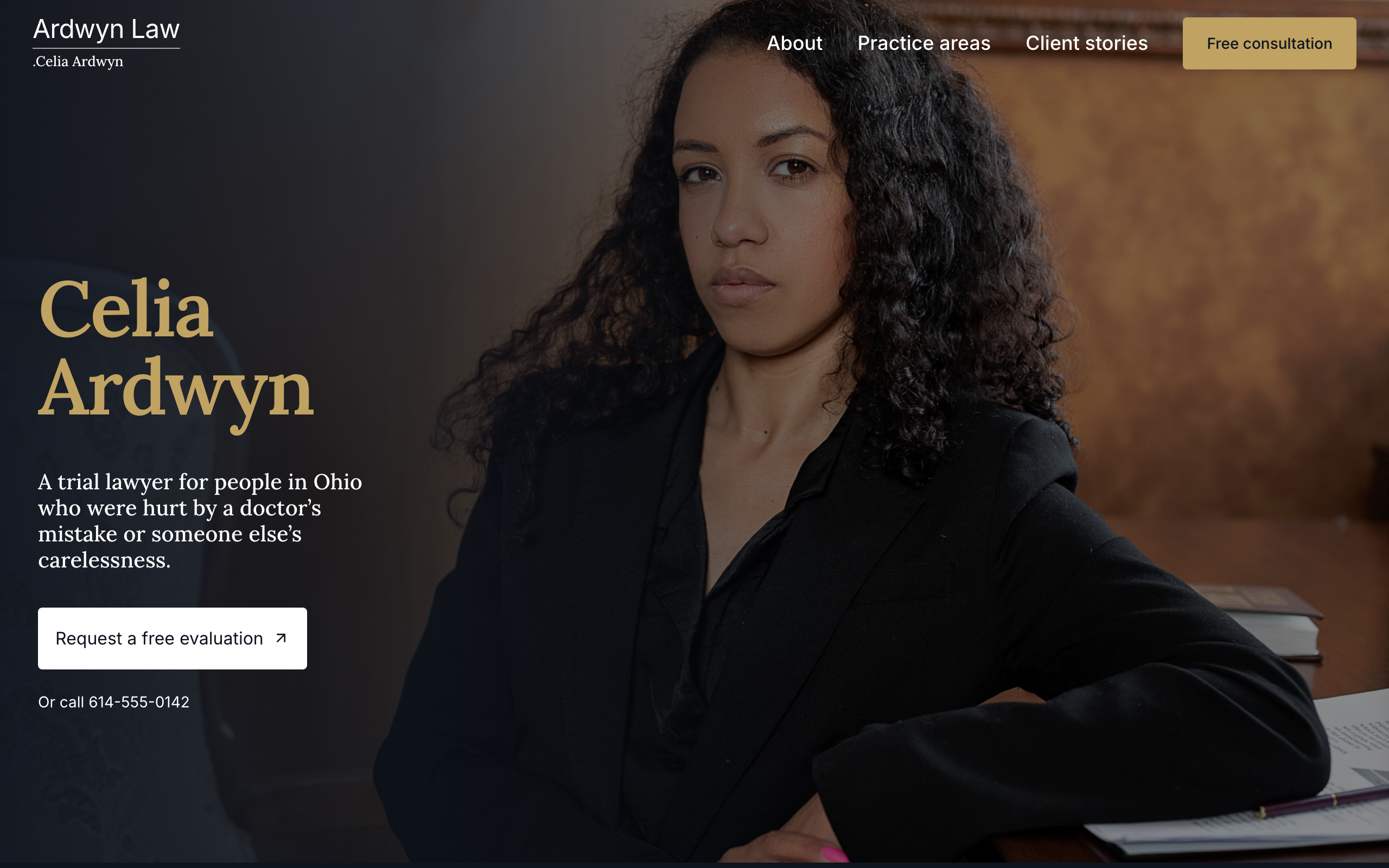
Docket
For a solo trial lawyer: your name up front, a page for each practice area and a free-evaluation form on every page.
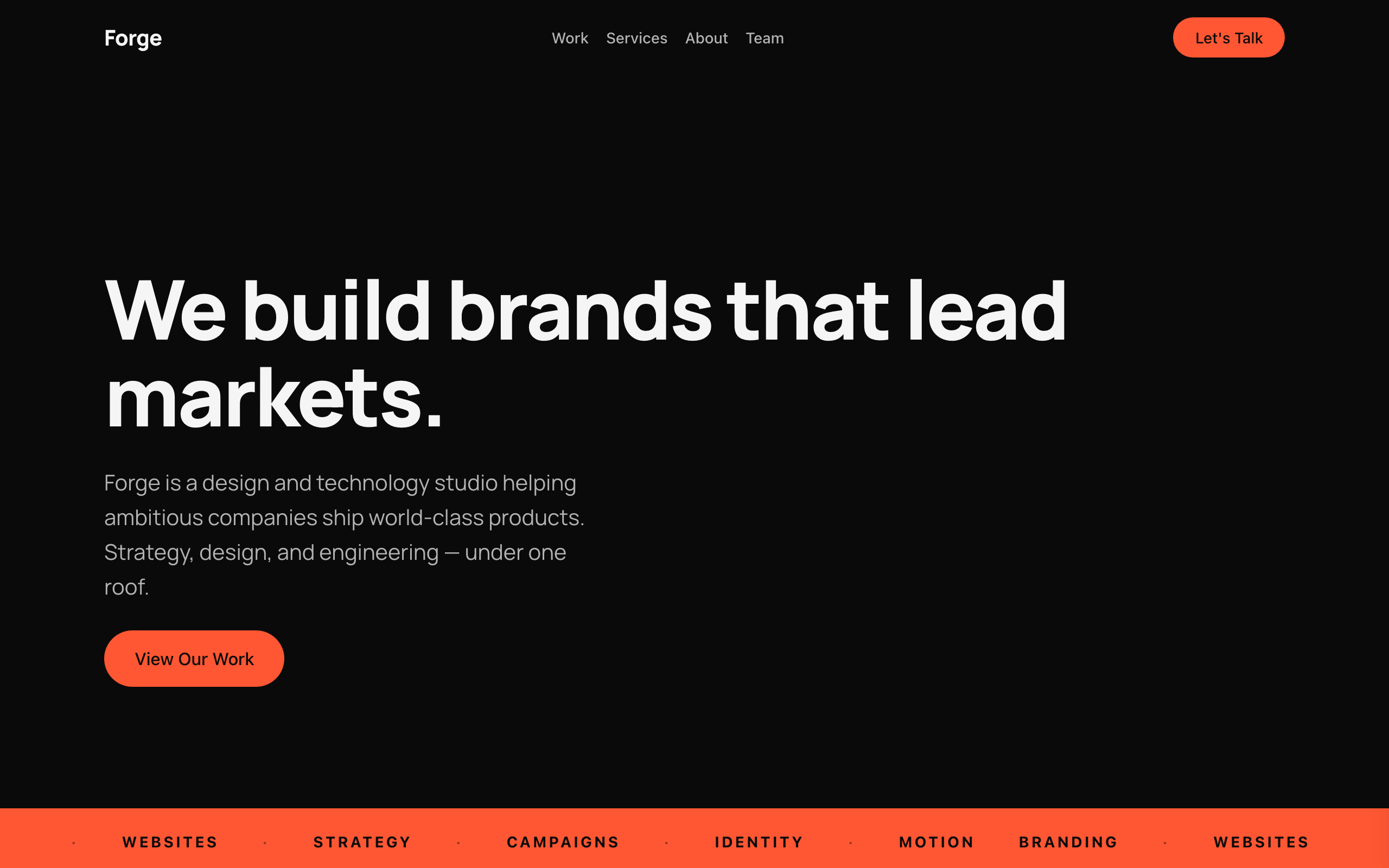
Flagship
A bold, dark one-page site for creative agencies and studios, with case studies and a contact form.
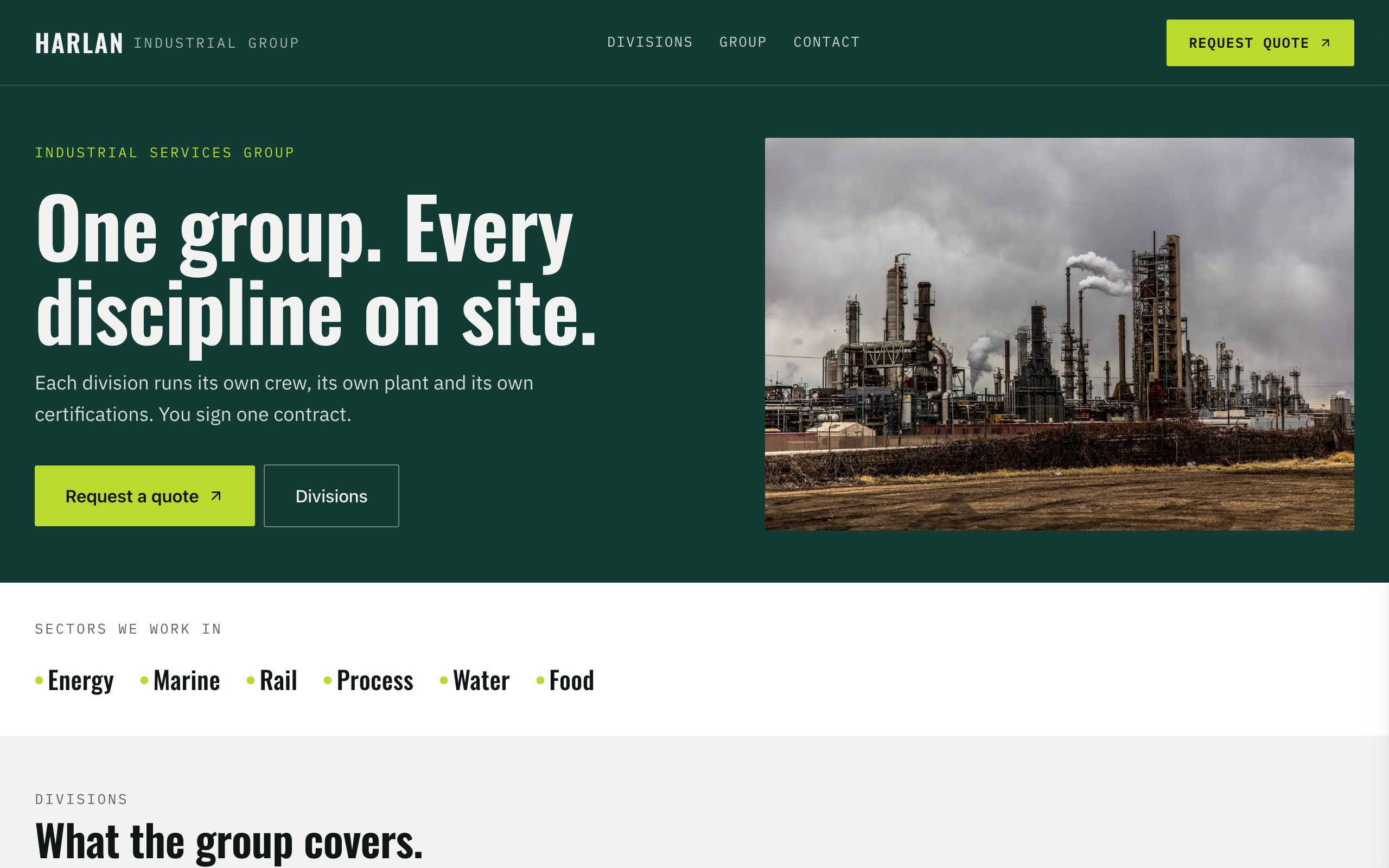
Foundry
For industrial services groups with several divisions: a page per division and certifications up front.