

Hatch Careers page template
Hatch is the careers section for a funded startup hiring across engineering, design, product and go-to-market. Every role shows its salary band, has its own page and apply form, and the Life page introduces the team candidates would join.

Who Hatch is for
Built for these, and tested against them.
- Funded tech startups (Series A–C) building their careers page
- AI / developer-tools / infrastructure / vertical-SaaS companies with 20–80 people hiring 4–12 roles
- Companies that want comp-transparent, mission-led hiring (vs. perks-led)
- Modern product teams hiring distributed (remote + hub offices)
- Companies pivoting from a Notion or Greenhouse-default careers section to something on-brand
What’s included
Everything below ships with the template, already filled in.
- Pages
- 3 pages, written and laid out
- Grows with you
- 8 job entries at /roles/ — add one and its index and detail page both update
- Enquiries
- A working form — messages land in your Sitelas inbox
- Fonts
- Fraunces and Inter · light theme
- Everywhere
- Built and checked at phone, tablet and desktop widths
- Yours to change
- Every colour, word and photograph — in the editor or by asking an AI agent
Build Hatch by asking your AI agent
No editor required. The agent writes your copy, swaps the photos and publishes the site.
- 1Connect Sitelas to Claude, ChatGPT or another AI agent that supports MCP. How to connect
- 2Ask for it in plain words: “Build a website for series A–C tech / AI / developer-tools company careers page using the Hatch template.”
- 3Open the preview link it sends back, ask for changes, and publish when it reads right.
Then keep changing it from the same chat
- Rewrite the copy“Rewrite every page in a warmer, friendlier voice.”
- Change the design“Make the colours earthier and use a serif for headings.”
- Add or remove pages“Add a Pricing page and remove the Blog.”
- Rearrange sections“Move the testimonials higher and add an FAQ.”
- Swap the photos“Replace the photos with ones that fit my business.”
- Run the site“Show me this week's form messages, then publish.”
Everything here can also be done by hand in the visual editor.
About the Hatch template
Built for startups that are hiring
Hatch gives a funded startup a careers site candidates will actually read: every role, its pay range and an apply form.
What's on the site
- Home with your mission, open roles and the team
- Open roles, each with its salary band and its own page and apply form
- Life at Hatch, showing who candidates would work with
- A talent-network signup for people who don't fit a current role
What to know
Applications arrive in your Sitelas inbox with the résumé attached, and can be forwarded to your applicant tracking system by webhook. Sitelas hosts the pages, not the hiring pipeline.
When to pick something else
Hatch is the wrong template for these. Where there is a better one, it is linked.
Free to use · No credit card required
- 1Opens in the editor with the starter content in place
- 2Change the words and pictures to yours
- 3Publish to a sitelas.com address, or your own domain
Key Highlights
Questions about Hatch
Where do applications go?
Each role's apply form sends applications, with the résumé attached, to your Sitelas inbox. You can forward them to your applicant tracking system with a webhook.
Can I post and close roles myself?
Yes. Roles are a collection, so opening one is a new entry and closing it removes the page.
Who is Hatch for?
Hatch is built for series A–C tech / AI / developer-tools company careers page, a funded startup /careers section with 4–12 open roles and a modern engineering/design/product careers page with comp transparency. Not built for corporate HR portal at a 500+ person enterprise — try Whitford instead.
What pages come with Hatch?
3 pages, already written and laid out: Home, Open roles and Life at Hatch. Add, rename or remove pages whenever you like.
Can Claude or ChatGPT build my site from Hatch?
Yes. Connect Sitelas to your AI agent and ask for a site that uses Hatch. It fills in your details, sends you a preview link, and publishes when you approve. The same chat can keep running the site afterwards.
Can I change Hatch without code?
Yes. Click any text, photo or colour to change it in the visual editor, or ask your AI agent to make the change. Nothing is locked.
What does it cost?
Nothing to start, with no trial clock. A free site runs on a sitelas.com address; Pro is $16 a month per site ($160 a year) for your own domain, analytics and more room.
Can I use my own domain?
Yes, on Pro. Point your domain at the site and the SSL certificate is issued and renewed for you.
Make Hatch yours
It opens in the editor with every page already written. Change what you want, publish when it reads like you.
Free to use · No credit card required
Related templates
All saas & product templates →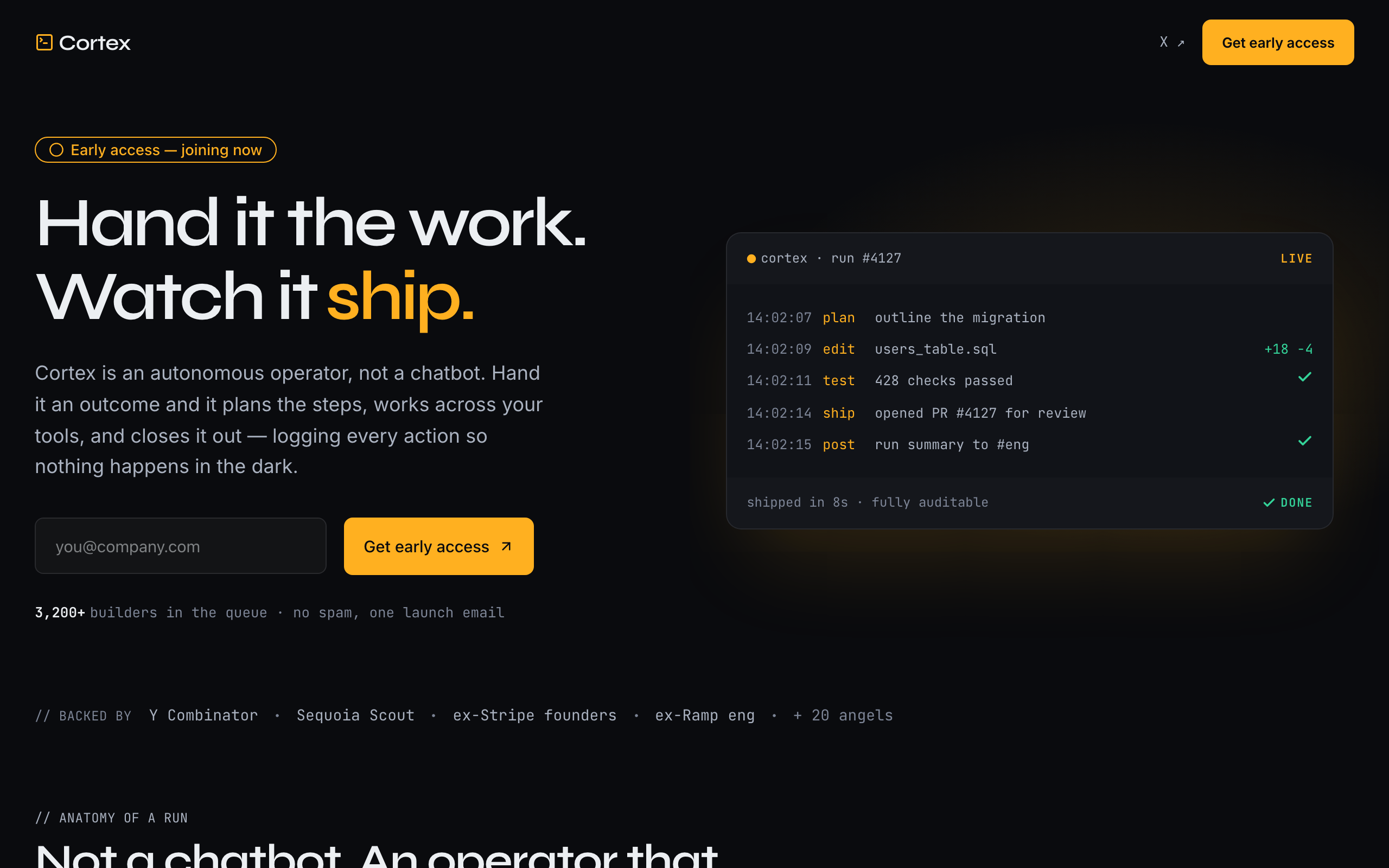
Nova
A loud, dark launch page for an AI agent startup, built around a live run-log instead of screenshots.
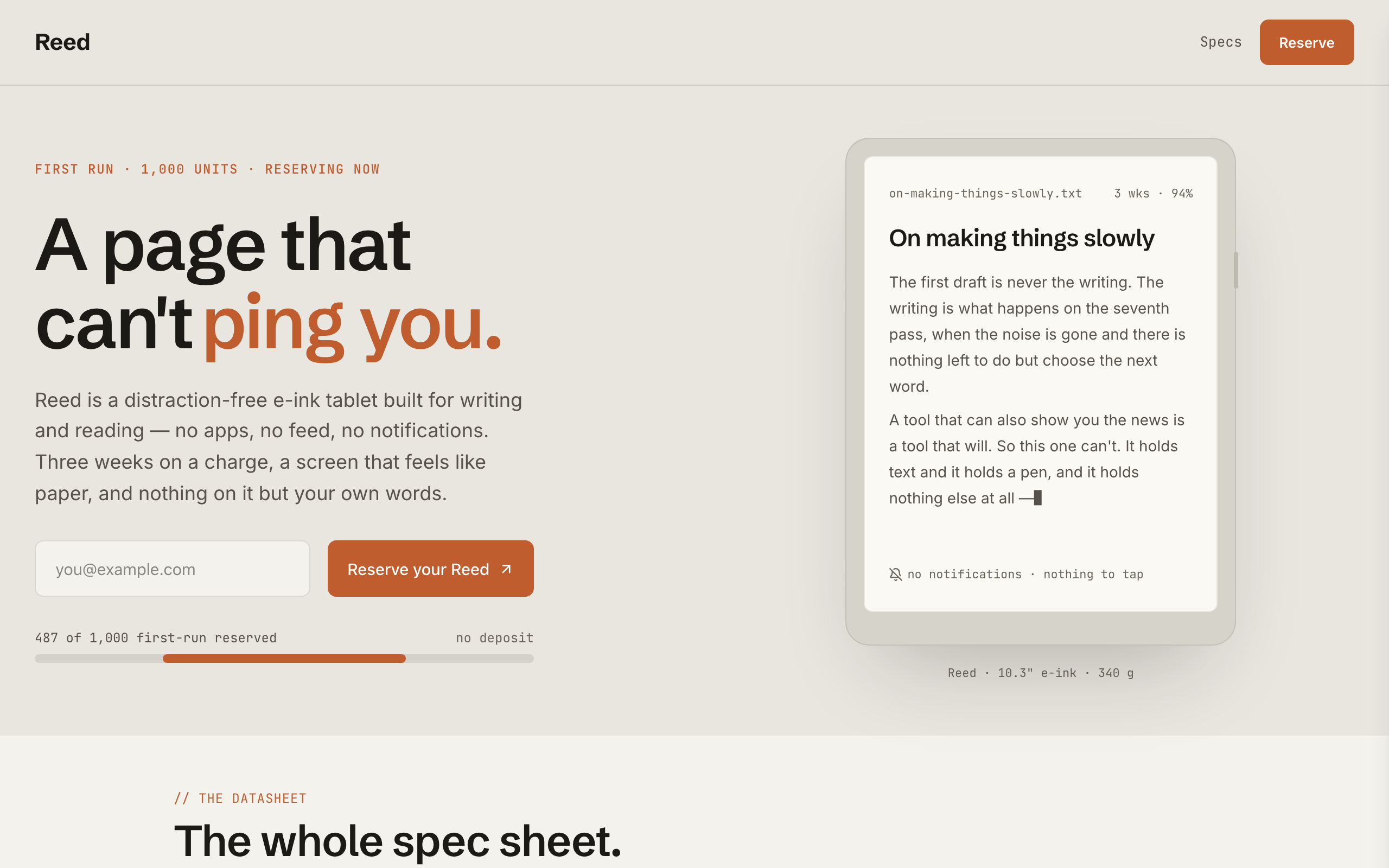
Reed
A pre-launch page for a physical product: a spec sheet, a reserve counter and a reserve-your-unit form.
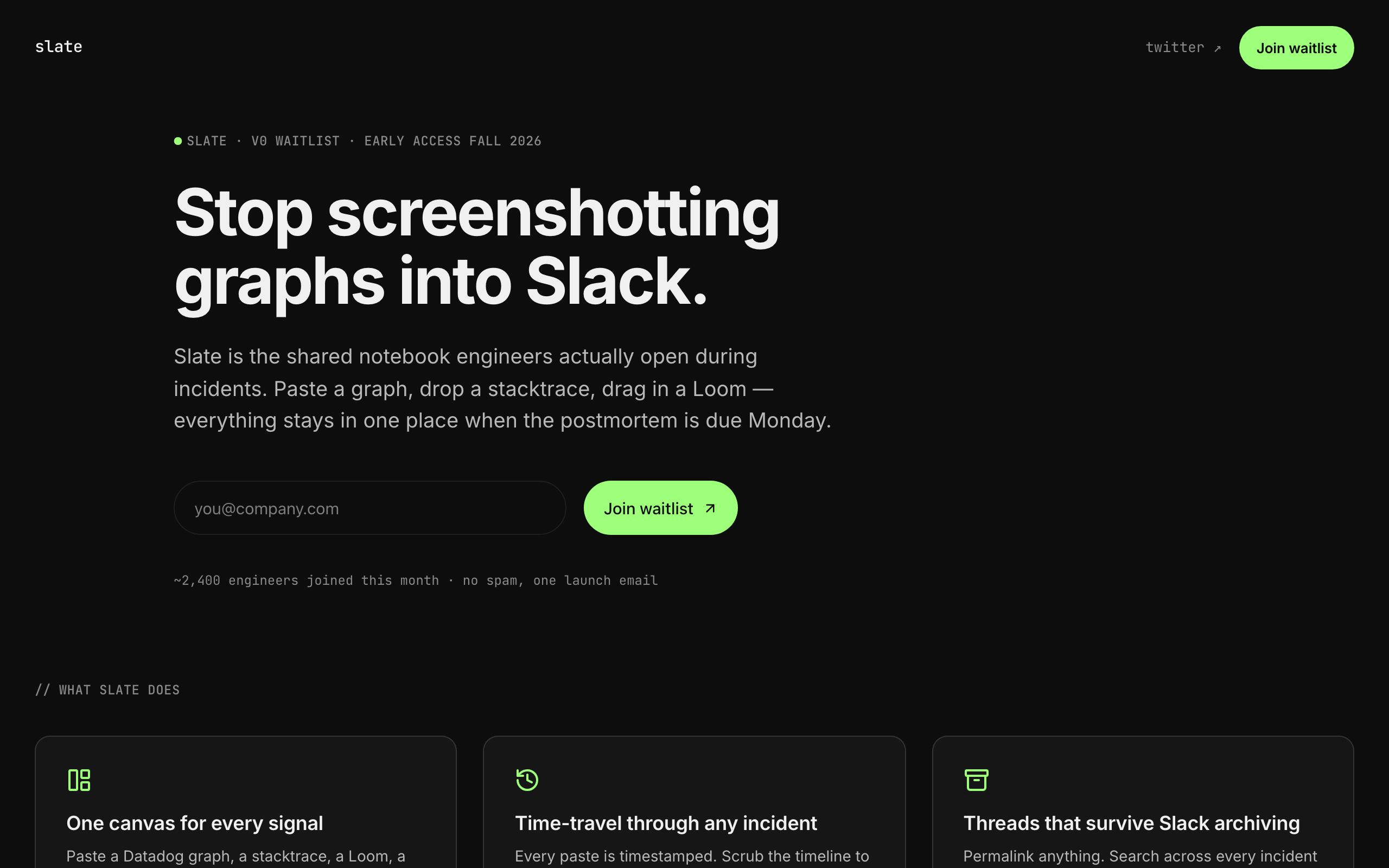
Slate
A sparse, dark waitlist for developer tools and indie SaaS: one clear signup, no screenshots needed.
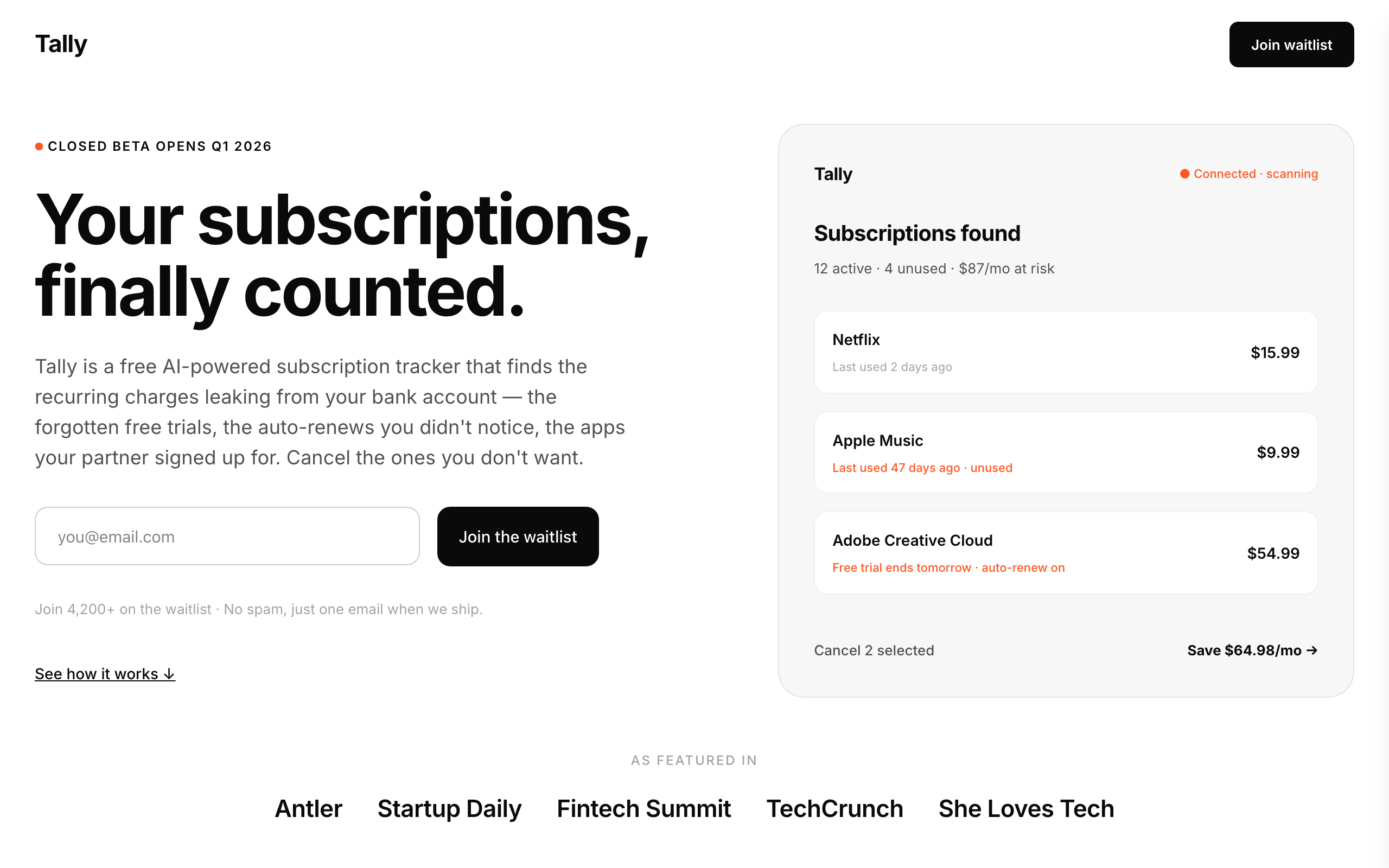
Tally
A stark, minimal waitlist for consumer money apps, with a phone mockup, steps, FAQ and legal pages.
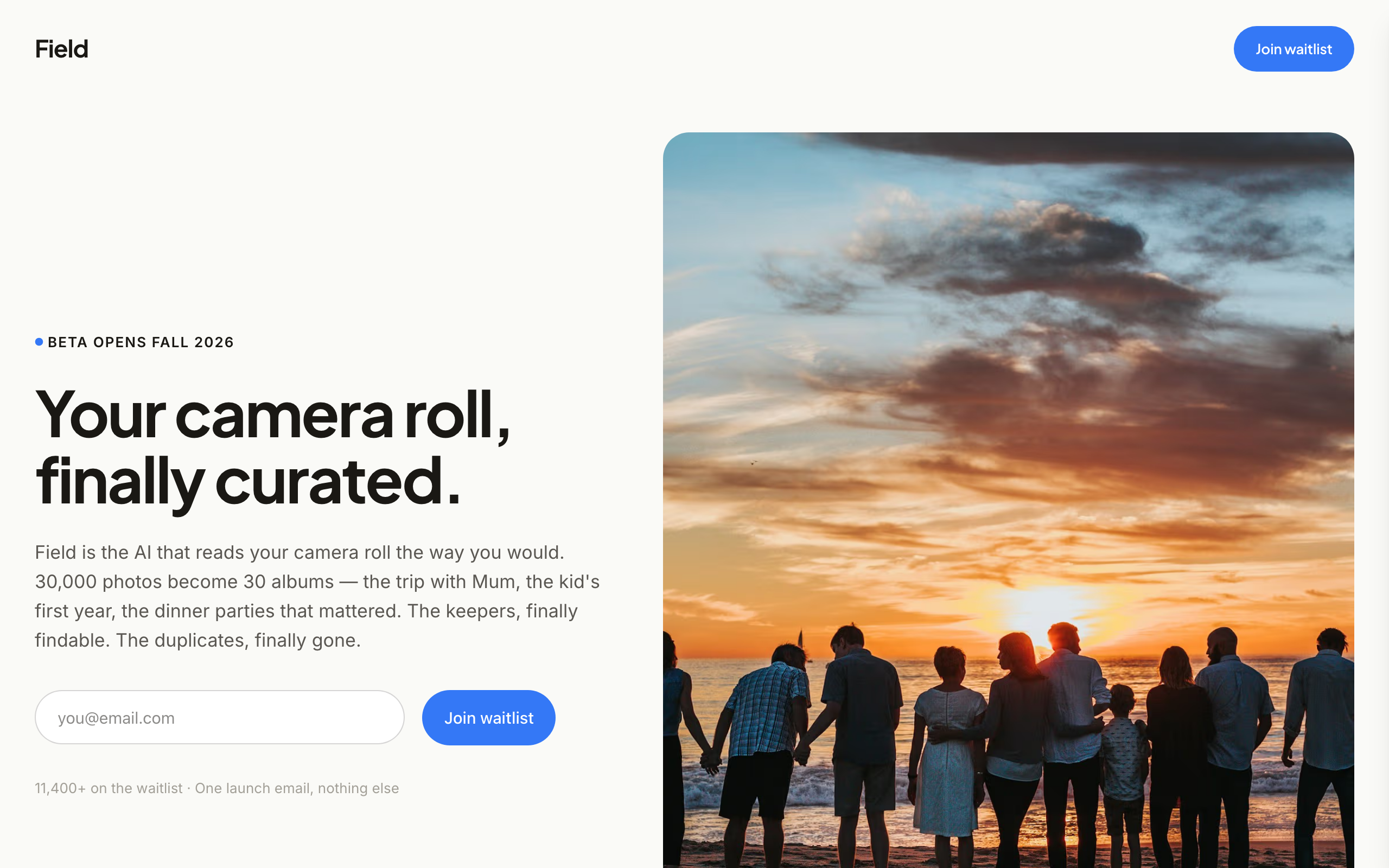
Field
An image-led waitlist for consumer app founders who have real product photos and screenshots.
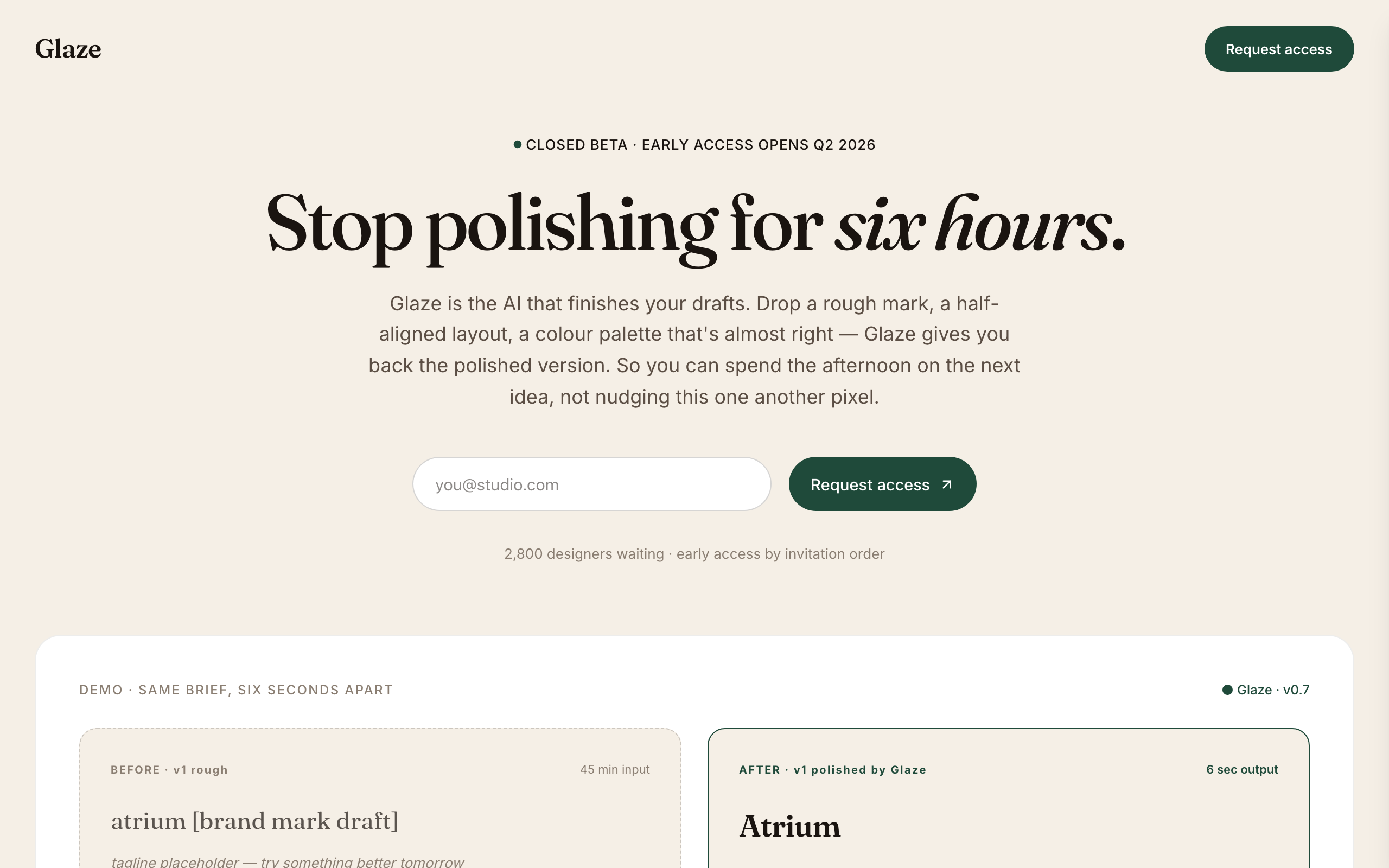
Glaze
A warm, editorial waitlist for AI tools aimed at designers and creative teams.