Google Business Profile for Contractors: An Optimization Checklist
The free Google listing is where most homeowners meet a contractor first. What to fill in, what Google forbids, what changed in 2025, and a 15-minute monthly routine.

Usman Haider
A Google Business Profile for contractors is the free listing that puts your business on Google Maps. It also fills the map box above the search results. For a plumber, electrician, roofer or remodeler, it's often the first thing a homeowner sees. This checklist covers Google Business Profile optimization step by step. It lists the fields that matter, the rules that get profiles suspended, and what changed in late 2025.
It's written for owners of small trade businesses who run the profile themselves. No one can promise you a spot in the map results. Google says so too: there is "no way to request or pay for a better local ranking."
How Google decides who shows on the map
Google's help pages name three things:
- Relevance: how well your profile matches the search. Your category, services and description do this work.
- Distance: how far you are from the searcher. You can't change this.
- Prominence: how well known you are. Reviews, ratings and links from other websites count here.
Everything below works on the two you control.
Before you start: claim and verify
Search for your business name on Google Maps. If a listing already exists, claim it. If not, create one at business.google.com. It's free.
Then Google verifies you. It chooses the method, and you can't pick it. Often it's a short live video from your phone, showing your van, tools or paperwork with the business name. Others get a phone call, text, email or postcard. A video review can take up to five business days.
An unverified profile barely shows.
Google Business Profile for contractors: the optimization checklist
The checklist works for any local business. A law firm's version is in personal injury lawyer marketing.
1. Use your real business name
Your name must match what's on your van, your invoices and your license. Don't add "Best Plumber Columbus" or a phone number to it. Google calls that keyword stuffing. A competitor can report it, and the profile can be suspended, reviews and all.
2. Pick the right primary category
The primary category tells Google what you are. Pick the most specific one that fits most of your work: "Plumber", "Electrician", "Roofing contractor", "HVAC contractor". "Contractor" alone is too vague.
Then add a few more from Google's list for real lines of work. Google asks for as few as possible. Don't add one for every job you'd take.
3. Set a service area and hide your address
If customers don't come to you, you're a service-area business. Remove your home address from the profile, then add the places you serve:
- up to 20 cities, ZIP codes or areas;
- no farther than about two hours' drive from your base.
Name the towns you want calls from, not the whole state.
4. Add a local phone number and your website
Use a local number that rings your business, not a call center. Then link your website. Google says the link should go to your own business's pages, not to a Facebook page.
The website matters more than it looks. It's where homeowners check you out, and Google can read it too. Your name, phone and service area should match the profile word for word.
5. Get your hours right, including emergencies
Set your normal hours, and say so if you take emergency calls around the clock. Add special hours for holidays.
6. List your services by name
Add each service you offer, in the words homeowners use: "Drain cleaning", "Sewer line repair", "Panel upgrade". Give each one a short description. Use the same names on your website's services page.
7. Write the description (750 characters)
You get 750 characters. Say what you do, where you work and how long you've been in business. Then say what makes you different: licensed, insured, family-run, same-day. Leave out links, and keep prices and offers for posts. Write it for a homeowner, not for Google.
8. Fill in attributes
Attributes are the small tags on your listing, such as veteran-led, women-owned or online estimates. Add every one that's true.
9. Upload real job photos
Photos are where contractors win. Add your van, your crew in uniform, and before-and-after shots of real jobs. Then add a few new ones every month. A stock photo of a smiling plumber helps nobody.
10. Ask for reviews the right way
Reviews drive prominence. In your profile, find Ask for reviews and copy your review link. Text it to every customer the day you finish the job.
Google's rules here are strict:
- No rewards. A discount or a free service in return for a review is banned.
- No picking. You can't send the link only to happy customers.
- No staff quotas for collecting reviews.
Breaking them can get reviews removed or new ones blocked for a time. Reply to every review, good and bad. A calm reply to a complaint is what the next customer reads.
11. Post updates after real jobs
Posts are short updates with a photo: a finished job, a seasonal reminder, an offer. Google archives them after six months unless you set dates, not after seven days as some guides say. Post when you finish a job worth showing.
What changed: the Q&A section is gone
Many guides still tell contractors to "seed your Q&A" with common questions. Google began retiring the Questions and Answers section on profiles in late 2025. AI answers on Google Maps are taking its place, drawn from your reviews and profile.
So homeowners' questions now need a home you control: a short FAQ on your website. Do you charge for estimates? Which towns do you cover? Are you licensed and insured?
The 15-minute monthly routine
Keeping the profile current is what most contractors skip. Once a month:
- Add three to five photos from recent jobs.
- Post one finished job with the town it was in.
- Reply to any review you haven't answered.
- Check hours, holidays and services are still right.
- Check your website still matches the profile.
The last step is where profiles drift: a new service on Google, last year's list on the website.
Make the website match your Google Business Profile
The profile and the website should tell the same story. Same name, same phone, same towns, same services in the same order. The hard part is keeping them that way when the website needs a web designer to change.
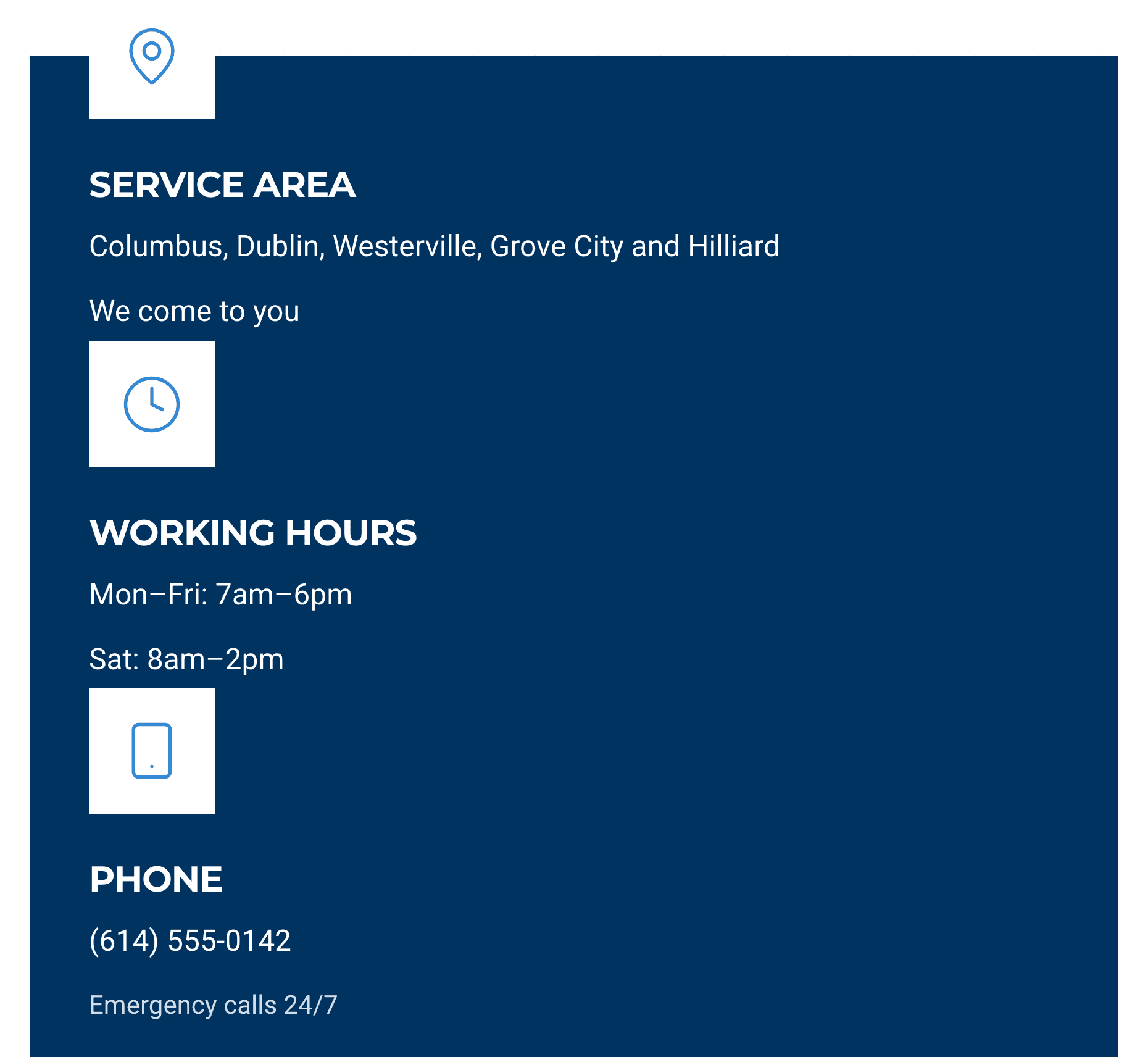
One way round that is to have an AI assistant run the website from a chat. Sitelas does this from Claude or ChatGPT. I tried it with a made-up firm, Halvorsen Plumbing & Drain in Columbus, Ohio. I pasted the profile's details into one message: name, phone, hours, five towns and five services. I asked for a site that matches it word for word.
Claude built it from Sitelas's plumbing template, Flange, as a private preview. It also removed the template's sample reviews and street address rather than put claims in my name. The hours, towns and phone, on a phone:
Then I checked the site against the profile, line by line, as you should. The footer listed four services, not five. One message fixed it:
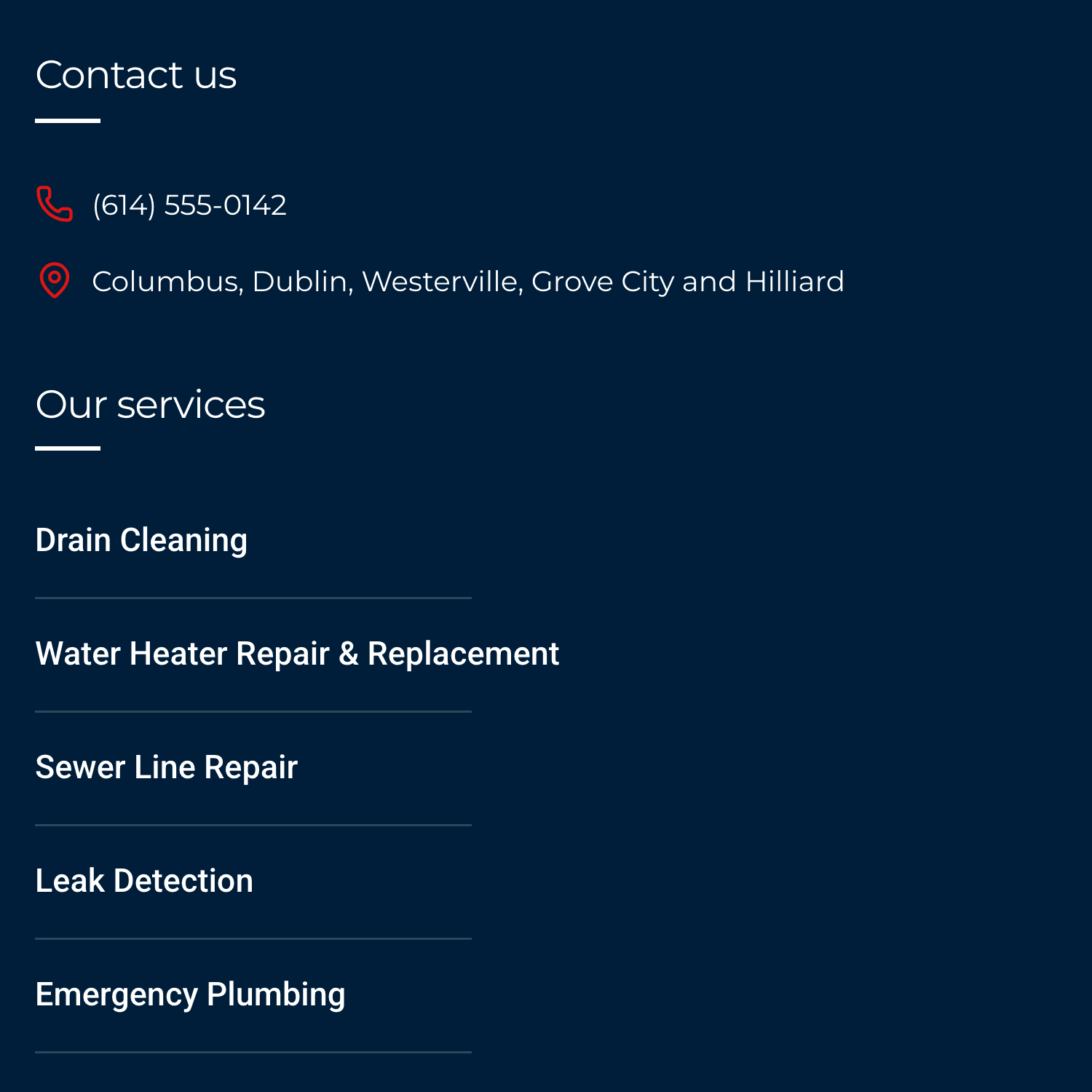
Add a service on Google next spring, and you ask the same chat to add it to the site. Nothing goes live until you say so. Running your website from a Claude chat shows the weekly routine.
Sitelas doesn't manage your Google Business Profile. It doesn't post updates, collect reviews or answer them. Those stay with you. Quote requests from the site land in a Sitelas inbox. The Free plan reads 5 a month. Pro reads up to 500 and adds a custom domain, for $9 a month per site.
Mistakes that get contractor profiles suspended
- Keywords in the business name. "Smith Plumbing – Emergency Plumber Columbus" invites a suspension.
- A fake address. A P.O. box or a virtual office isn't allowed. Service-area businesses hide the address instead.
- Two profiles for one business. One business, one profile, unless you have separate locations with their own staff.
- Bought or rewarded reviews. Google removes them and can block new ones.
For listings on other sites and the pages your website needs, see local SEO for contractors. For referrals, yard signs and ads, see contractor marketing without an agency. HVAC companies have their own guide: HVAC SEO.
Questions people ask
Is Google Business Profile free for contractors? Yes. Creating, verifying and updating a profile costs nothing. Google's paid option for trades is Local Services Ads, which is separate and charges per lead.
How do I optimize my Google Business Profile as a contractor? Pick the most specific primary category and list each service by name. Set a service area and hide your home address. Then add real job photos every month and ask every customer for a review with your review link.
Do contractors need a business address for a Google Business Profile? You need a real base, but you don't have to show it. If customers don't visit you, hide the address and list up to 20 towns or ZIP codes.
How many categories should a contractor choose? One primary category that fits most of your work, plus a few more for real lines of work. Google asks for as few as possible, so don't add one for every job.
How long does it take for a new profile to show on Google? Verification can take up to five business days for a video. After that, edits usually show within minutes. Ranking in the map box takes months of reviews and photos.
Templates to start from
Build this with a ready-made design, then change anything.
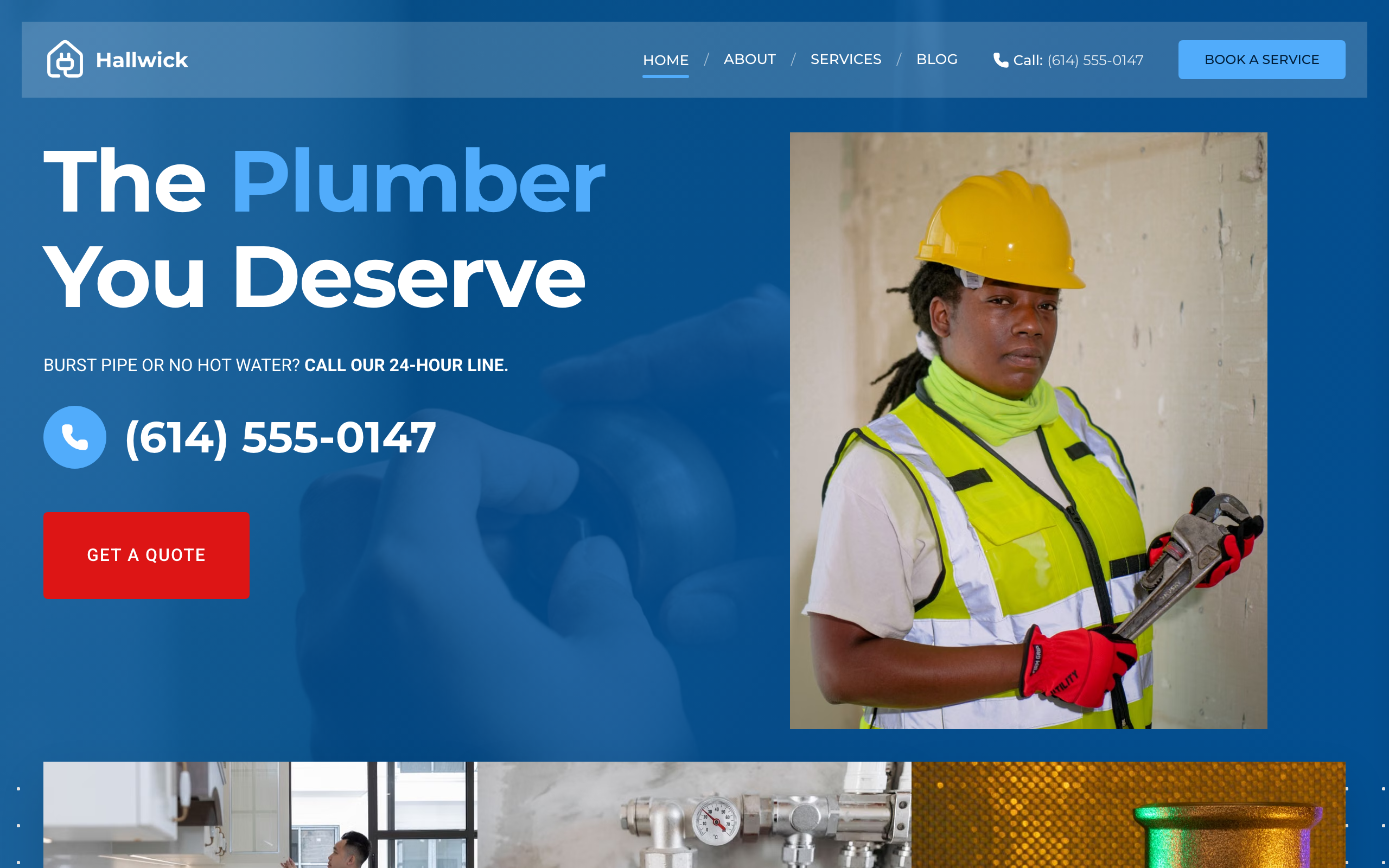
Flange
For plumbing companies with a crew: a price calculator, a page per service, special offers and your number on each page.
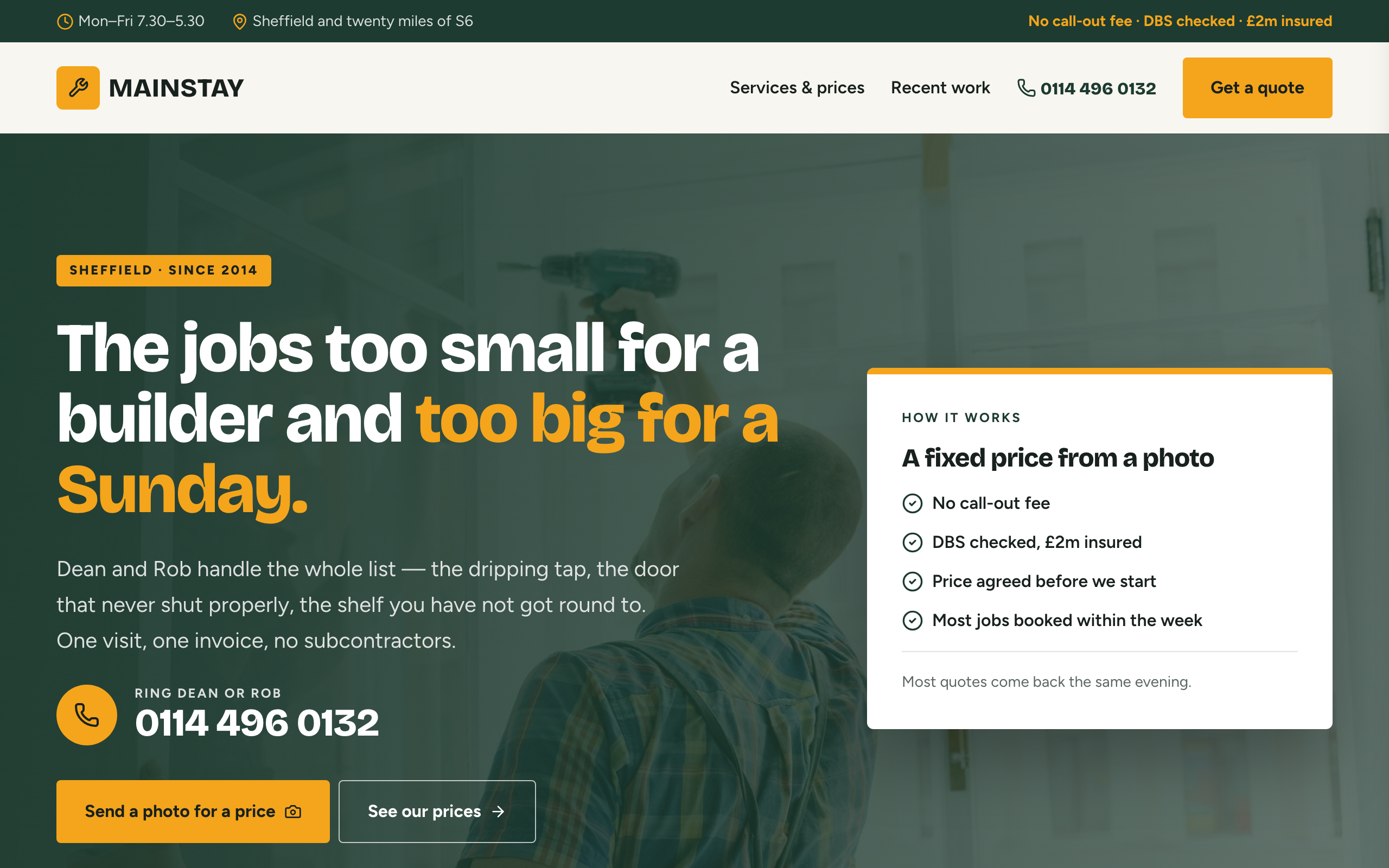
Mainstay
For handymen and local trades: tap-to-call everywhere, a service area, real job prices and a quote form.

Busbar
For small electrical shops that publish rates: a starting price on every service, tap-to-call and a priced job log.
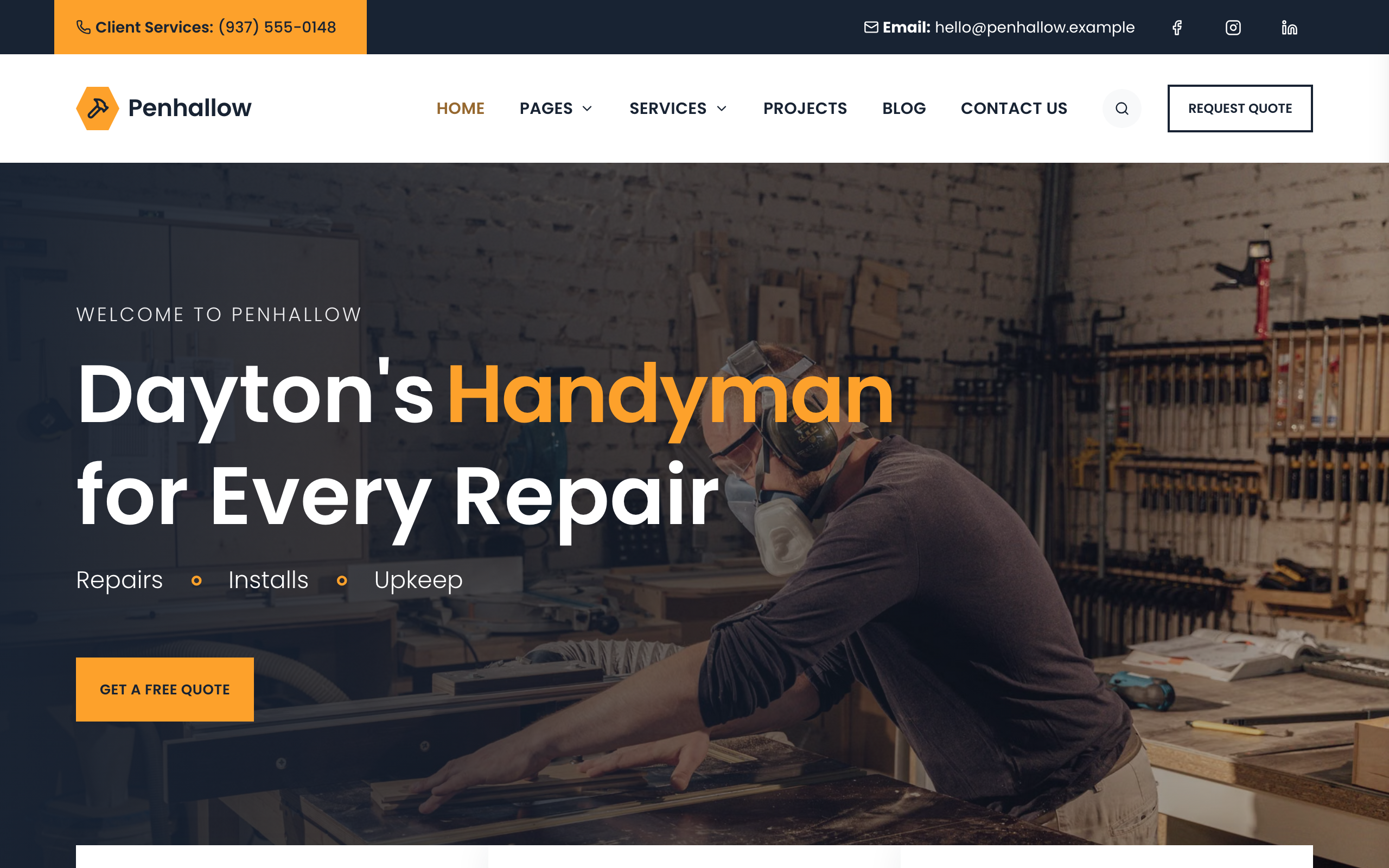
Spanner
For home repair companies with a crew: a page per trade, projects filtered by trade, the team and a quote form.

Usman Haider
Founder of Sitelas — the website builder for AI agents.