

Spotter Personal trainer website template
Spotter is for a personal trainer who coaches clients one to one. You stand front and centre in the opening photo, every way to train with you has its own page, your packages sit in a clear priced list, and a Book a consult button on every page leads to the free-consult form — so a visitor knows who you are and how to start.
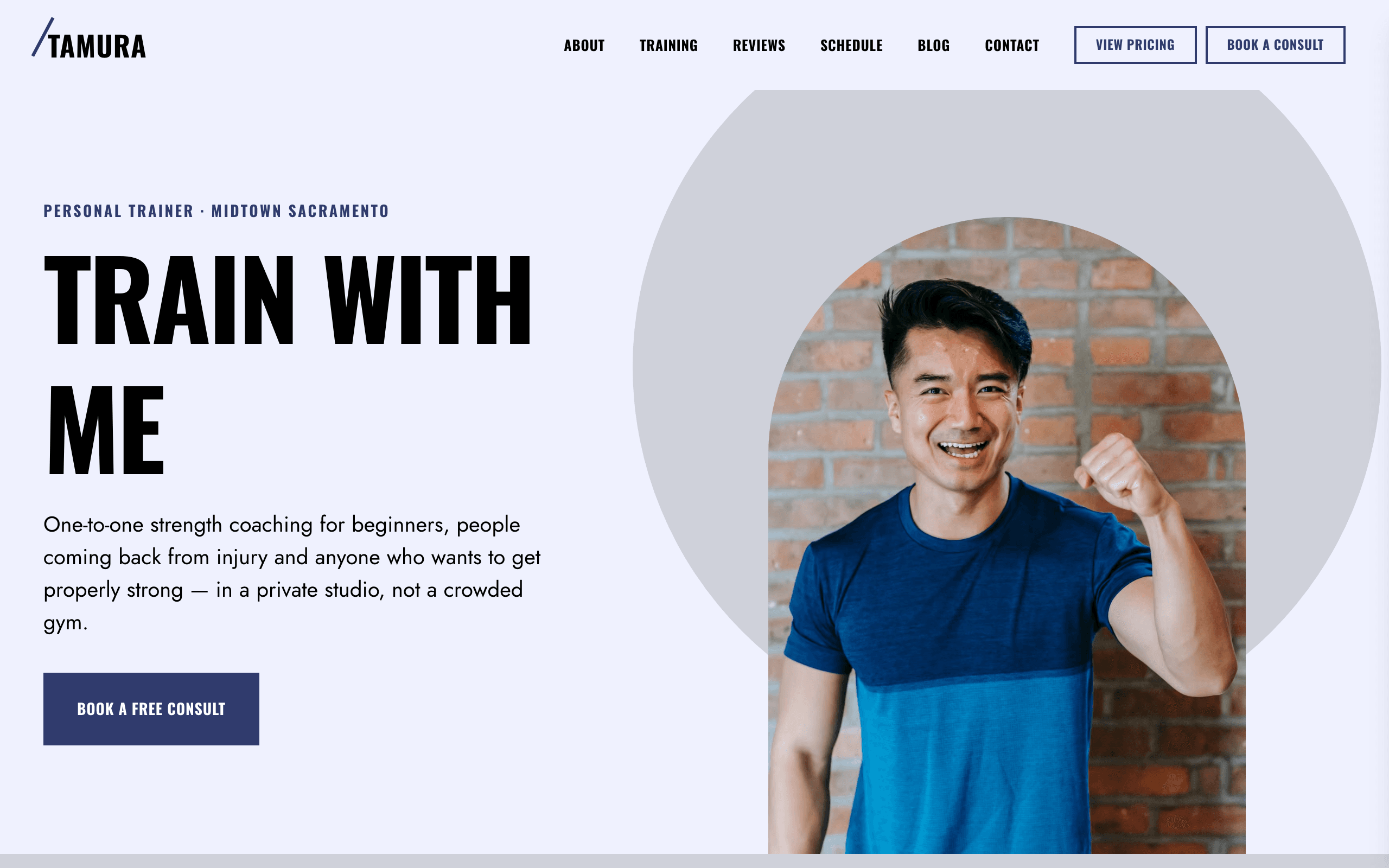
Who Spotter is for
- Independent personal trainer coaching clients one to one
- Personal trainer with a private studio offering a free consult
- Strength coach selling session packs and online coaching
- Boxing fitness coach doing pad work with clients
- Online fitness coach with weekly check-ins
- Trainer running small-group sessions and a park bootcamp
- Fitness coach writing workout tips for clients
What’s included
- Pages
- 6 pages, written and laid out
- Grows with you
- 6 service entries at /training/, 6 post entries at /blog/ — add one and its index and detail page both update
- Enquiries
- A working form — messages land in your Sitelas inbox
- Fonts
- Oswald and Jost · light theme
Build Spotter by asking your AI agent
- 1Connect Sitelas to Claude, ChatGPT or another AI agent that supports MCP. How to connect
- 2Ask for it in plain words: “Build my personal trainer website with the Spotter template: I coach strength and boxing fitness one to one in a small studio in Austin, offer online coaching, run two park bootcamps a week, and want every page to lead to a free 30-minute consult.”
- 3Open the preview link it sends back, ask for changes, and publish when it reads right.
Then keep changing it from the same chat
- Rewrite the copy“Rewrite the ‘About’ page with my details, in a warmer voice.”
- Change the design“Keep the layout, but swap Oswald for another typeface and use my brand colours.”
- Add service entries“Add three service entries from these notes, each with its own page.”
- Swap the photos“Replace the photos on the ‘Training’ page with my own.”
Everything here can also be done by hand in the visual editor.
About the Spotter template
Built for personal trainers
Spotter suits one personal trainer coaching clients one to one, in a studio or online. People arriving from a search want to know who you are, what training with you costs and how to start. The home page answers all three.
What's on the site
- Home — you, what you offer, your story, training options, reviews, press, packages and prices, a group timetable, the consult form, posts and contact details
- About — how you started, how you train and your qualifications
- Training — every option as a card, each with its own page
- Pricing — your packages, what every package includes and common questions
- Blog — a featured post and every post after it, each with its own page
- Contact — your hours, phone, address, a message form and what's at the studio
What to know
Training options and posts are collections you add to from the editor or your AI agent. The forms send messages to your inbox; they don't book a time or take payment. The footer signup only collects email addresses; you send the notes yourself. Prices, the timetable, qualifications, reviews, the press names and the studio amenities are samples to replace.
When to pick something else
Spotter is the wrong template for these. Where there is a better one, it is linked.
- Gym or box selling memberships with several coaches — try Kilo
- Physiotherapy or chiropractic clinic treating injuries — try Atlas
- Massage or day spa booked for relaxation — try Lull
- Dog trainer teaching manners and recall — try Heel
- Fitness app or platform with logins and video courses
- Shop selling supplements or kit with a checkout
- Nutritionist or dietitian selling meal plans and consultations — try Plumbline
- Developer for hire doing API integrations and workflow automation as scoped pilots — try Dossier
Free to use · No credit card required
Key Highlights
Questions about Spotter
How do new clients get in touch?
The Book a consult button on every page leads to the free-consult form, which asks for a name, email, optional phone, the client's goal, the times that suit them and anything they want you to know. Requests land in your Sitelas inbox and you reply to set the time. Sessions themselves are arranged by you, not scheduled or paid for on the site.
Can I show my group sessions?
Yes. The home page has a weekly timetable, Monday to Sunday, with each session type marked in its own colour. Edit the sessions, places and times in the editor or ask your AI agent; on a phone the timetable scrolls sideways.
Who is Spotter for?
Spotter is for one personal trainer, or a coach with a small studio, who trains clients one to one and maybe runs a few small-group sessions or online coaching. Each training option has its own page with its duration, intensity, format and price, packages sit in a priced list, and every page leads to a free-consult form that you answer from your inbox. A gym with a coaching team and memberships fits Kilo better.
What pages come with Spotter?
6 pages, already written and laid out: Home, About, Training, Pricing, Blog and Contact. Add, rename or remove pages whenever you like.
Can Claude or ChatGPT build my site from Spotter?
Yes. Connect Sitelas to your AI agent and ask for a site that uses Spotter. It fills in your details, sends you a preview link, and publishes when you approve. The same chat can keep running the site afterwards.
Can I change Spotter without code?
Yes. The Oswald and Jost type, all 6 pages and the service entries, every photo and every colour can be changed in the visual editor, or by asking your AI agent.
What does it cost?
Nothing to start, with no trial clock. A free site runs on a sitelas.com address; Pro is $9 a month per site ($90 a year) for your own domain, analytics and more room.
Make Spotter yours
All 6 pages open in the editor already written, with 6 starter service entries. Make the words and photos yours, then publish.
Free to use · No credit card required
Related templates
All consultants & coaches templates →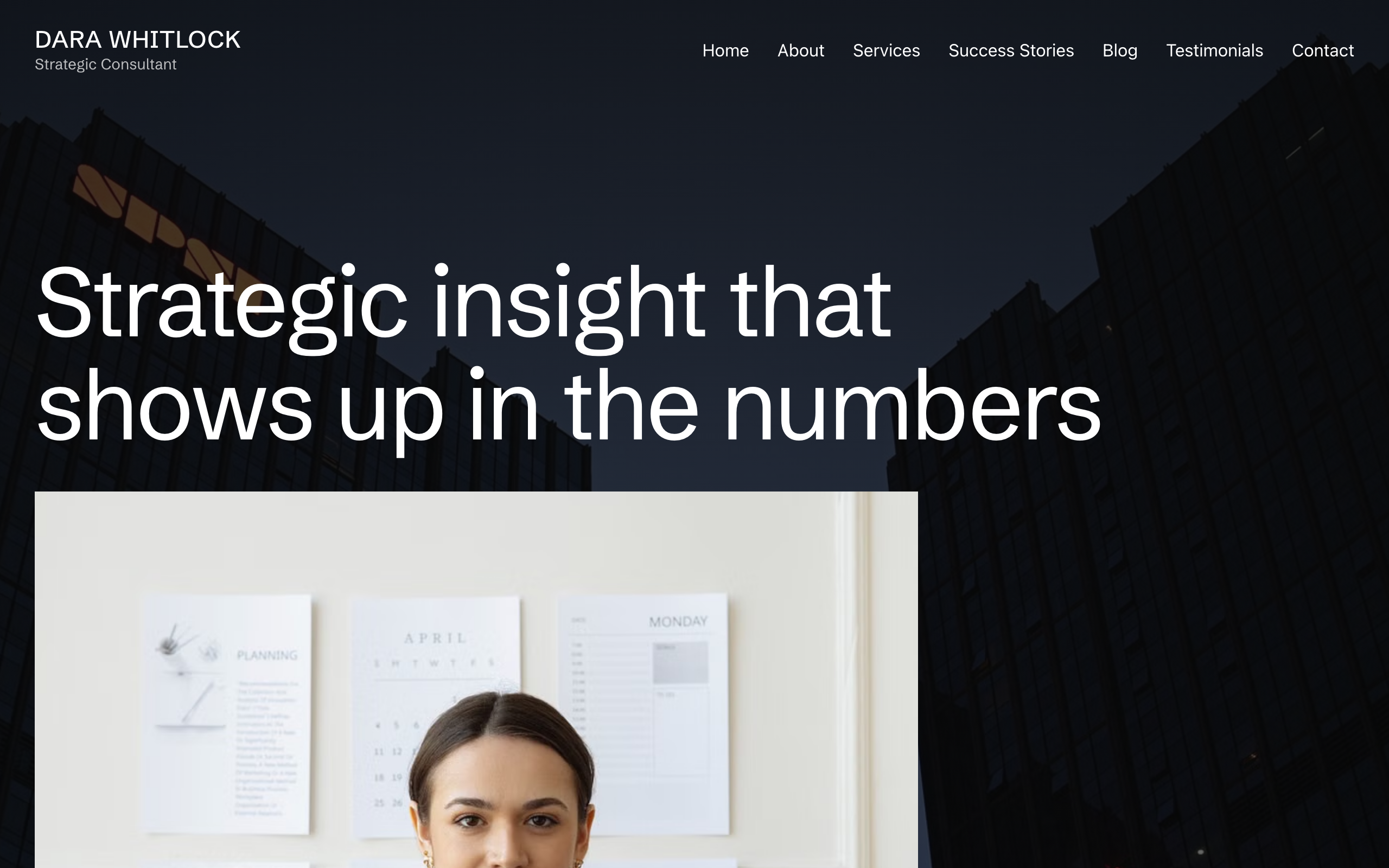
Plumbline
For independent consultants and coaches: full-bleed photography, services, success stories and a blog.
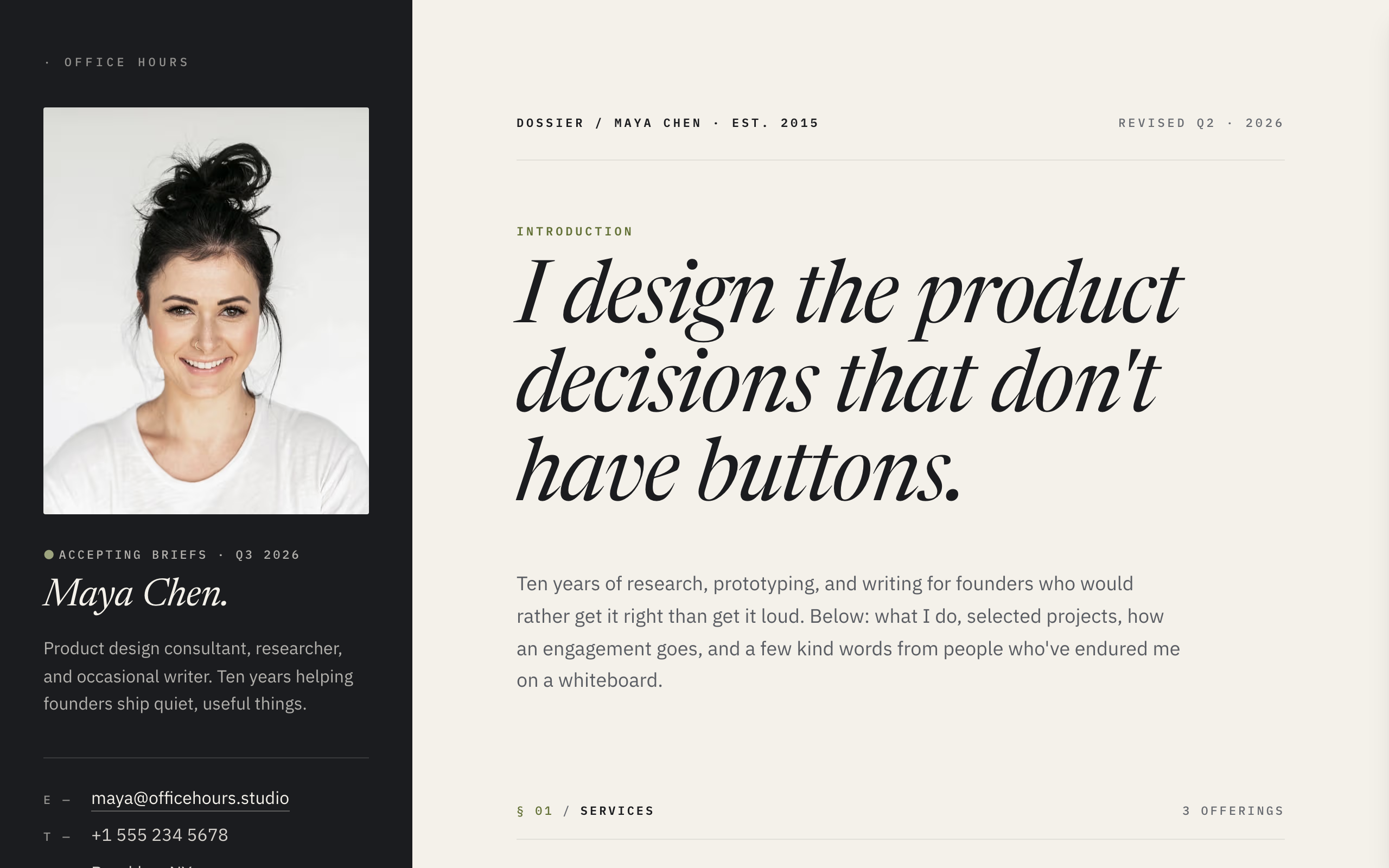
Dossier
A split-screen site for freelancers: contact details always visible, case studies and services beside them.
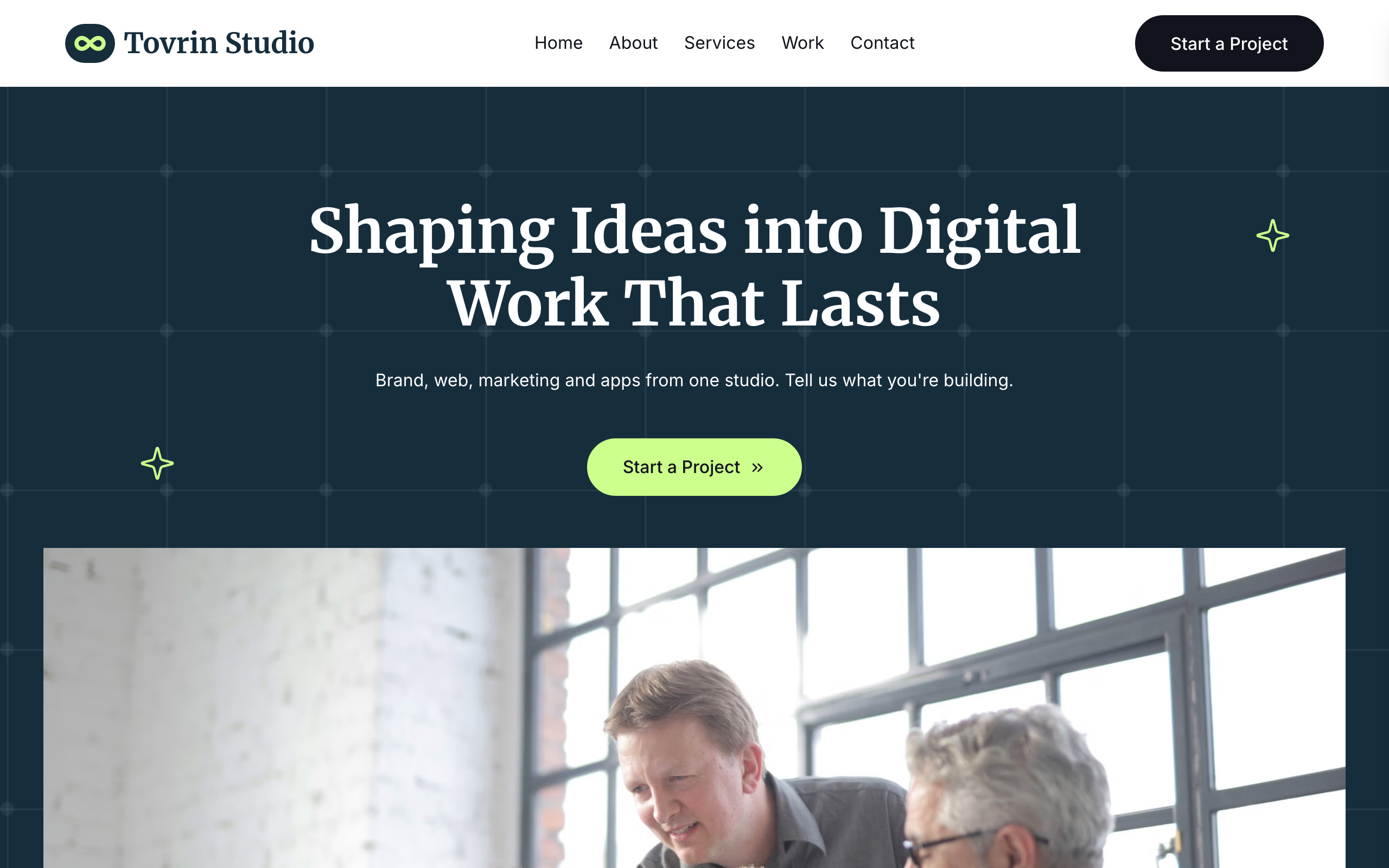
Tessel
A bright, friendly site for small web and marketing agencies: services, projects, team and contact.
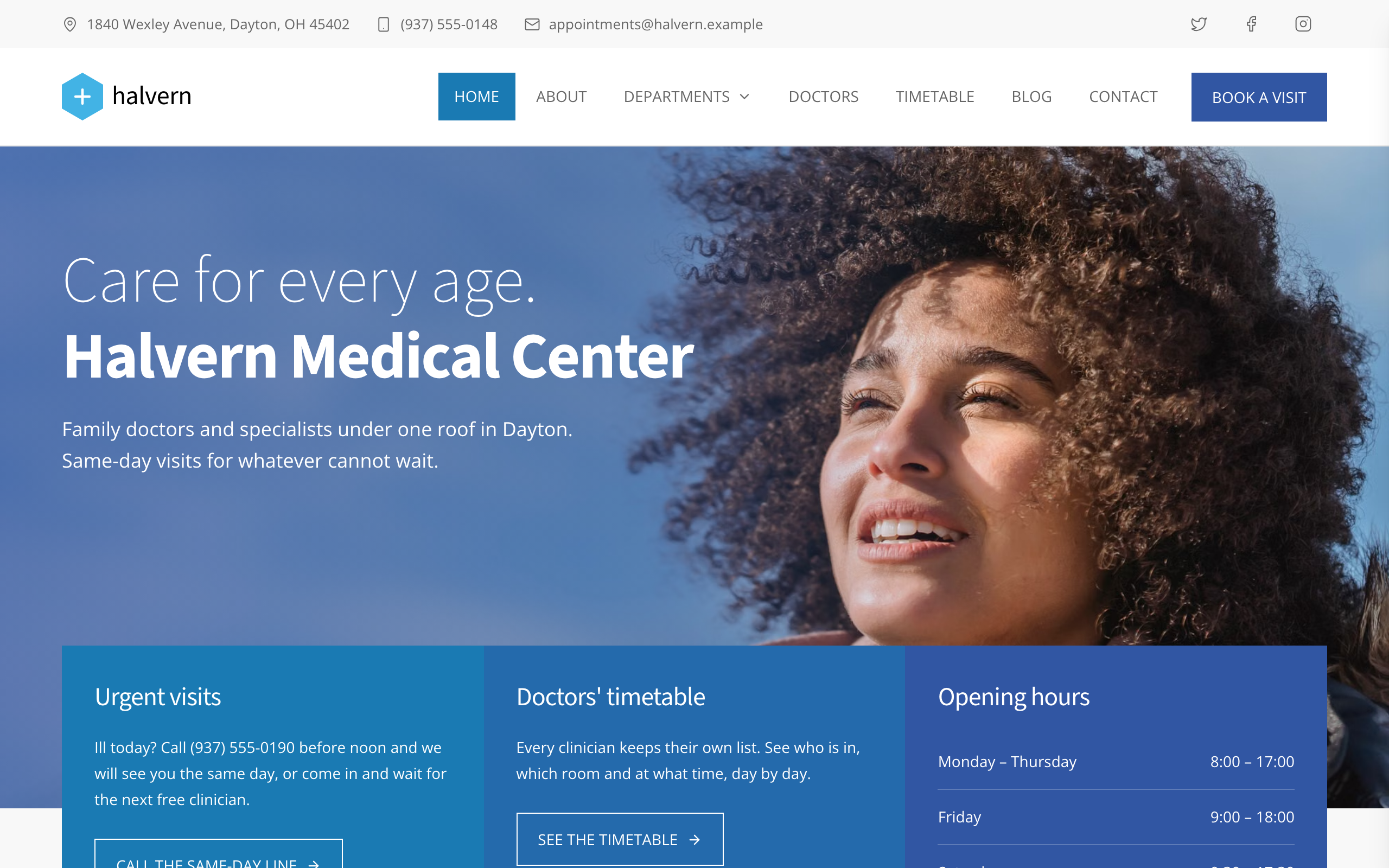
Tilia
For medical centers with many departments: a page per department and doctor, a weekly timetable and an appointment form.

Trivet
A dark site for bistros and all-day restaurants: a long home page with a tabbed menu and photos, plus table requests.
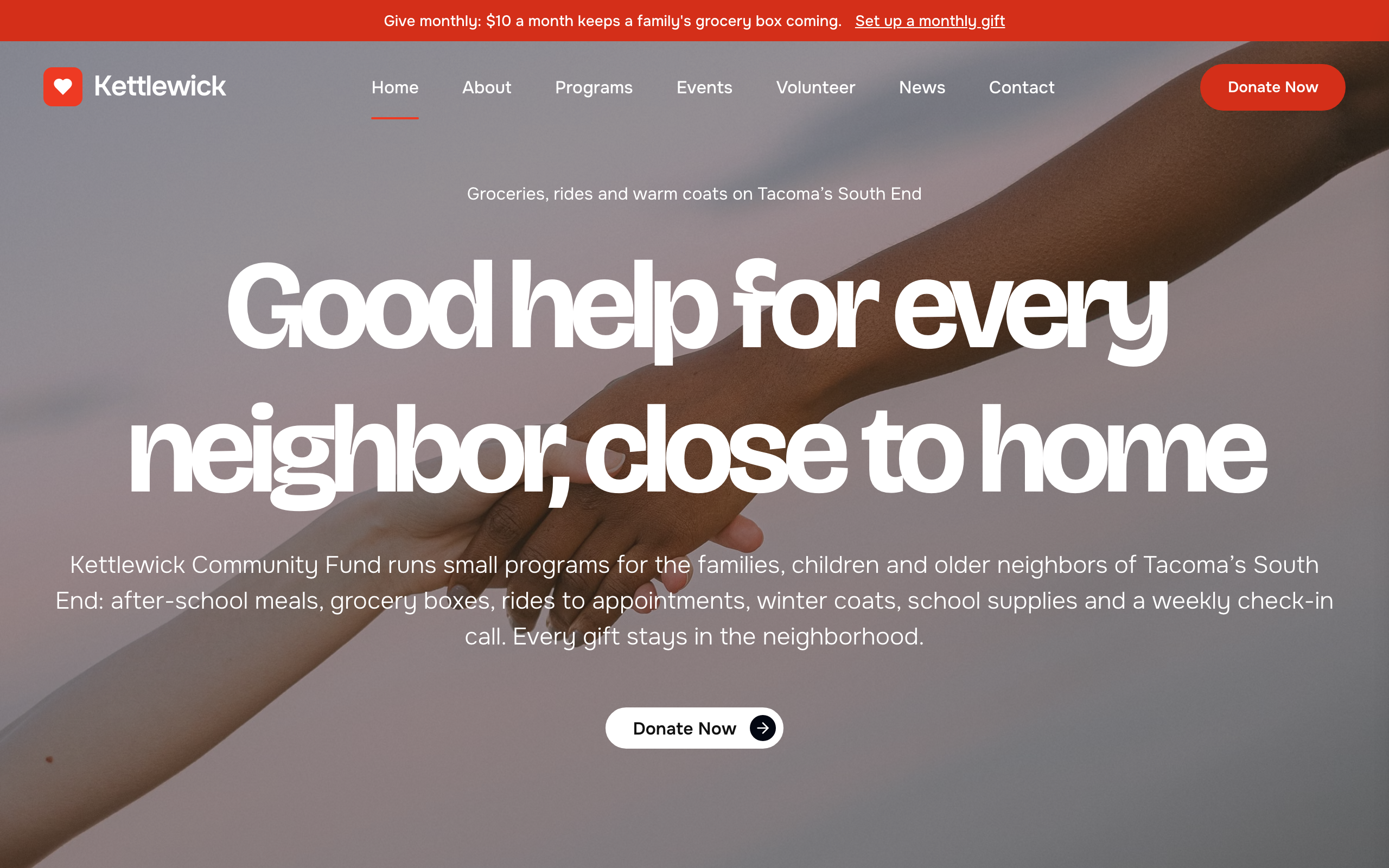
Almoner
For small charities: programs with goals and progress bars, donate buttons, volunteer sign-up, events and news.