

Atlas Chiropractor website template
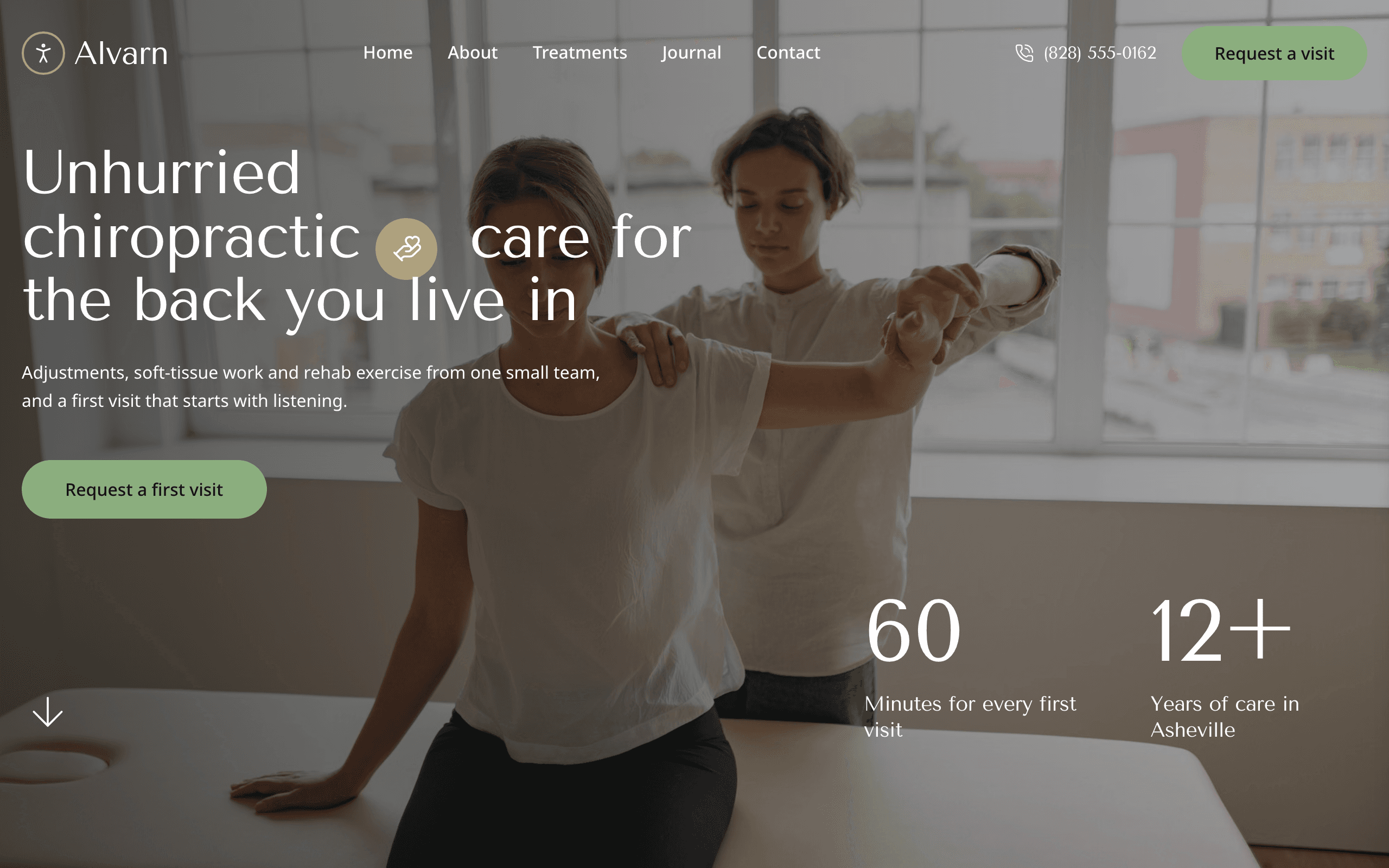
Atlas is for chiropractors and small spine-and-joint clinics. The home page answers what a nervous new patient wants to know: whether you treat their back, neck or sciatica, what the first visit involves and how to book. Every treatment has its own page with its length and price.
Who Atlas is for
Built for these, and tested against them.
- Chiropractor or chiropractic clinic
- Chiropractic practice treating back pain, neck pain and sciatica
- Spine and joint clinic offering adjustments, soft-tissue work and rehab
- Osteopath or manual therapy practice
- Sports chiropractor working with runners and amateur athletes
- Small musculoskeletal clinic with two to six practitioners
- Chiropractor who writes plain-English articles for patients
What’s included
Everything below ships with the template, already filled in.
- Pages
- 5 pages, written and laid out
- Grows with you
- 5 treatment entries at /treatments/, 3 post entries at /journal/ — add one and its index and detail page both update
- Enquiries
- A working form — messages land in your Sitelas inbox
- Fonts
- Tenor Sans and Noto Sans · light theme
- Everywhere
- Built and checked at phone, tablet and desktop widths
- Yours to change
- Every colour, word and photograph — in the editor or by asking an AI agent
Build Atlas by asking your AI agent
No editor required. The agent writes your copy, swaps the photos and publishes the site.
- 1Connect Sitelas to Claude, ChatGPT or another AI agent that supports MCP. How to connect
- 2Ask for it in plain words: “Build a website for a chiropractor or chiropractic clinic using the Atlas template.”
- 3Open the preview link it sends back, ask for changes, and publish when it reads right.
Then keep changing it from the same chat
- Rewrite the copy“Rewrite every page in a warmer, friendlier voice.”
- Change the design“Make the colours earthier and use a serif for headings.”
- Add or remove pages“Add a Pricing page and remove the Blog.”
- Rearrange sections“Move the testimonials higher and add an FAQ.”
- Swap the photos“Replace the photos with ones that fit my business.”
- Run the site“Show me this week's form messages, then publish.”
Everything here can also be done by hand in the visual editor.
About the Atlas template
Built for chiropractic clinics
Atlas suits a chiropractor, a small chiropractic practice or a clinic that pairs chiropractic with soft-tissue work and rehab. People arriving from a search want to know three things: whether you treat what hurts, what a first visit is like and how to book. The home page answers all three before the footer.
What's on the site
- Home — your treatments, what a first visit involves, four condition cards, reviews, figures, journal posts, answers to common questions and a button to request a first visit
- About — your story, how a course of care runs, photos of the clinic, reviews and the team
- Treatments — every treatment as a row with its length and price, each with its own page
- Journal — articles, each with its own page
- Contact — an appointment request form, hours, address, parking and how to get there by bus
What to know
Treatments and journal posts are collections you add to from the editor or your AI agent. The appointment form sends requests to your inbox; it does not book a slot, take payment or ask for medical records. The reviews and figures are samples to replace with your own.
When to pick something else
Atlas is the wrong template for these. Where there is a better one, it is linked.
- Family doctor's office, GP surgery or urgent care — try Riverbend
- Hospital-style center with departments, a birth unit and a clinician timetable — try Tilia
- Day spa or massage house booked for relaxation rather than treatment — try Lull
- Yoga, pilates or movement studio selling classes — try Lotus
- Practice whose patients are pets — try Fetlock
- Gym or personal training studio — try Kilo
- Ecommerce
Free to use · No credit card required
- 1Opens in the editor with the starter content in place
- 2Change the words and pictures to yours
- 3Publish to a sitelas.com address, or your own domain
Key Highlights
Questions about Atlas
Can patients ask for an appointment from the site?
They can request one. The contact page form asks what brings them in and which days suit them, and requests land in your Sitelas inbox for your front desk to confirm. It does not book a slot or take payment, and it asks patients not to send medical records.
Does it answer the questions patients ask before booking?
Yes. A questions section on the home page answers whether a chiropractor is a real doctor, whether chiropractic helps with sciatica, what a visit costs without insurance, how many visits it takes and how to book. The answers that ship are examples: rewrite them in your own words, with only the claims your license and local advertising rules allow.
Who is Atlas for?
Atlas is built for a chiropractor or chiropractic clinic, a chiropractic practice treating back pain, neck pain and sciatica and a spine and joint clinic offering adjustments, soft-tissue work and rehab. Not built for family doctor's office, GP surgery or urgent care — try Riverbend instead.
What pages come with Atlas?
5 pages, already written and laid out: Home, About, Treatments, Journal and Contact. Add, rename or remove pages whenever you like.
Can Claude or ChatGPT build my site from Atlas?
Yes. Connect Sitelas to your AI agent and ask for a site that uses Atlas. It fills in your details, sends you a preview link, and publishes when you approve. The same chat can keep running the site afterwards.
Can I change Atlas without code?
Yes. Click any text, photo or colour to change it in the visual editor, or ask your AI agent to make the change. Nothing is locked.
What does it cost?
Nothing to start, with no trial clock. A free site runs on a sitelas.com address; Pro is $9 a month per site ($90 a year) for your own domain, analytics and more room.
Can I use my own domain?
Yes, on Pro. Point your domain at the site and the SSL certificate is issued and renewed for you.
Make Atlas yours
It opens in the editor with every page already written. Change what you want, publish when it reads like you.
Free to use · No credit card required
Related templates
All clinics, schools & studios templates →
Marigold
A warm site for preschools and daycares: classrooms, teachers, a child's day and tour booking.
Riverbend
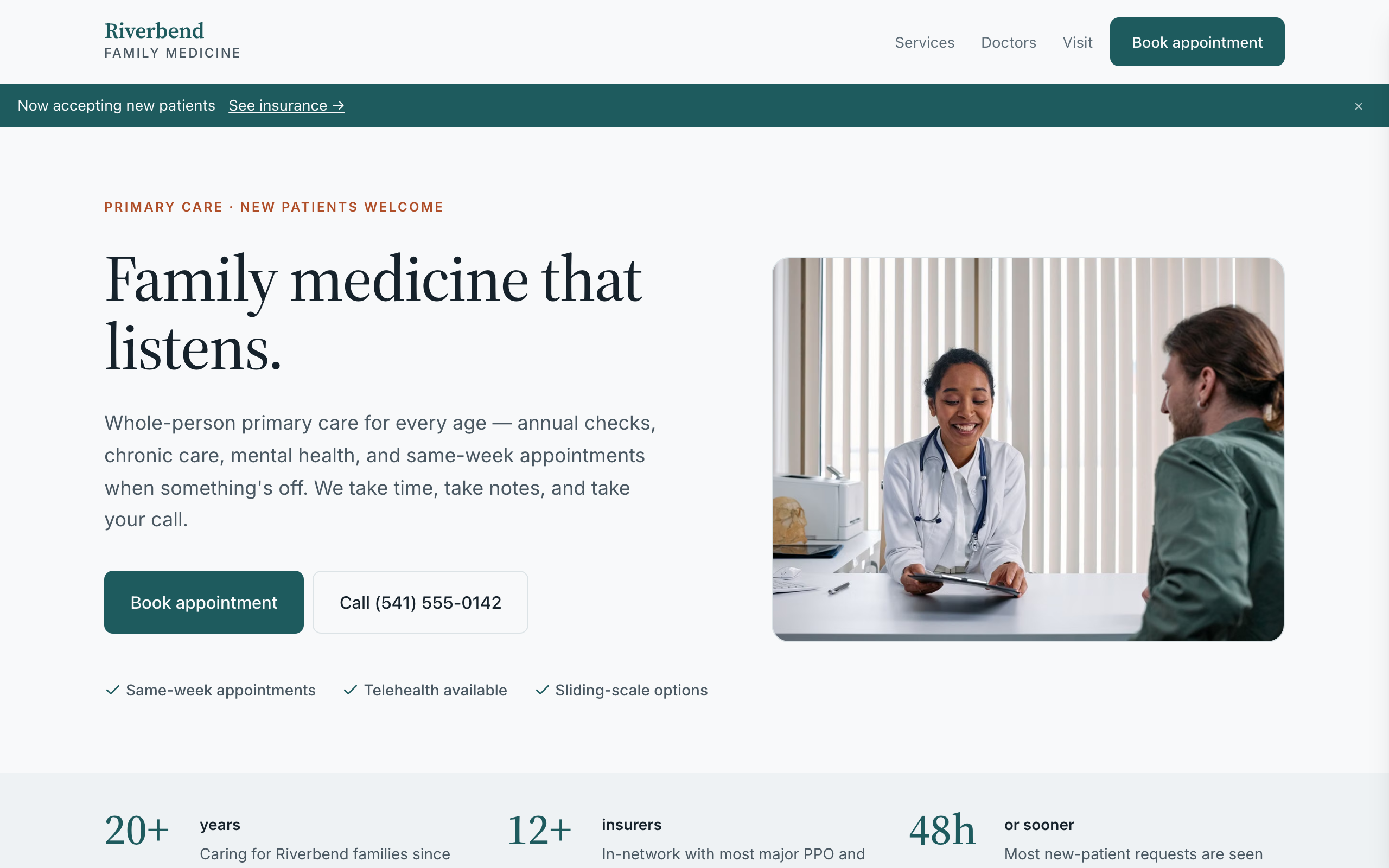
For family practices and small clinics: appointment requests, your care team, services and visit info.
Tilia
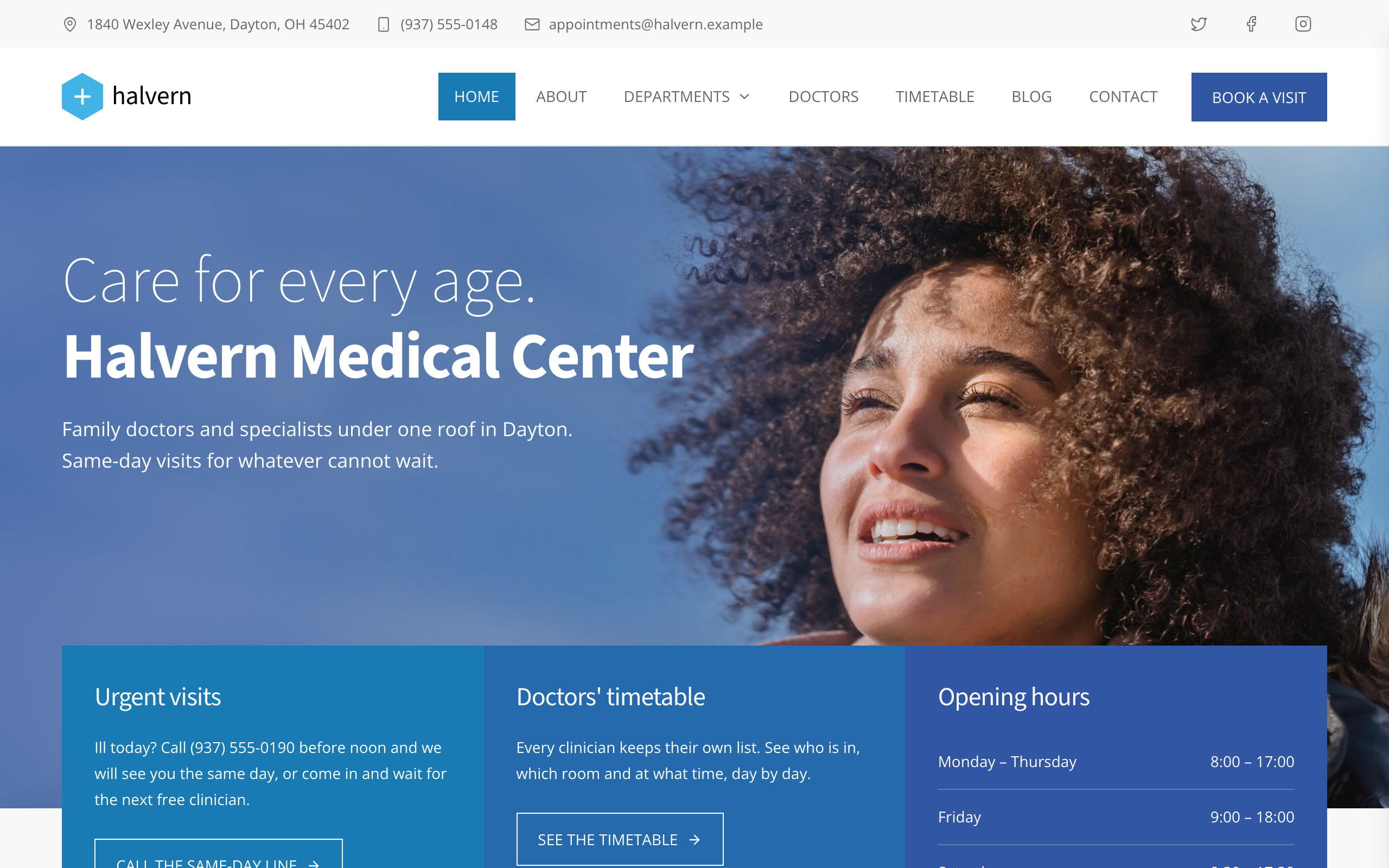
For medical centers with many departments: a page per department and doctor, a weekly timetable and an appointment form.
Wayfare
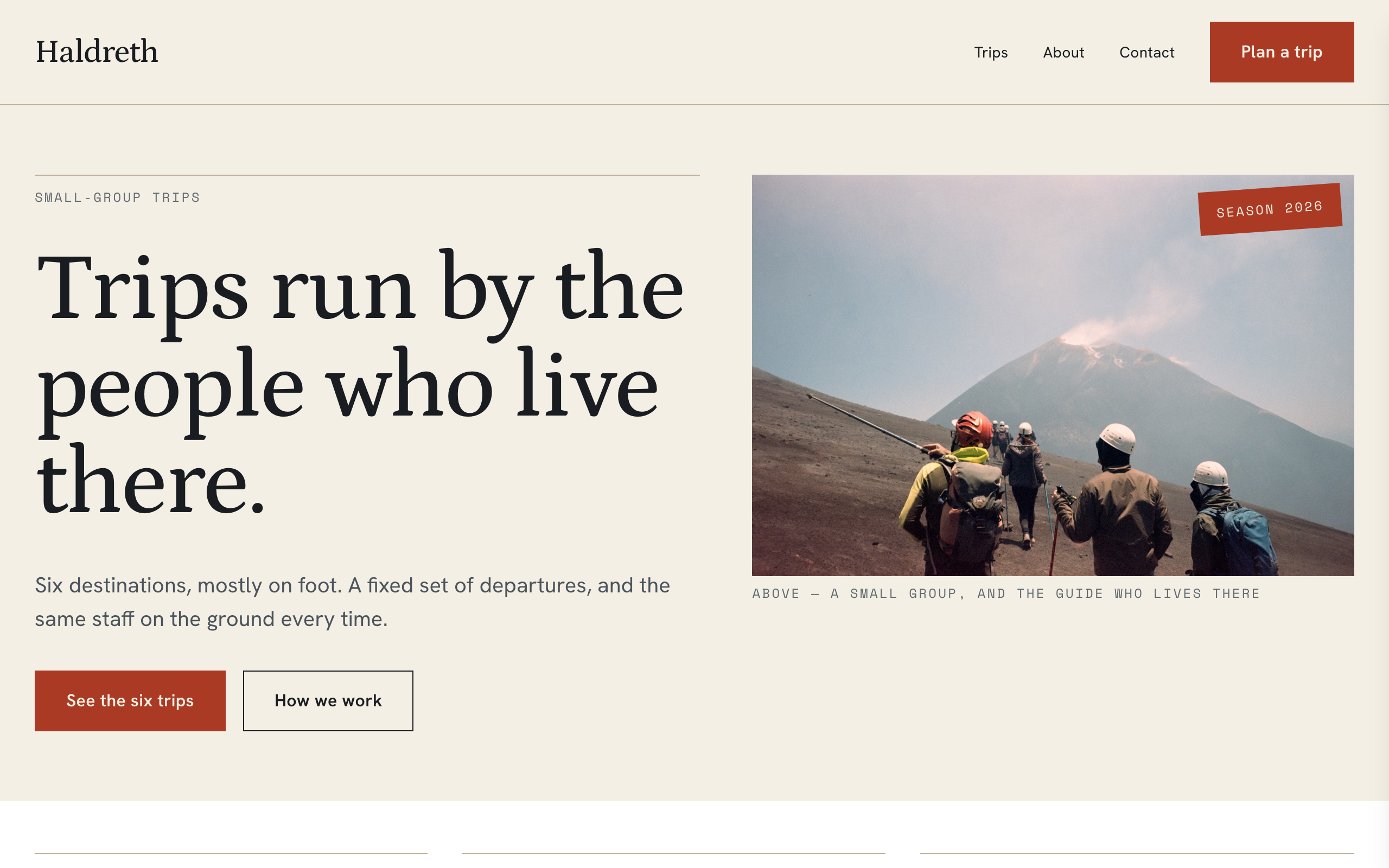
For small tour operators: trip pages with route, dates and from-price, each with its own enquiry form.
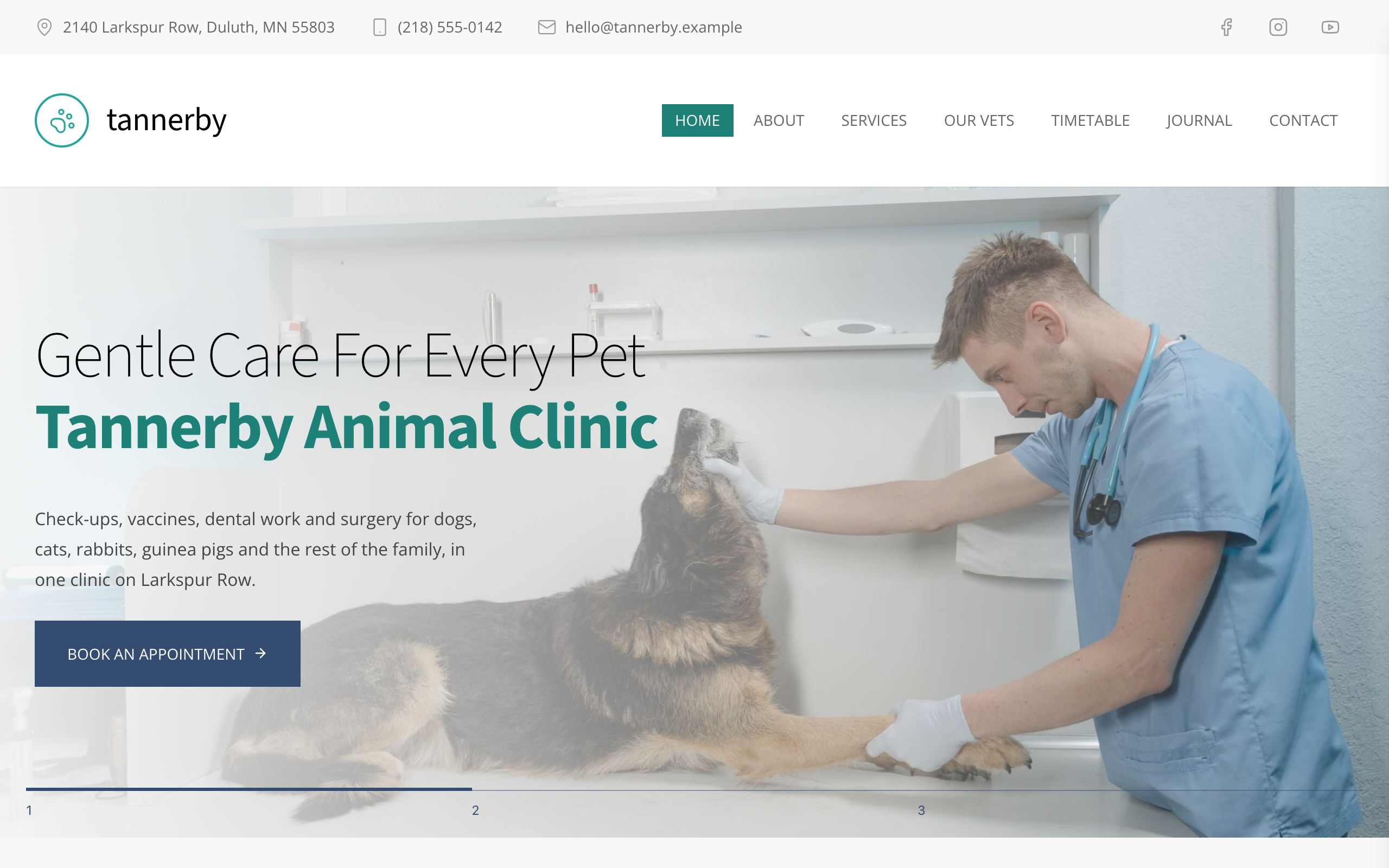
Fetlock
For vet clinics and animal hospitals: emergency line, vet timetable, services with fees and appointment requests.
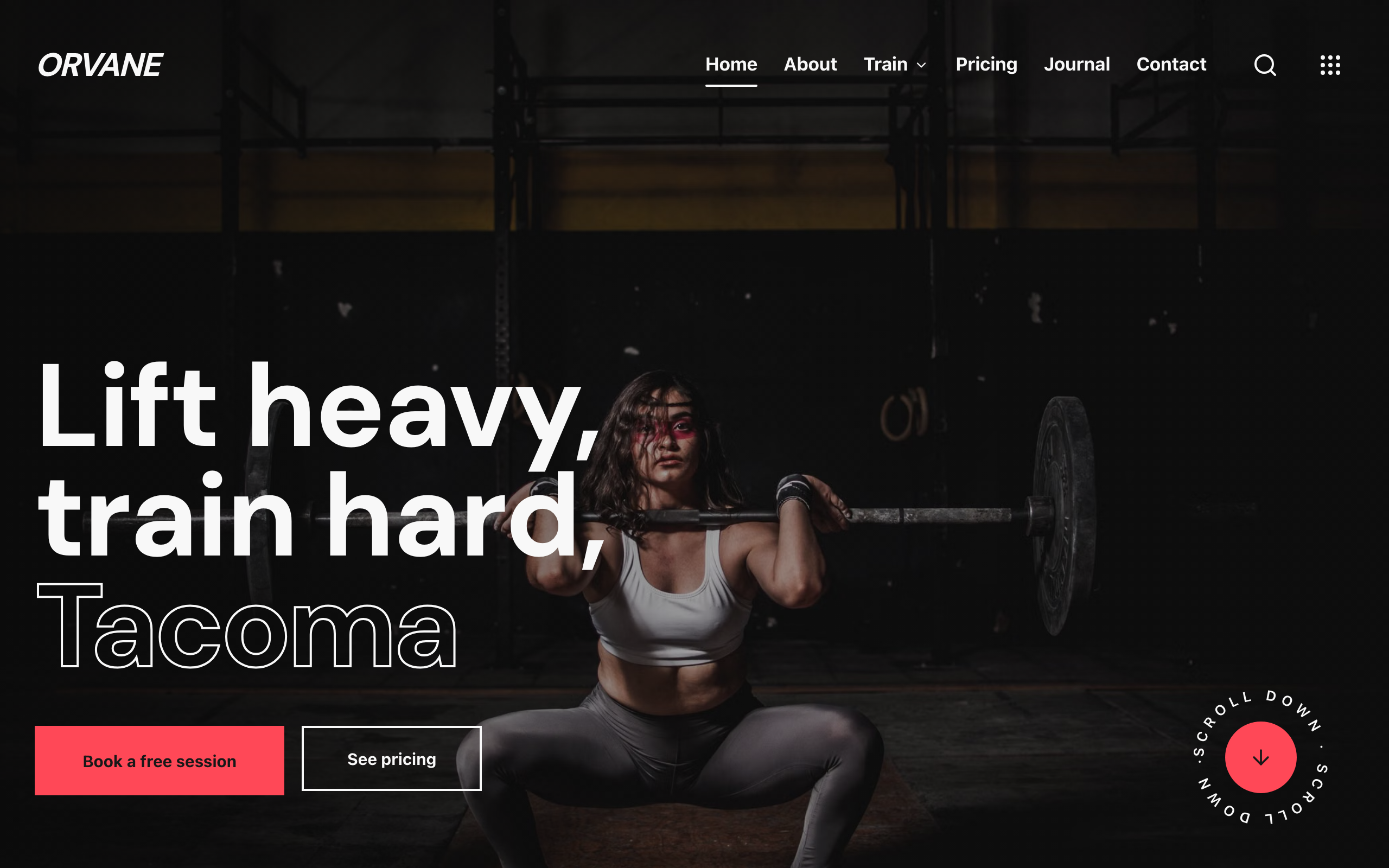
Kilo
For strength gyms and CrossFit-style boxes: programs, coaches, three monthly plans and a free first session.