

Lather Pet grooming website template
Lather is for dog grooming salons and pet groomers with a shop or a home studio. It opens with your headline and a button to book, shows four of your services around a photo of a dog, and asks each owner for the dog's breed, size and service before you confirm a time.
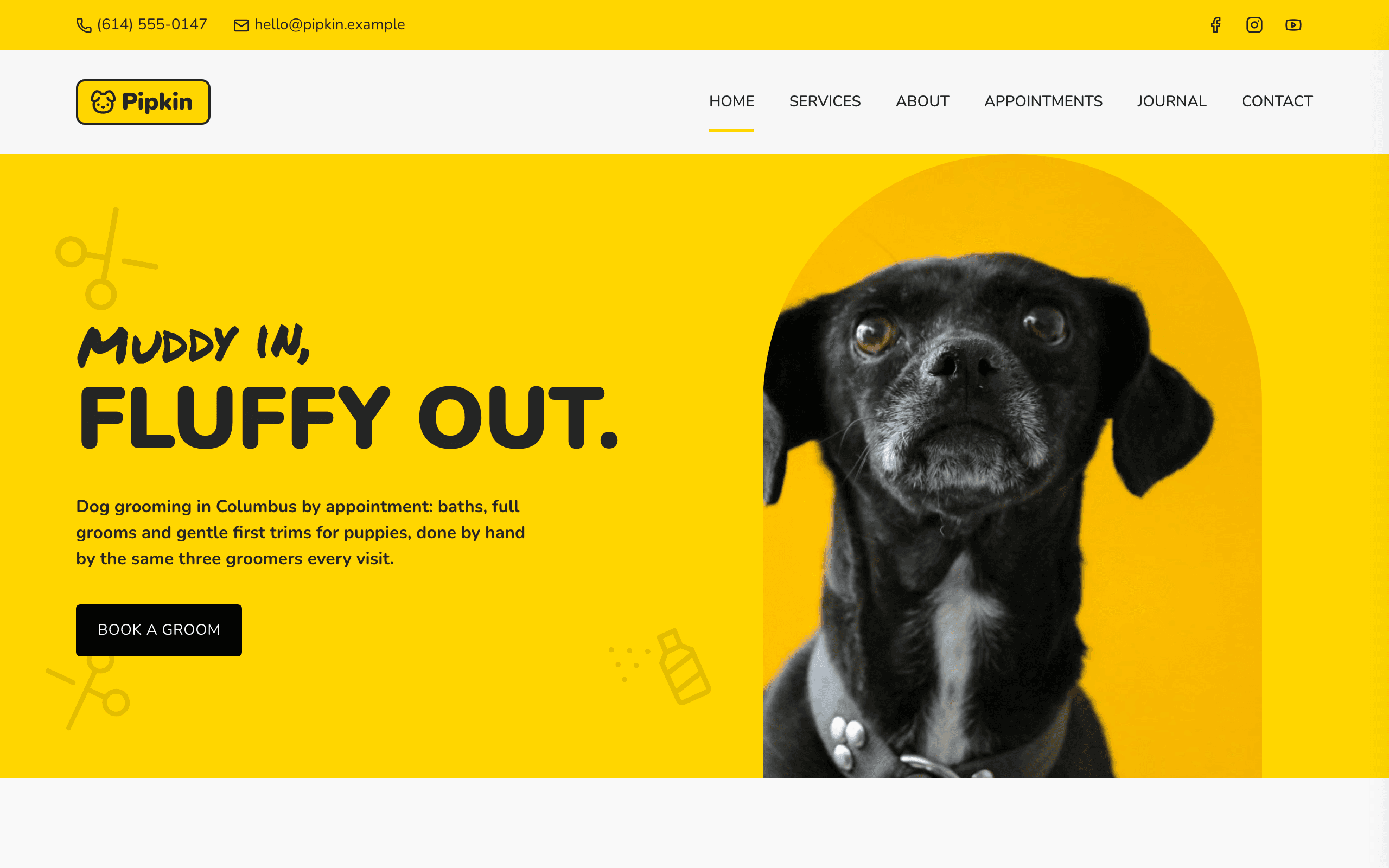
Who Lather is for
- Dog grooming salon
- Pet groomer with a shop or a home studio
- Dog groomer offering puppy introductions and paw care
- Groomer offering full grooms, baths, de-shedding and puppy trims
- Pet spa that charges by the dog's size and coat
- Small grooming salon with two to four groomers
- Groomer working from a shop unit with drop-off and collection
- Groomer who writes coat-care and brushing advice
What’s included
- Pages
- 6 pages, written and laid out
- Grows with you
- 6 service entries at /services/, 4 post entries at /journal/ — add one and its index and detail page both update
- Enquiries
- A working form — messages land in your Sitelas inbox
- Fonts
- Poppins and Nunito · light theme
Build Lather by asking your AI agent
- 1Connect Sitelas to Claude, ChatGPT or another AI agent that supports MCP. How to connect
- 2Ask for it in plain words: “Build a website for a dog grooming salon using the Lather template.”
- 3Open the preview link it sends back, ask for changes, and publish when it reads right.
Then keep changing it from the same chat
- Rewrite the copy“Rewrite the ‘Services’ page with my details, in a warmer voice.”
- Change the design“Keep the layout, but swap Poppins for another typeface and use my brand colours.”
- Add service entries“Add three service entries from these notes, each with its own page.”
- Swap the photos“Replace the photos on the ‘About’ page with my own.”
Everything here can also be done by hand in the visual editor.
About the Lather template
Built for pet grooming salons
Lather suits a dog grooming salon, or a groomer working from a shop or a home studio. Owners arriving from a search want to know what you do, what it costs and how to book their dog in, and the home page answers all three.
What's on the site
- Home — your headline, how a visit works, four services, photos of recent grooms, a booking request form, starting prices and your groomers
- Services — every service as a card, prices by dog size and answers to common questions
- About — your story, how you groom and where to find you
- Appointments — the booking request form and what to know before a first visit
- Journal — grooming advice, each post with its own page
- Contact — a message form, address, phone and opening hours
What to know
Services and journal posts are collections you add to from the editor or your AI agent. The booking form sends requests to your inbox for you to confirm; it does not take payment or reserve a slot. The reminder signup collects email addresses in your inbox; you send the emails yourself. Prices, figures and the team are samples to replace.
When to pick something else
Lather is the wrong template for these. Where there is a better one, it is linked.
- Veterinary practice where pets are examined, vaccinated and treated — try Fetlock
- Day spa or massage studio for people — try Lull
- Physiotherapy, chiropractic or medical clinic treating people — try Riverbend
- Doggy daycare, kennels or pet boarding with no grooming menu — try Beacon
- Pet shop selling food and toys with a checkout — try Counter
- Dog trainer selling obedience courses and classes — try Heel
- Ecommerce
Free to use · No credit card required
Key Highlights
Questions about Lather
How do owners ask for a grooming appointment?
They send a booking request. The form asks for the owner's name, phone and email, the dog's name and breed, its size, the service, a preferred day and a drop-off time. Requests land in your Sitelas inbox and you confirm by phone or text; the form does not take payment or reserve a slot.
Can I show different prices for small and large dogs?
Yes. The services page has a table of prices for small, medium, large and giant dogs, every service has its own page with its length and price, and the home page and the appointments page show starting prices. Each is edited on its own, in the editor or by asking your AI agent.
Who is Lather for?
Lather is built for a dog grooming salon, a pet groomer with a shop or a home studio and a dog groomer offering puppy introductions and paw care. Not built for veterinary practice where pets are examined, vaccinated and treated — try Fetlock instead.
What pages come with Lather?
6 pages, already written and laid out: Home, Services, About, Book a groom, Journal and Contact. Add, rename or remove pages whenever you like.
Can Claude or ChatGPT build my site from Lather?
Yes. Connect Sitelas to your AI agent and ask for a site that uses Lather. It fills in your details, sends you a preview link, and publishes when you approve. The same chat can keep running the site afterwards.
Can I change Lather without code?
Yes. The Poppins and Nunito type, all 6 pages and the service entries, every photo and every colour can be changed in the visual editor, or by asking your AI agent.
What does it cost?
Nothing to start, with no trial clock. A free site runs on a sitelas.com address; Pro is $9 a month per site ($90 a year) for your own domain, analytics and more room.
Make Lather yours
All 6 pages open in the editor already written, with 6 starter service entries. Make the words and photos yours, then publish.
Free to use · No credit card required
Related templates
All fitness, pet care & local services templates →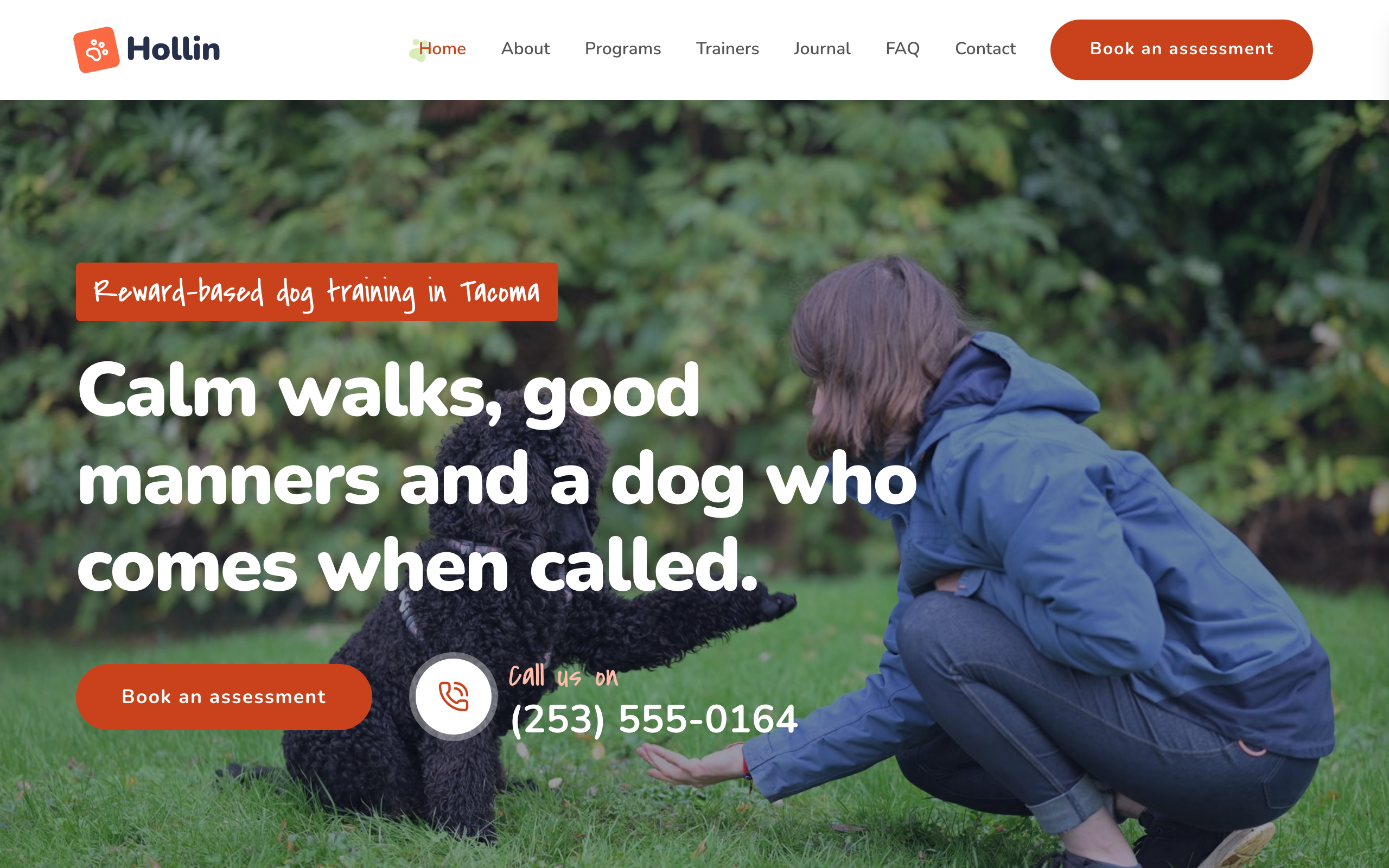
Heel
For dog trainers and puppy schools: program pages with prices, trainer profiles, class times and an enquiry form.

Kilo
For strength gyms and CrossFit-style boxes: programs, coaches, three monthly plans and a free first session.

Lodestone
For advisory firms selling defined engagements, with services, published prices, articles and a contact form.
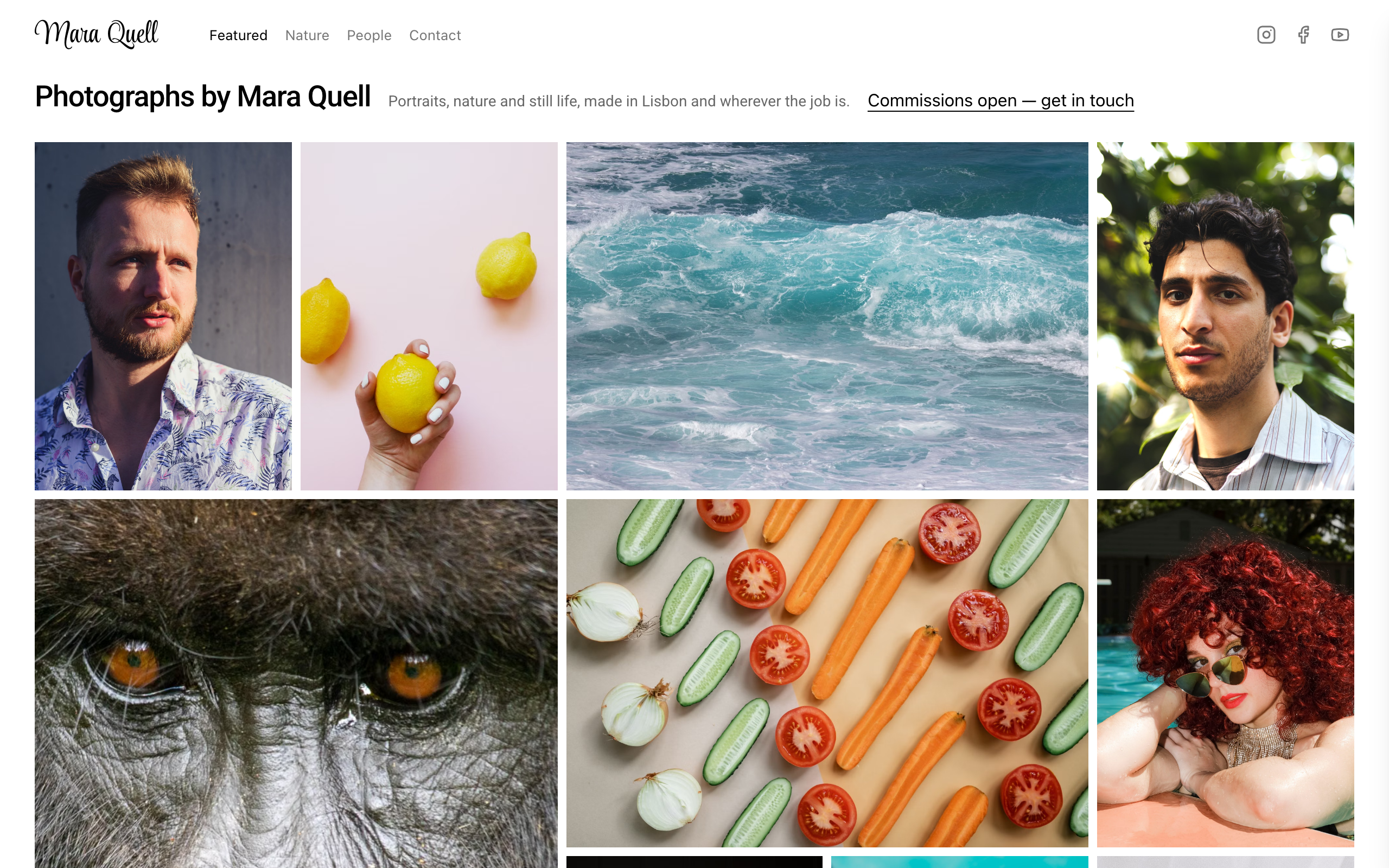
Loupe
A photographer's site of packed photo walls, where every photo opens full screen, plus a contact form.

Lull
For day spas and massage studios: a page per treatment, packages, memberships, therapists and a booking request form.

Mainstay
For handymen and local trades: tap-to-call everywhere, a service area, real job prices and a quote form.