

Loupe Portrait photographer website template
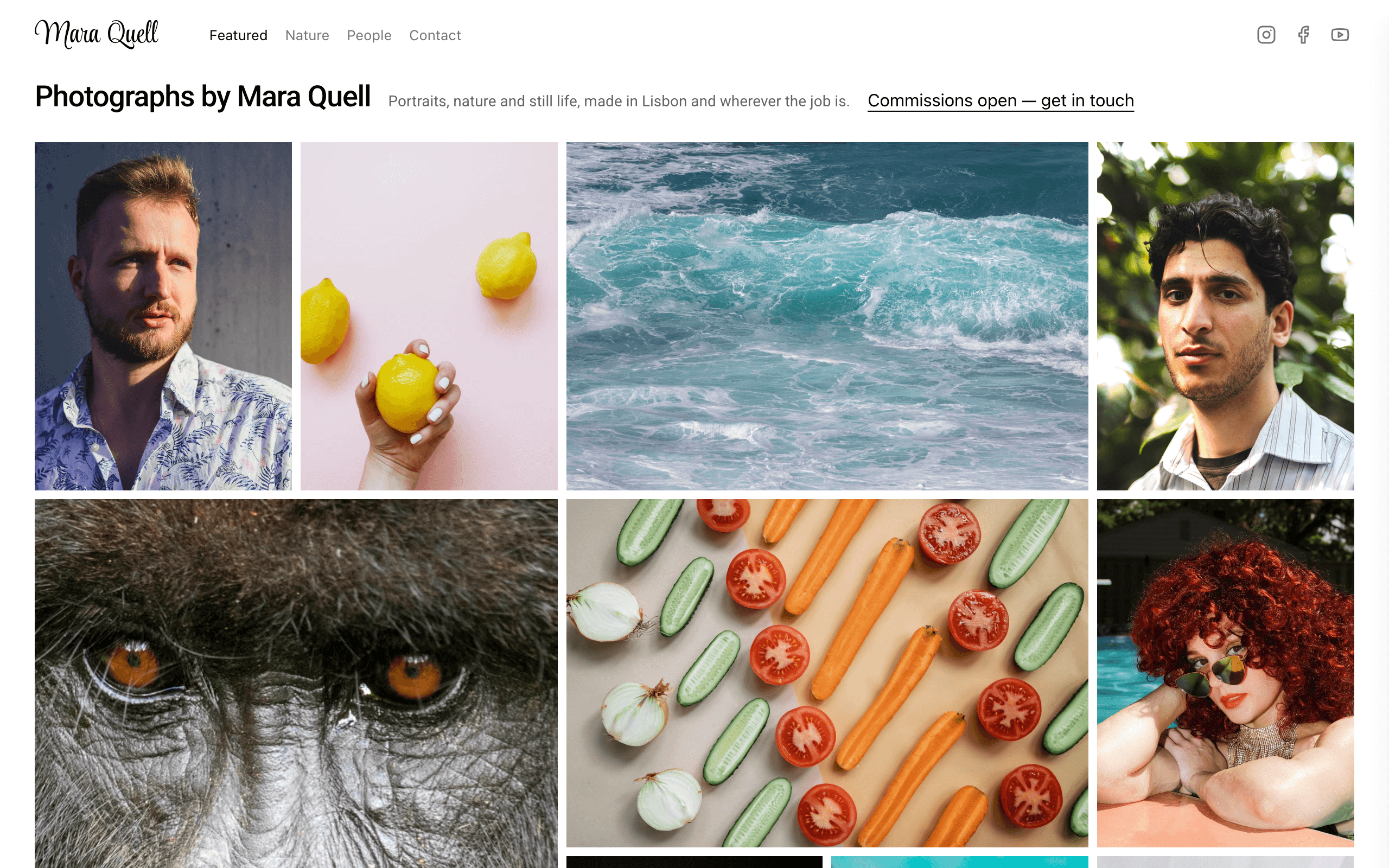
Loupe is for portrait, editorial and nature photographers whose work should do the talking. Each wall of the site is one packed grid of photographs inside a white frame: point at a picture to see its title, click it to view it full screen and step through the rest, and get in touch about a shoot from the contact page.
Who Loupe is for
Built for these, and tested against them.
- Portrait photographer
- Editorial or magazine photographer
- Food and still-life photographer who shows it beside portraits
- Wildlife or landscape photographer
- Photographer with two or three bodies of work to show side by side
- Photo portfolio where every picture opens full screen
- Commercial photographer taking enquiries through a contact form
What’s included
Everything below ships with the template, already filled in.
- Pages
- 4 pages, written and laid out
- Grows with you
- 34 photograph entries at /photos/ — add one and its index and detail page both update
- Enquiries
- A working form — messages land in your Sitelas inbox
- Fonts
- Roboto · light theme
- Everywhere
- Built and checked at phone, tablet and desktop widths
- Yours to change
- Every colour, word and photograph — in the editor or by asking an AI agent
Build Loupe by asking your AI agent
No editor required. The agent writes your copy, swaps the photos and publishes the site.
- 1Connect Sitelas to Claude, ChatGPT or another AI agent that supports MCP. How to connect
- 2Ask for it in plain words: “Build a website for a portrait photographer using the Loupe template.”
- 3Open the preview link it sends back, ask for changes, and publish when it reads right.
Then keep changing it from the same chat
- Rewrite the copy“Rewrite every page in a warmer, friendlier voice.”
- Change the design“Make the colours earthier and use a serif for headings.”
- Add or remove pages“Add a Pricing page and remove the Blog.”
- Rearrange sections“Move the testimonials higher and add an FAQ.”
- Swap the photos“Replace the photos with ones that fit my business.”
- Run the site“Show me this week's form messages, then publish.”
Everything here can also be done by hand in the visual editor.
About the Loupe template
Built for a photographer whose work should do the talking
Loupe suits a working photographer — portraits, editorial, food, landscape, wildlife — whose website is mostly pictures and a way to get in touch. There is no big opening banner, no services grid and no testimonial carousel: the first thing a visitor sees, after your name and one line, is the work, edge to edge.
What's on the site
- The wall — your photographs packed into one continuous wall of regular, wide, tall and large tiles inside a white frame. Point at one and it darkens with its title; click and it opens full screen, with arrows through the rest.
- Featured, Nature and People — three walls drawn from one list. Each photograph says which wall it hangs on, whether it's featured and how big its tile is.
- A page per photograph — the picture, its title, year and a line about the job, with links back to the Featured wall and to the contact page.
- Contact — a darkened photograph with a short note and a contact form over it.
Make it yours
Replace the starter photographs with your own, rename the Nature and People walls to the work you do most, and swap the name, email and social links.
When to pick something else
Loupe is the wrong template for these. Where there is a better one, it is linked.
- Text-led portfolio or written case studies — try Monograph
- One large photograph at a time, galleries reached by category — try Pazari
- Designer or maker whose projects need a story beside each image — try Cami
- Link page in a social bio rather than a full portfolio — try Vista
- Selling prints with a buy button — try Kilnwork
- Painter or muralist showing commissioned murals — try Cami
- Wedding photographer whose site leads with packages and prices
Free to use · No credit card required
- 1Opens in the editor with the starter content in place
- 2Change the words and pictures to yours
- 3Publish to a sitelas.com address, or your own domain
Key Highlights
Questions about Loupe
How do I add a new photograph?
Add it to your photographs list with a title, the picture, its wall (People, Nature or Still life), whether it is on the Featured wall, and a tile size. It appears on the walls you chose and gets its own page. Still life has no wall of its own, so keep still-life photographs on Featured.
How do clients get in touch about a shoot?
Through the form on the contact page, which asks for their name, email and what they are making. Messages arrive in your Sitelas inbox, and you reply with dates and prices.
Who is Loupe for?
Loupe is built for a portrait photographer, an editorial or magazine photographer and a food and still-life photographer who shows it beside portraits. Not built for text-led portfolio or written case studies — try Monograph instead.
What pages come with Loupe?
4 pages, already written and laid out: Home, Nature, People and Book a shoot. Add, rename or remove pages whenever you like.
Can Claude or ChatGPT build my site from Loupe?
Yes. Connect Sitelas to your AI agent and ask for a site that uses Loupe. It fills in your details, sends you a preview link, and publishes when you approve. The same chat can keep running the site afterwards.
Can I change Loupe without code?
Yes. Click any text, photo or colour to change it in the visual editor, or ask your AI agent to make the change. Nothing is locked.
What does it cost?
Nothing to start, with no trial clock. A free site runs on a sitelas.com address; Pro is $9 a month per site ($90 a year) for your own domain, analytics and more room.
Can I use my own domain?
Yes, on Pro. Point your domain at the site and the SSL certificate is issued and renewed for you.
Make Loupe yours
It opens in the editor with every page already written. Change what you want, publish when it reads like you.
Free to use · No credit card required
Related templates
All portfolios & résumés templates →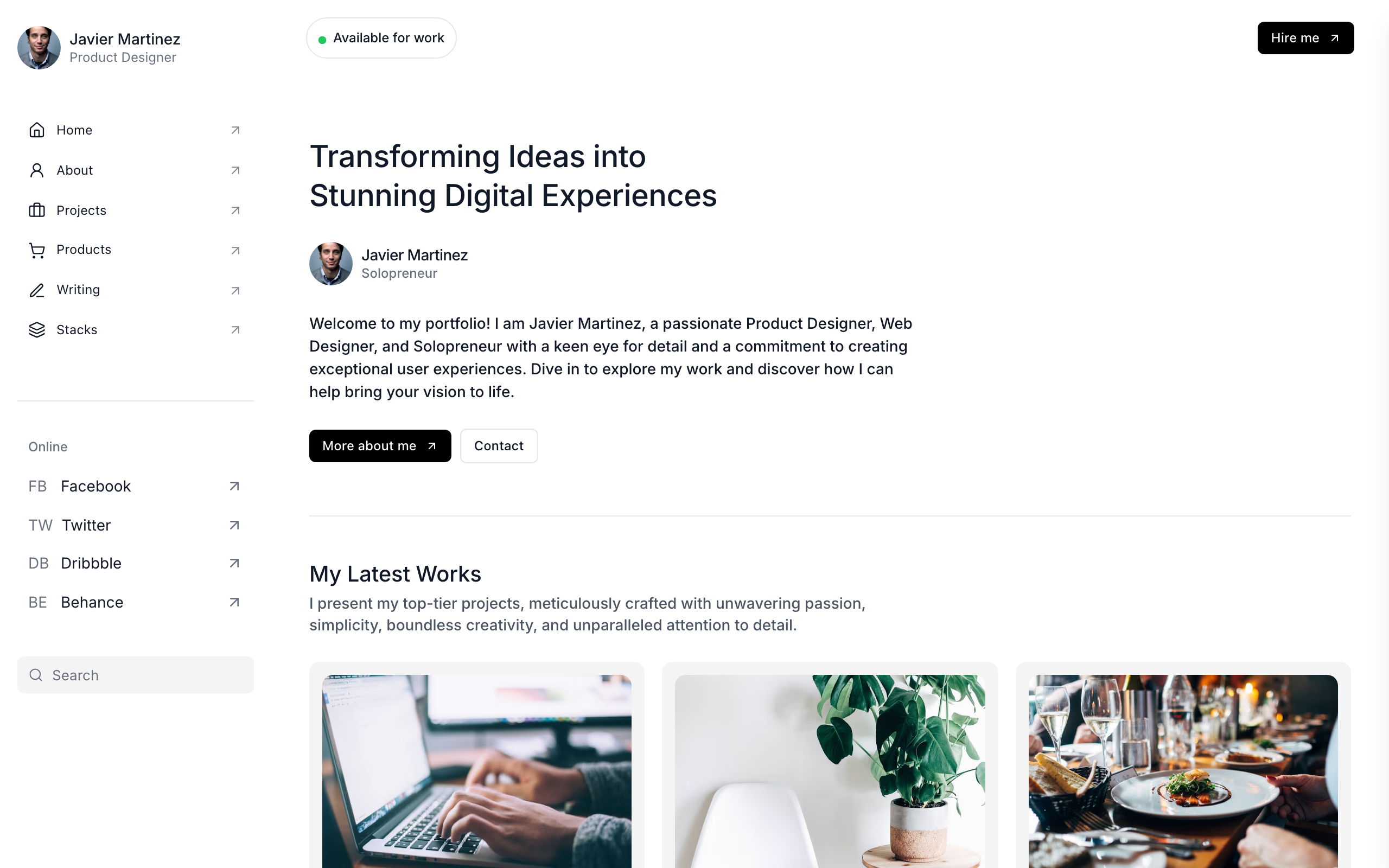
Biobricks
For solo product and web designers: work, services with prices, writing, products and a tools page.
Cami
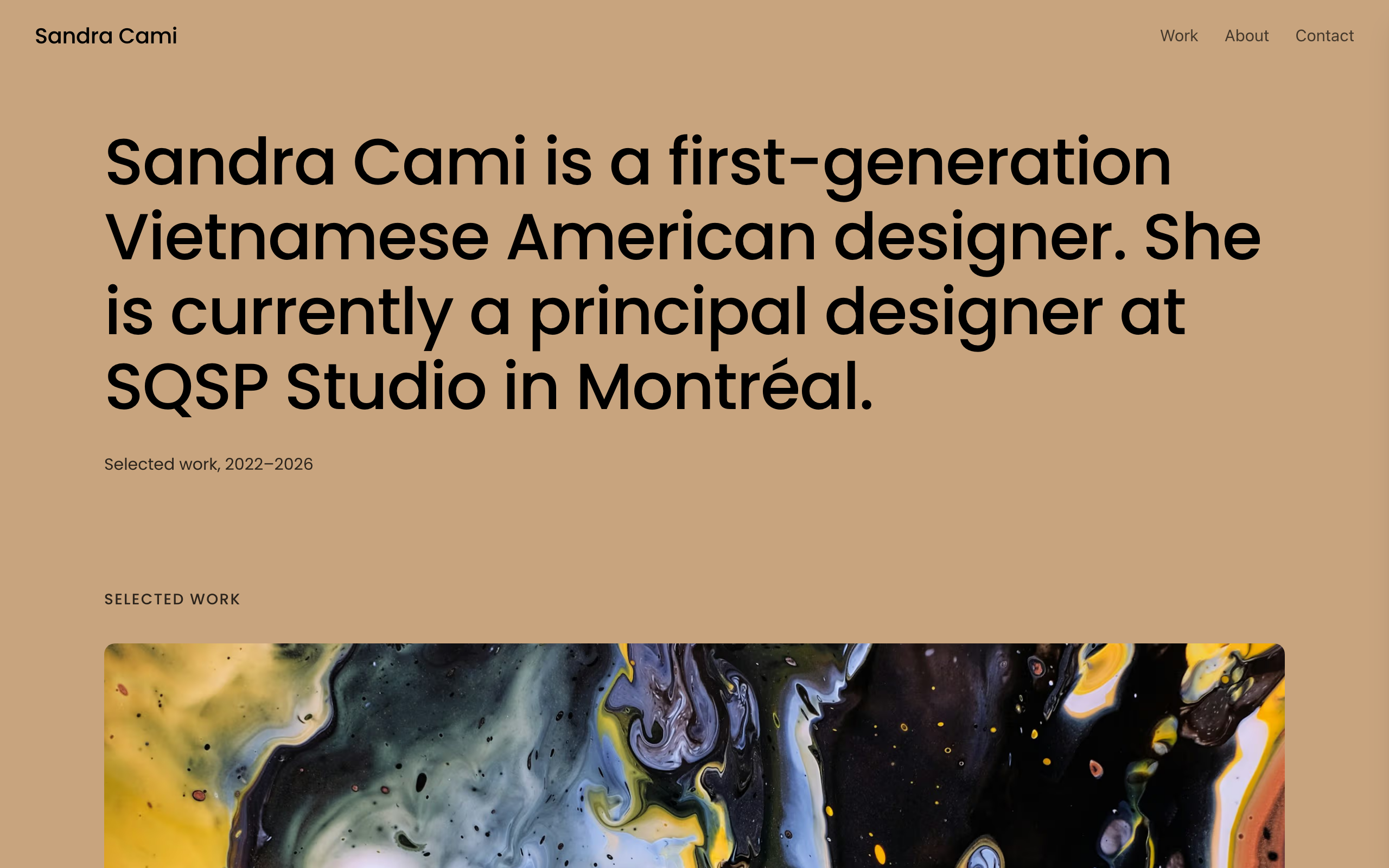
A warm, image-led portfolio where large project photos lead, with case-study pages and an enquiry form.
Console
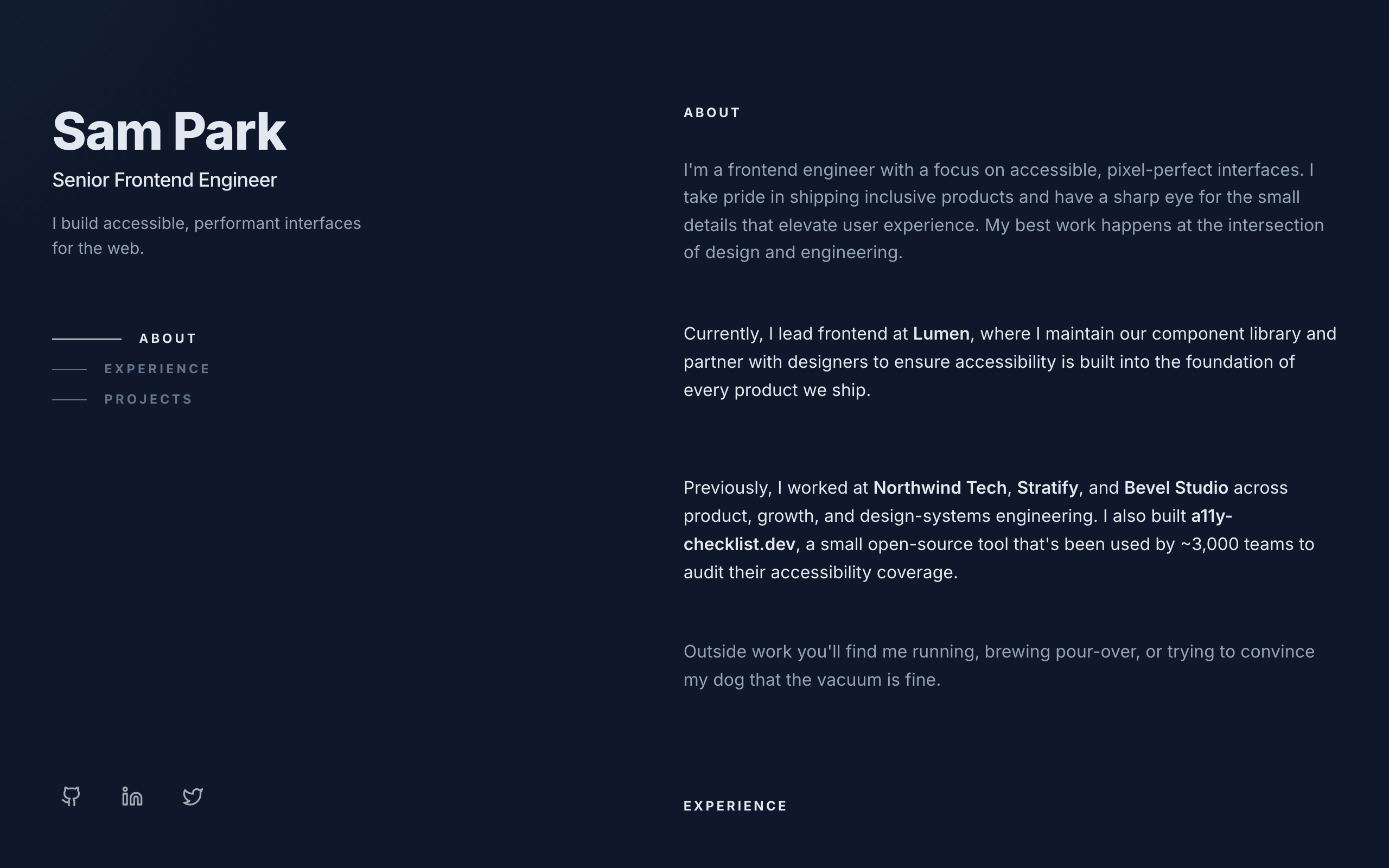
A dark two-column developer portfolio: sticky intro on the left, experience and projects on the right.
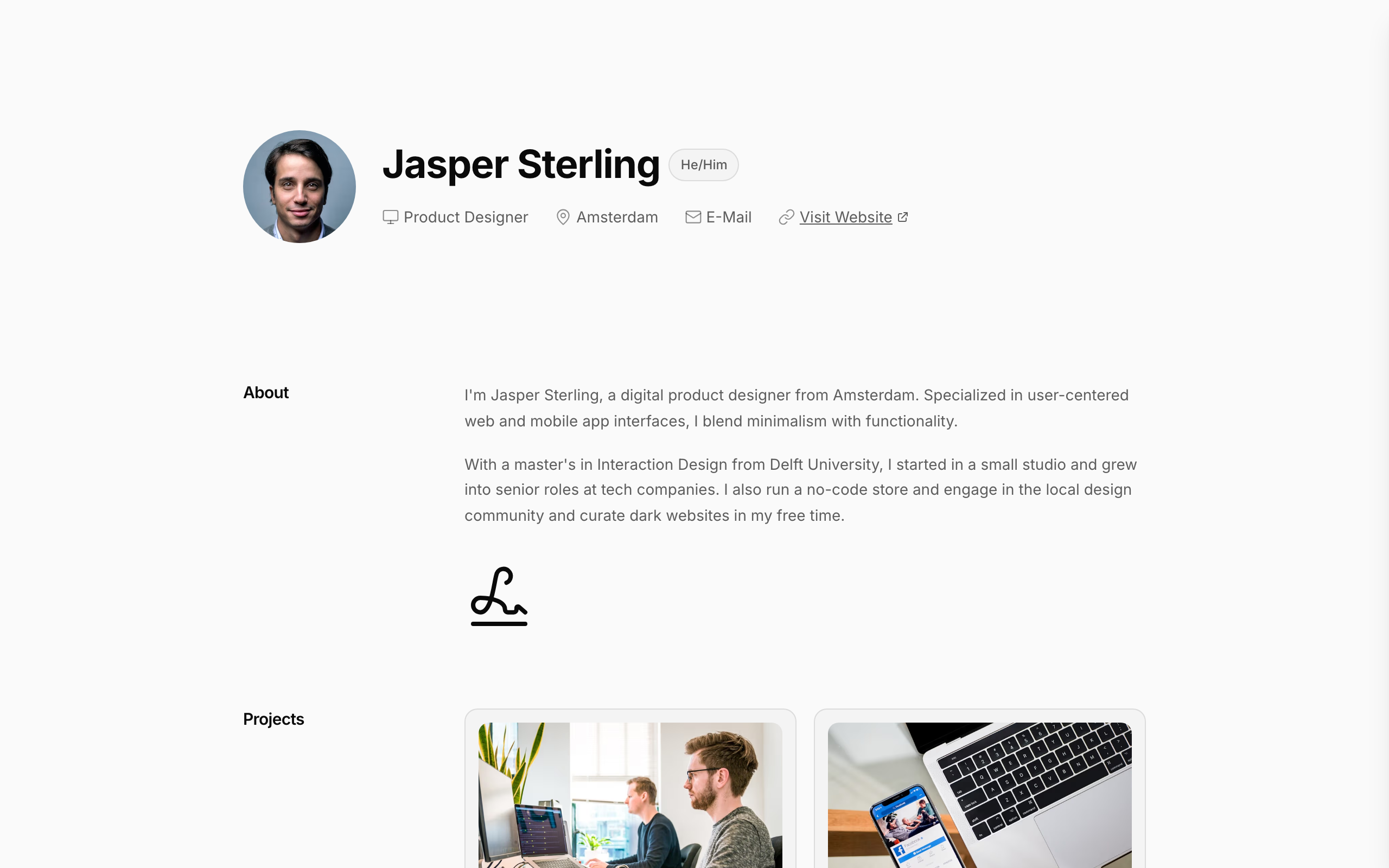
Jasper
A one-page online résumé: experience, education and awards in a clean, scannable document layout.
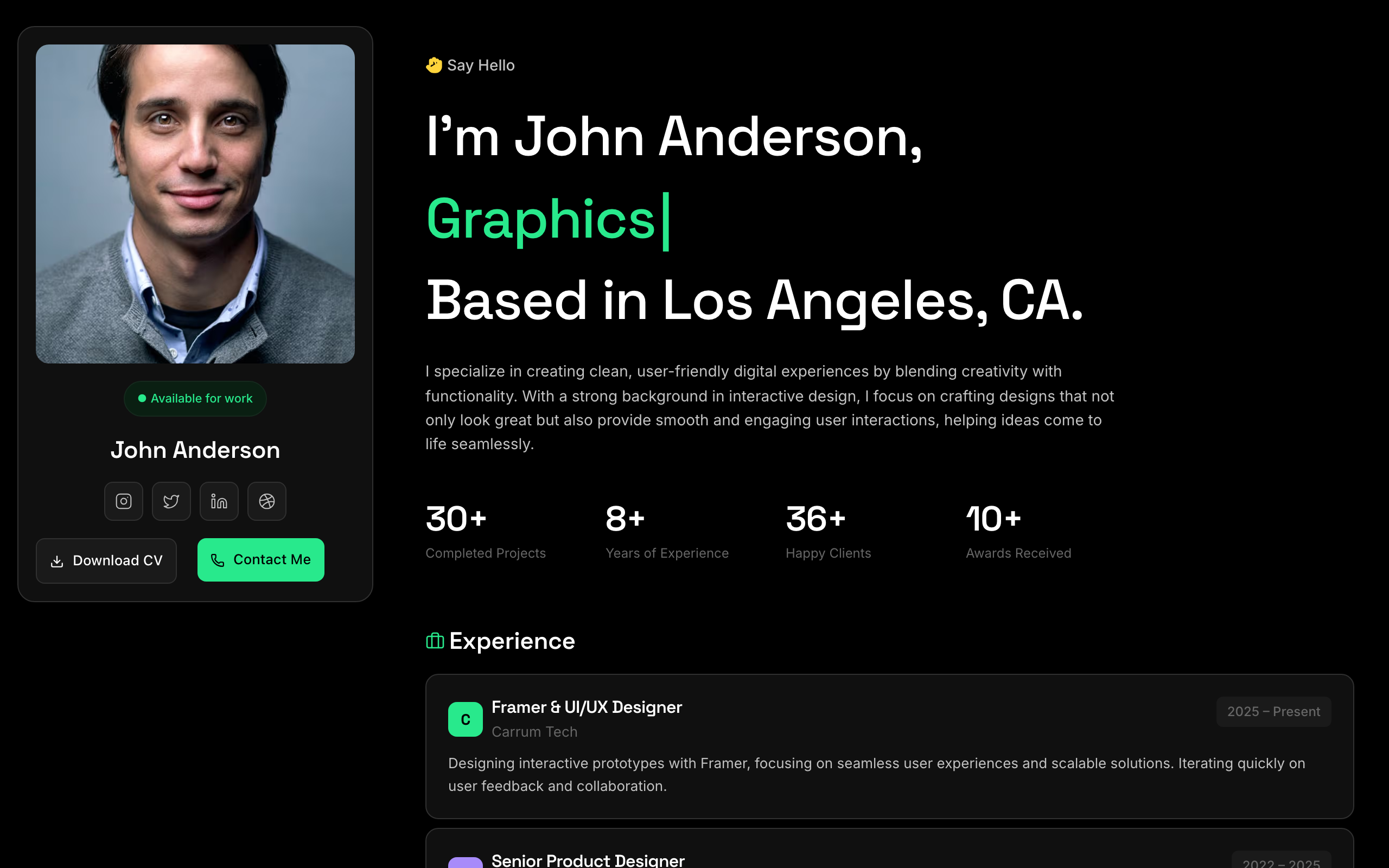
Kepler
A dark one-link profile for UX designers and engineers: sticky intro, projects, stats and a contact form.
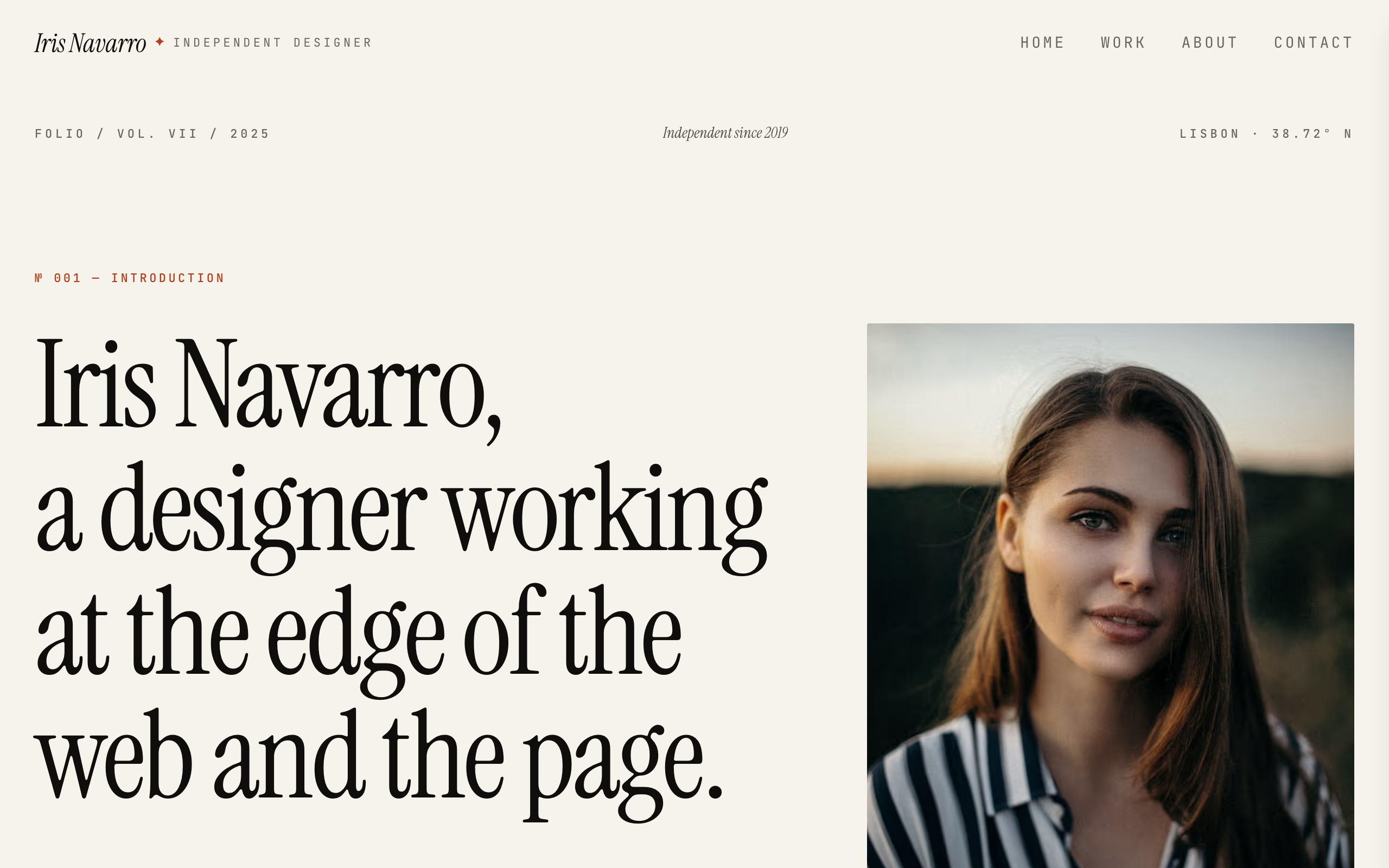
Monograph
A warm editorial portfolio with a numbered index of selected work: year, client and role.