

Gnomon Mobile app landing page template
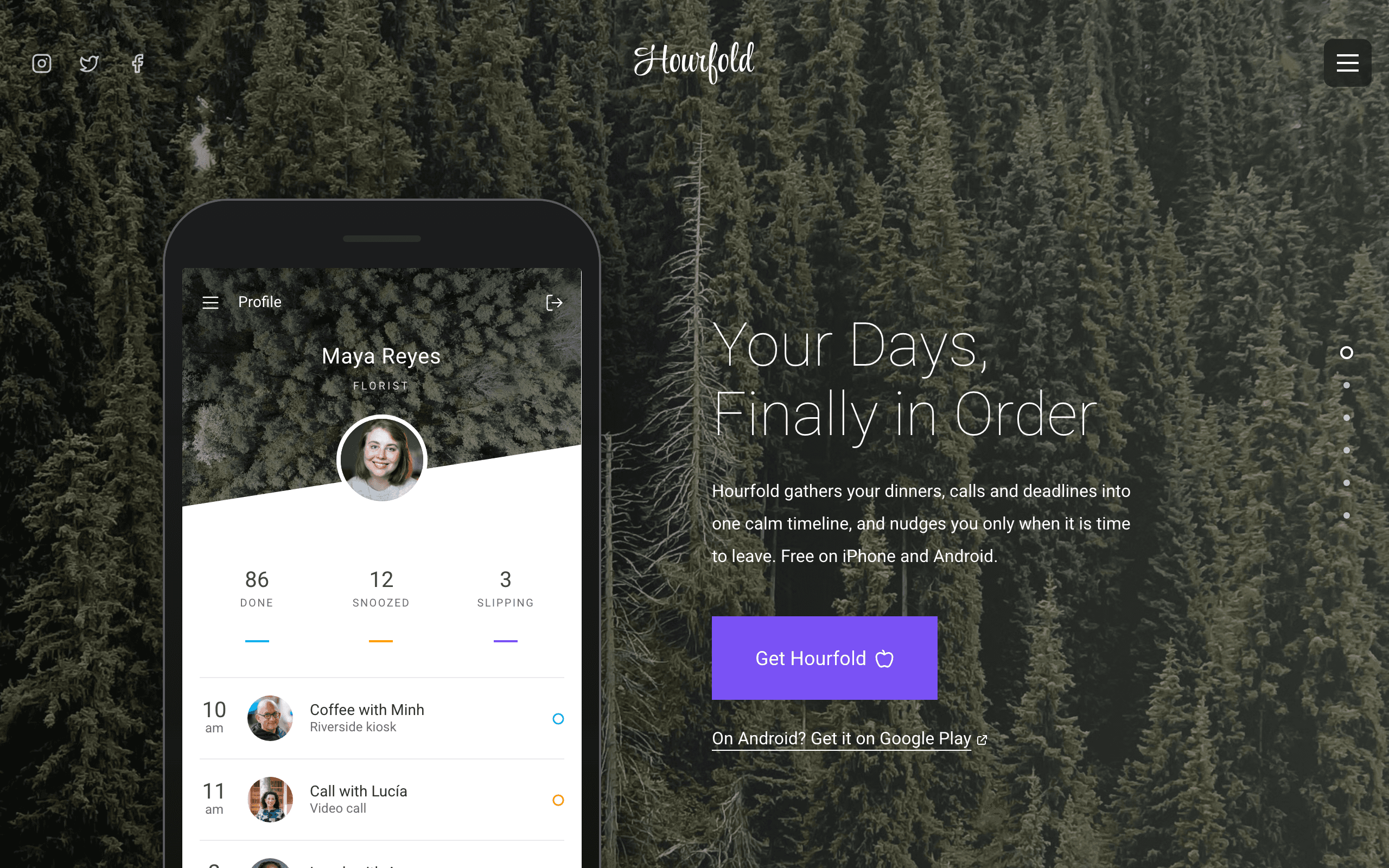
Gnomon is for a phone app that is already in the App Store and Google Play and wants one bold page that sends visitors to download it. On a computer each section fills the screen and shows one thing the app does, most of them on sample app screens you edit; the page ends with a short film and a download button, and a separate page answers common questions.
Who Gnomon is for
Built for these, and tested against them.
- Calendar, planner or scheduling app that is live in the App Store and Google Play
- Reminder, to-do or habit app with a download button
- Phone app launch page with app screens and a short film
- Colourful one-page site for an iPhone and Android app with an FAQ page
- Consumer app wanting bold full-screen colour bands and a dot pager
- Social or family planning app sending visitors straight to download
What’s included
Everything below ships with the template, already filled in.
- Pages
- 2 pages, written and laid out
- Enquiries
- Email and phone links, no form to maintain
- Fonts
- Roboto · dark theme
- Everywhere
- Built and checked at phone, tablet and desktop widths
- Yours to change
- Every colour, word and photograph — in the editor or by asking an AI agent
Build Gnomon by asking your AI agent
No editor required. The agent writes your copy, swaps the photos and publishes the site.
- 1Connect Sitelas to Claude, ChatGPT or another AI agent that supports MCP. How to connect
- 2Ask for it in plain words: “Build a website for a calendar, planner or scheduling app that is live in the App Store and Google Play using the Gnomon template.”
- 3Open the preview link it sends back, ask for changes, and publish when it reads right.
Then keep changing it from the same chat
- Rewrite the copy“Rewrite every page in a warmer, friendlier voice.”
- Change the design“Make the colours earthier and use a serif for headings.”
- Add or remove pages“Add a Pricing page and remove the Blog.”
- Rearrange sections“Move the testimonials higher and add an FAQ.”
- Swap the photos“Replace the photos with ones that fit my business.”
- Run the site“Show me this week's form messages, then publish.”
Everything here can also be done by hand in the visual editor.
About the Gnomon template
Built for a phone app with one page to sell it
Gnomon suits a calendar, planner, reminder or habit app, or any phone app that is easiest to explain one screen at a time. On a computer each section of the home page fills the screen and shows one thing the app does.
What's on the page
- The opening — a big light headline, a download button and a Google Play link beside a phone, over a forest photograph.
- Four features — short labels with line icons either side of two app screens, on red.
- The week at a glance — an app screen inside soft rings, on blue.
- On time — three upcoming plans as cards, the next one lifted, on orange.
- A short film — a round play button that opens your video, on purple.
- Download — a final download button over a group photograph, with a link for Android.
- Questions — a page of answers in three groups, ending with the download button and the Google Play link.
Before you publish
The app's name, people, plans and numbers on the app screens are sample text you write over, and the download links open the App Store and Google Play front pages until you add your own listings. The checklist names each one.
When to pick something else
Gnomon is the wrong template for these. Where there is a better one, it is linked.
Free to use · No credit card required
- 1Opens in the editor with the starter content in place
- 2Change the words and pictures to yours
- 3Publish to a sitelas.com address, or your own domain
Key Highlights
Questions about Gnomon
Do I need screenshots of my app?
No. The phone and the app screens are built from text, small photos and a calendar table, so you change the names, times and numbers in the editor; they are fixed text you write, not live data from your app. You can also replace any of them with your own image.
Where do the download buttons go?
Every Get Hourfold button and the Google Play link under it open the App Store and Google Play front pages until you paste in your own listings. They are plain links: nothing is sold or installed through the site.
Who is Gnomon for?
Gnomon is built for a calendar, planner or scheduling app that is live in the App Store and Google Play, a reminder, to-do or habit app with a download button and a phone app launch page with app screens and a short film. Not built for app still collecting a waitlist before launch — try Field instead.
What pages come with Gnomon?
2 pages, already written and laid out: Home and Questions about Hourfold. Add, rename or remove pages whenever you like.
Can Claude or ChatGPT build my site from Gnomon?
Yes. Connect Sitelas to your AI agent and ask for a site that uses Gnomon. It fills in your details, sends you a preview link, and publishes when you approve. The same chat can keep running the site afterwards.
Can I change Gnomon without code?
Yes. Click any text, photo or colour to change it in the visual editor, or ask your AI agent to make the change. Nothing is locked.
What does it cost?
Nothing to start, with no trial clock. A free site runs on a sitelas.com address; Pro is $9 a month per site ($90 a year) for your own domain, analytics and more room.
Can I use my own domain?
Yes, on Pro. Point your domain at the site and the SSL certificate is issued and renewed for you.
Make Gnomon yours
It opens in the editor with every page already written. Change what you want, publish when it reads like you.
Free to use · No credit card required
Related templates
All saas & product templates →
Hatch
A careers site for funded startups: open roles with salary bands, a page per role and an apply form.
Keel
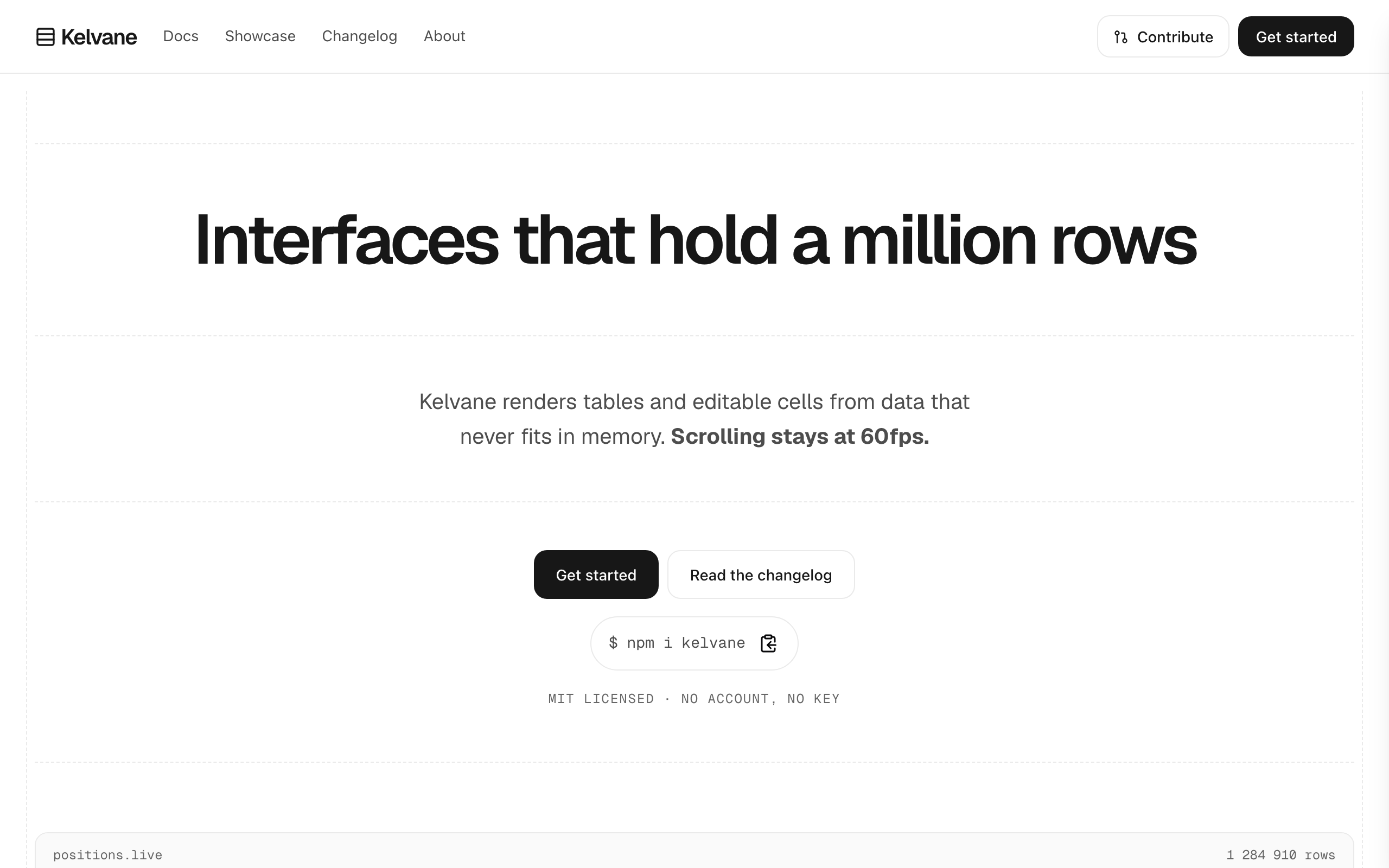
For open-source projects and SDKs: an install line, docs, a showcase and a changelog that grows.
Nimbus
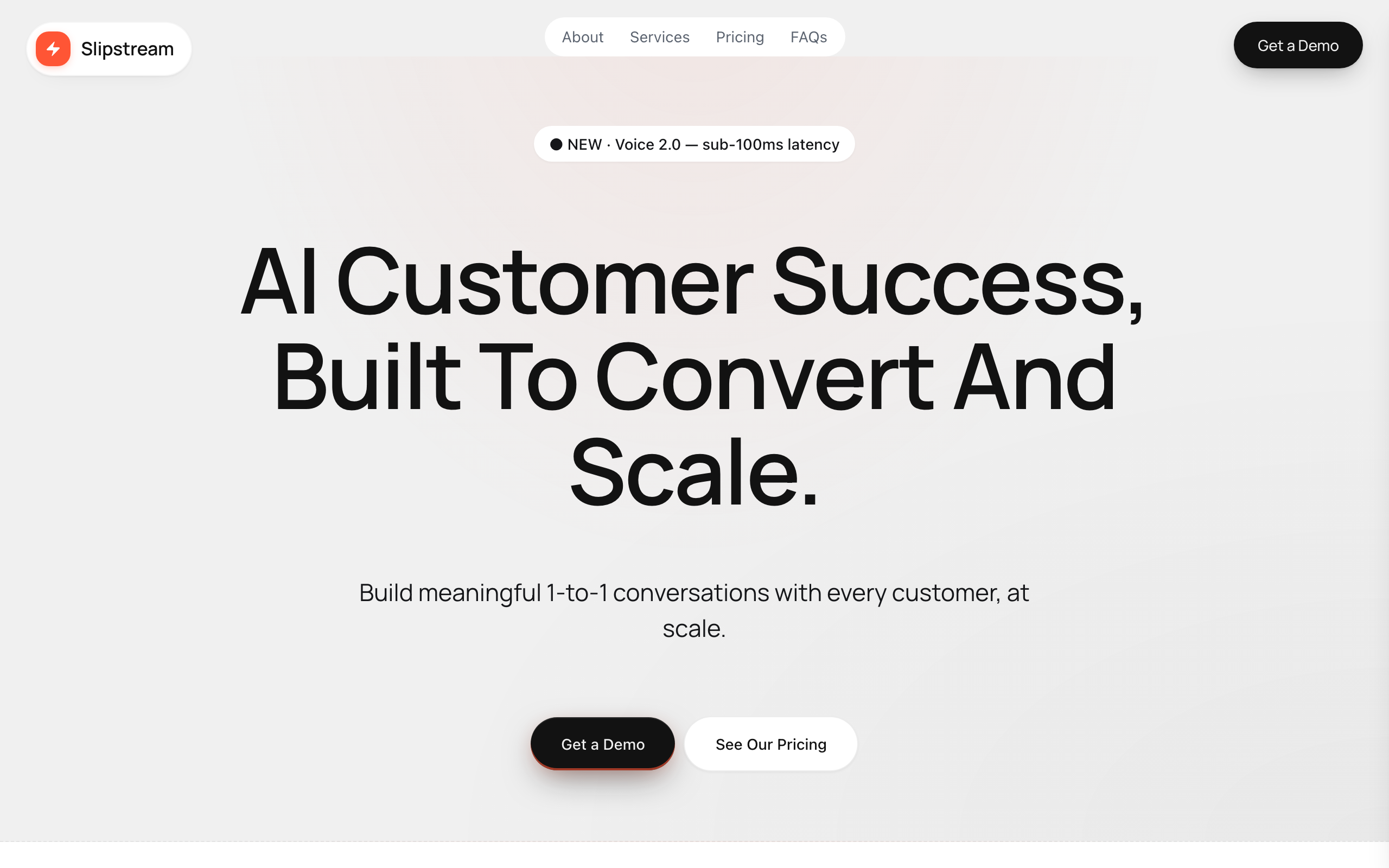
A bold SaaS marketing page with pricing tiers, an FAQ and a demo request form.
Nova
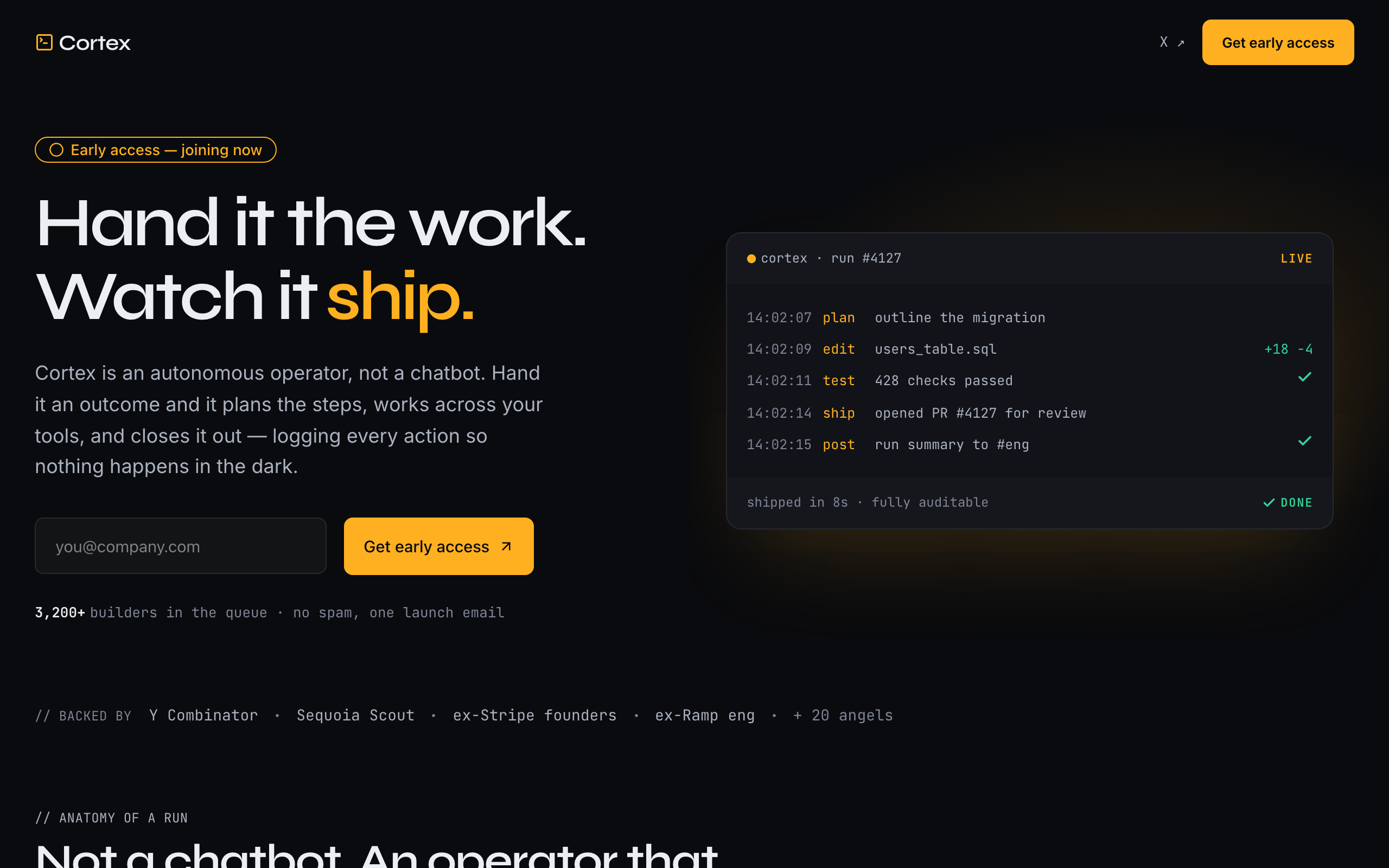
A loud, dark launch page for an AI agent startup, built around a live run-log instead of screenshots.
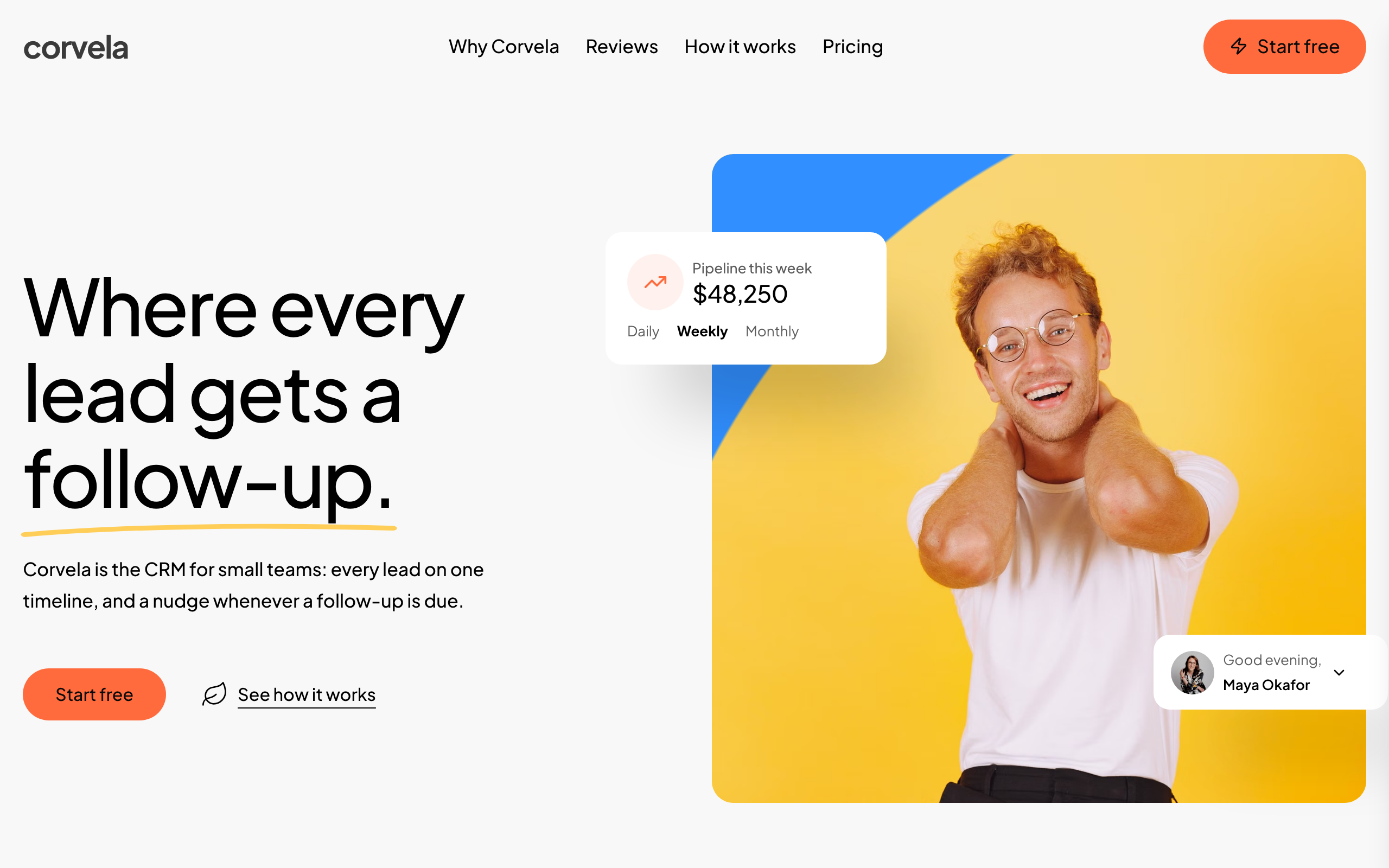
Orrery
A bright one-page site for a CRM or follow-up tool: a product tour, customer quotes, three plans and a sign-up form.
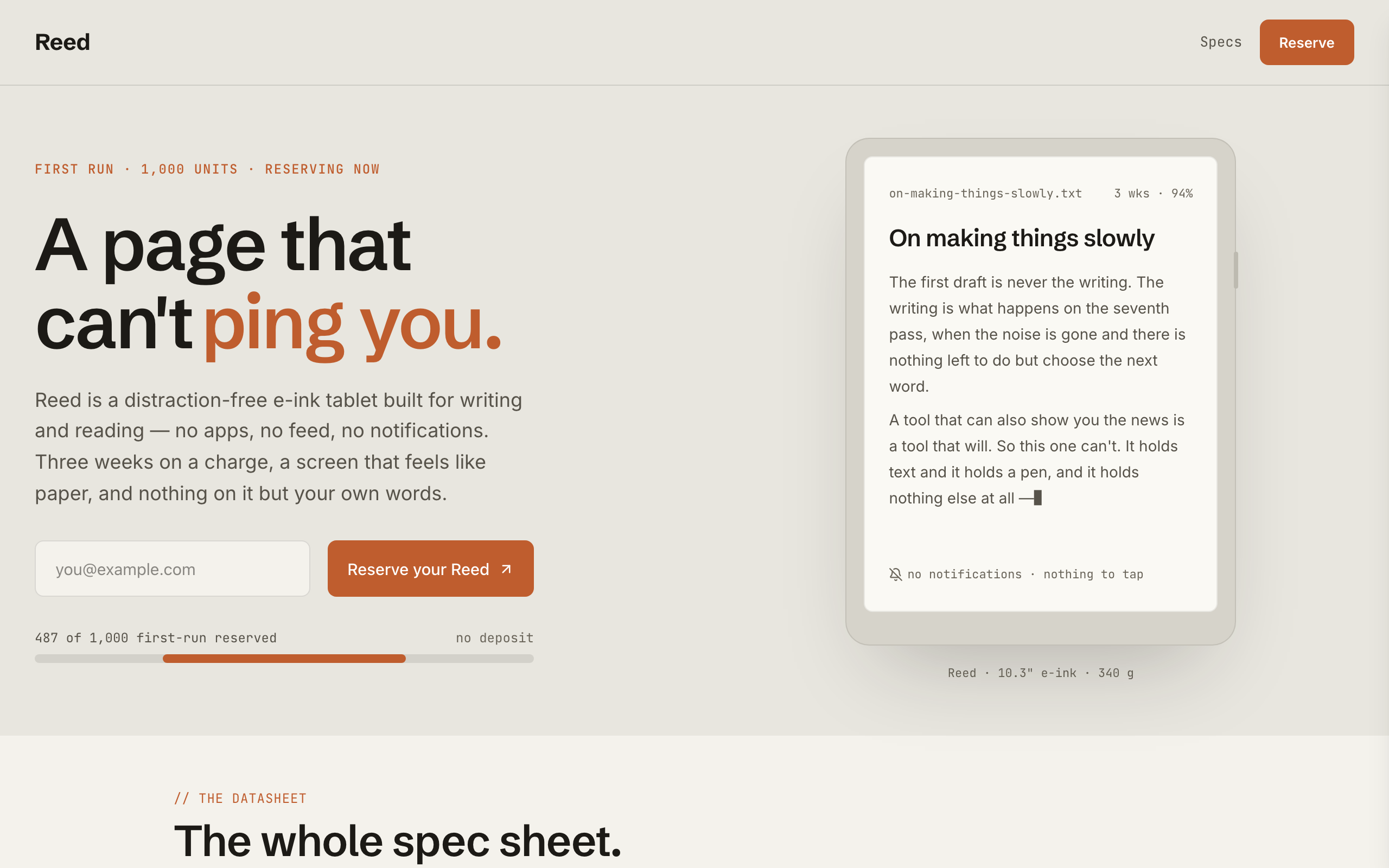
Reed
A pre-launch page for a physical product: a spec sheet, a reserve counter and a reserve-your-unit form.