

Splice HR software landing page template
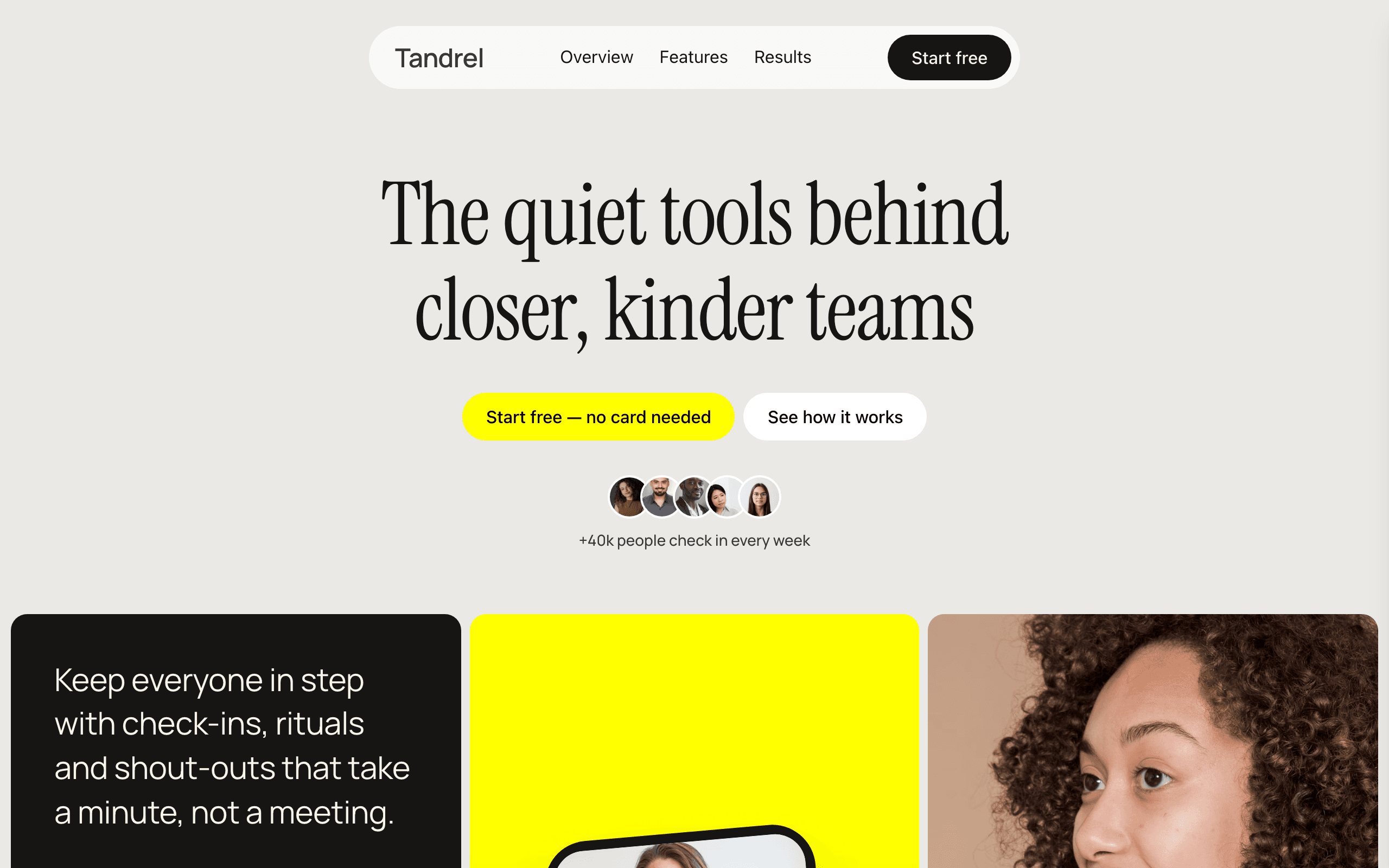
Splice is a one-page site for software that helps teams work together: check-ins, pulse surveys, recognition, onboarding. A calm headline and three cards open the page, then three feature panels pile onto each other as visitors scroll, followed by numbers, a customer story with a video, a strip of quotes and a sign-up form.
Who Splice is for
Built for these, and tested against them.
- Employee engagement or team culture app
- Check-in, pulse survey or one-to-one tool for managers
- Recognition and shout-out tool for teams
- Onboarding or team rituals app for remote and hybrid teams
- People-ops or HR app with one page to sell it
- Workplace collaboration startup that has launched and has customers
- B2B app landing page with a free sign-up and customer stories
What’s included
Everything below ships with the template, already filled in.
- Pages
- 1 page, written and laid out
- Enquiries
- A working form — messages land in your Sitelas inbox
- Fonts
- Manrope · light theme
- Everywhere
- Built and checked at phone, tablet and desktop widths
- Yours to change
- Every colour, word and photograph — in the editor or by asking an AI agent
Build Splice by asking your AI agent
No editor required. The agent writes your copy, swaps the photos and publishes the site.
- 1Connect Sitelas to Claude, ChatGPT or another AI agent that supports MCP. How to connect
- 2Ask for it in plain words: “Build a website for an employee engagement or team culture app using the Splice template.”
- 3Open the preview link it sends back, ask for changes, and publish when it reads right.
Then keep changing it from the same chat
- Rewrite the copy“Rewrite every page in a warmer, friendlier voice.”
- Change the design“Make the colours earthier and use a serif for headings.”
- Add or remove pages“Add a Pricing page and remove the Blog.”
- Rearrange sections“Move the testimonials higher and add an FAQ.”
- Swap the photos“Replace the photos with ones that fit my business.”
- Run the site“Show me this week's form messages, then publish.”
Everything here can also be done by hand in the visual editor.
About the Splice template
Built for a software product with one page to sell it
Splice suits a team, HR or collaboration app — check-ins, pulse surveys, recognition, onboarding — that needs one confident page: what it does, proof it works, what customers say, and a place to sign up.
What's on the page
- A floating nav — a glass pill with your name, three links and a Start free button.
- The opening — a large headline, two buttons and a row of faces, then three cards: what the product does, a phone screen you can edit, and a portrait.
- Who uses it — a slow strip of sectors and a review pill.
- Three features — panels that pile onto each other as you scroll, each with a small product card or labels over a photograph.
- Numbers — a sample chat thread, two counters, a team-count card and a photo card.
- A customer story — a dark band with the quote and a video.
- Stories — a sliding strip of quotes and portraits.
- Questions — five answers beside a Contact us button.
- Sign up — an email form on a mountain photograph.
Before you publish
The product, the people, the quotes and every figure are samples. Swap them for your own; the checklist names each one.
When to pick something else
Splice is the wrong template for these. Where there is a better one, it is linked.
- AI or design tool collecting a pre-launch waitlist — try Glaze
- Consumer AI app waitlist with no customers yet — try Field
- Developer framework, SDK or CLI with docs and releases — try Keel
- Mobile app pre-launch with app-store badges — try Tally
- Startup careers page with open roles — try Hatch
- B2B platform that needs a dark, dramatic agency look — try Nimbus
- Software company site with blog, careers or docs pages — try Hatch
Free to use · No credit card required
- 1Opens in the editor with the starter content in place
- 2Change the words and pictures to yours
- 3Publish to a sitelas.com address, or your own domain
Key Highlights
Questions about Splice
Where do sign-ups go?
Every Start free button scrolls to an email form at the bottom of the page, and each sign-up arrives in your Sitelas inbox. Nobody is emailed automatically, so reply yourself or forward sign-ups to your app by webhook. If your app has its own sign-up page, point the buttons there instead.
Can I add a customer video?
Yes. The customer story has a Play video button that opens your video over the page. It ships with a stock clip of a team meeting, so replace it with your own.
Who is Splice for?
Splice is built for an employee engagement or team culture app, a check-in, pulse survey or one-to-one tool for managers and a recognition and shout-out tool for teams. Not built for AI or design tool collecting a pre-launch waitlist — try Glaze instead.
What pages come with Splice?
Splice is a single page with every section already written and laid out. Add more pages whenever you need them.
Can Claude or ChatGPT build my site from Splice?
Yes. Connect Sitelas to your AI agent and ask for a site that uses Splice. It fills in your details, sends you a preview link, and publishes when you approve. The same chat can keep running the site afterwards.
Can I change Splice without code?
Yes. Click any text, photo or colour to change it in the visual editor, or ask your AI agent to make the change. Nothing is locked.
What does it cost?
Nothing to start, with no trial clock. A free site runs on a sitelas.com address; Pro is $9 a month per site ($90 a year) for your own domain, analytics and more room.
Can I use my own domain?
Yes, on Pro. Point your domain at the site and the SSL certificate is issued and renewed for you.
Make Splice yours
It opens in the editor with every page already written. Change what you want, publish when it reads like you.
Free to use · No credit card required
Related templates
All saas & product templates →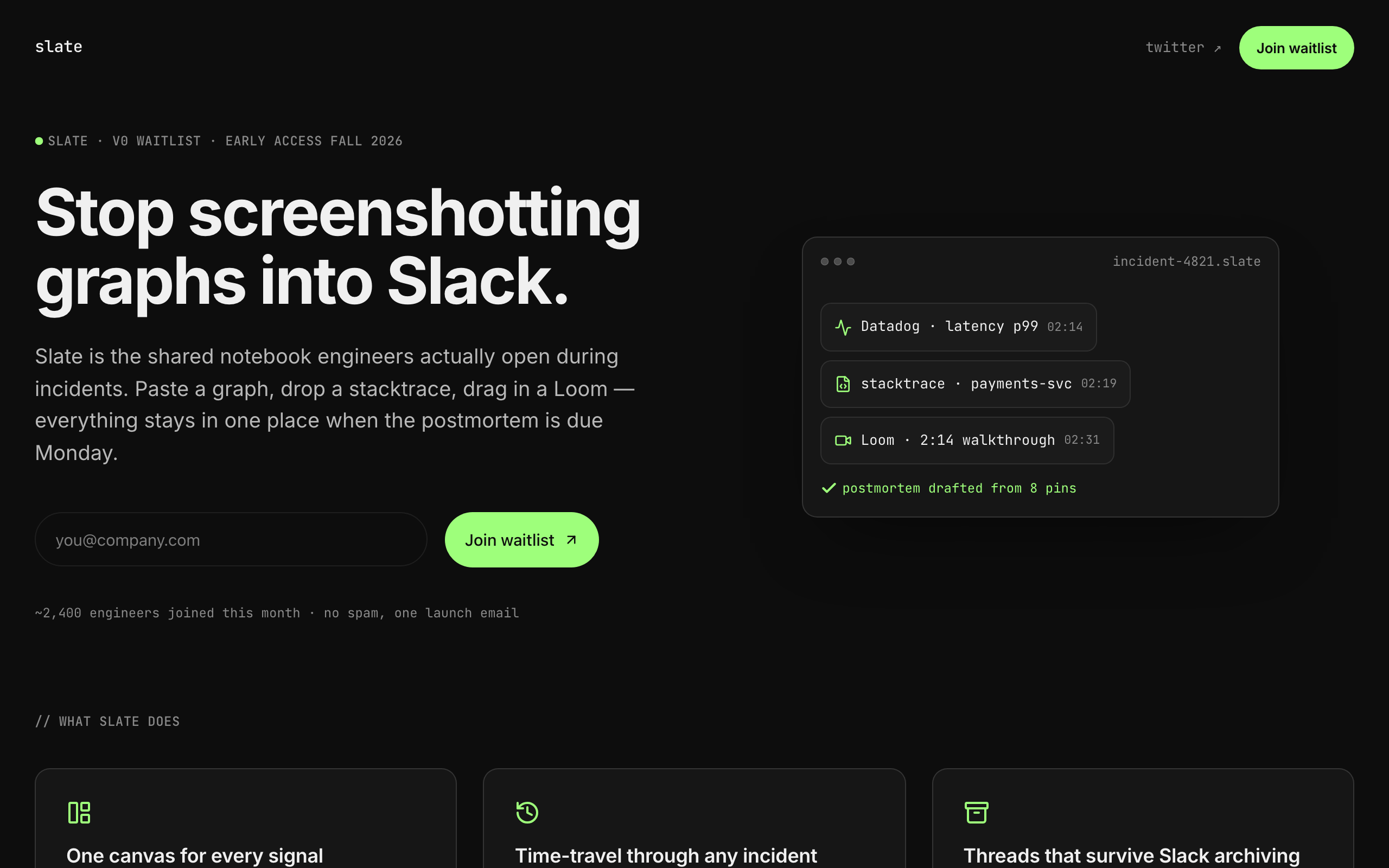
Slate
A sparse, dark waitlist for developer tools and indie SaaS: one clear signup, no screenshots needed.
Tally
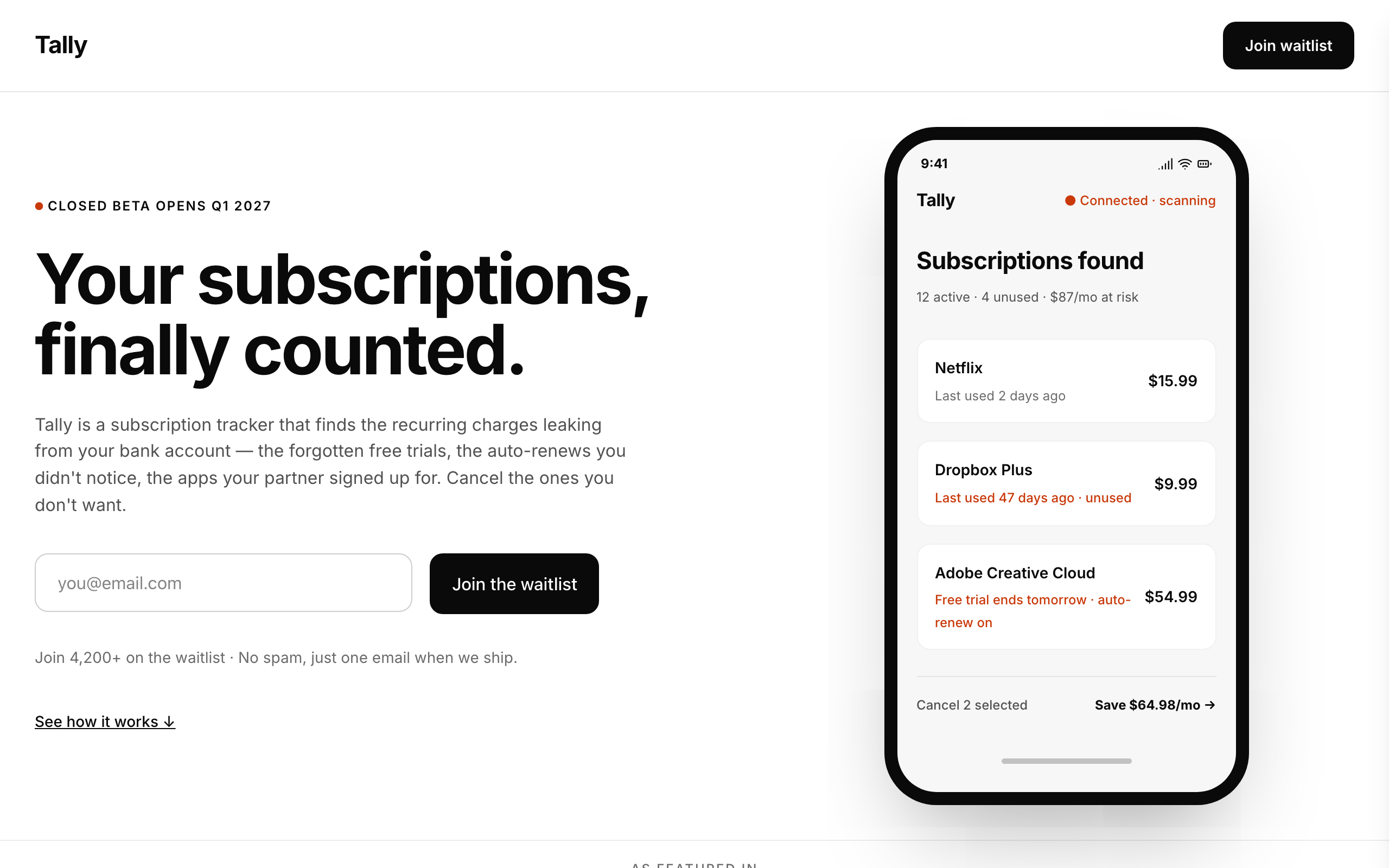
A stark, minimal waitlist for consumer money apps, with a phone mockup, steps, FAQ and legal pages.
Field
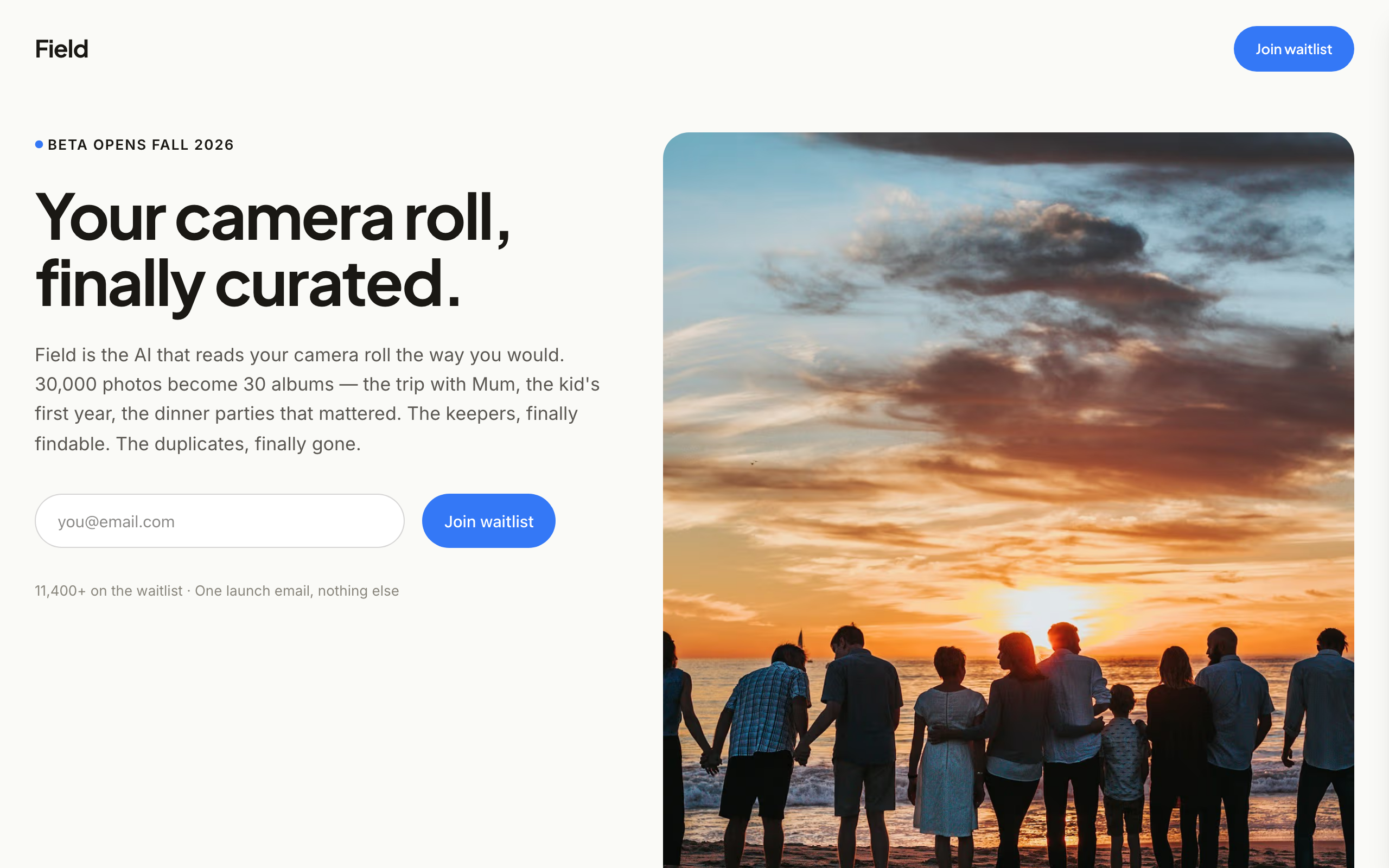
An image-led waitlist for consumer app founders who have real product photos and screenshots.
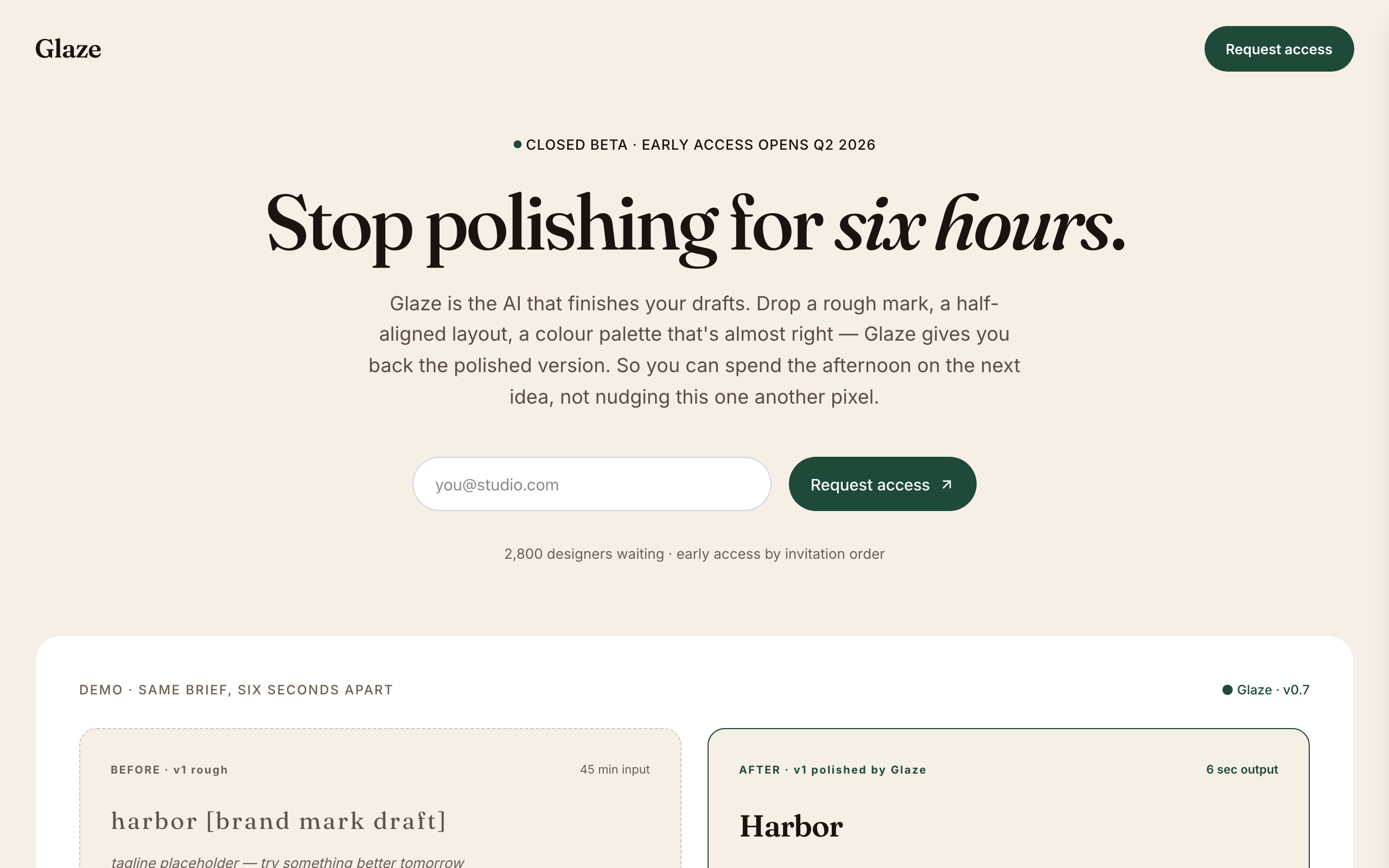
Glaze
A warm, editorial waitlist for AI tools aimed at designers and creative teams.

Hatch
A careers site for funded startups: open roles with salary bands, a page per role and an apply form.
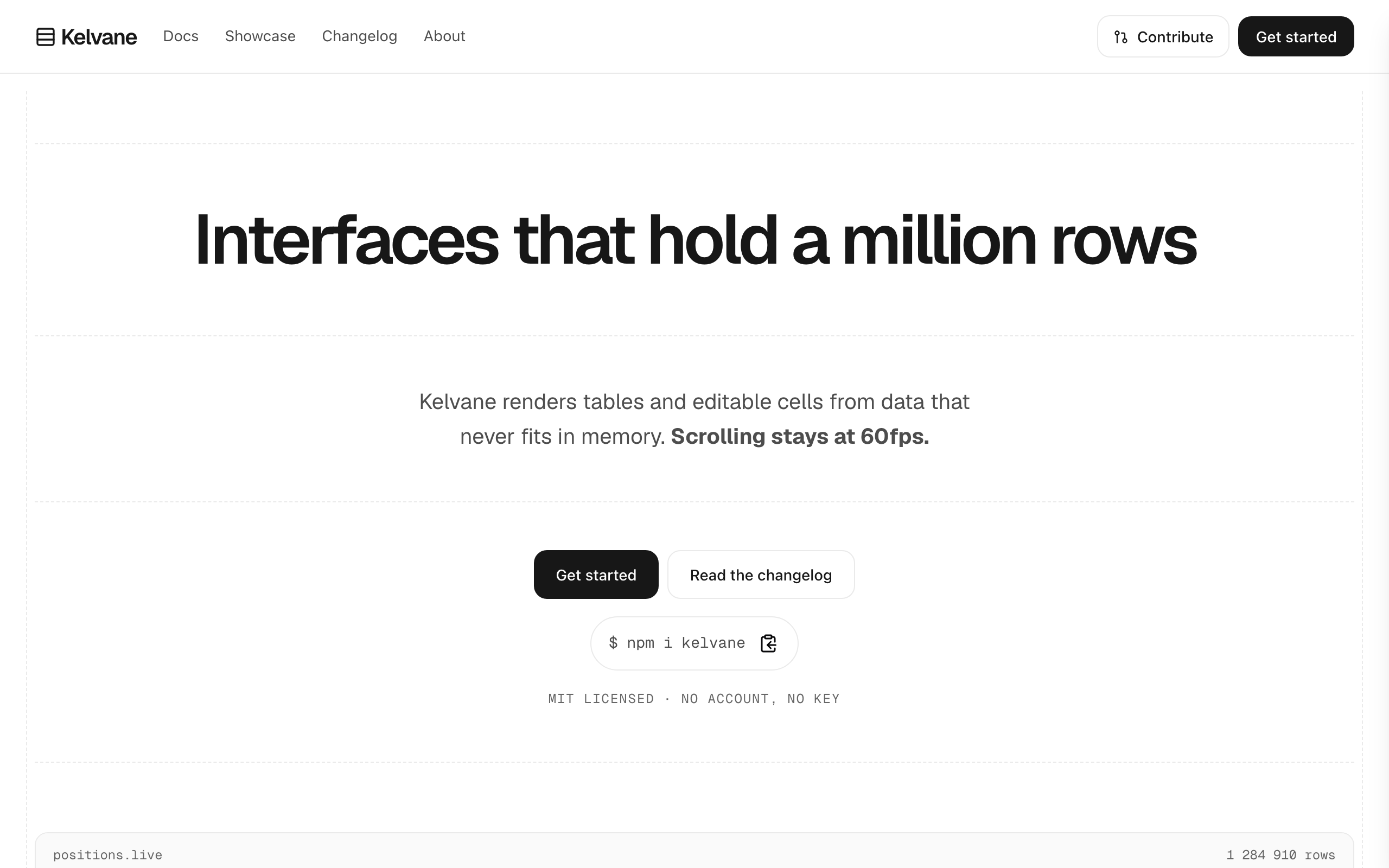
Keel
For open-source projects and SDKs: an install line, docs, a showcase and a changelog that grows.