

Nimbus AI SaaS landing page template
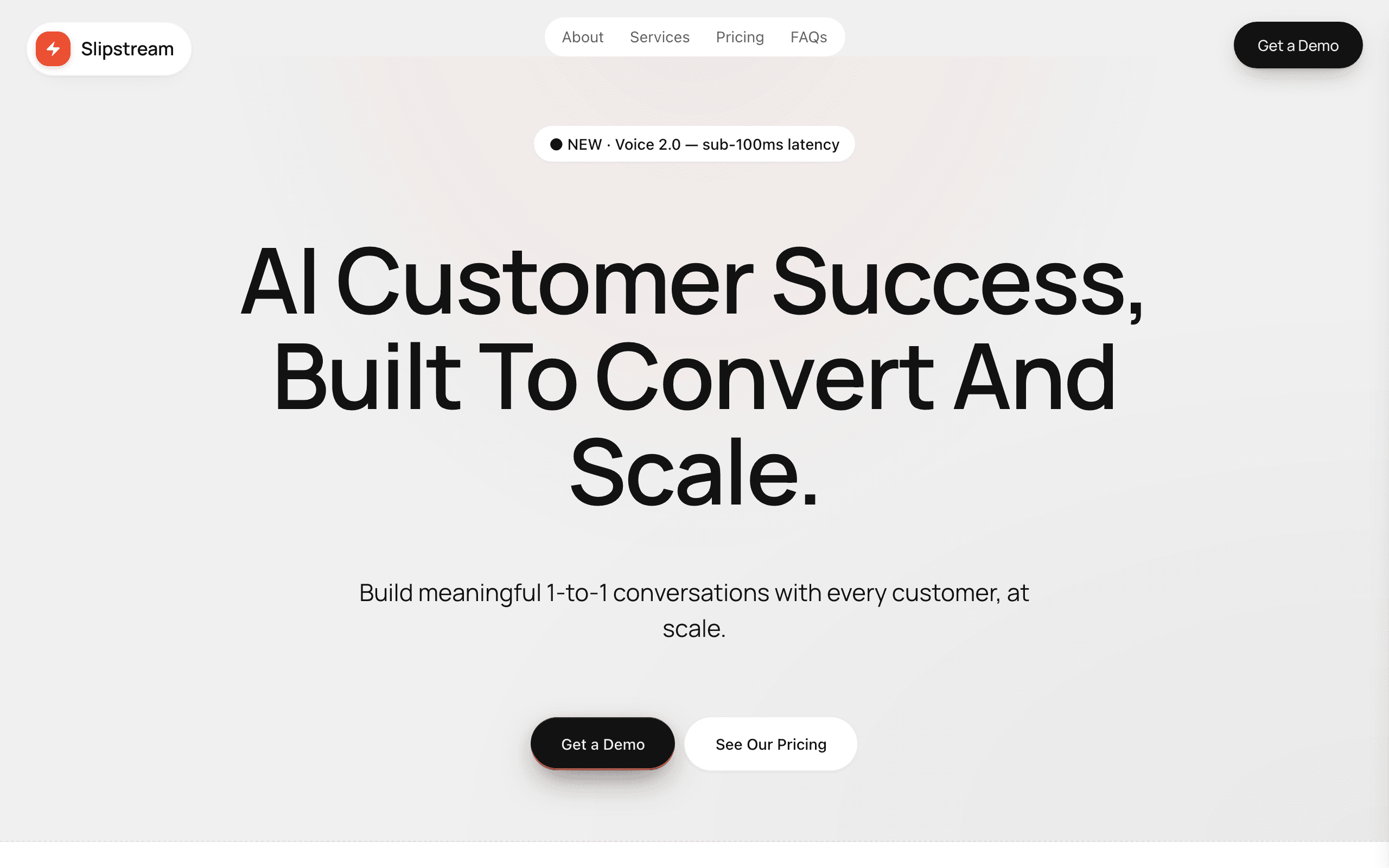
Nimbus is a marketing page for AI products, developer tools and B2B software. A bold headline and a demo button lead into features, a mission section, three pricing tiers and an FAQ that handles sales objections.
Who Nimbus is for
Built for these, and tested against them.
- AI-native SaaS startups (chatbots, drafters, voice, automation)
- Dev-tooling marketing sites (CI, observability, infrastructure)
- Customer-success and support-automation platforms
- B2B SaaS scale-ups (50–500 employees) with sales-led motion
- Vertical-AI products targeting Head of Support / RevOps buyers
What’s included
Everything below ships with the template, already filled in.
- Pages
- 1 page, written and laid out
- Enquiries
- A working form — messages land in your Sitelas inbox
- Fonts
- Manrope · light theme
- Everywhere
- Built and checked at phone, tablet and desktop widths
- Yours to change
- Every colour, word and photograph — in the editor or by asking an AI agent
Build Nimbus by asking your AI agent
No editor required. The agent writes your copy, swaps the photos and publishes the site.
- 1Connect Sitelas to Claude, ChatGPT or another AI agent that supports MCP. How to connect
- 2Ask for it in plain words: “Build a website for an AI startup landing page using the Nimbus template.”
- 3Open the preview link it sends back, ask for changes, and publish when it reads right.
Then keep changing it from the same chat
- Rewrite the copy“Rewrite every page in a warmer, friendlier voice.”
- Change the design“Make the colours earthier and use a serif for headings.”
- Add or remove pages“Add a Pricing page and remove the Blog.”
- Rearrange sections“Move the testimonials higher and add an FAQ.”
- Swap the photos“Replace the photos with ones that fit my business.”
- Run the site“Show me this week's form messages, then publish.”
Everything here can also be done by hand in the visual editor.
About the Nimbus template
Built for AI products and dev tools
Nimbus is a one-page site for AI products, developer tools and B2B software, built to turn a visit into a demo request. A 'Get a demo' button stays in view while visitors read features, pricing and the FAQ.
What's on the page
- A bold headline with two calls to action
- Mission and stats sections
- Three pricing tiers, with a 'most popular' badge
- An FAQ and a demo request form
What to know
Rename, reprice or remove the tiers in the editor. Demo requests land in your Sitelas inbox, where your AI agent can draft replies.
Free to use · No credit card required
- 1Opens in the editor with the starter content in place
- 2Change the words and pictures to yours
- 3Publish to a sitelas.com address, or your own domain
Key Highlights
Questions about Nimbus
Can I show pricing plans?
Yes. There are three pricing tiers with a 'most popular' badge. Rename, reprice or remove them in the editor.
How do prospects book a demo?
The demo request form is on the page, and every request arrives in your Sitelas inbox.
Who is Nimbus for?
Nimbus is built for an AI startup landing page, saaS marketing site and a B2B product sales surface. Not built for boutique services consulting — try Park or Meridian instead.
What pages come with Nimbus?
Nimbus is a single page with every section already written and laid out. Add more pages whenever you need them.
Can Claude or ChatGPT build my site from Nimbus?
Yes. Connect Sitelas to your AI agent and ask for a site that uses Nimbus. It fills in your details, sends you a preview link, and publishes when you approve. The same chat can keep running the site afterwards.
Can I change Nimbus without code?
Yes. Click any text, photo or colour to change it in the visual editor, or ask your AI agent to make the change. Nothing is locked.
What does it cost?
Nothing to start, with no trial clock. A free site runs on a sitelas.com address; Pro is $16 a month per site ($160 a year) for your own domain, analytics and more room.
Can I use my own domain?
Yes, on Pro. Point your domain at the site and the SSL certificate is issued and renewed for you.
Make Nimbus yours
It opens in the editor with every page already written. Change what you want, publish when it reads like you.
Free to use · No credit card required
Related templates
All saas & product templates →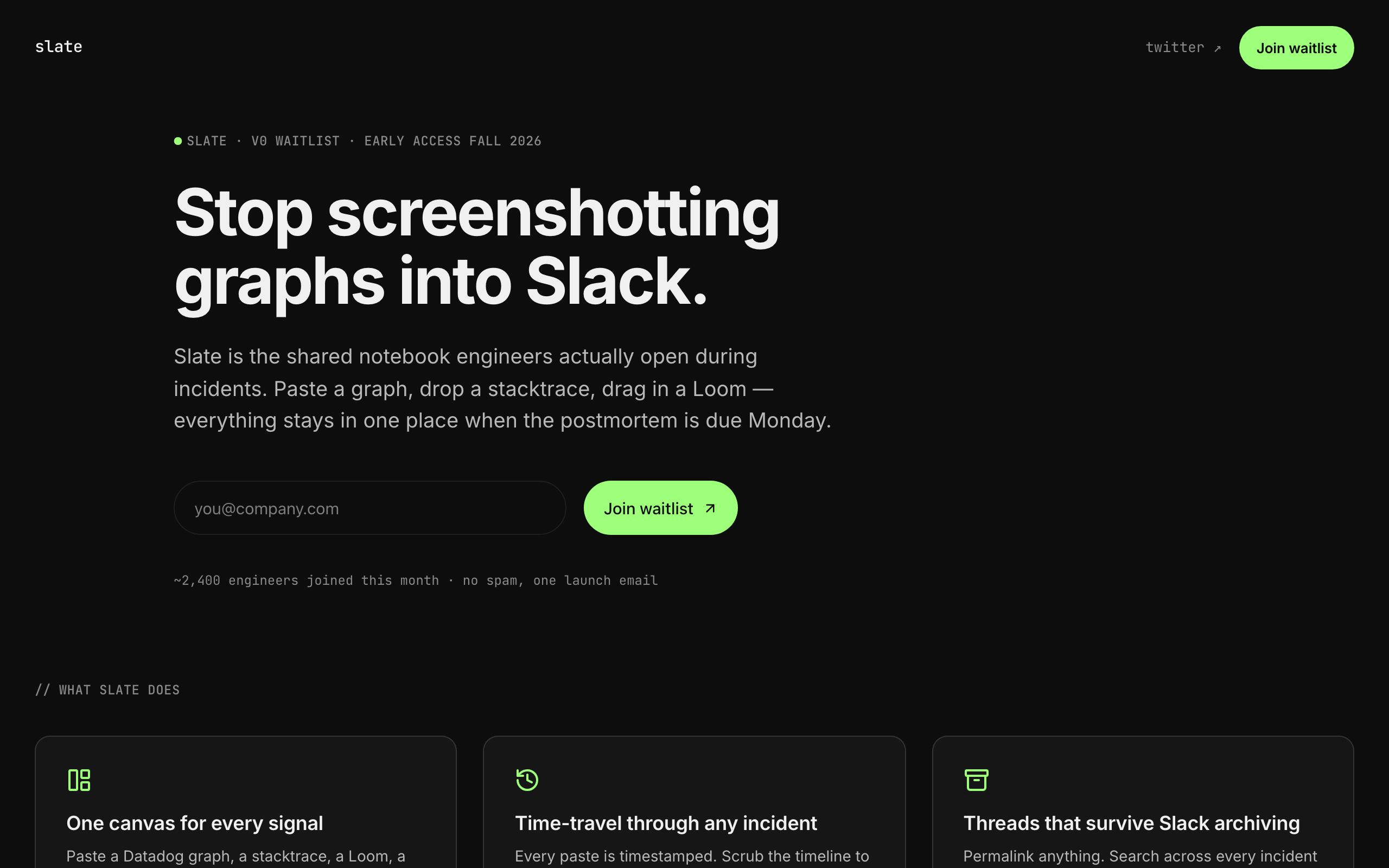
Slate
A sparse, dark waitlist for developer tools and indie SaaS: one clear signup, no screenshots needed.
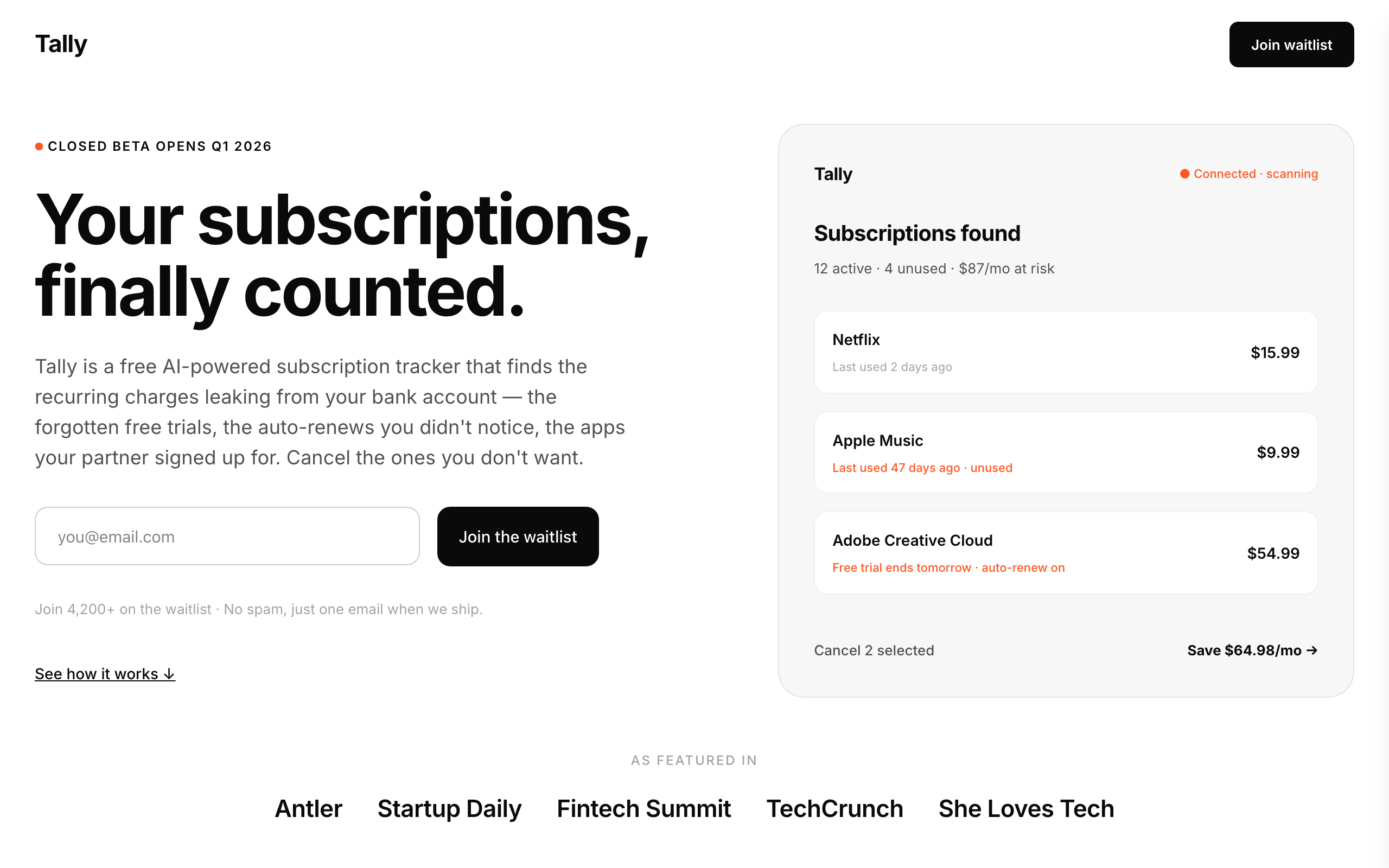
Tally
A stark, minimal waitlist for consumer money apps, with a phone mockup, steps, FAQ and legal pages.
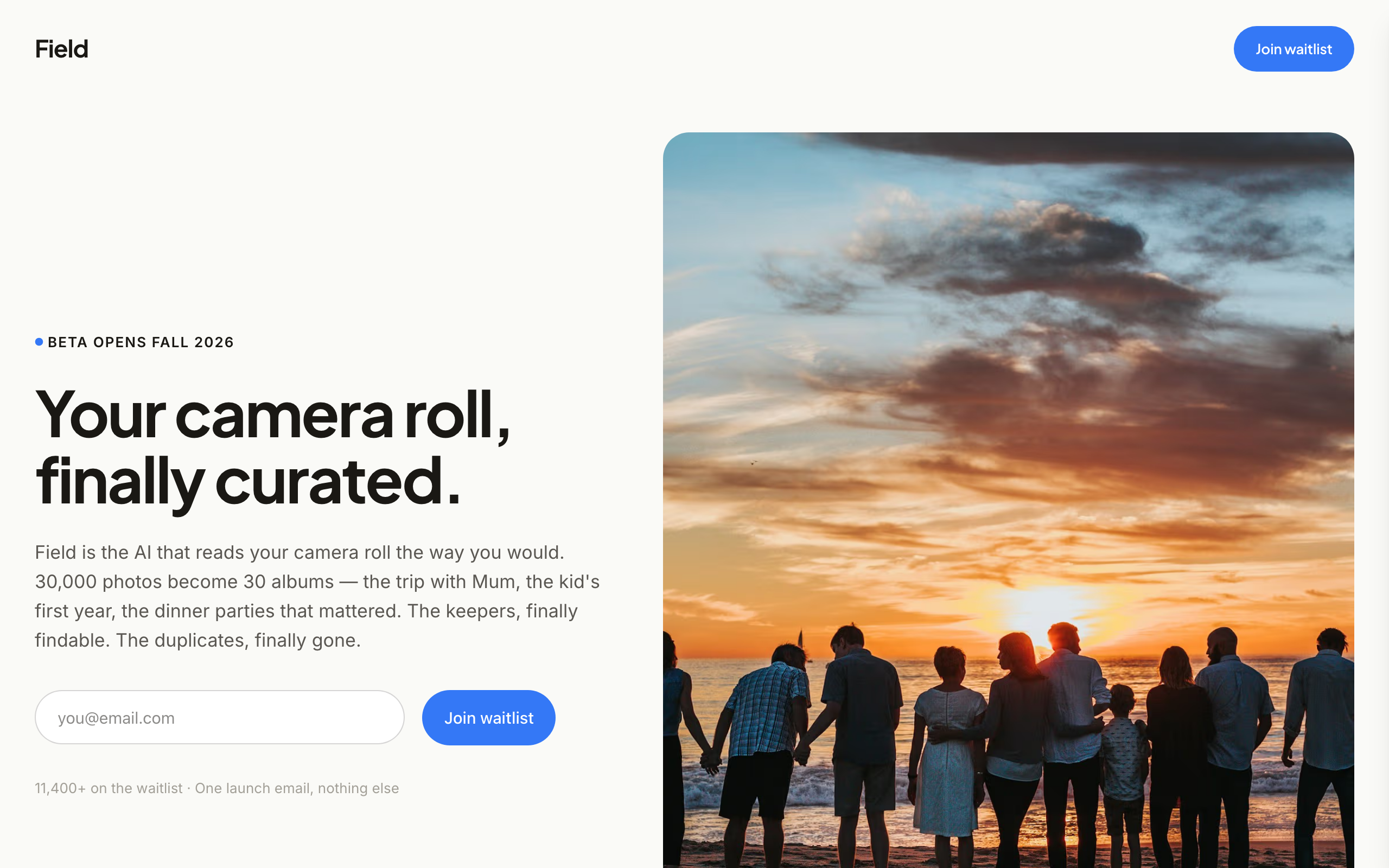
Field
An image-led waitlist for consumer app founders who have real product photos and screenshots.
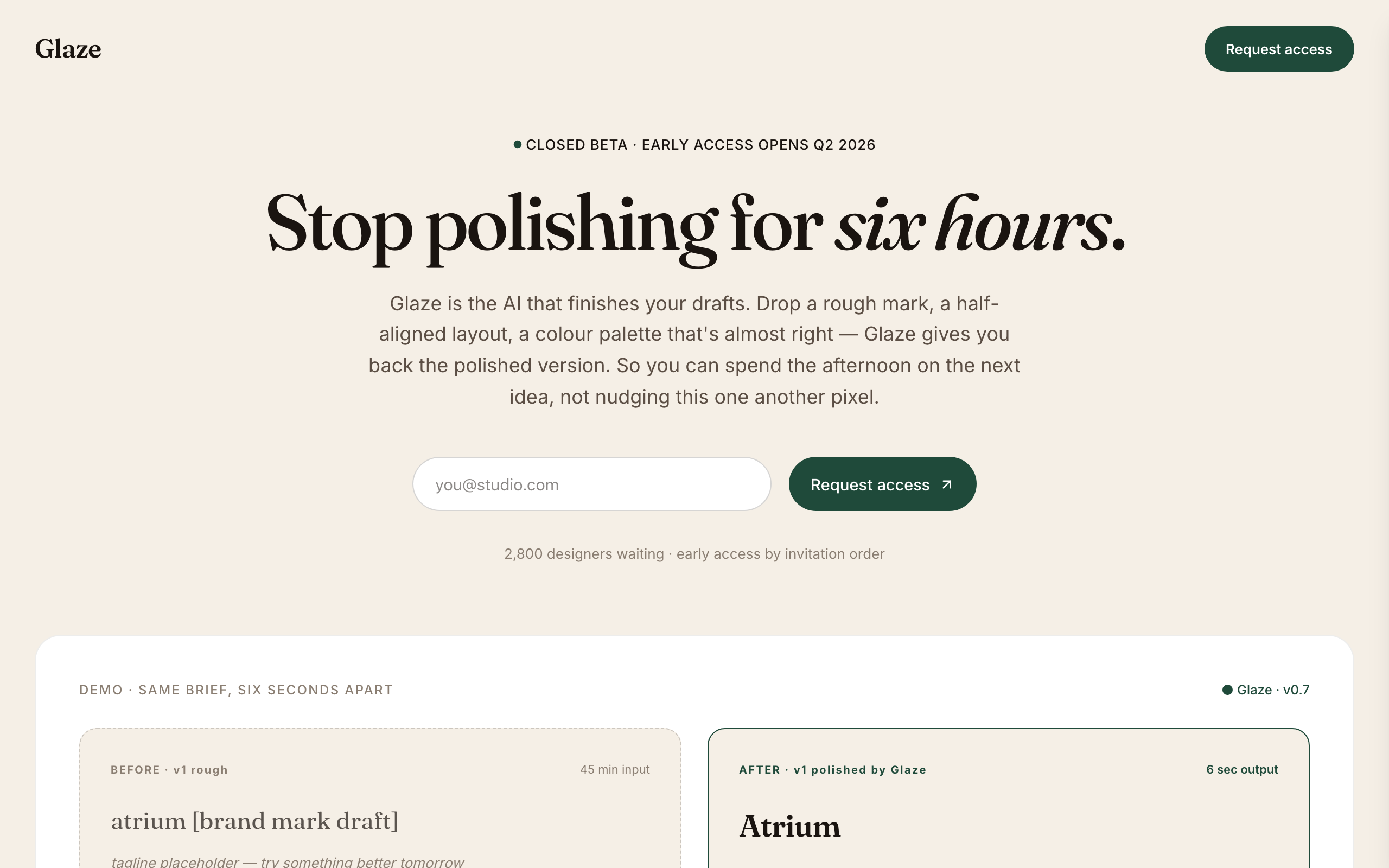
Glaze
A warm, editorial waitlist for AI tools aimed at designers and creative teams.

Hatch
A careers site for funded startups: open roles with salary bands, a page per role and an apply form.
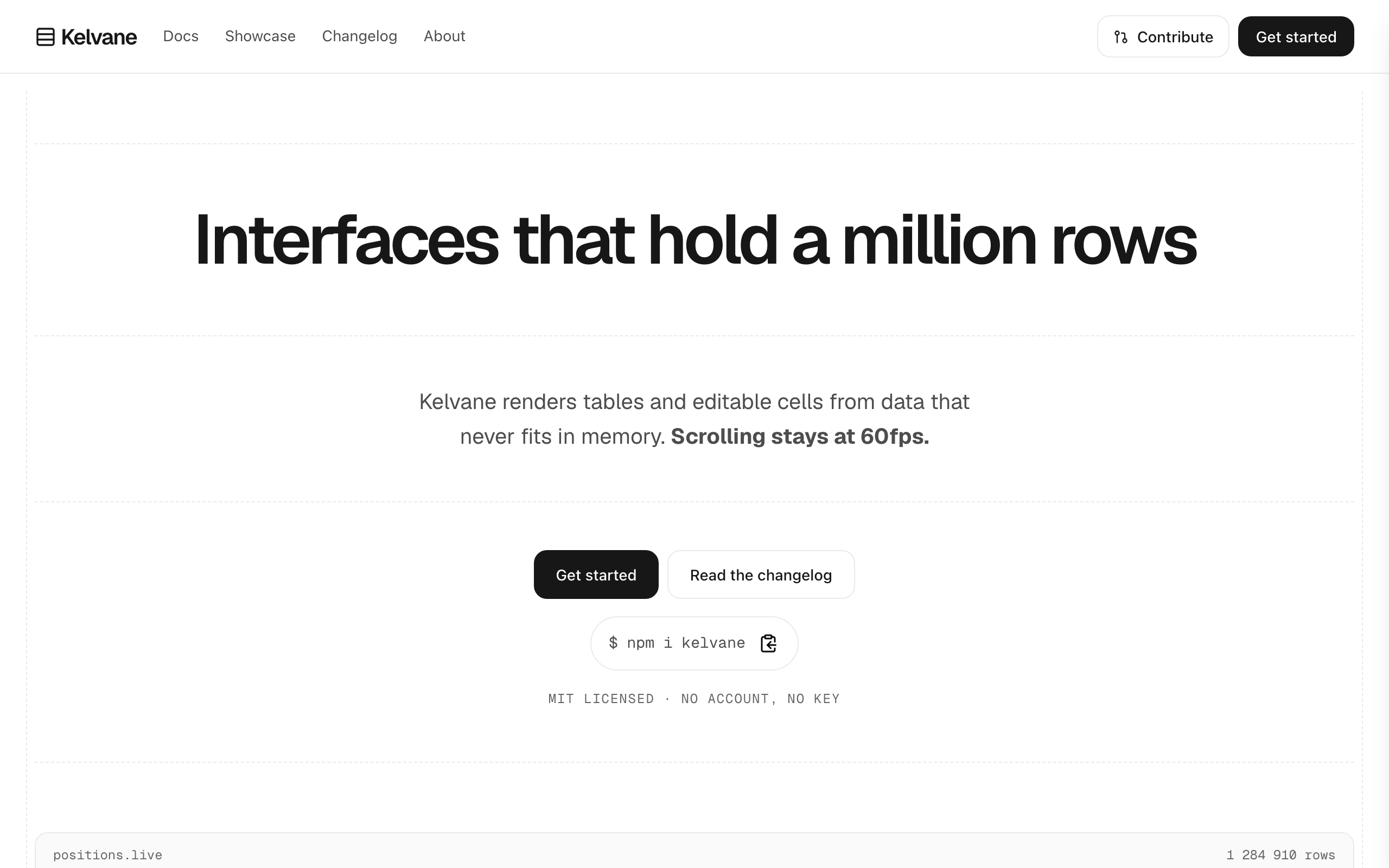
Keel
For open-source projects and SDKs: an install line, docs, a showcase and a changelog that grows.