How to Choose the Right Template
Two easy ways to find the right Sitelas template: describe your business and let your AI agent pick, or browse by the kind of site you need. Here's how to decide.

Usman Haider
Every Sitelas template is a complete site built for a real kind of business, with pages, copy and photos already in place. Choosing one is quicker than it looks, because you can change everything afterwards.
Option 1: Let your agent pick
If you use Claude or another AI agent with Sitelas, just describe what you need:
Find a template for a small renovation company. Warm and trustworthy, a gallery of past jobs, and a quote form.
The agent compares the templates with your description and suggests the best fits, with a short reason for each. Say which one you like and it builds your site from it. How to Build a Website From a Claude Chat shows the whole flow.
Option 2: Browse by kind of site
Open the template gallery and choose the kind of site you're making, such as restaurants and cafés, contractors and trades, portfolios or SaaS and product.
For a worked example, catering website design builds a caterer's site on a restaurant-category template, start to finish. Our restaurant marketing guide adds a private dining page to the Trivet bistro template.
Each template's page tells you three useful things:
- Who it's for: the kinds of business it was built and tested for.
- What's included: the pages, whether it has a form, and what grows over time, like a blog or a projects list.
- When to pick something else: honest notes on where another template fits better, with links to them.
What actually matters
When two templates look close, choose the one whose structure matches your business, not the one with the colours you like. Colours, fonts and words are quick to change. Structure is what saves you time: a menu for a café, a project gallery for a builder, listings for an agent.
A few examples
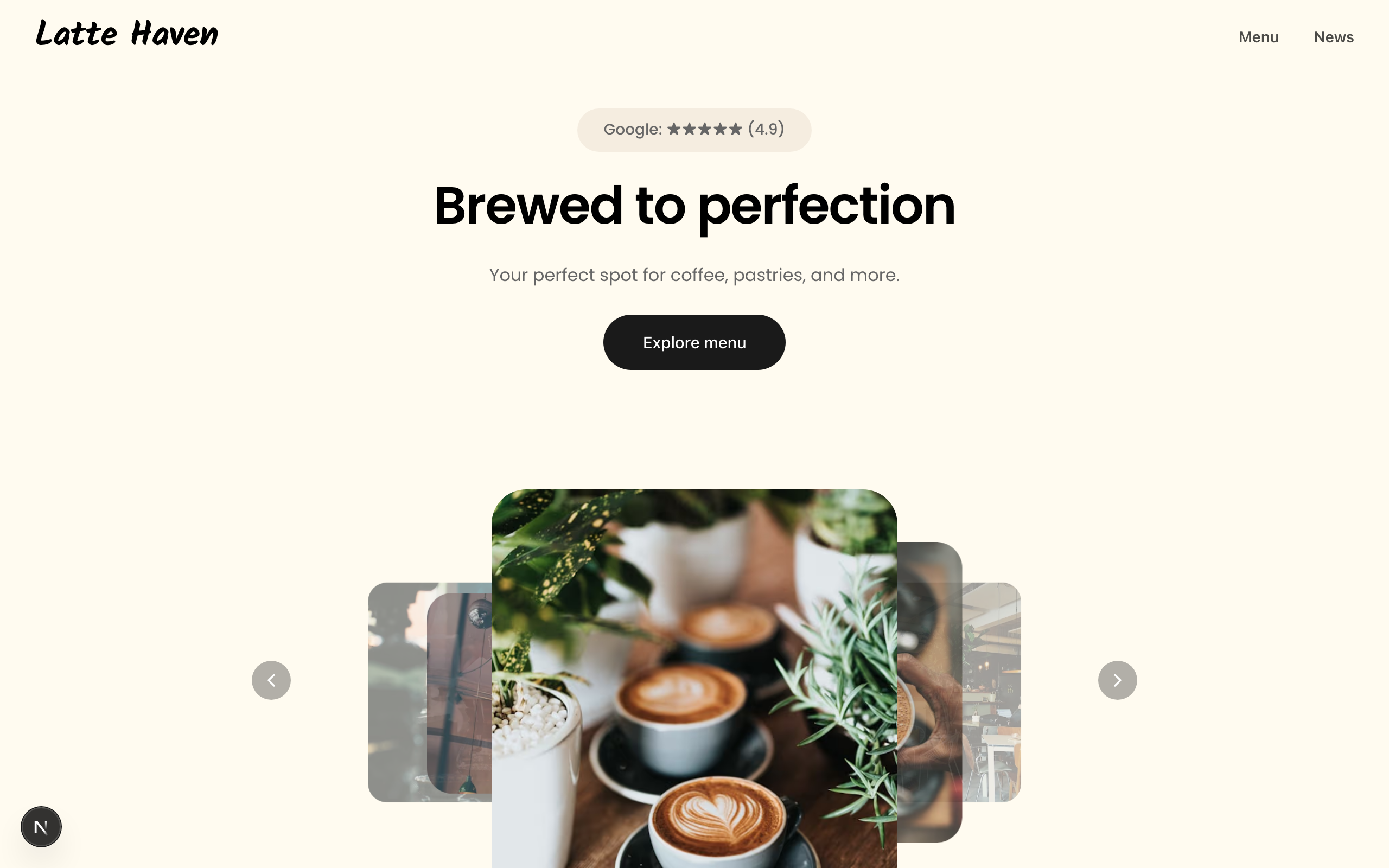
- A neighbourhood café needs a menu, opening hours and a map more than anything else. A café template with a proper menu fits better than a generic business one.
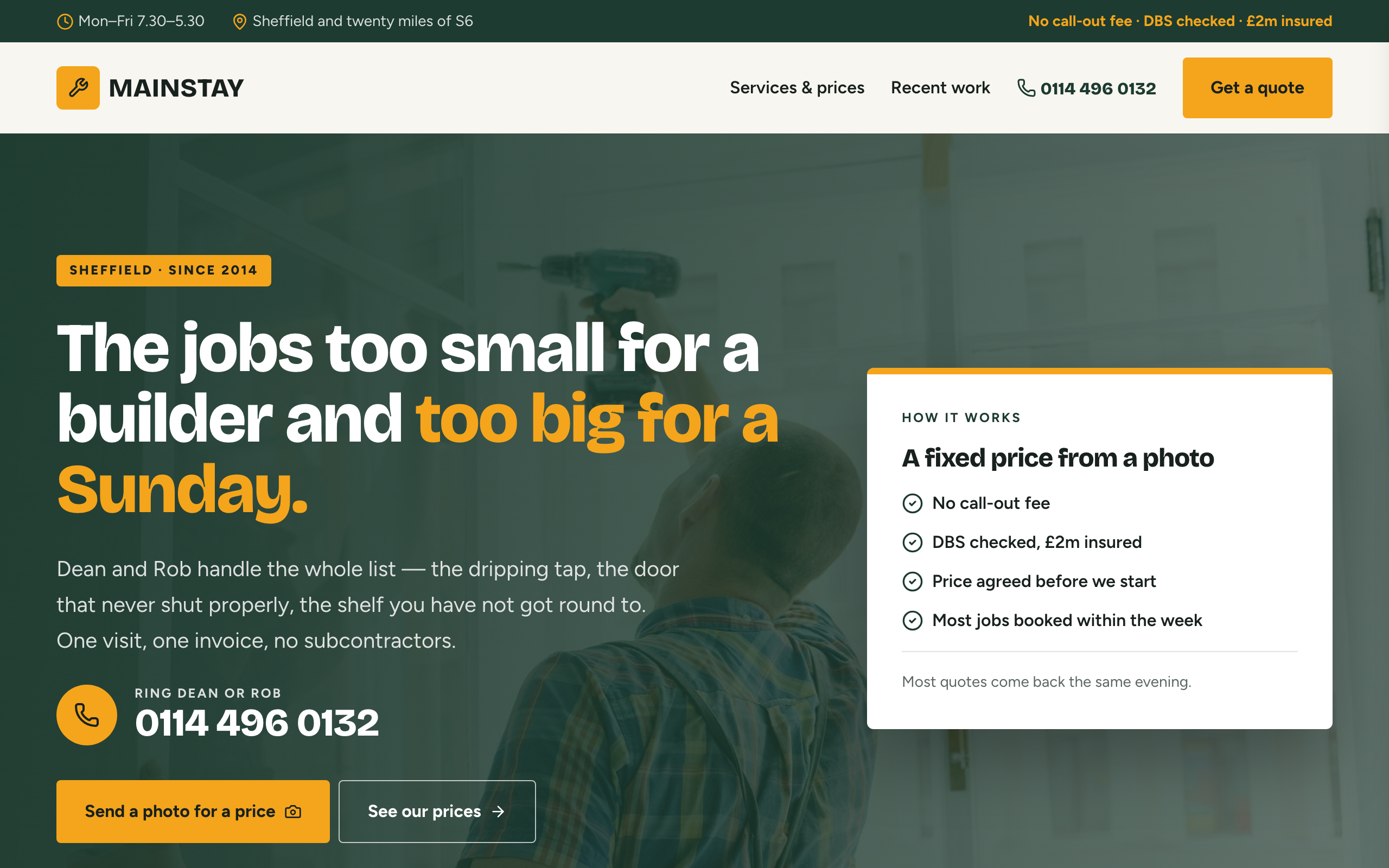
- A small building firm is judged on past work and quick quotes. Pick a template with a project gallery and a quote form. Then see local SEO for contractors to get it found.
- A coach or consultant sells trust. A template with case studies and a way to book a call does more than a flashy one.
- A chiropractic or physio clinic is judged on plain answers: the conditions you treat, what the first visit involves and what it costs. Chiropractic website design walks through each page.
- An early-stage product needs a clear promise and an email signup, not ten pages. A one-page waitlist template is enough.
Try before you commit
Every template has a live preview. And a free account keeps up to ten drafts, so you can build from two or three templates, fill in your own details, compare them side by side and publish the one you like.
Questions people ask
How do I choose a website template? Pick the one whose pages match your business, like a menu, a project gallery or listings. Colours, fonts and words are quick to change later.
Can AI pick a template for me? Yes. Describe your business to Claude or another agent with Sitelas added. It suggests the closest templates with a reason for each, then builds from your pick.
Can I change my template later? You can restyle any template: colours, fonts, pages and every word. Moving to a different layout means starting a new draft from another template. That's why structure matters most.
Do the templates work on phones? Yes. Every template is built to fit phones, tablets and computers. Check yours in the editor's mobile view before you publish.
Make it yours
A template is a starting point. Afterwards you can change the colours and fonts, add or remove pages and rewrite every word, in the editor or by asking your agent. Start at sitelas.com.
Templates to start from
Build this with a ready-made design, then change anything.

Usman Haider
Founder of Sitelas — the website builder for AI agents.