

Tenure
A website template for a faculty homepage (multi-page)
Tenure is the canonical academic homepage: a centered bio, a research statement, publications, talks, projects, courses and a blog — across six pages, in a conservative navy-on-white document register that gets out of the way of the text.
Who Tenure is for
Built for these, and tested against them.
- Professors and lecturers keeping a public page current
- PhD students and postdocs building their first academic site
- Research scientists with a publication list that keeps growing
- Academic job seekers who need a CV, a research statement and a talk list in one place
What’s included
Everything below ships with the template, already filled in.
- Pages
- 6 pages, written and laid out
- Grows with you
- 10 publication entries at /publications/, 6 post entries at /blog/, 4 project entries at /projects/, 3 talk entries at /talks/, 4 course entries at /courses/ — add one and its index and detail page both update
- Enquiries
- A working form — messages land in your Sitelas inbox
- Type
- Inter · light theme
- Everywhere
- Built and checked at phone, tablet and desktop widths
- Yours to change
- Every colour, word and photograph — in the editor or by asking an AI agent
About This Template
The faculty page, kept up to date by you
The part that matters is what happens after launch. Publications, posts, projects, talks and courses are all collections, so adding a paper is one form in the Content panel, not an edit to the page. The new paper appears in the right group on the Publications page, in the citation list on the home page, and on a page of its own with its abstract and links — from the one entry.
Clean, conservative, and built to be a CV rather than a landing page. Restraint signals seriousness in this archetype.
Free to use · No credit card required
- 1Opens in the editor with the starter content in place
- 2Change the words and pictures to yours
- 3Publish to a sitelas.com address, or your own domain
Key Highlights
Questions about Tenure
Can I change how Tenure looks?
All of it. Colours, type, spacing, photographs and every word are yours to edit — in the visual editor, or by asking an AI agent to do it for you. Nothing is locked.
Do I need to know how to code to use Tenure?
No. You edit the page by clicking the thing you want to change. There is no code to write and nothing to install.
Can I add more publication entries later?
Yes — that is what the publication collection is for. Adding one from the editor creates its own page at /publications/ and updates the index automatically. You are not editing a list by hand.
What does Tenure cost?
Nothing to start, and there is no trial clock. A free site runs on a sitelas.com address; Pro is $9 a month per site when you want your own domain, analytics and more room.
Can I use my own domain?
Yes, on Pro. Point your domain at the site and SSL is issued automatically — there is no certificate to buy or renew.
Make Tenure yours
It opens in the editor with every page already written. Change what you want, publish when it reads like you.
Free to use · No credit card required
Related Templates
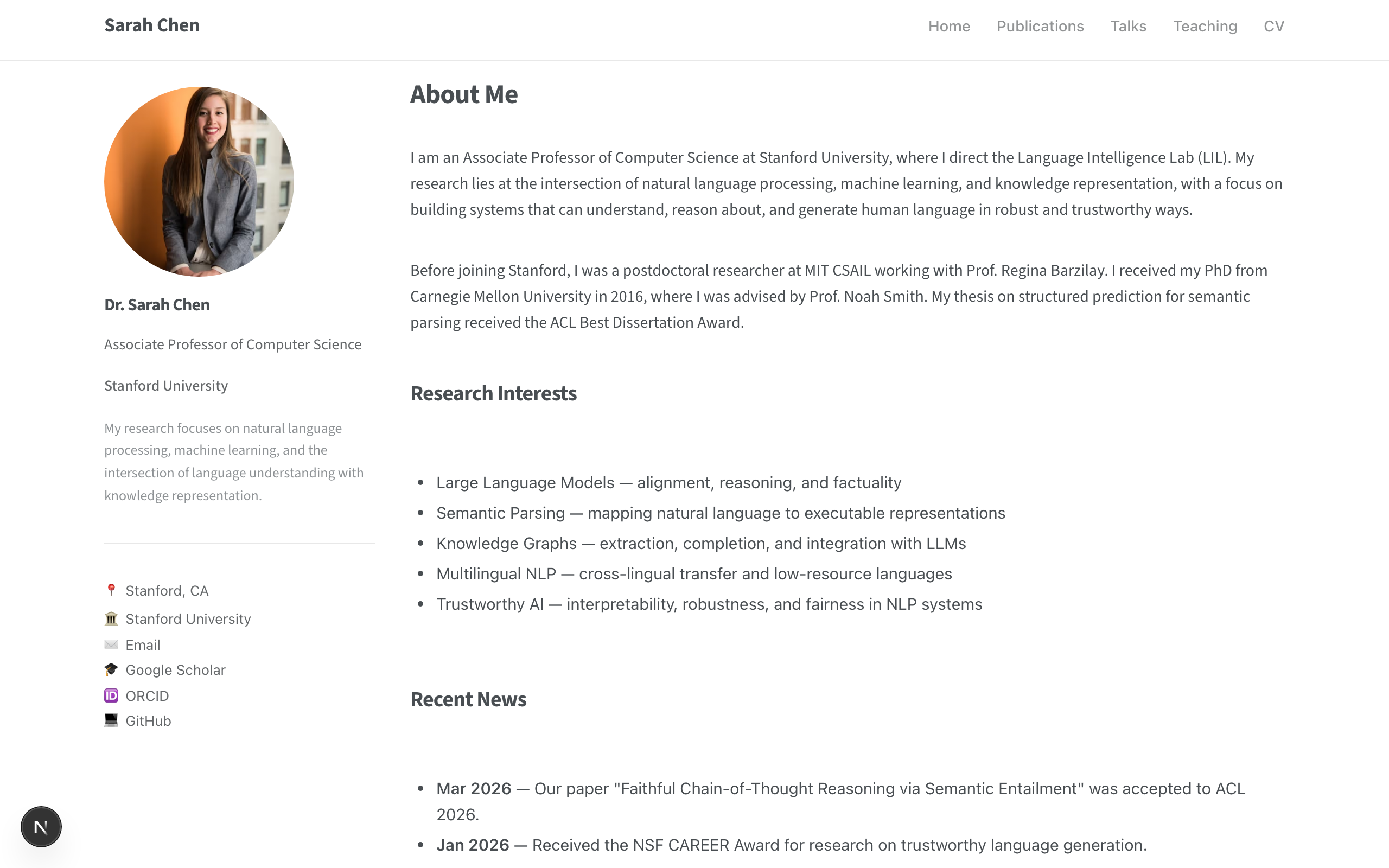
Lectora
A personal academic homepage — sticky sidebar with profile photo, bio and links beside a clean main column. Publications grouped by type with a page per paper, plus talks, teaching and a structured CV.

Scholar
A single-page academic homepage — flat navy banner, an identity rail with photo and links, publications grouped by Submitted and Published as an editable collection with full citations, and awards in a dated list.
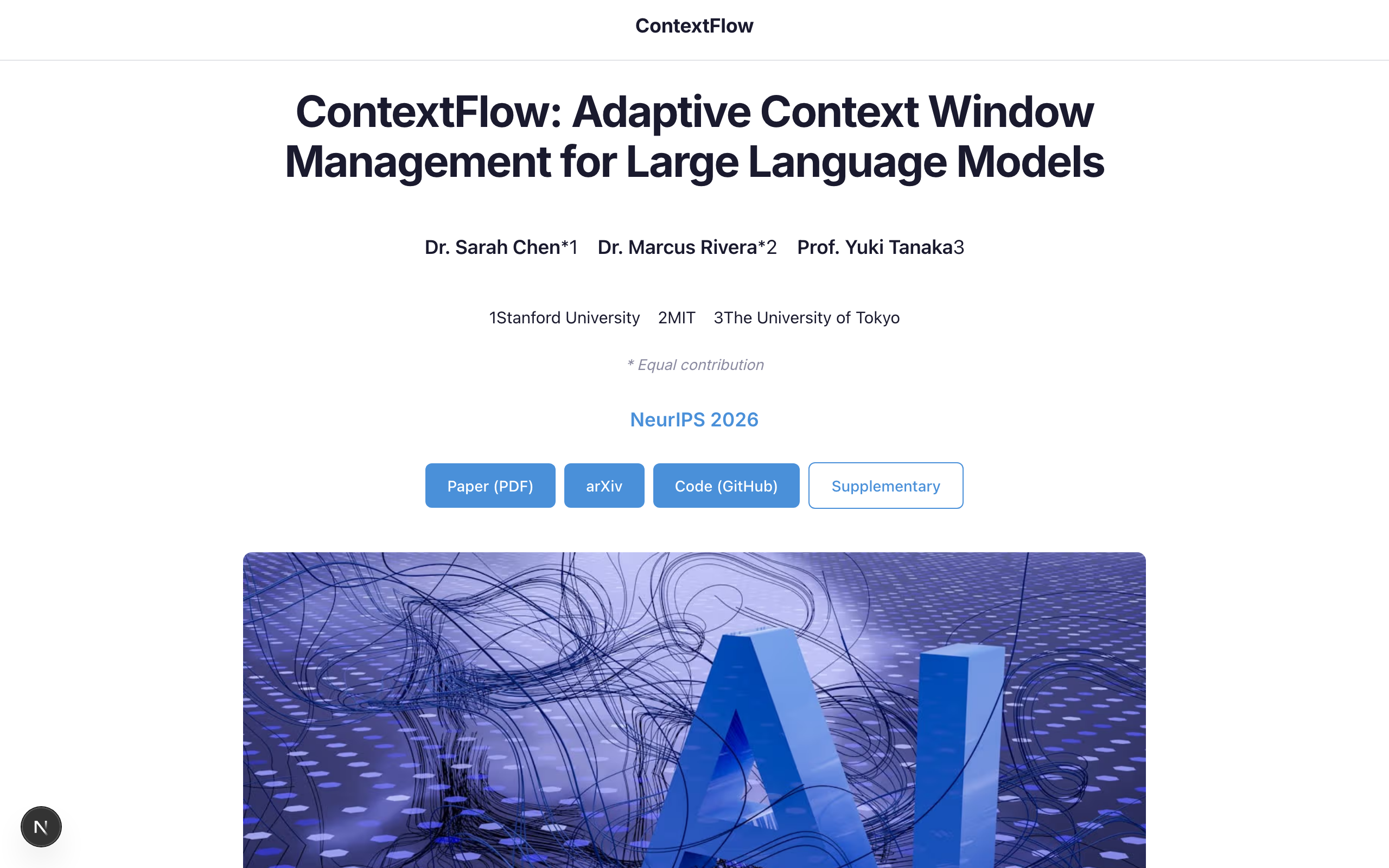
Thesis
A single-page research project site inspired by the popular Academic Project Page template — perfect for showcasing a paper with title, authors, abstract, results, video, and BibTeX citation.