

Compass Charity website template
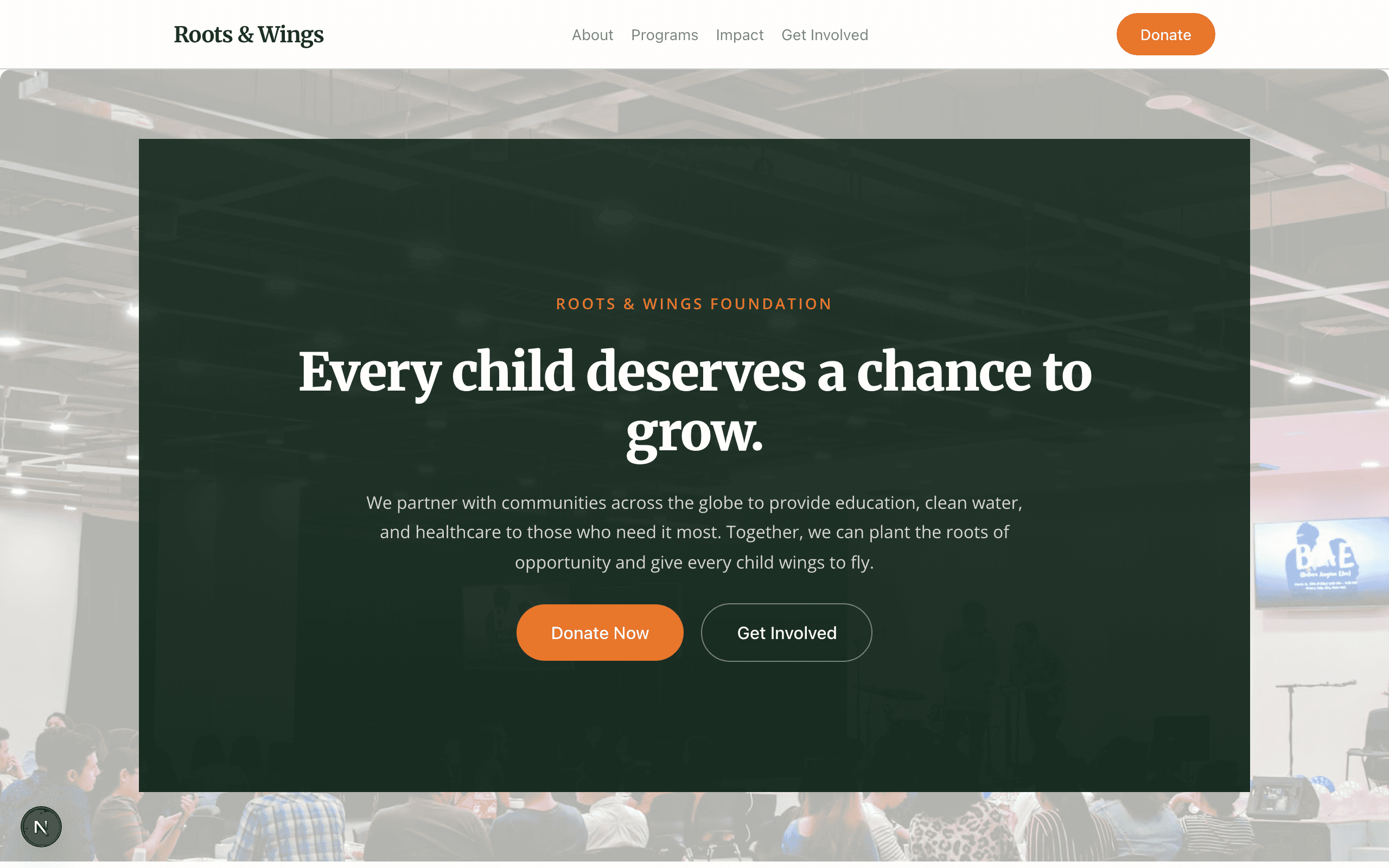
Compass is for community foundations, multi-program charities and faith-based organisations. Each cause gets its own page with a donation link and what the money buys, and a volunteer form matches people to roles.
Who Compass is for
Built for these, and tested against them.
- Community foundations running multiple cause programs
- Multi-program charities and 501(c)(3)s
- Food-access, literacy, and youth-services nonprofits
- Faith-based charities and parish outreach orgs
- Civic-action and neighborhood-aid foundations
What’s included
Everything below ships with the template, already filled in.
- Pages
- 5 pages, written and laid out
- Grows with you
- 6 cause entries at /causes/, 3 story entries at /stories/ — add one and its index and detail page both update
- Enquiries
- A working form — messages land in your Sitelas inbox
- Fonts
- Playfair Display and Inter · light theme
- Everywhere
- Built and checked at phone, tablet and desktop widths
- Yours to change
- Every colour, word and photograph — in the editor or by asking an AI agent
Build Compass by asking your AI agent
No editor required. The agent writes your copy, swaps the photos and publishes the site.
- 1Connect Sitelas to Claude, ChatGPT or another AI agent that supports MCP. How to connect
- 2Ask for it in plain words: “Build a website for a small community foundation running several programs using the Compass template.”
- 3Open the preview link it sends back, ask for changes, and publish when it reads right.
Then keep changing it from the same chat
- Rewrite the copy“Rewrite every page in a warmer, friendlier voice.”
- Change the design“Make the colours earthier and use a serif for headings.”
- Add or remove pages“Add a Pricing page and remove the Blog.”
- Rearrange sections“Move the testimonials higher and add an FAQ.”
- Swap the photos“Replace the photos with ones that fit my business.”
- Run the site“Show me this week's form messages, then publish.”
Everything here can also be done by hand in the visual editor.
About the Compass template
Built for community charities and foundations
Donors and volunteers want to know what their money or time actually changes. Compass tells that story cause by cause, with real updates from the programs, so a supporter can see the work before they commit.
What's on the site
- Home with your causes, trust points and giving levels
- Causes, each with its own page, a donate link and what the money pays for
- Get Involved, with a volunteer form
- About and Updates
What to know
Donations go through a Stripe Payment Link or your existing donation page; Sitelas does not process them itself. Replace the starter figures, including how each donation is split, with your own before you publish.
When to pick something else
Compass is the wrong template for these. Where there is a better one, it is linked.
- Institutional / formal foundation — try Lattice or Whitford
- For-profit business with donation button — try Park or Whitford
- Land trust / conservancy needing parcel maps
- Advocacy org needing petitions or contact-your-rep
- Events-led or workday-calendar nonprofit
- Grantmaking foundation needing a grant-application door
- Ecommerce / multi-product checkout
- Religious congregation primary site
- Political campaign
Free to use · No credit card required
- 1Opens in the editor with the starter content in place
- 2Change the words and pictures to yours
- 3Publish to a sitelas.com address, or your own domain
Key Highlights
Questions about Compass
How do donations work?
Each cause links to a Stripe Payment Link or your existing donation page. Sitelas does not process donations itself.
Can I post program updates?
Yes. Stories are a collection, so a program report is a quick post rather than a redesign.
Who is Compass for?
Compass is built for a small community foundation running several programs, a food-access, literacy or youth-services charity and a neighborhood aid or mutual-aid nonprofit. Not built for institutional / formal foundation — try Lattice or Whitford instead.
What pages come with Compass?
5 pages, already written and laid out: Home, Causes, Get Involved, About and Updates. Add, rename or remove pages whenever you like.
Can Claude or ChatGPT build my site from Compass?
Yes. Connect Sitelas to your AI agent and ask for a site that uses Compass. It fills in your details, sends you a preview link, and publishes when you approve. The same chat can keep running the site afterwards.
Can I change Compass without code?
Yes. Click any text, photo or colour to change it in the visual editor, or ask your AI agent to make the change. Nothing is locked.
What does it cost?
Nothing to start, with no trial clock. A free site runs on a sitelas.com address; Pro is $16 a month per site ($160 a year) for your own domain, analytics and more room.
Can I use my own domain?
Yes, on Pro. Point your domain at the site and the SSL certificate is issued and renewed for you.
Make Compass yours
It opens in the editor with every page already written. Change what you want, publish when it reads like you.
Free to use · No credit card required
Related templates
All nonprofits & campaigns templates →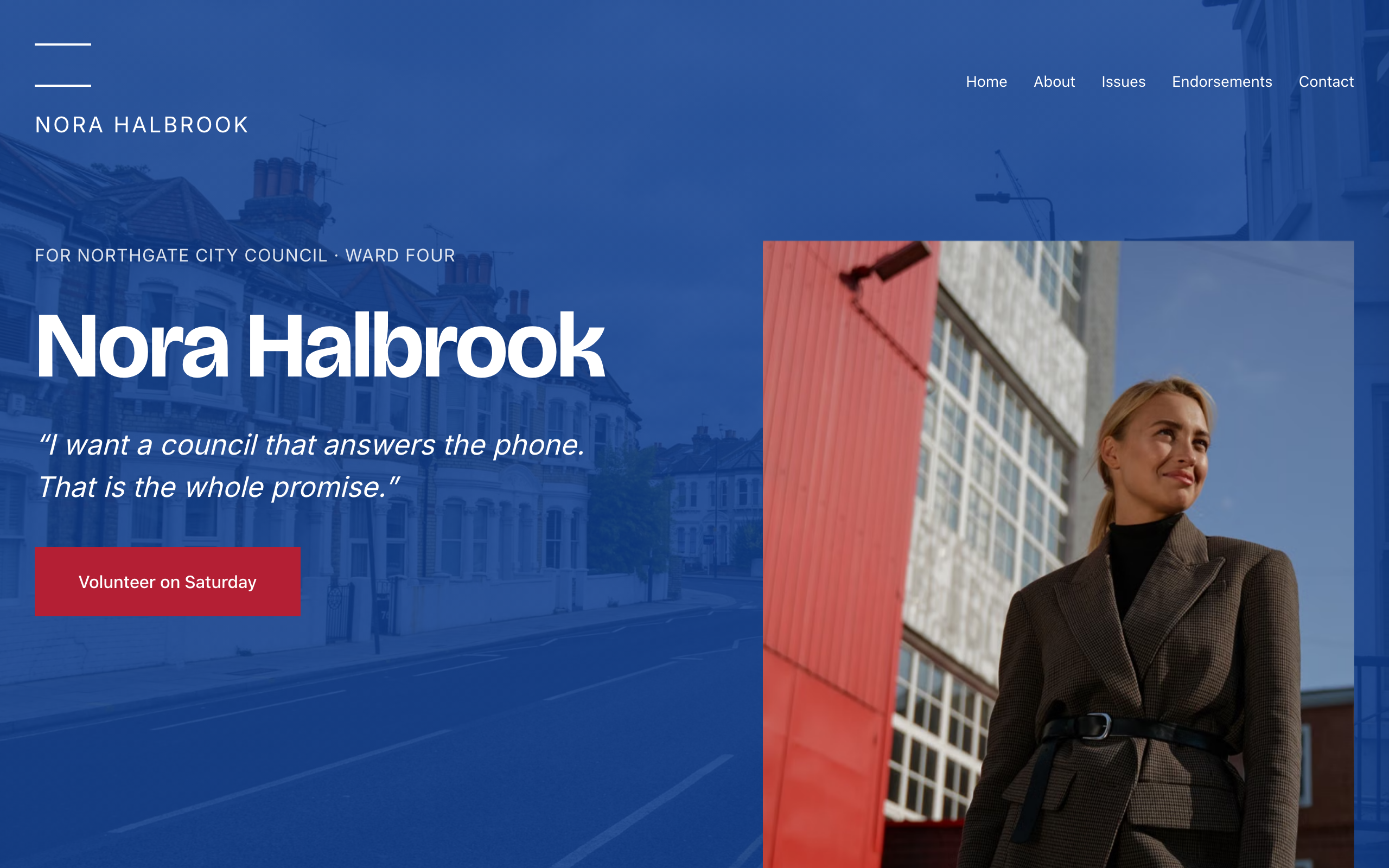
Quorum
For local candidates and campaigns: one strong statement per screen, issue pages, endorsements and a contact form.

Conduit
For electricians with a 24/7 line: the emergency number up front, priced services, projects and careers.
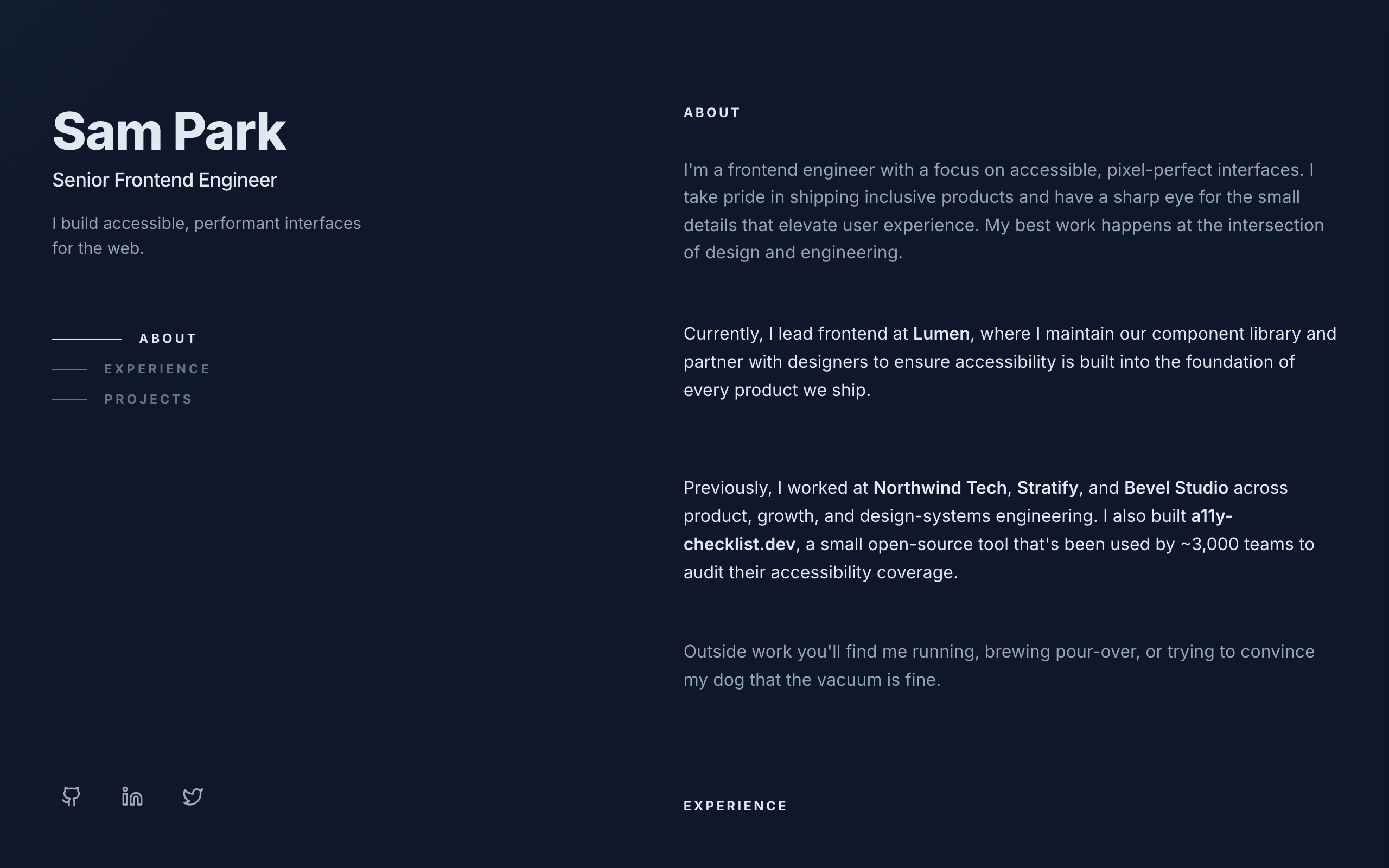
Console
A dark two-column developer portfolio: sticky intro on the left, experience and projects on the right.
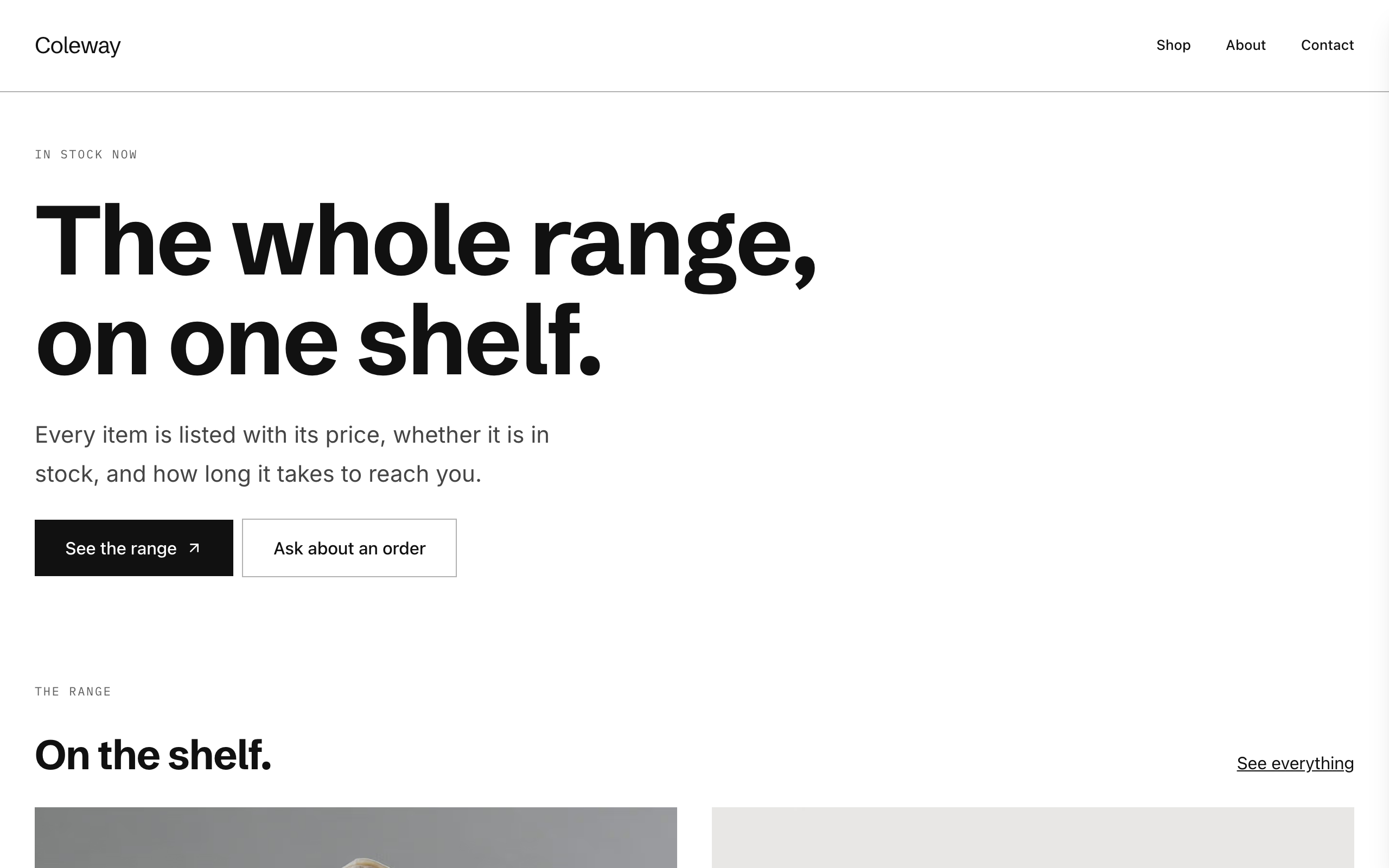
Counter
A plain, modern catalogue for small shops: each product with availability and a Stripe buy link.
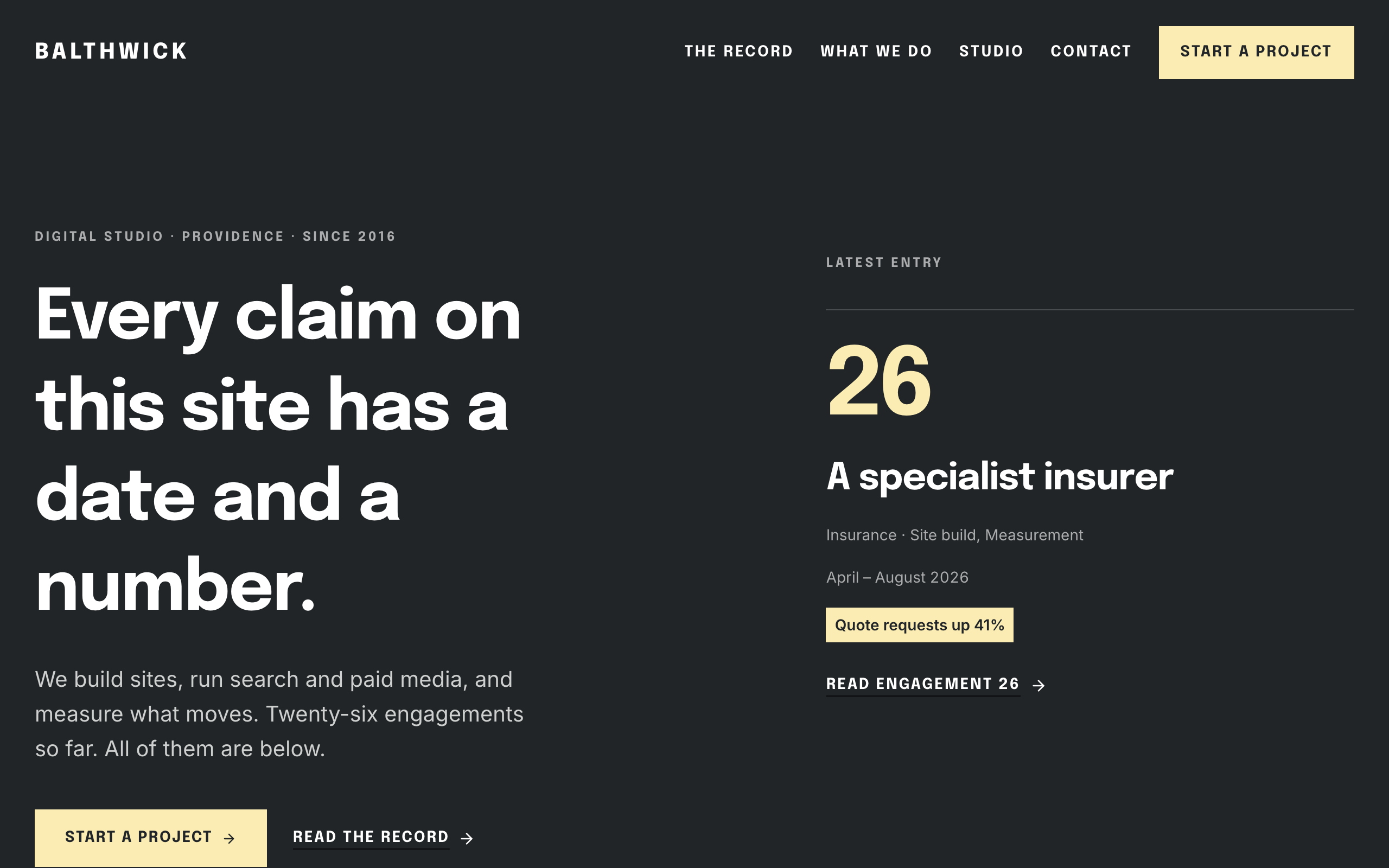
Daybook
For agencies hired on results: a dated record of engagements, each with the number it moved.
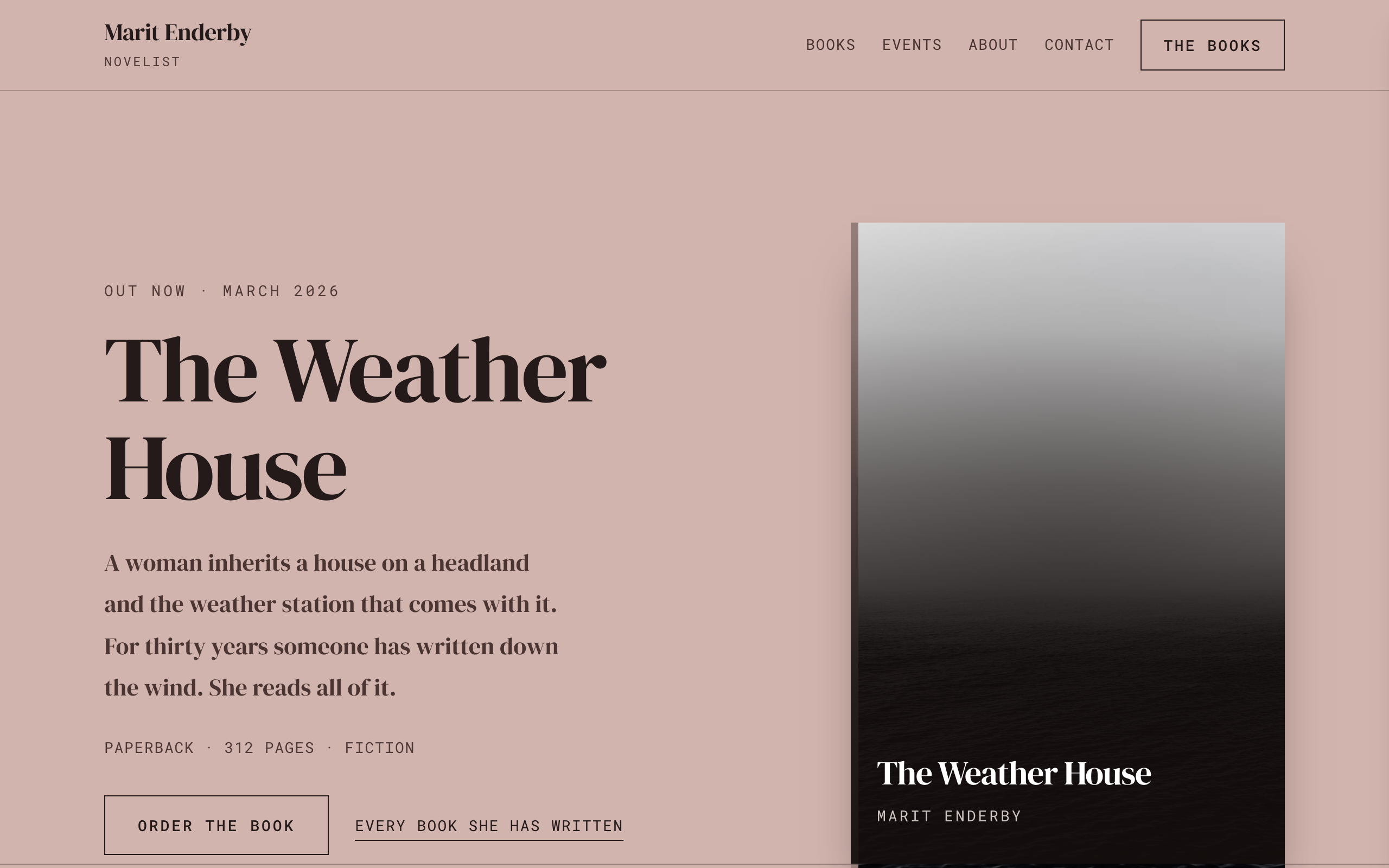
Deckle
An author site where the books are the structure: shelves of covers, a page per book and events.