

Quire Digital download shop template
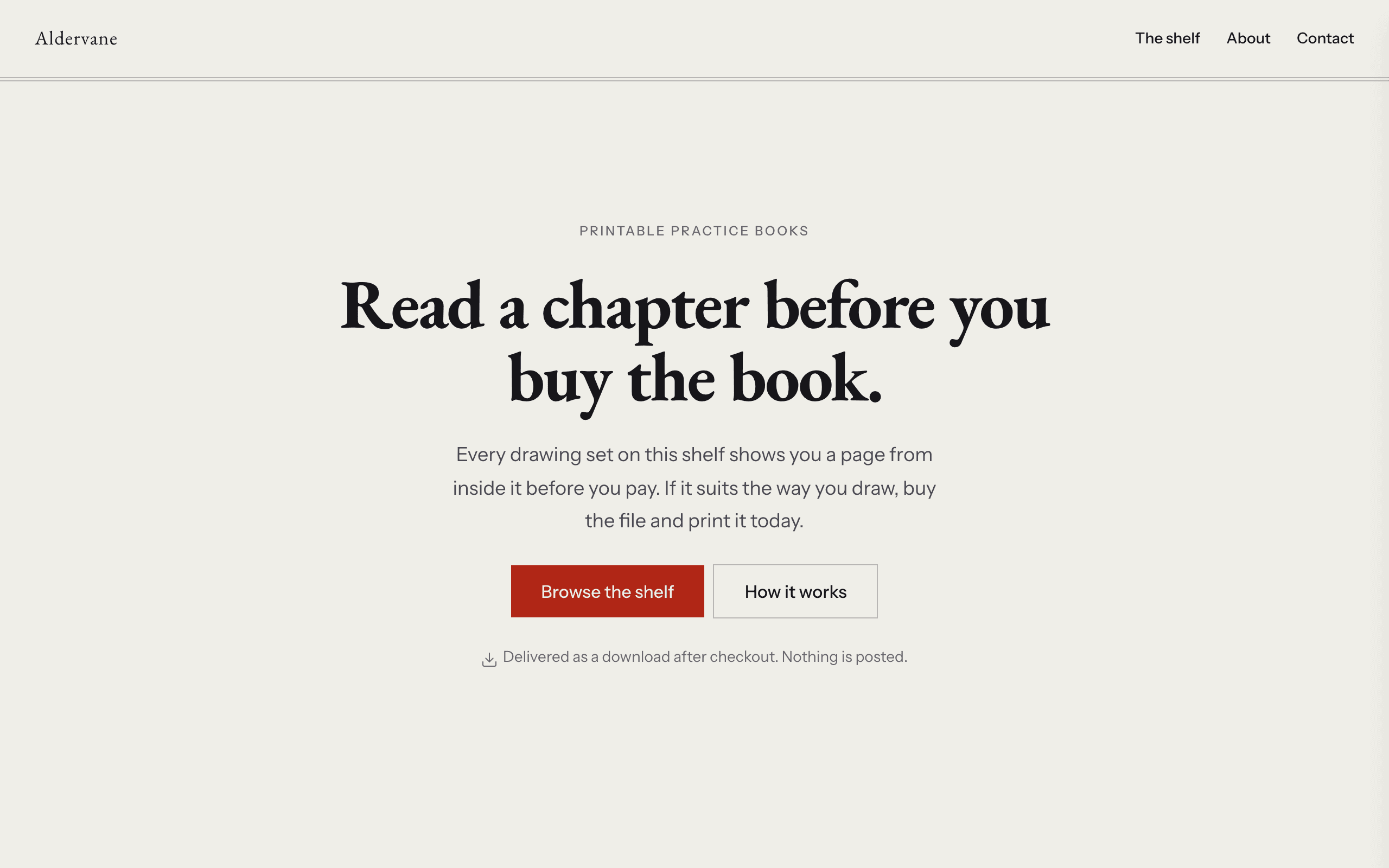
Quire is for selling things with pages and no weight: printables, workbooks, patterns, zines, guides and sheet music. Each item shows its page count, format and a sample page, so buyers can read some before they pay.
Who Quire is for
Built for these, and tested against them.
- Anyone selling a PDF, a printable or a downloadable pack
- A short range of files where each one has pages you could sample
- Sellers who want the sample read before the payment, not after
- Anyone with a title half-written who wants it listed as coming soon
- Sellers with no stock, no shipping and no country they cannot reach
What’s included
Everything below ships with the template, already filled in.
- Pages
- 4 pages, written and laid out
- Grows with you
- 6 product entries at /shop/ — add one and its index and detail page both update
- Enquiries
- A working form — messages land in your Sitelas inbox
- Fonts
- EB Garamond and Instrument Sans · light theme
- Everywhere
- Built and checked at phone, tablet and desktop widths
- Yours to change
- Every colour, word and photograph — in the editor or by asking an AI agent
Build Quire by asking your AI agent
No editor required. The agent writes your copy, swaps the photos and publishes the site.
- 1Connect Sitelas to Claude, ChatGPT or another AI agent that supports MCP. How to connect
- 2Ask for it in plain words: “Build a website for anyone selling a PDF, a printable or a downloadable pack using the Quire template.”
- 3Open the preview link it sends back, ask for changes, and publish when it reads right.
Then keep changing it from the same chat
- Rewrite the copy“Rewrite every page in a warmer, friendlier voice.”
- Change the design“Make the colours earthier and use a serif for headings.”
- Add or remove pages“Add a Pricing page and remove the Blog.”
- Rearrange sections“Move the testimonials higher and add an FAQ.”
- Swap the photos“Replace the photos with ones that fit my business.”
- Run the site“Show me this week's form messages, then publish.”
Everything here can also be done by hand in the visual editor.
About the Quire template
Built for selling downloads
Quire is for anyone selling digital downloads: study guides, sewing patterns, planners, sheet music. Buyers can read a sample page first, and there is nothing to ship.
What's on the site
- Home with featured titles
- The shelf, each item with its page count, format and a sample page
- About and Contact
What to know
Each item has a Stripe Payment Link; deliver the file through Stripe's post-payment page or your file host. Titles marked 'coming soon' point visitors to a waiting list.
When to pick something else
Quire is the wrong template for these. Where there is a better one, it is linked.
- Physical stock, shipping, lead times or returns — try Counter
- A maker whose craft and process are the pitch — try Kilnwork
- Made-to-order or commissioned work quoted per job — try Kilnwork or Cami
- Recurring membership or subscription content — try Halo
- A taught course with cohort dates and an intake — try Atelier
- A body of work shown by category with no prices — try Pazari
- Multi-file cart, licence tiers or order management
Free to use · No credit card required
- 1Opens in the editor with the starter content in place
- 2Change the words and pictures to yours
- 3Publish to a sitelas.com address, or your own domain
Key Highlights
Questions about Quire
How do buyers get the file?
Each item has a Stripe Payment Link. Deliver the download through Stripe's post-payment page or your file host.
Can I list a title that isn't finished yet?
Yes. 'Coming soon' is a status that routes visitors to a waiting list.
Who is Quire for?
Quire is built for anyone selling a PDF, a printable or a downloadable pack, a workbook, worksheet or practice-book author selling the files direct and a knitting, sewing or woodworking pattern seller with no stock to hold. Not built for physical stock, shipping, lead times or returns — try Counter instead.
What pages come with Quire?
4 pages, already written and laid out: Home, The shelf, About and Contact. Add, rename or remove pages whenever you like.
Can Claude or ChatGPT build my site from Quire?
Yes. Connect Sitelas to your AI agent and ask for a site that uses Quire. It fills in your details, sends you a preview link, and publishes when you approve. The same chat can keep running the site afterwards.
Can I change Quire without code?
Yes. Click any text, photo or colour to change it in the visual editor, or ask your AI agent to make the change. Nothing is locked.
What does it cost?
Nothing to start, with no trial clock. A free site runs on a sitelas.com address; Pro is $9 a month per site ($90 a year) for your own domain, analytics and more room.
Can I use my own domain?
Yes, on Pro. Point your domain at the site and the SSL certificate is issued and renewed for you.
Make Quire yours
It opens in the editor with every page already written. Change what you want, publish when it reads like you.
Free to use · No credit card required
Related templates
All makers & small shops templates →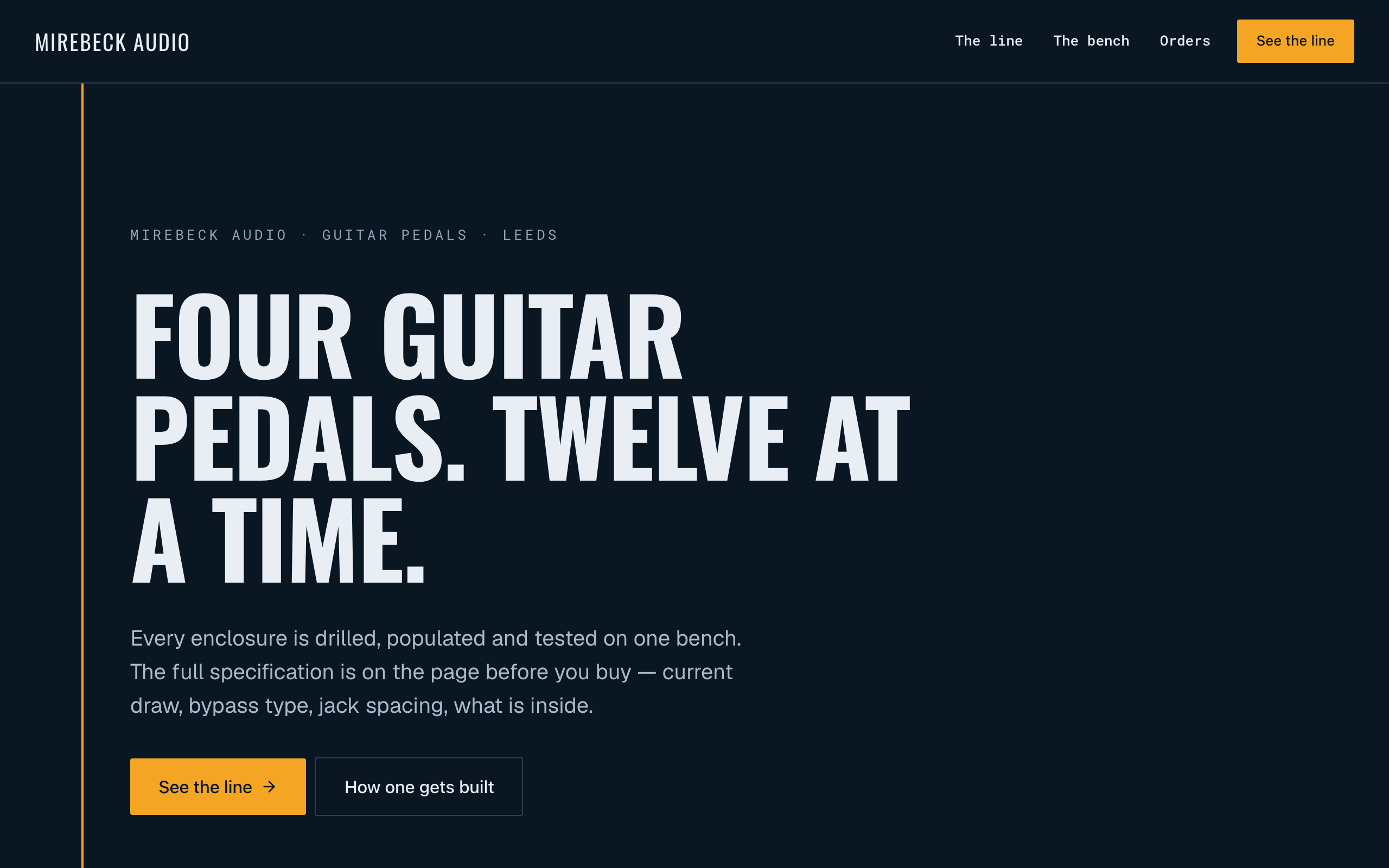
Ferrite
For makers of small-batch hardware: a spec block on every product, a Stripe buy link and repairs.
Kilnwork
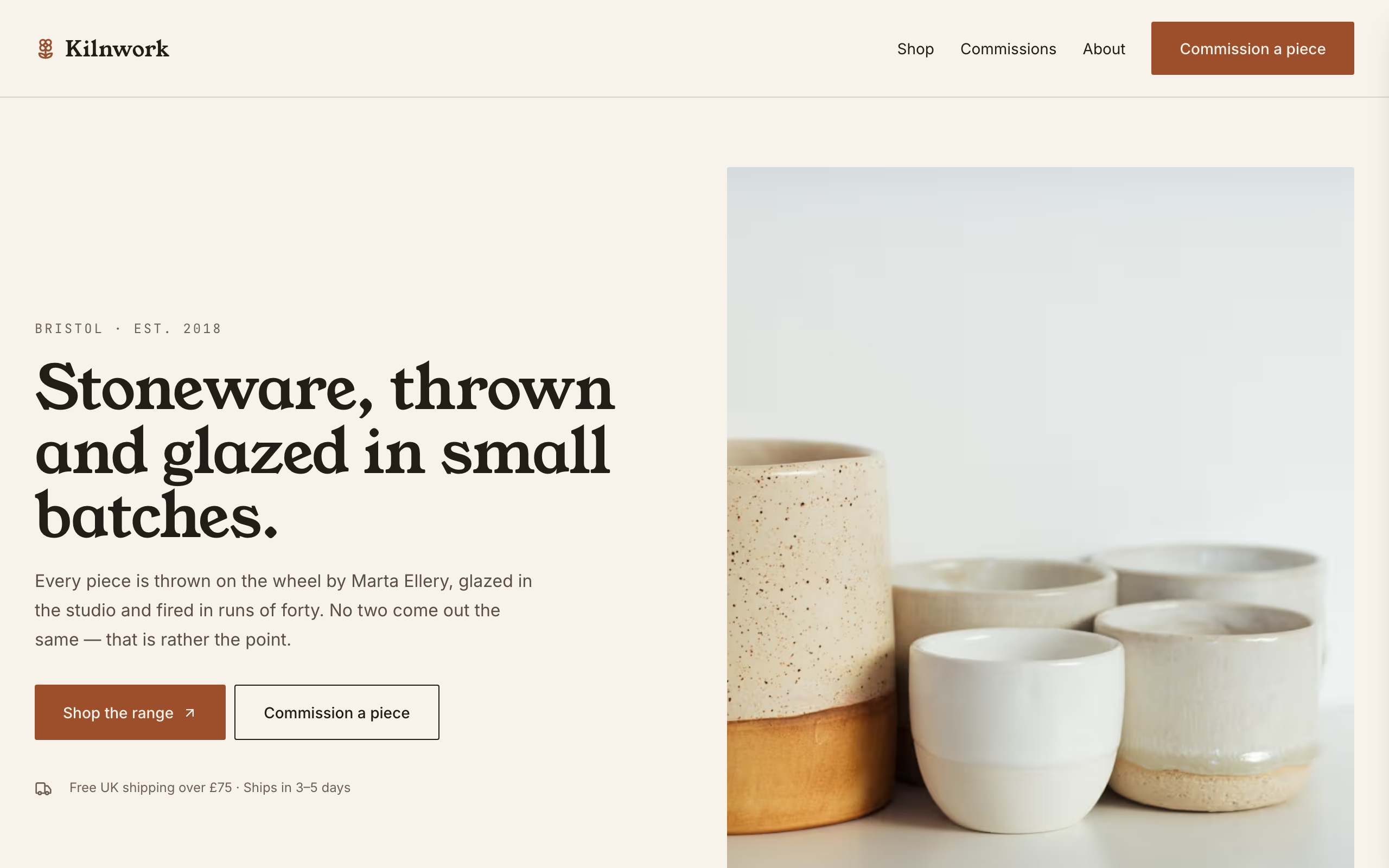
For potters and makers selling a stocked range: a shop with Stripe buy links and a commissions form.
Stockroom
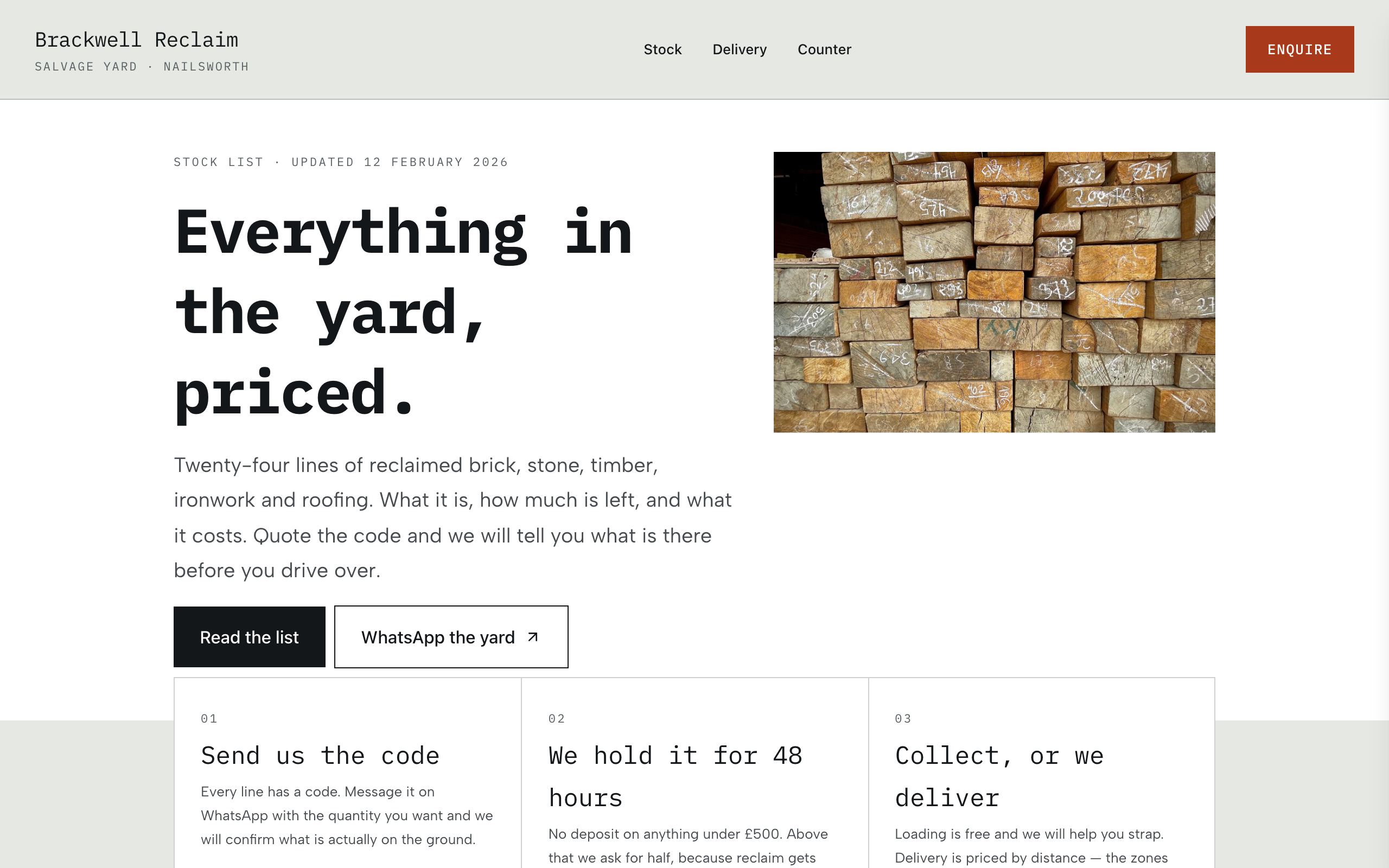
For resellers and yards: the whole stock list on one searchable page, with WhatsApp and phone on each item.
Counter
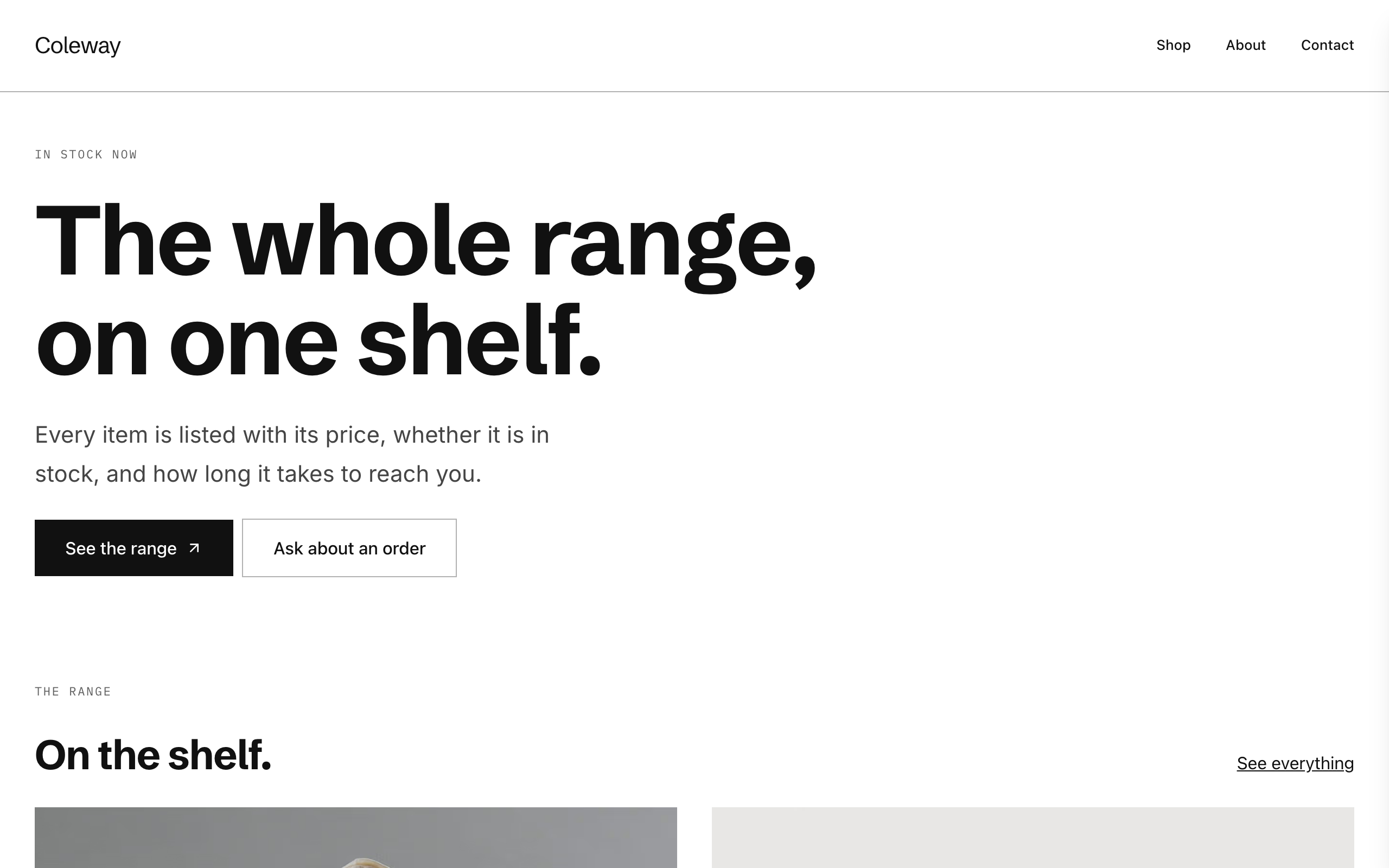
A plain, modern catalogue for small shops: each product with availability and a Stripe buy link.
Deckle
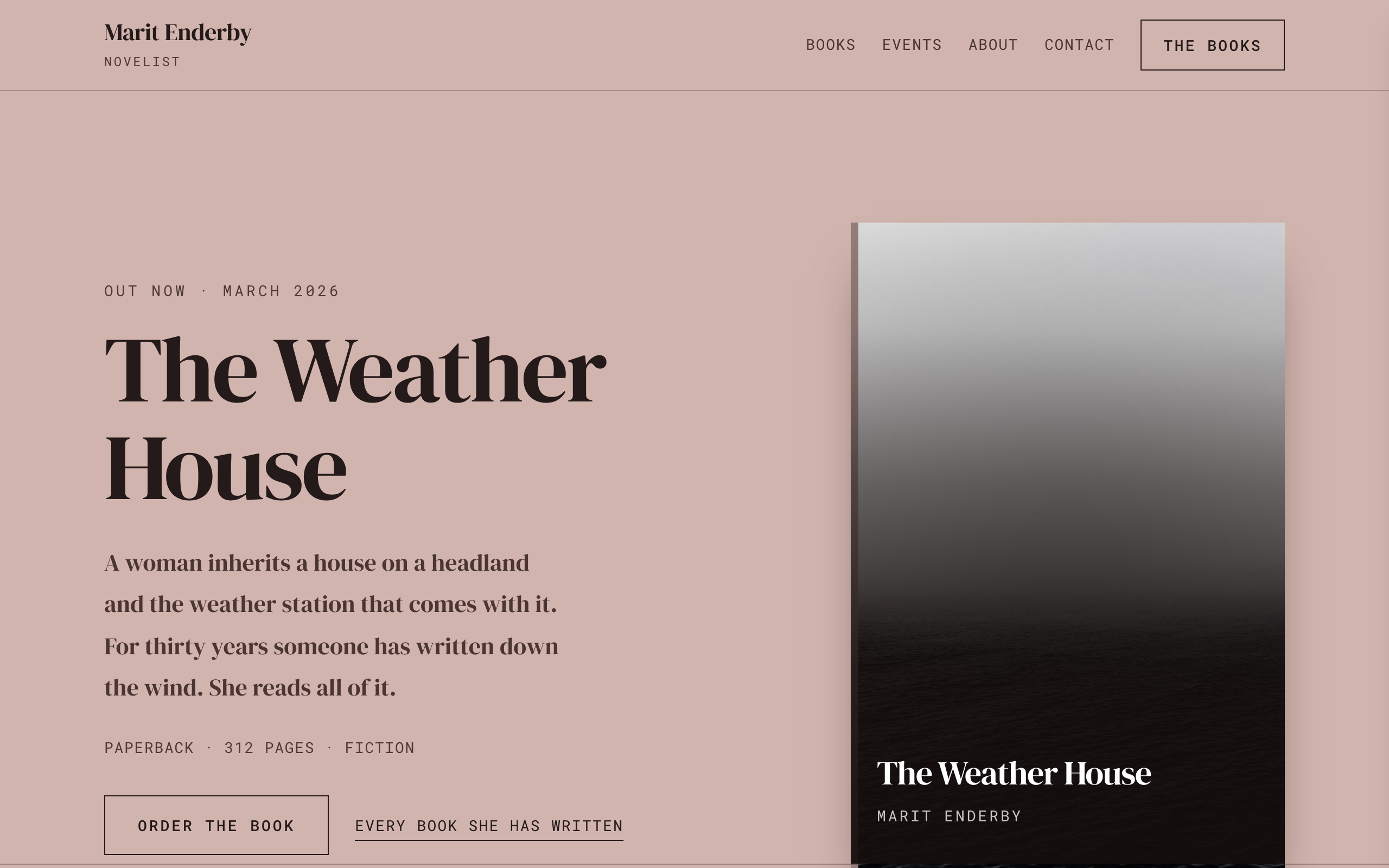
An author site where the books are the structure: shelves of covers, a page per book and events.
Riverbend
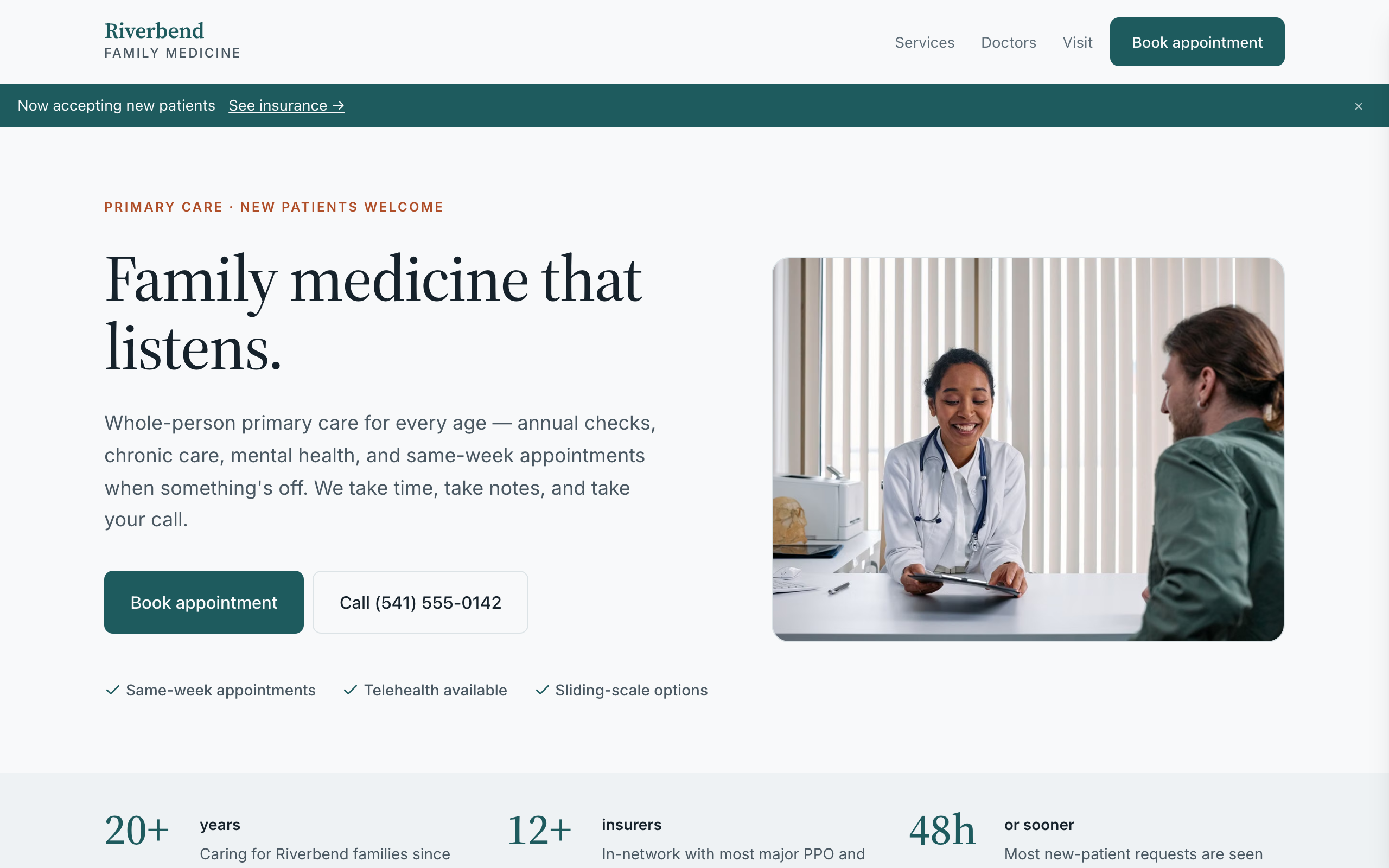
For family practices and small clinics: appointment requests, your care team, services and visit info.