

Chafer Catering website template
Chafer is for caterers who cook at weddings, office events and parties. Each kind of event gets its own page and quote form, your sample menus show their courses and a price per guest, a gallery shows the food, and a journal answers planning questions.
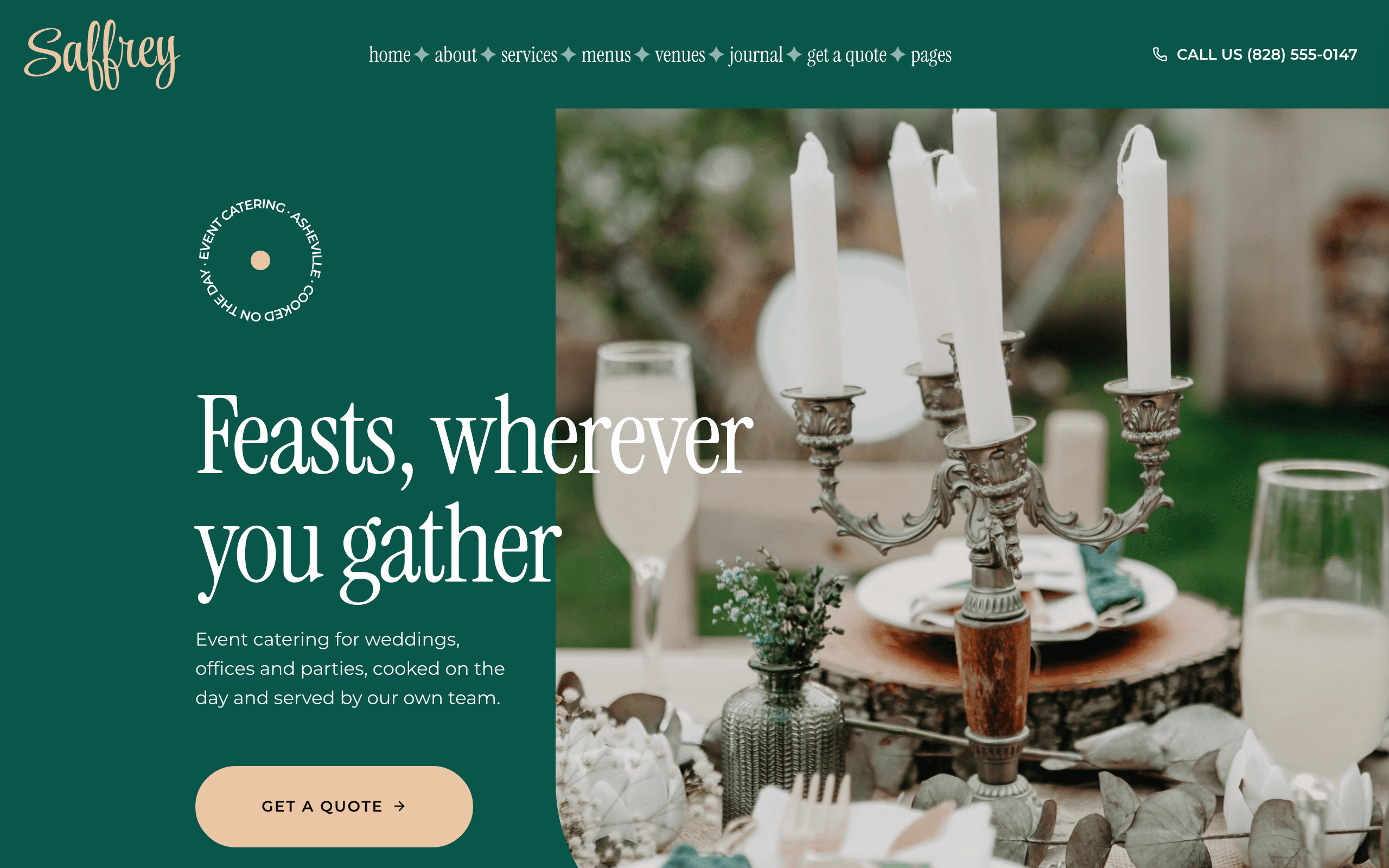
Who Chafer is for
- Event catering company
- Wedding caterer
- Corporate and office catering
- Private chef for dinner parties at home
- Party and celebration catering
- Barbecue or grazing-table caterer for outdoor events
- Caterer that publishes sample menus priced per guest
- Catering business taking quote requests online
What’s included
- Pages
- 9 pages, written and laid out
- Grows with you
- 4 service entries at /services/, 7 menu entries at /menus/, 4 venue entries at /venues/, 3 post entries at /journal/ — add one and its index and detail page both update
- Enquiries
- A working form — messages land in your Sitelas inbox
- Fonts
- Instrument Serif and Montserrat · light theme
Build Chafer by asking your AI agent
- 1Connect Sitelas to Claude, ChatGPT or another AI agent that supports MCP. How to connect
- 2Ask for it in plain words: “Build a website for my catering company with the Chafer template: our wedding and corporate catering, three sample menus priced per guest, and a quote request form.”
- 3Open the preview link it sends back, ask for changes, and publish when it reads right.
Then keep changing it from the same chat
- Rewrite the copy“Rewrite the ‘About us’ page with my details, in a warmer voice.”
- Change the design“Keep the layout, but swap Instrument Serif for another typeface and use my brand colours.”
- Add service entries“Add three service entries from these notes, each with its own page.”
- Swap the photos“Replace the photos on the ‘Catering services’ page with my own.”
Everything here can also be done by hand in the visual editor.
About the Chafer template
Built for caterers
Chafer suits an event caterer who quotes per guest and cooks at the venue: weddings, office events and private parties. It is not built for a restaurant's own dining room.
What's on the site
- Home — your services, client quotes, why people book you, menus, venues, your team, photographs and articles
- About — who you are, how booking works in five steps, client quotes and your team
- Services — every kind of event you cater, each with its own page, what you offer and a quote request form
- Menus — sample menus priced per guest, each with its courses in tabs and its dishes listed one per line
- Venues — the kinds of place you cater at, each with what you bring
- Gallery, Journal, Questions and Contact, with a quote request form that asks for the date, guest numbers and venue
What to know
Services, menus, venues and articles are lists: add one and it gets its own page. A menu's dishes are plain lines of text — dish, dietary mark, what is in it — so adding a dish is adding a line. Quote requests land in your Sitelas inbox. The business, people, quotes, figures, menus and prices are samples to replace.
When to pick something else
Chafer is the wrong template for these. Where there is a better one, it is linked.
Free to use · No credit card required
Key Highlights
Questions about Chafer
Can I show my menus with prices?
Yes. Each sample menu has its own page with up to four courses in tabs and a price per guest. A course's dishes are plain lines of text, so adding a dish is adding a line.
Where do quote requests go?
Into your Sitelas inbox. The form asks for the type of event, the date, the number of guests and the venue, so you can price from the first message. Dates are agreed by reply; there is no online ordering.
Who is Chafer for?
Chafer is for an event caterer — weddings, office lunches and launches, private parties and family gatherings — that cooks at the venue and quotes per guest. It suits a private chef who cooks dinners at home and a barbecue or grazing-table caterer too. A restaurant serving guests in its own dining room should pick Trivet, a café Latte, and a food truck with a short board Beacon. There is no online ordering, and dates are agreed by reply to a quote request.
What pages come with Chafer?
9 pages, already written and laid out: Home, About us, Catering services, Sample menus, Venues, Gallery, Journal, Questions and Contact. Add, rename or remove pages whenever you like.
Can Claude or ChatGPT build my site from Chafer?
Yes. Connect Sitelas to your AI agent and ask for a site that uses Chafer. It fills in your details, sends you a preview link, and publishes when you approve. The same chat can keep running the site afterwards.
Can I change Chafer without code?
Yes. The Instrument Serif and Montserrat type, all 9 pages and the service entries, every photo and every colour can be changed in the visual editor, or by asking your AI agent.
What does it cost?
Nothing to start, with no trial clock. A free site runs on a sitelas.com address; Pro is $9 a month per site ($90 a year) for your own domain, analytics and more room.
Make Chafer yours
All 9 pages open in the editor already written, with 4 starter service entries. Make the words and photos yours, then publish.
Free to use · No credit card required
Related templates
All restaurants & cafés templates →
Beacon
A one-page site for a neighbourhood café, deli or pub, with a proper menu, hours, reviews and a map.
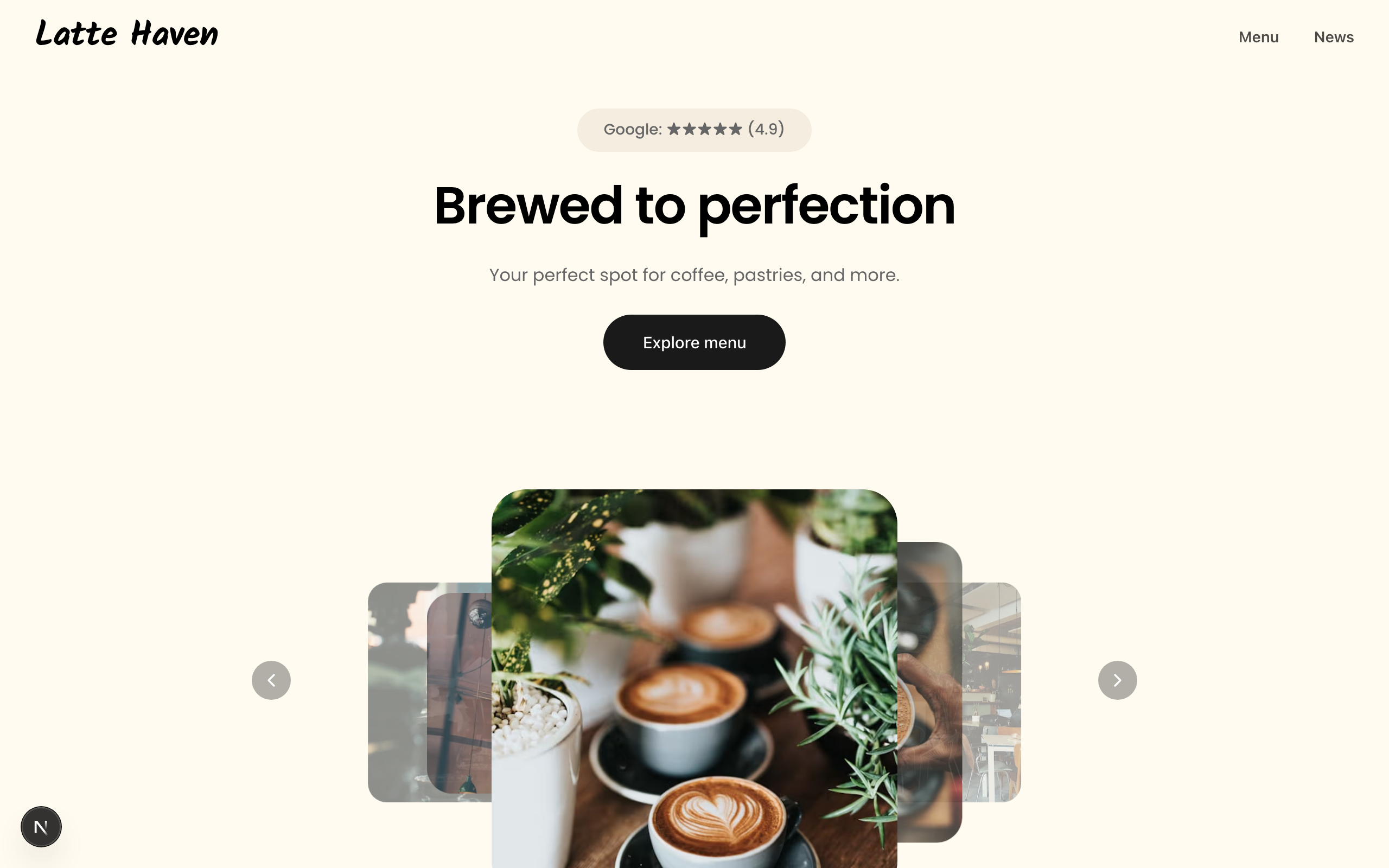
Latte
A warm site for coffee shops and bakeries: a picture-led menu, a journal, hours and directions.

Trivet
A dark site for bistros and all-day restaurants: a long home page with a tabbed menu and photos, plus table requests.
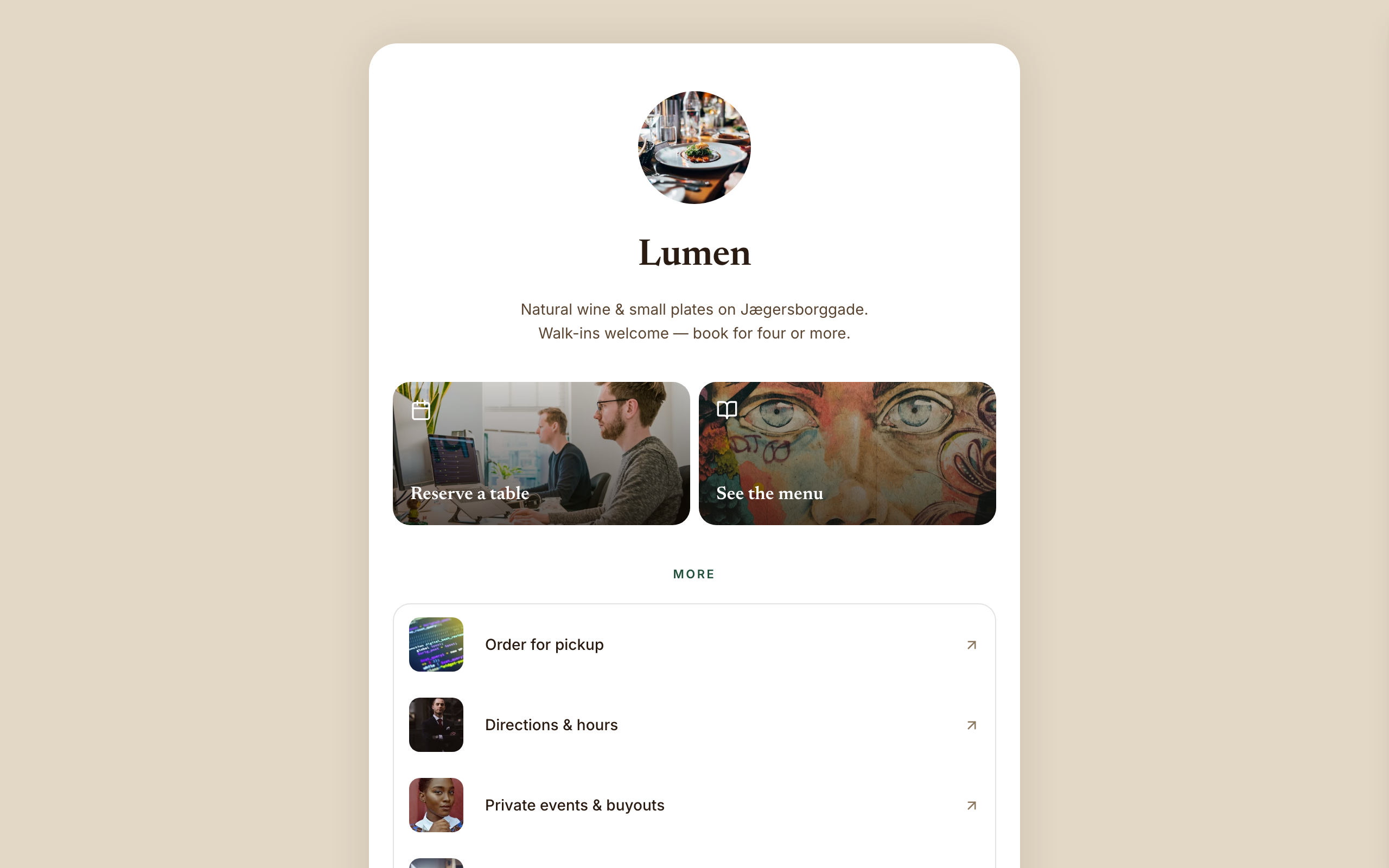
Amber
A link-in-bio page for restaurants and wine bars: reserve and menu tiles, tap-to-call and gift cards.

Cornice
A site for brand, web and film studios: a project mosaic, a showreel, client quotes and studio news.
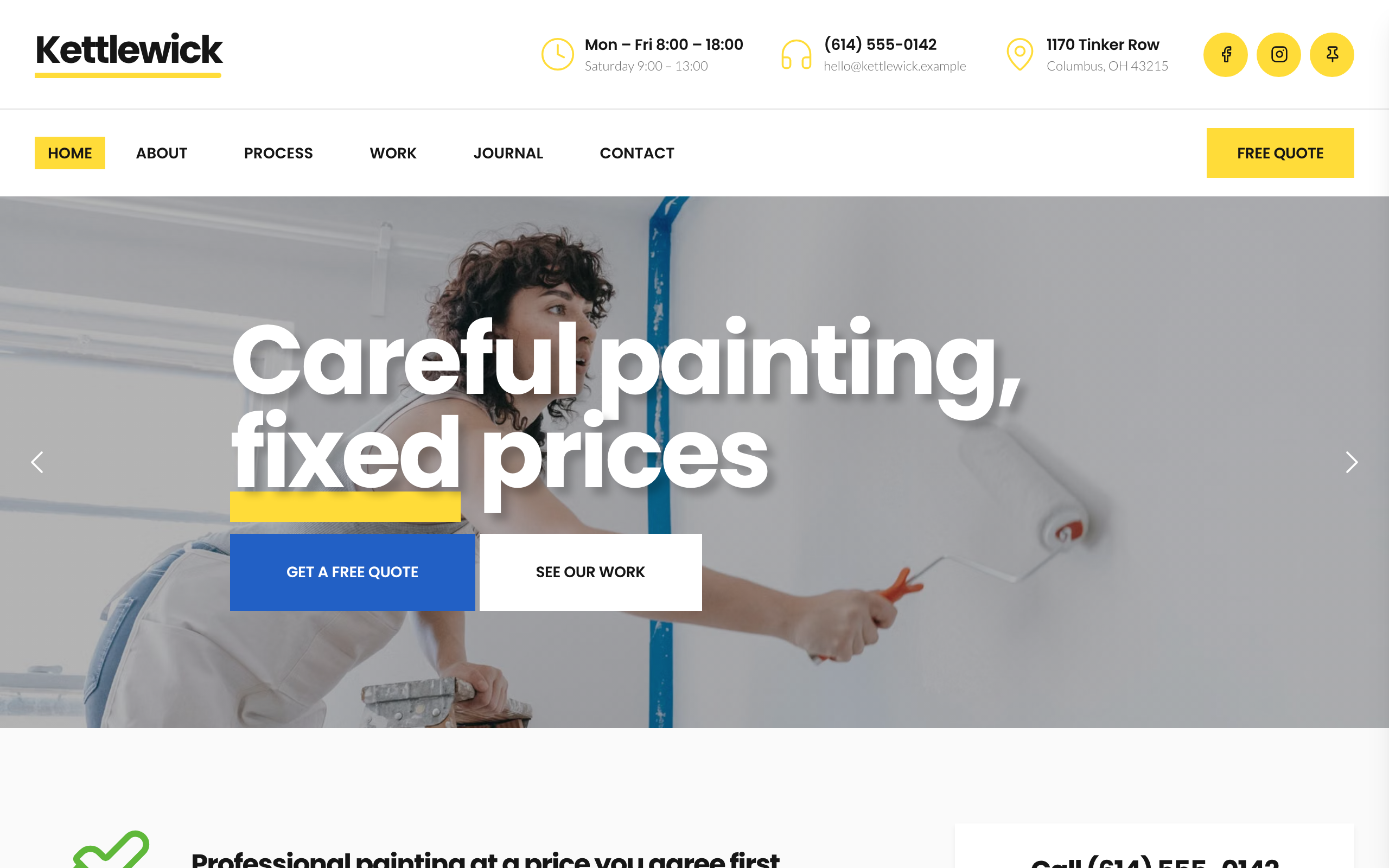
Dado
For house painters and decorators: your phone, hours and a quick-question form in a column on the home page.