

Restaurant, café & bar website templates
A restaurant site has one job: get people through the door. These templates put the menu, the opening hours and the address where a hungry visitor looks first.
Each one is a complete site with real pages and real copy. Change the words and photos yourself, or ask your AI agent to do it and publish it for you.
Templates in this category
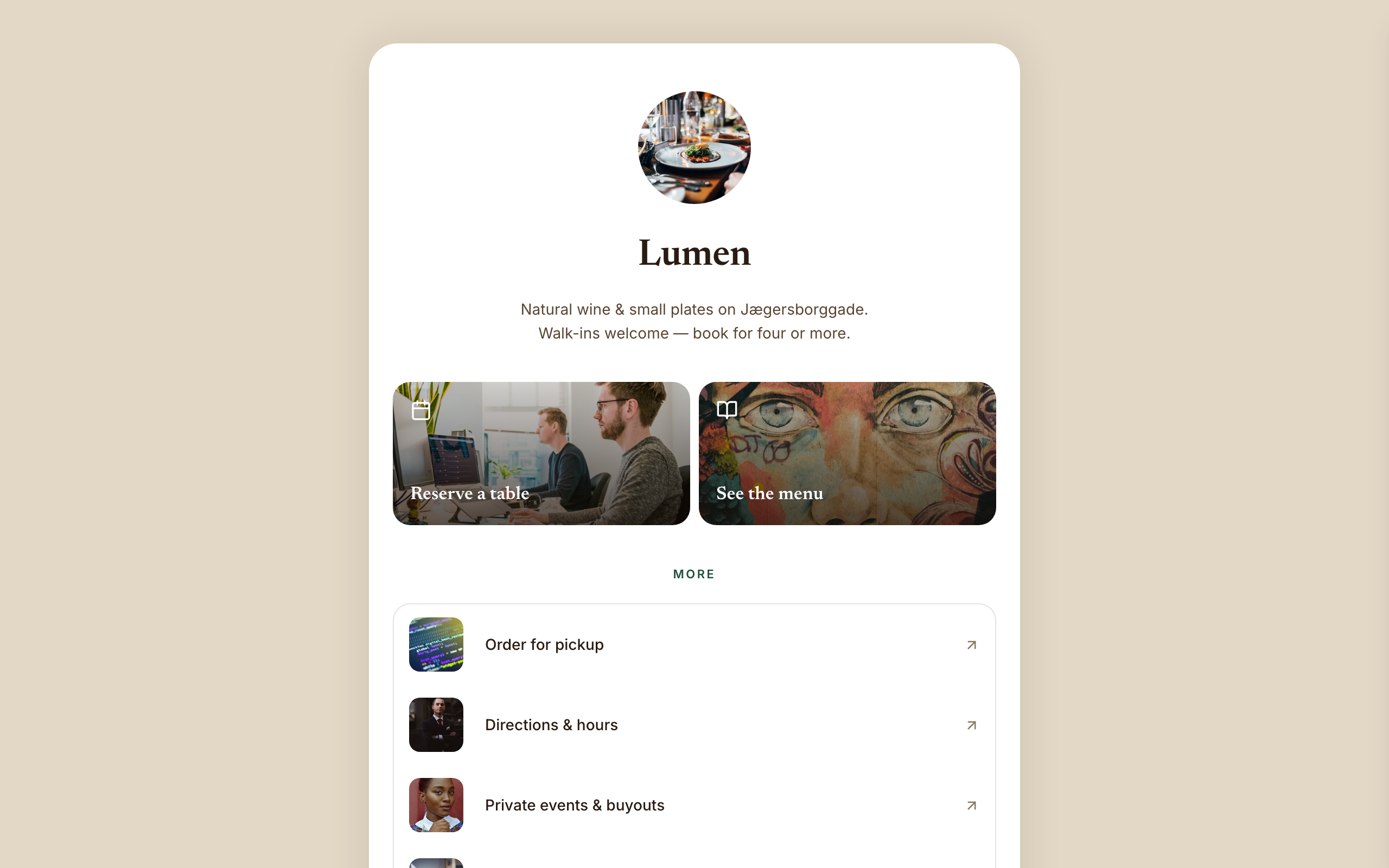
Amber
A link-in-bio page for restaurants and wine bars: reserve and menu tiles, tap-to-call and gift cards.
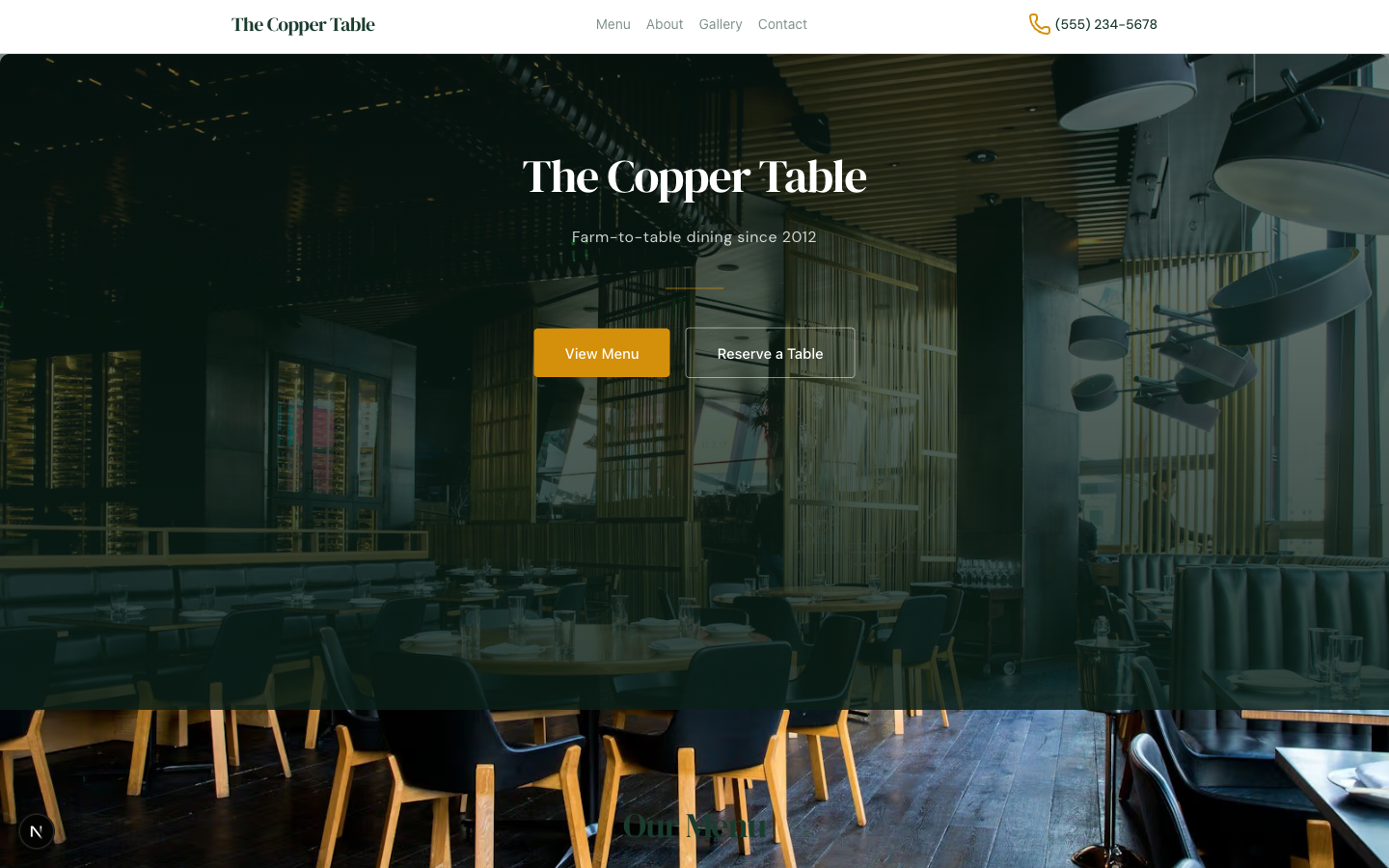
Beacon
A one-page site for a neighbourhood café or bakery, with a proper menu, hours, reviews and a map.
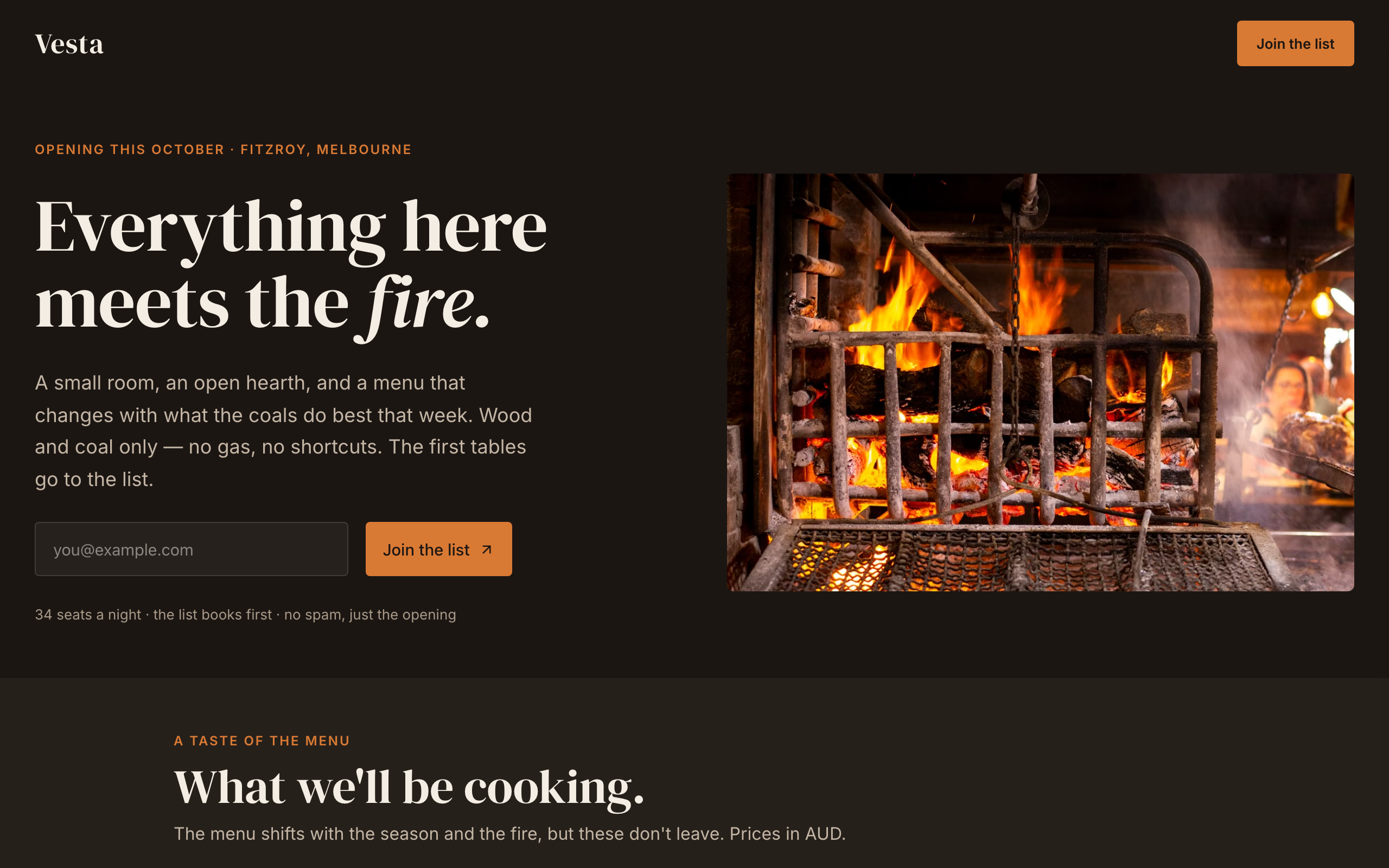
Hearth
An opening-soon page for a new restaurant or bar: the date, a menu preview, the chef and a list signup.
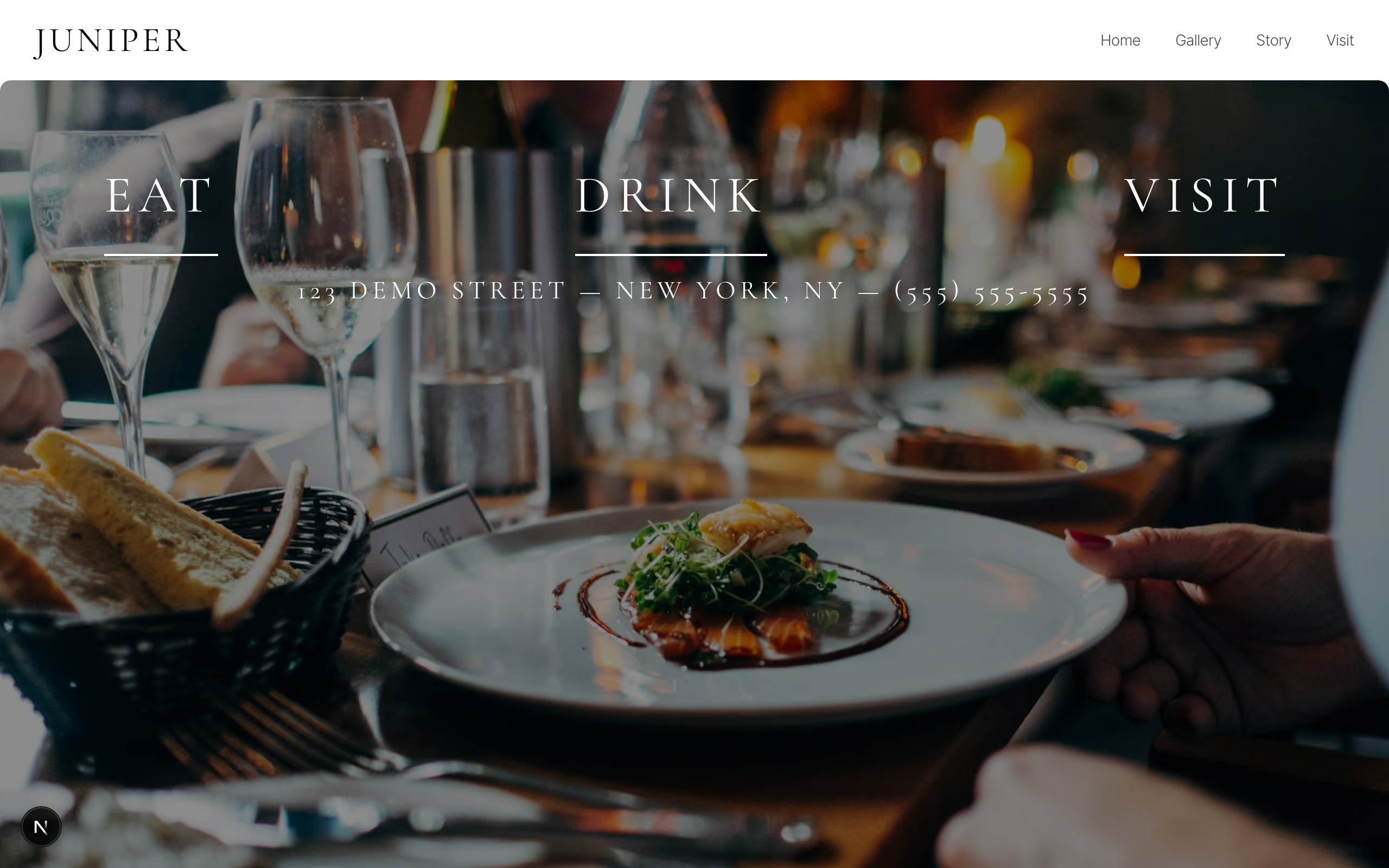
Juniper
A black-and-white site for fine dining rooms and wine bars: food, drink, gallery, story and reservations.
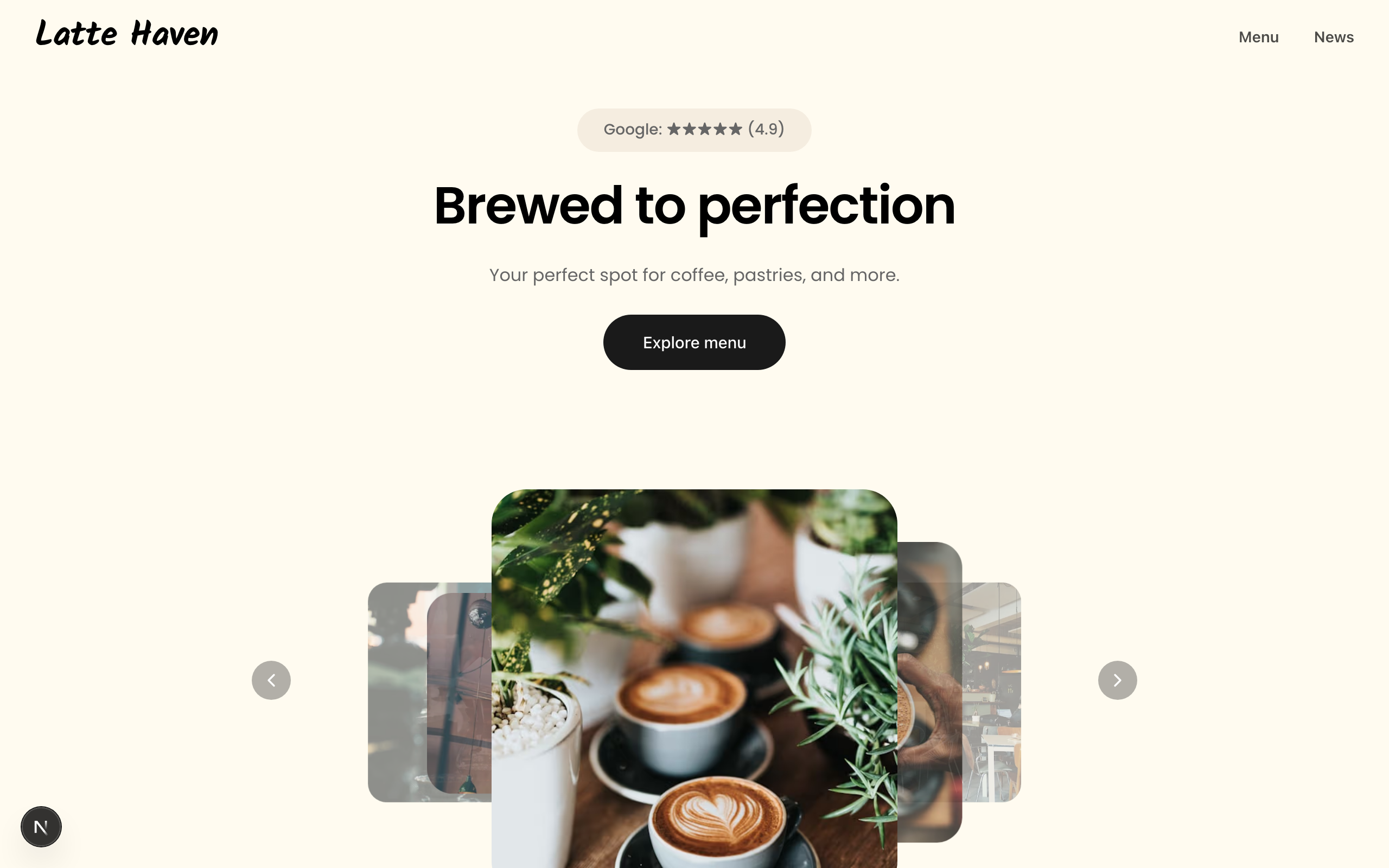
Latte
A warm site for coffee shops and bakeries: a picture-led menu, a journal, hours and directions.
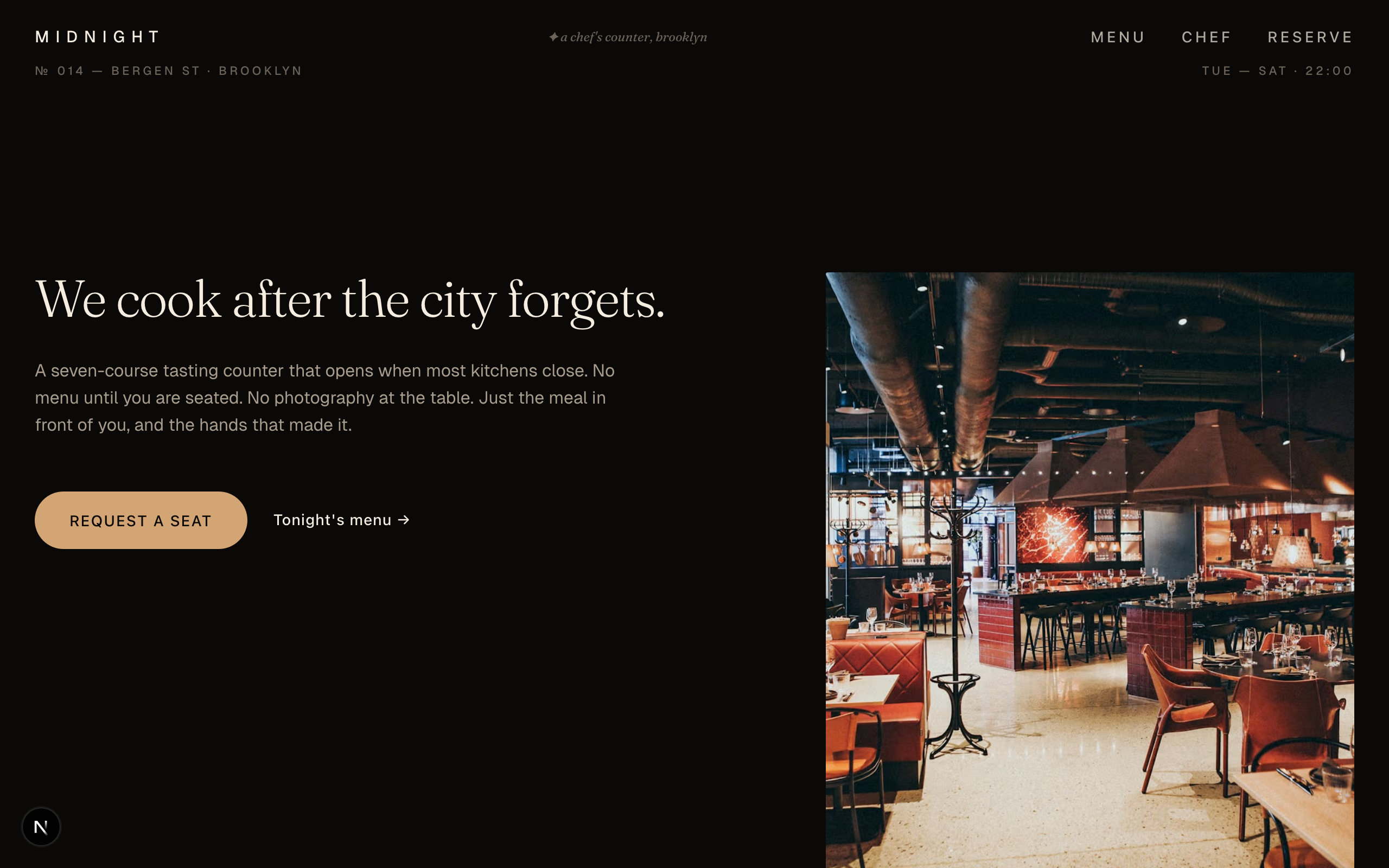
Midnight Creative
A dark, magazine-style site for tasting-menu and chef's counter restaurants, with courses and press.
Each template is an example of a website you can build with Sitelas. Sitelas sells the website builder, not the products or services these examples depict.
What people build with these
Each template was built and tested against a real kind of business. Between them, they cover:
- Wine bar, café, or neighborhood restaurant bio-link hub
- Venue routing Instagram traffic to reservations + menu
- Small kitchen consolidating book / menu / order / directions
- Hospitality owner who wants an owned link hub over Linktree
- Bar running a tasting series or a members' wine club
- Restaurant selling tasting seats + gift cards via Stripe
- Local venue that needs tap-to-call + tap-to-reserve up top
- Neighborhood cafe
- Bakery
- Small gym
- Yoga studio (info-only)
- Barber shop
- Neighborhood clinic
- Small salon
- Local service business
- New restaurant / wine bar / café opening and building a list for opening night
- Supper club or pop-up capturing interest before the doors open
- Hospitality venue collecting a priority list ahead of reservations
Build one by asking your AI agent
No editor required. The agent writes your copy, swaps the photos and publishes the site.
- 1Connect Sitelas to Claude, ChatGPT or another AI agent that supports MCP. How to connect
- 2Ask for it in plain words: “Build a website for a wine bar, café, or neighborhood restaurant bio-link hub. Pick the template that fits best.”
- 3Open the preview link it sends back, ask for changes, and publish when it reads right.
Then keep changing it from the same chat
- Rewrite the copy“Rewrite every page in a warmer, friendlier voice.”
- Change the design“Make the colours earthier and use a serif for headings.”
- Add or remove pages“Add a Pricing page and remove the Blog.”
- Rearrange sections“Move the testimonials higher and add an FAQ.”
- Swap the photos“Replace the photos with ones that fit my business.”
- Run the site“Show me this week's form messages, then publish.”
Everything here can also be done by hand in the visual editor.
Questions
Can I put my menu on the site?
Yes. The menu is ordinary page content, and some of these templates keep each dish as its own entry. Edit dishes and prices in the editor, or tell your AI agent what changed.
Can guests book a table?
Sitelas has no booking system of its own. Add your Calendly page to any page, or point a button at the reservation service you already use.
What does it cost?
Nothing to start, with no trial clock. A free site runs on a sitelas.com address; Pro is $16 a month per site ($160 a year) for your own domain, analytics and more room.
Can I use my own domain?
Yes, on Pro. Point your domain at the site and the SSL certificate is issued and renewed for you.