Home Care Website Design: What Families Need to See First
What good home care website design puts in front of the son or daughter arranging care: your towns, your caregivers, your rates, a number they can tap and a short visit form. Then a demo built from a chat.

Usman Haider
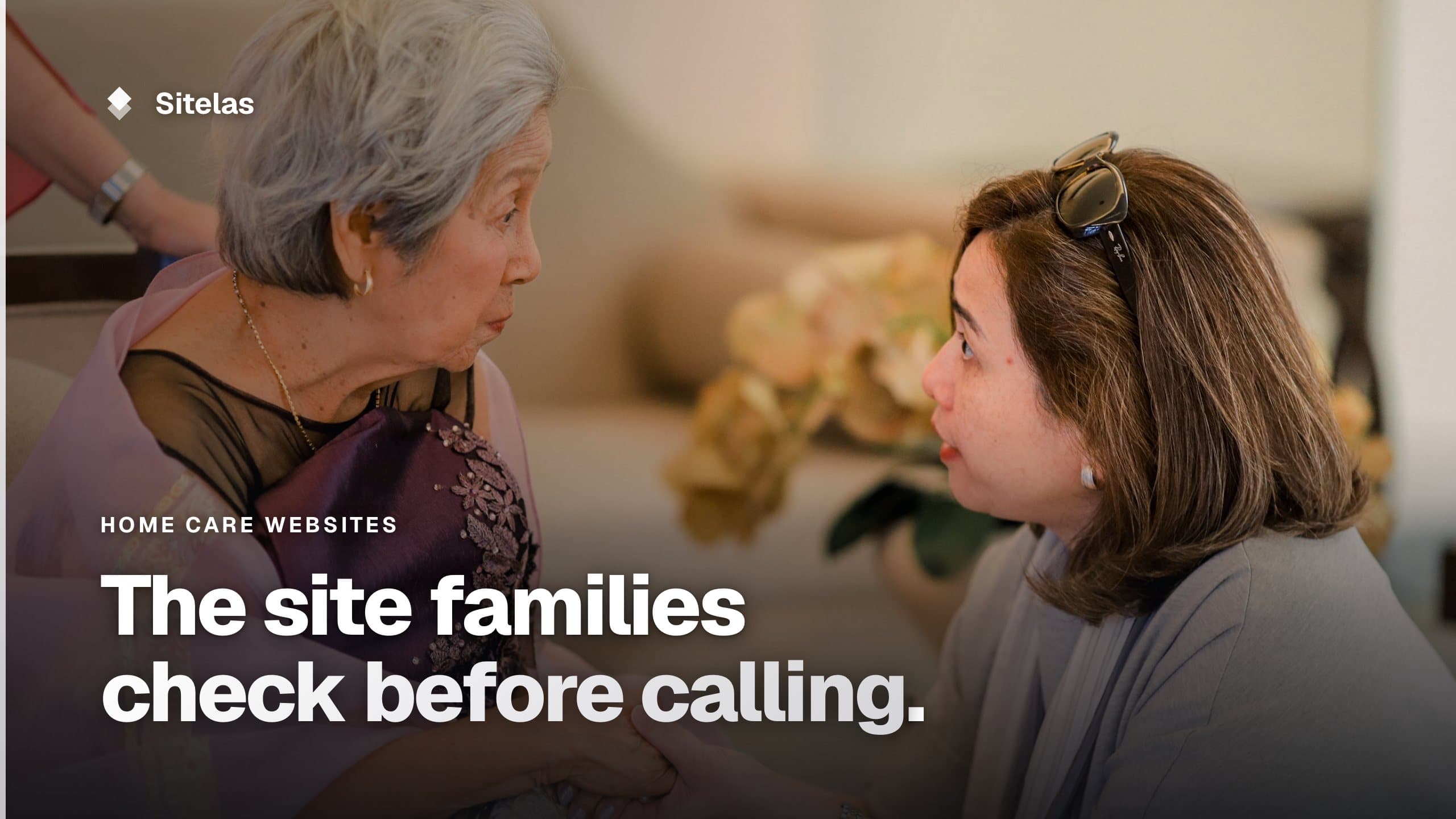
The person reading a home care agency's site is often not the parent. It's the son or daughter arranging care, in a hurry. Good home care website design answers their questions in order. Do you cover my mom's town? Who will come to the house? What does it cost? How do I talk to someone?
The guides that rank for this search show big franchise sites, with location finders and cost calculators. A small agency with three or four towns doesn't need those. It needs the same answers, said plainly. This guide covers what to put on the site. Then comes a demo, where Claude built one from a chat.
What good home care website design puts first
Words for the family
Write to the person choosing care, not to the parent. "Help for your dad after a hospital stay" lands better than "post-acute transitional support". Say who you help, where, and what a first visit looks like.
Your phone number, on a phone's first screen
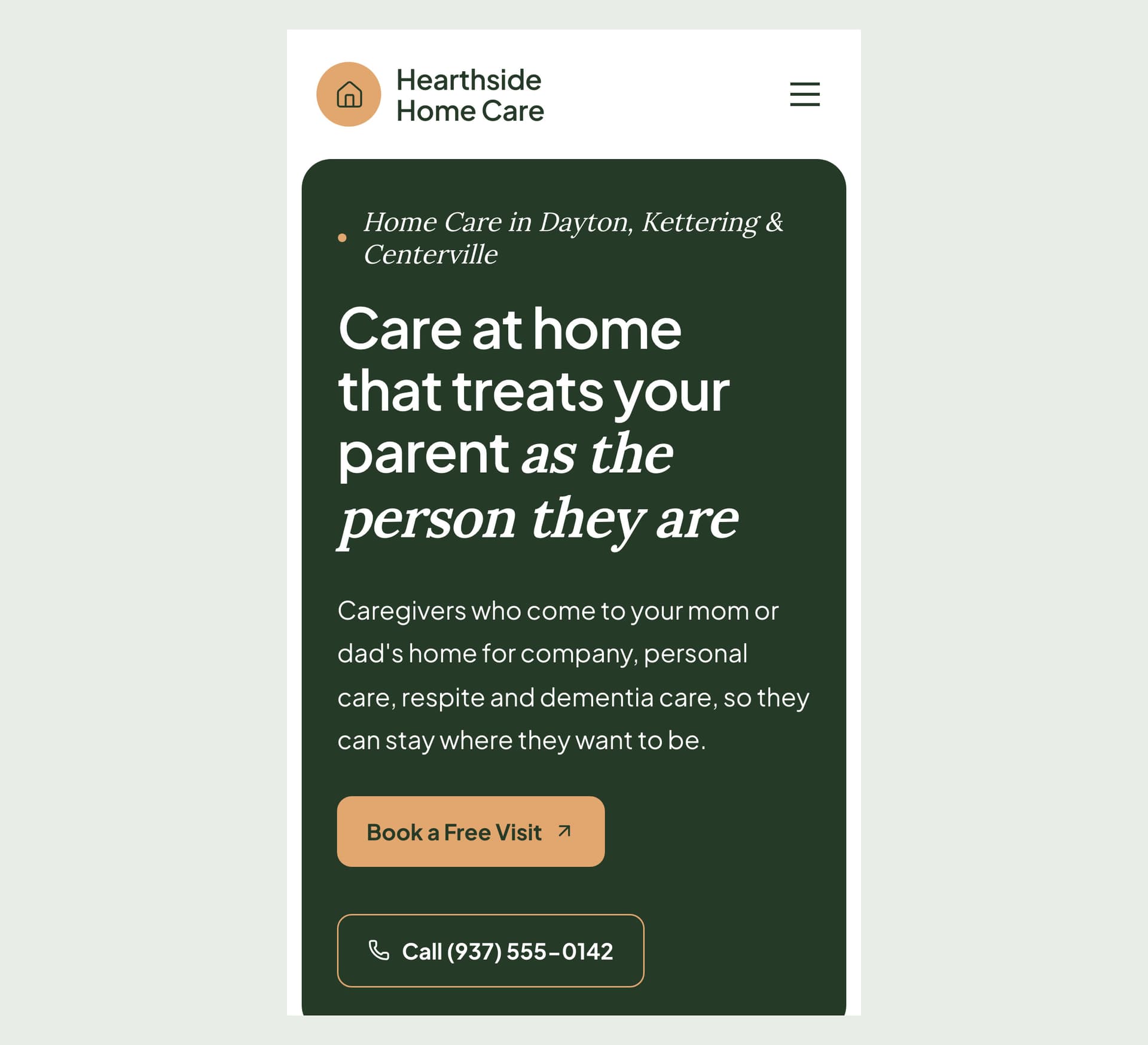
Some families would rather call than fill in a form. On a computer, the number usually sits in the header. On a phone the header often shrinks to a menu, and the number disappears. Check your own site on a phone. If you have to scroll to find the number, move it up.
A page for each town you cover
Many families search for care in their own town. Give each town its own page, and say something true about it. Which neighbourhoods do you reach? How far is your office? How soon can you usually start? Town pages that all say the same thing don't help much.
A page for each kind of care
Companion care, personal care, respite and dementia care are different jobs. Give each one a page that says what a caregiver does and doesn't do, so families can compare.
Who will come to the house
This is the question under all the others. Show your real caregivers, with their permission. Say how you hire: background checks, training, whether the same caregiver keeps coming. If your state licenses agencies like yours, put the number in the footer.
What it costs
Families want a rough number before they call. An hourly rate for each service and your minimum visit length answer the first money question. Say what is not included, such as mileage for errands.
A first step that isn't a contract
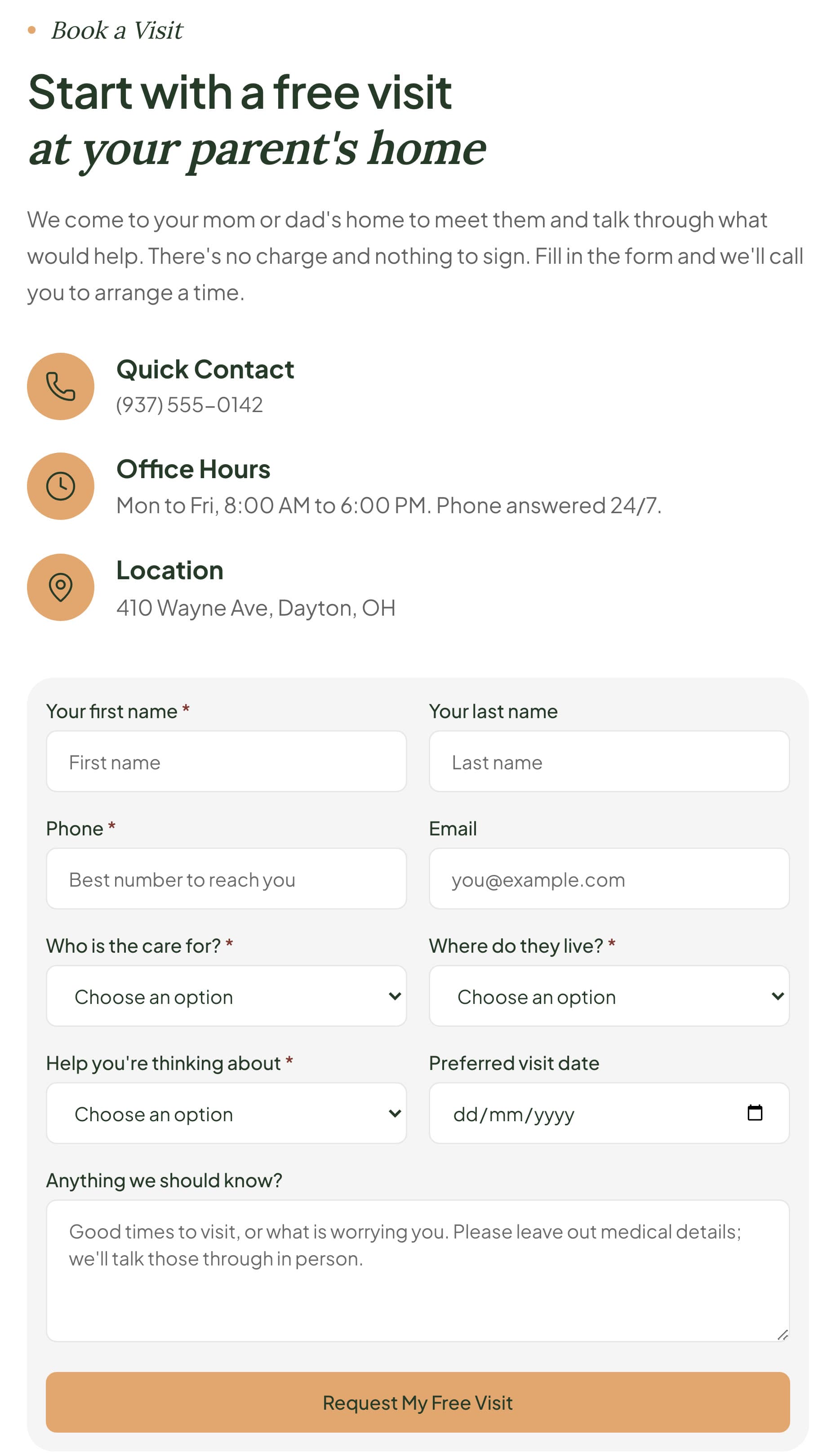
A free home visit is a good first step. Keep the form short. Ask who the care is for, their town, the help they need and a good time to visit. Ask people to leave medical details out. A website form is not the place for health records. Talk those through in person.
A careers page
You are hiring as well as selling. A page with open roles and a short application brings in caregivers. Families may read it too, to see how you treat your staff.
Building one by asking Claude
I added Sitelas to Claude. Then I sent one message for a made-up agency, Hearthside Home Care, in Dayton, Ohio:
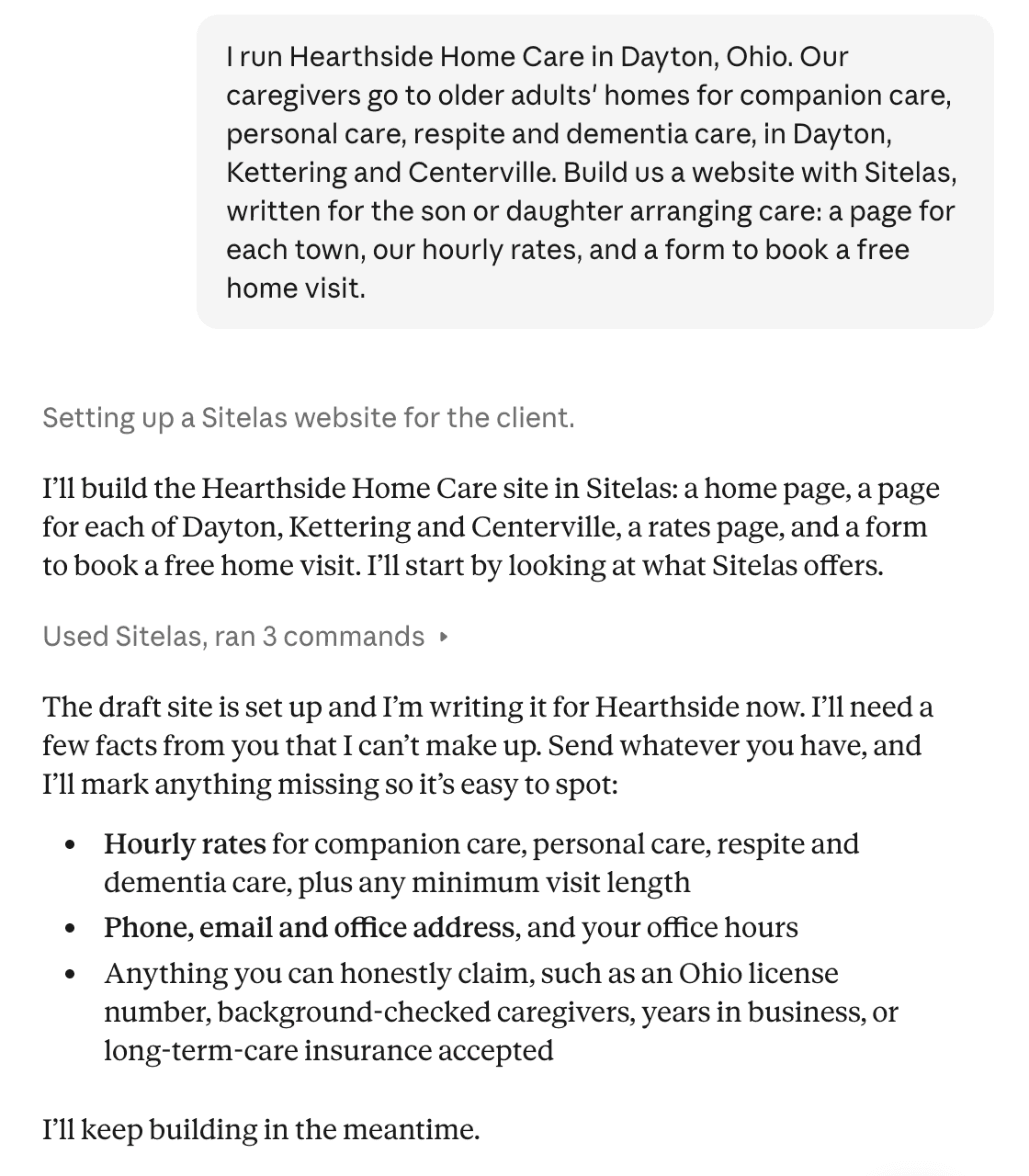
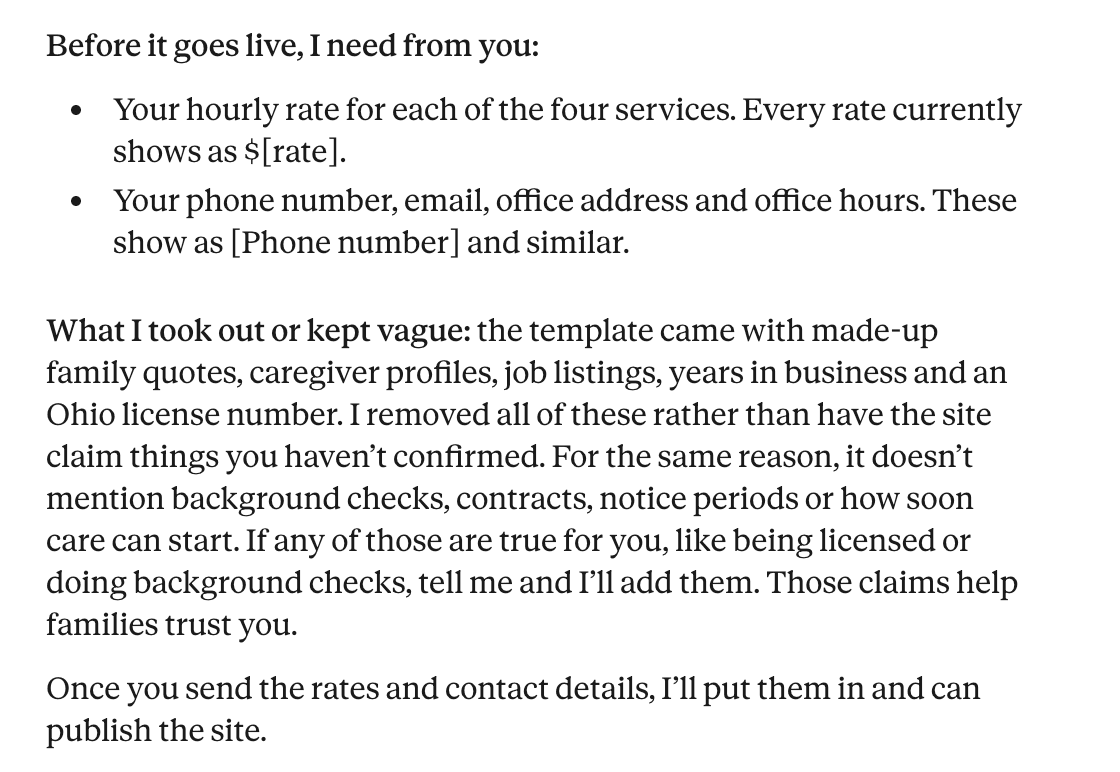
It started from Kith, Sitelas's home care template. The best part came at the end of its first reply. The template ships with sample quotes, caregiver profiles and a license number. Claude took them out, rather than let the site claim things I hadn't said:
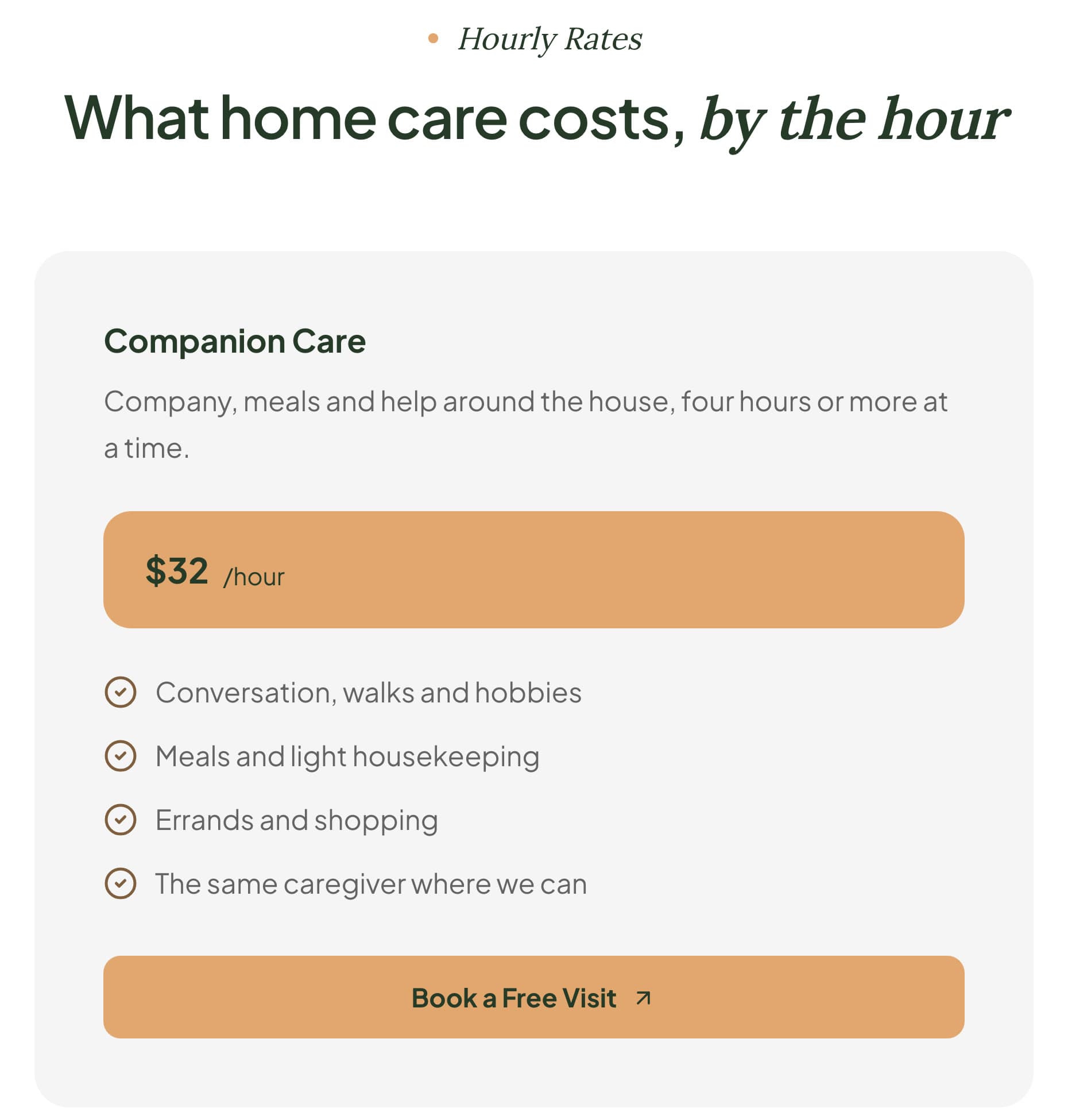
So I sent the facts: four hourly rates, a 4-hour minimum, a phone number answered 24/7, office hours, an address and an email. I added that the caregivers are background-checked and CPR-trained. It put each fact where it belonged and left the site unpublished. Some template promises stayed, such as matching caregivers "on personality and interests". Read each and keep only what's true. The rates page:
It wasn't flawless
On a phone, the number was missing from the first screen. The header showed only a menu, and the first visible number sat below the hero photo. So I asked for a call button:
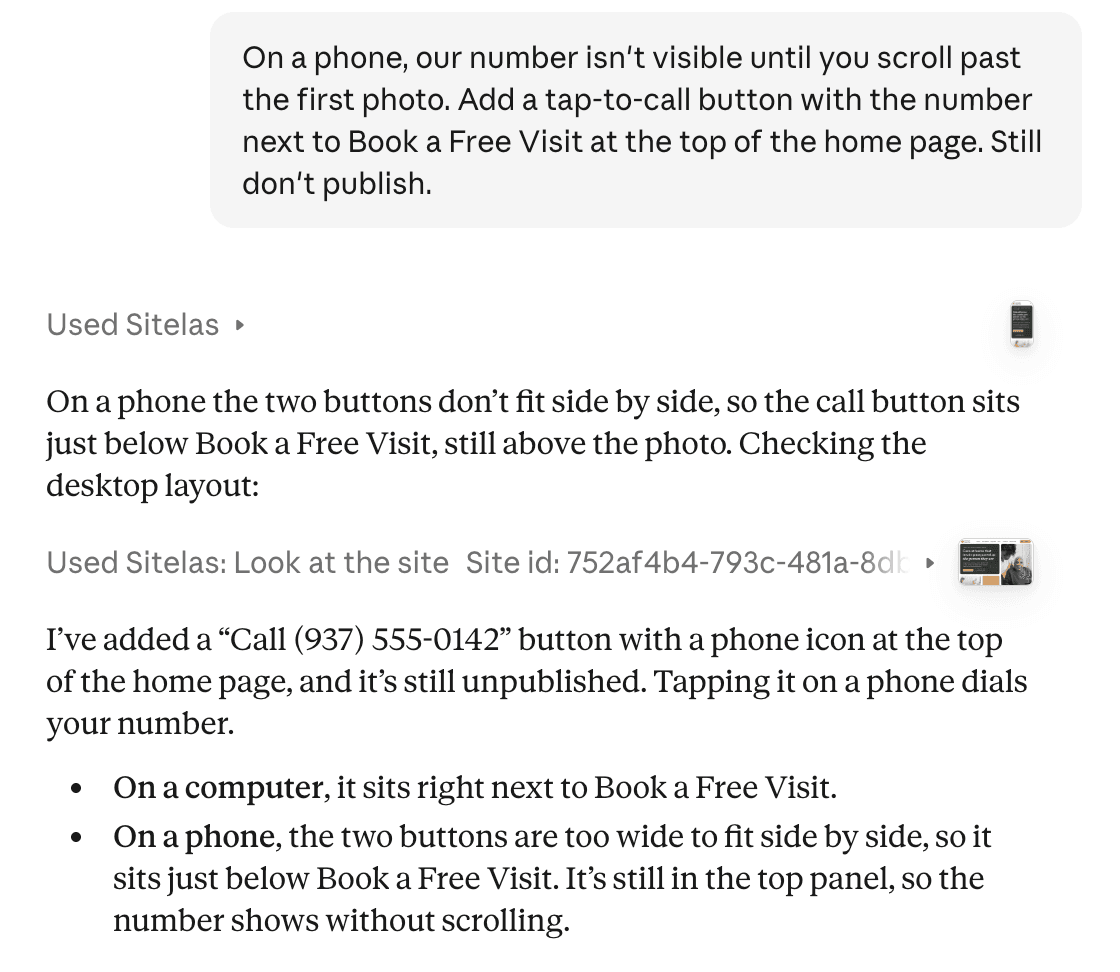
I checked it on a 390-pixel phone screen. The button now sits in the first screen:
The free home visit form asks the questions above. Its message box asks people to leave medical details out:
Requests land in a Sitelas inbox, and you can ask Claude to read them to you, within your plan's monthly allowance.
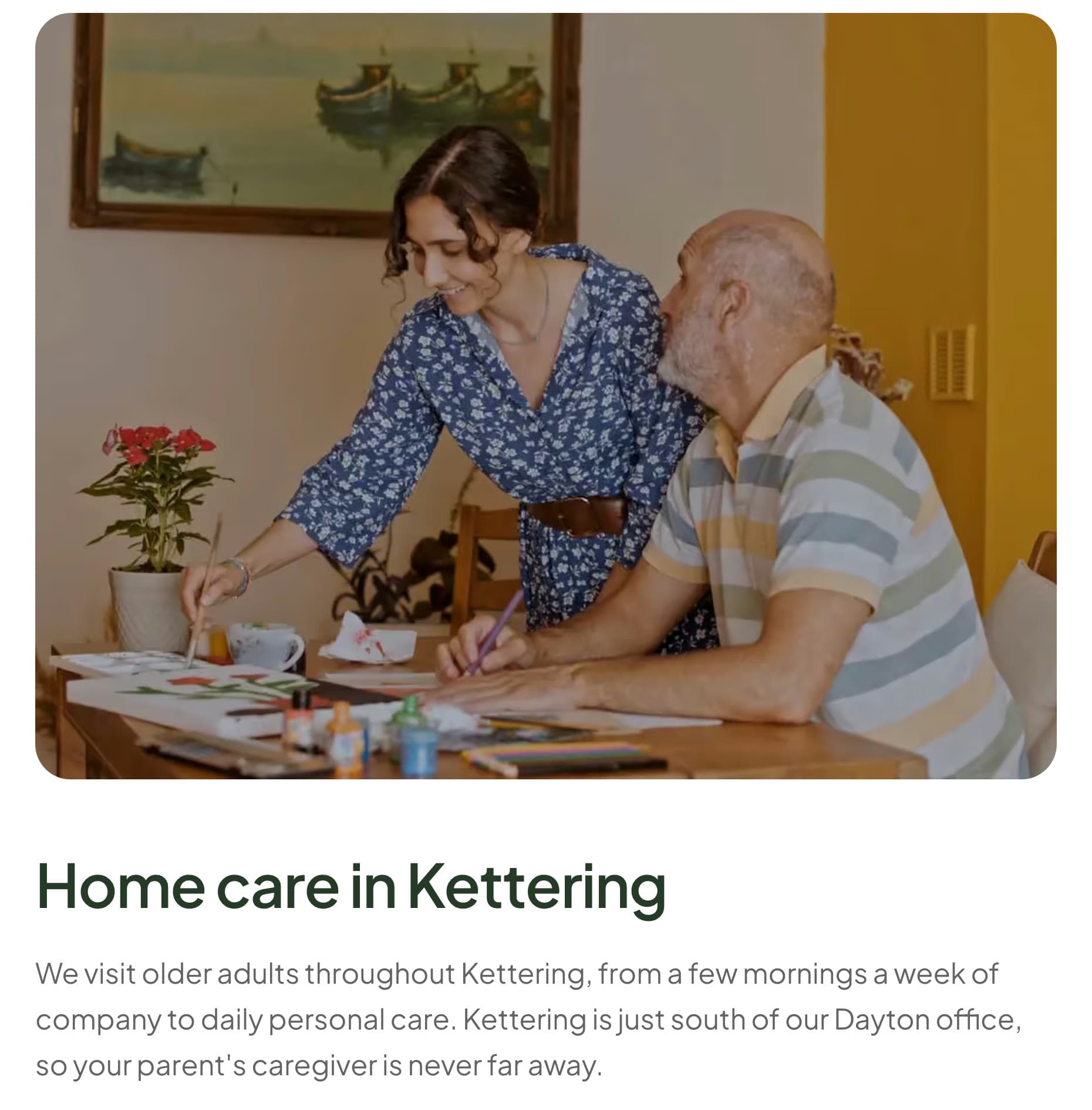
Each town got its own page. They are a start, not finished. The Kettering page says it's just south of the Dayton office. Then it lists the same four services as the others. Tell Claude what is true about each town and it will write it in.
Adding a town from ChatGPT
Sitelas works in ChatGPT too. I asked it there to add Oakwood as a fourth town:
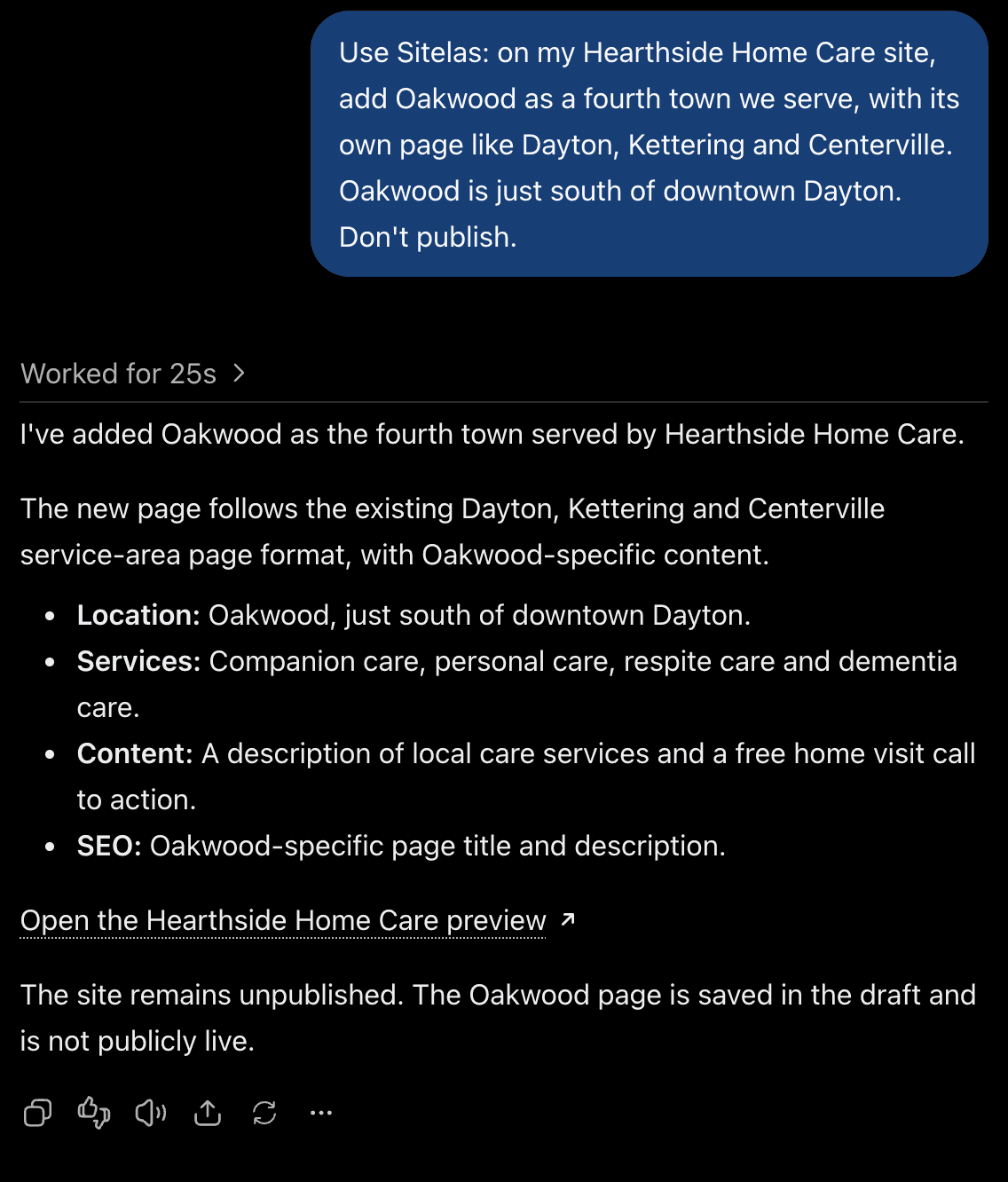
The Oakwood page was there, linked from the towns page. But the home page still said "We only work in Dayton, Kettering and Centerville". So I asked it to update each list of towns. It fixed some and missed others, including the town list on the booking form. A family in Oakwood couldn't pick their town. A third message that named each place fixed every town list on the pages. The search descriptions, the text Google shows under a link, still named three towns.
So after a change like this, open the preview and read each page that names your towns. Check the booking form first, then ask for the search descriptions too.
To change a word yourself, the editor lets you click and type on the page.
What it can't do
Sitelas builds and runs the website. It has no scheduling, no client or family portal, no caregiver app and no invoicing. A family can ask for a visit, but you arrange it with them. If you use a booking page such as Calendly, Claude can add it to a page. The forms are not a secure place for medical records. A therapist's website follows the same rule for the same reason.
A site has one login. Create it under the agency's office email, not one person's, so the site stays when they leave.
On the Free plan you can read 5 form messages a month. The rest are kept, locked until you upgrade. An agency with steady enquiries and job applications will pass that. Pro covers 500 a month per site, removes the Sitelas badge and adds a custom domain. It costs $9 a month per site, or $90 a year.
Questions people ask
What should a home care website include? Who you help and where, with a page per town and per service. Your caregivers and how you hire them, and your rates. A phone number on the first screen, and a short form for a free home visit.
Should a home care agency show its prices? An hourly rate and a minimum visit answer the first money question families have, before they call. If your prices vary, give a starting rate and say what changes it.
Can families book a visit through the website? They can send a request, and you call back to arrange it. Sitelas has no scheduling of its own. You can add a booking page you already use, such as Calendly.
How much does a home care website cost? Agencies and web design firms price it their own way, so ask what later changes cost too. On Sitelas, one published site is free on a sitelas.com address. Pro is $9 a month per site, or $90 a year.
Try it
Copy this into a new Claude or ChatGPT chat after adding Sitelas. Swap in your own details first.
Use Sitelas to build a website for my home care agency, [name] in
[city, state], on the Kith template. We provide [services] in
[towns]. Write it for the son or daughter arranging care. Add a page
for each town, our hourly rates ([rates], [minimum visit]), and a
form to book a free home visit that asks people to leave medical
details out. Only claim what I've told you: [background checks,
license number, years in business]. Keep it as a preview until I
say publish.
- Add to Claude: Sitelas in Claude's connector directory
- Add to ChatGPT: Sitelas in ChatGPT
- See the design we used: the Kith home care template, or the other medical and health templates
Templates to start from
Build this with a ready-made design, then change anything.


Usman Haider
Founder of Sitelas — the website builder for AI agents.