Check the Site Before You Publish It
A site built from a ready-made design starts with somebody else's name, email and products inside it — and the leftovers hide in the places a page-by-page rewrite never reaches. Here is the sentence to say before you publish, and what it actually found on two real sites.

Usman Haider

Every site that starts from a ready-made design starts with somebody else's details inside it.
A demo company name. A demo email address. Six demo products at demo prices.
You rewrite the pages. The site looks right. You publish.
Then someone emails an address that was never yours.
This is not a hard problem. It is a quiet one. Leftover text does not look like a mistake. It looks like text.
So add one step before you publish: ask the agent to check its own work.
The sentence to say
Go back to the chat where the site was built, and say this:
I'm about to publish my site. Before I do, check it and tell me what's still the template's rather than mine.
I tried it on a shop I had deliberately left half-done. I had changed a few things on the pages and stopped there. That is what happens when you are in a hurry.
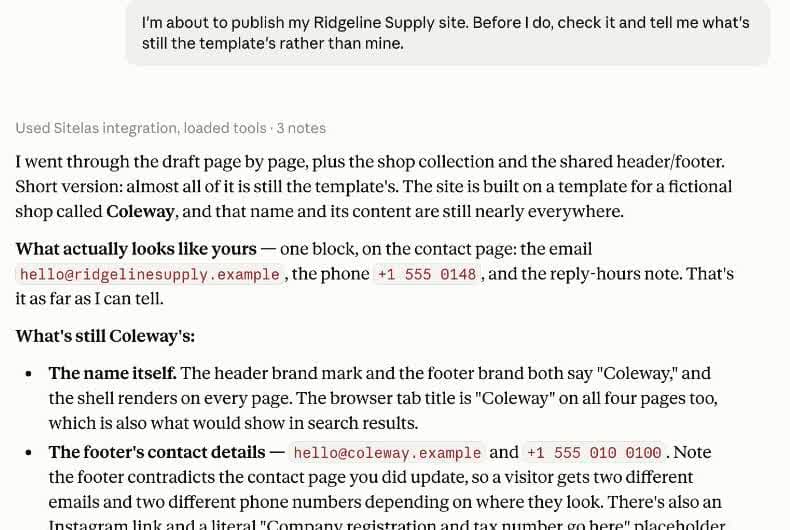
It read every page, the product list, and the header and footer. Then it told me exactly what I had missed.
One line did more work than the rest:
the footer contradicts the contact page you did update. A visitor gets two different emails and two phone numbers, depending on where they look
I would not have found that by looking at the site. Both pages looked fine on their own.
Three places leftovers hide
The parts that survive a rewrite are the parts that are not really "on" a page.
The header and footer
They show on every page, which means they belong to no page. Rewrite the pages one by one and you never actually arrive at them.
They are also where a business puts its name, its email and its phone number. So this is the worst possible place for old details to sit.
The list behind a page
A shop page is not a page full of products. It is a page that draws a list of products stored separately.
Same for a blog's posts, or a services list. Rewrite the page and the list underneath is untouched.
Claude's warning about mine was blunt:
These aren't in the page tree, so they're easy to miss, and they'd be public the moment you hit publish.
Text that isn't writing
Some words on a page are not part of its writing. The options in a dropdown. The answers folded inside a FAQ. The description a screen reader speaks aloud for a link.
Rewriting the copy does not go near any of them.
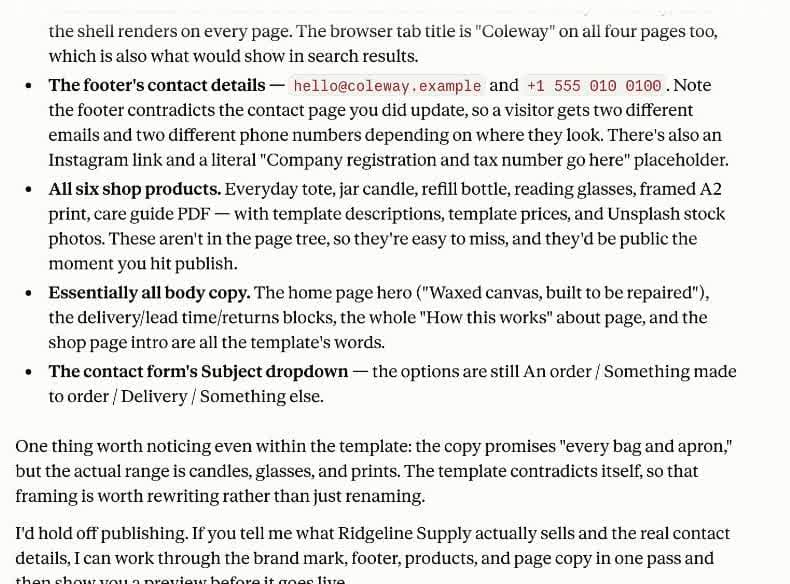
It ended with advice I had not asked for: hold off publishing. That is the correct answer for that site.
The short version: ask for a score
If you would rather have a list than a conversation, ask for a health check instead. You get a score out of 100 and the specific things to fix.
I built a second site to try it — an industrial services group across two ports, on the Foundry design. Again I rewrote the pages and nothing else.
The check came back at 45. Seven findings, four of them serious:
- the header and footer still carried the demo company's name, on every page
- the footer still published the demo company's phone number
- all eight service entries were still the demo's, and would go public on publish
- three pieces of text sitting outside the page's writing, including a whole FAQ
I fixed each one, ran it again, and got 100.
The score only checks structure. It cannot tell you whether the writing suits your business — that part is still yours to read.
Then publish
Here is what came out of it — built on Foundry, an industrial services design you can start from yourself.
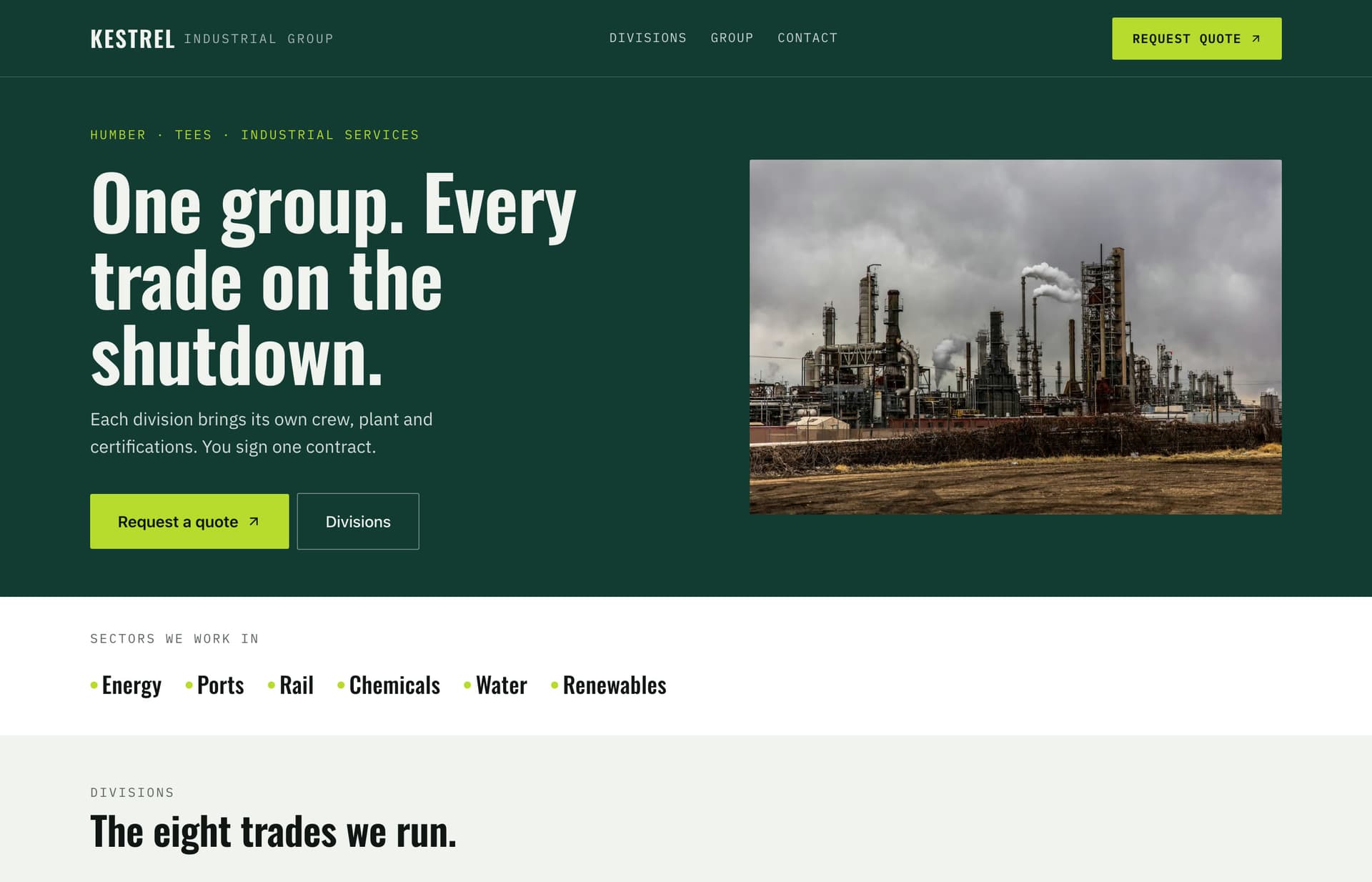
Every service page under it is real. The contact details belong to that site, not to the design it started from.
Why the order matters
Nothing goes public on its own. A new site lands on a private preview address, and the real address stays empty until you say publish.
Later edits work the same way. They collect on the preview, and the live site does not move until you approve it again.
That gap is the whole point. It is the only moment when fixing something costs you nothing.
The agent can build the site, read it back, and tell you what is wrong with it. What it will not do is decide the site is ready. That stays with you.
Two minutes of checking is cheaper than a customer emailing a demo address.
Getting started: Sitelas is in Claude's connector directory — add it and say your first sentence. Prefer your editor? The same tools work from Cursor, VS Code, Gemini CLI and Claude Code. Start at sitelas.com.
Templates to start from
Build this with a ready-made design, then change anything.
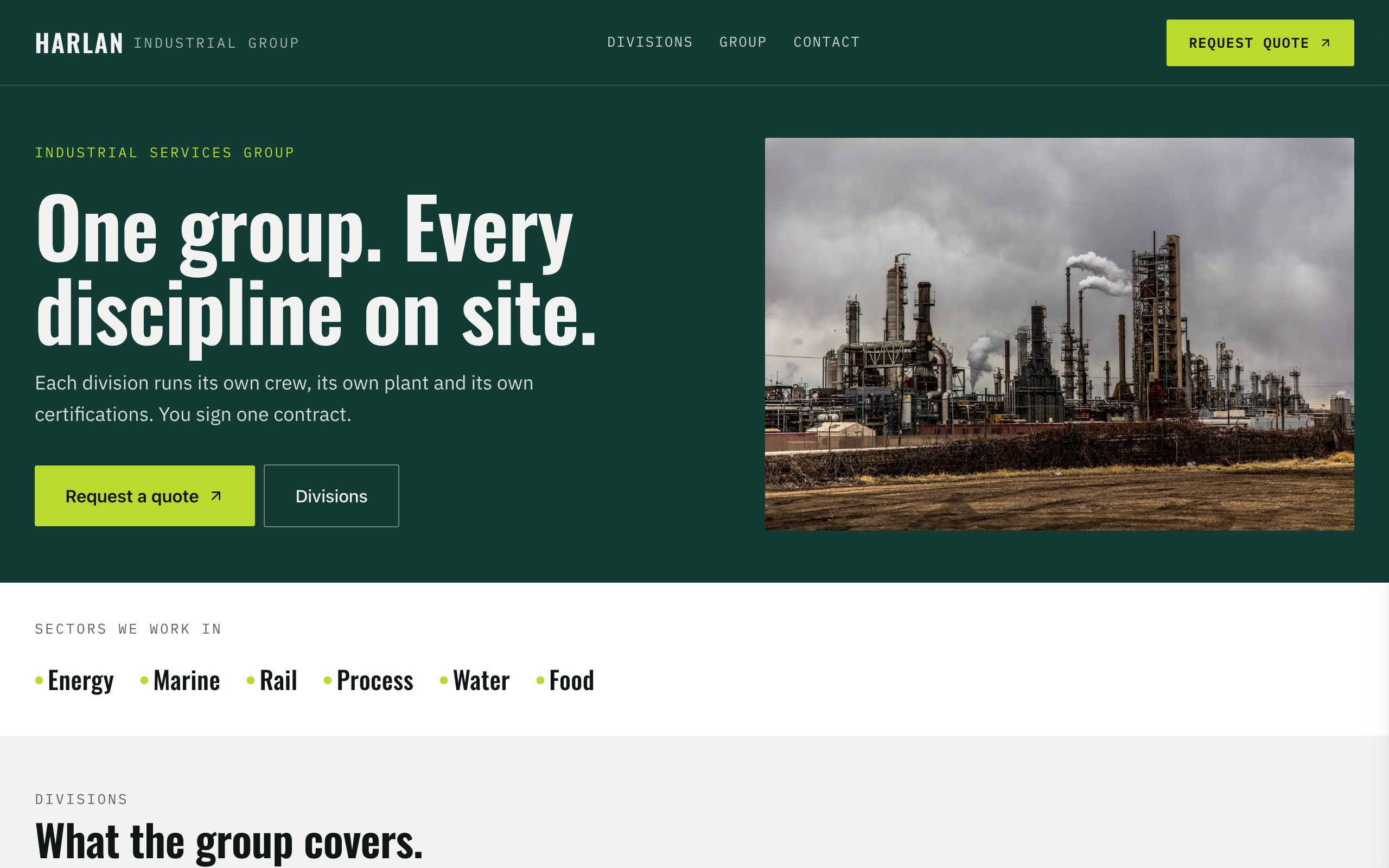
Foundry
For industrial groups with several divisions: a page per division and certifications up front.
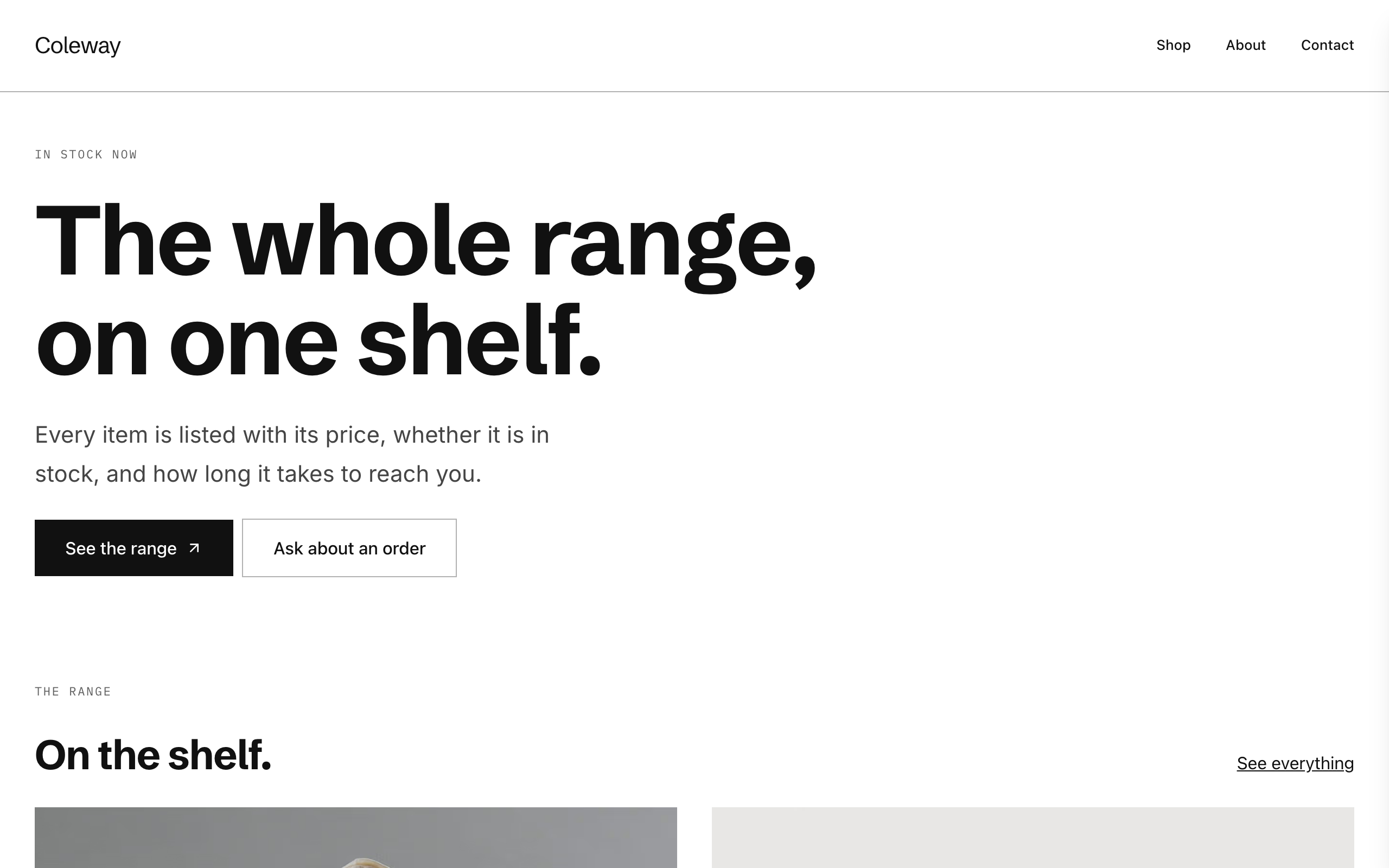
Counter
A plain, modern catalogue for small shops: each product with availability and a Stripe buy link.

Kilnwork
For potters and makers selling a stocked range: a shop with Stripe buy links and a commissions form.

Usman Haider
Founder of Sitelas — the website builder for AI agents.