

Best ChatGPT Plugins and Apps: What Each One Does
Nineteen plugins from ChatGPT's own directory, grouped by job: email and calendar, files, team chat, design, research, money, travel and websites. What each one does, from its own listing, and how to add one.

Usman Haider

Updated November 2026. These are the best ChatGPT plugins to start with. They are grouped by job: email, files, team chat, design, research, money, travel and websites. We opened each one on its listing in ChatGPT's plugin directory. Each description comes from that listing.
Disclosure: Sitelas is our product. It appears under websites, next to the alternatives.
Plugins or apps? The words in ChatGPT today
ChatGPT's directory calls them plugins. Many people still search for "ChatGPT apps", and both words are in use.
OpenAI's help page draws the line like this. An app connects ChatGPT to one outside service, such as Gmail or Slack. A plugin can bundle one or more apps with skills, which are reusable instructions for a task. Some plugins have no app at all.
These are not the 2023 ChatGPT plugins. That early beta stopped taking new installs on 19 March 2024.
How to add a plugin to ChatGPT
- Open Plugins in ChatGPT's sidebar, on the web, desktop or phone.
- Pick a plugin and read its listing: who made it, what it does, and which apps it connects.
- Select Install plugin. If it needs your account, you sign in to that service and allow access.

A listing in ChatGPT's plugin directory, November 2026.
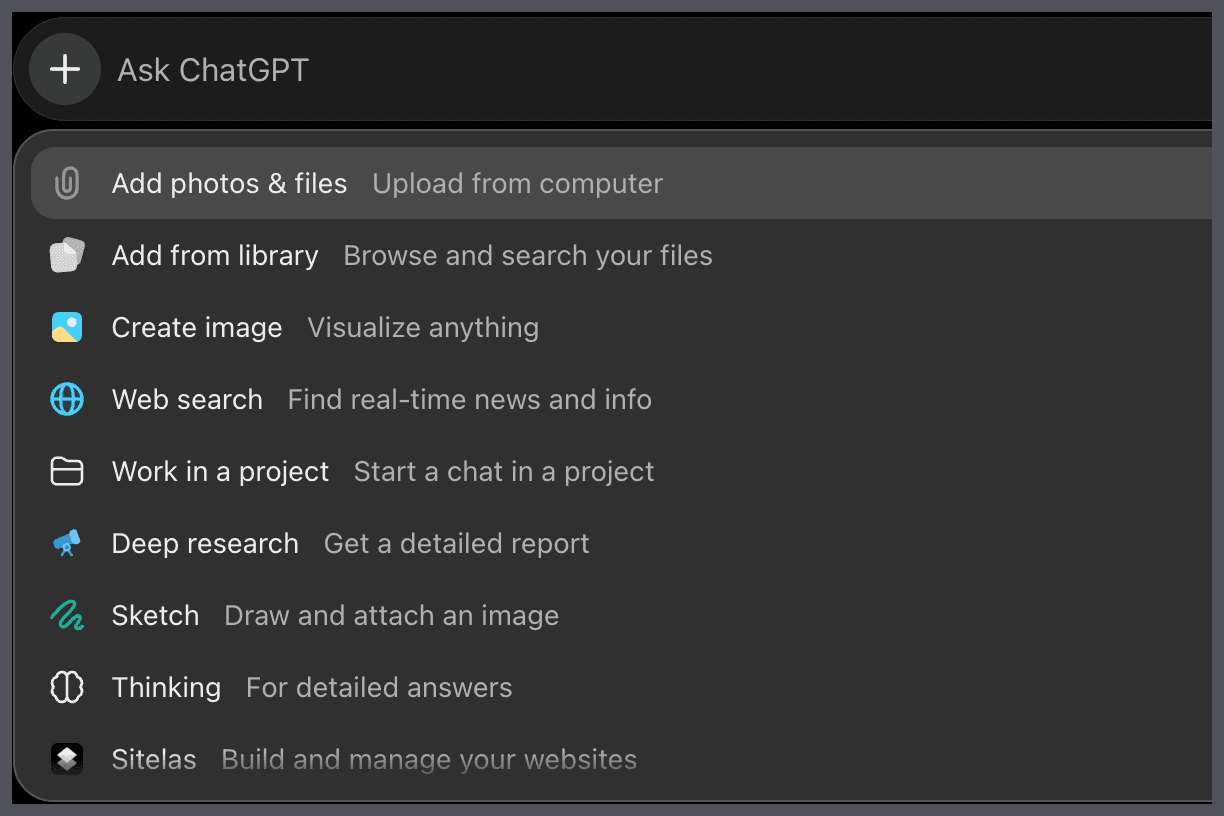
After that, ChatGPT uses an installed plugin when it fits your request. You can also pick one yourself. Type @ and its name, or open the + menu in the message box.
Plans. OpenAI says the directory is open on all ChatGPT plans. Whether you can install a given plugin depends on your plan, workspace, role and region. On our Go plan, Google Drive showed a lock and an "Upgrade to Plus" button. The others in this list could be installed. Check the listing before you count on one.
Safety. A connected plugin may receive relevant parts of your chats and memories to do its job. The Gmail and Skyscanner listings, among others, say so. Install plugins from makers you trust. Read what ChatGPT is about to do before it sends or changes anything. Some listings carry an OpenAI Verified badge, which OpenAI says marks plugins it reviewed for quality and reliability.
Email and calendar
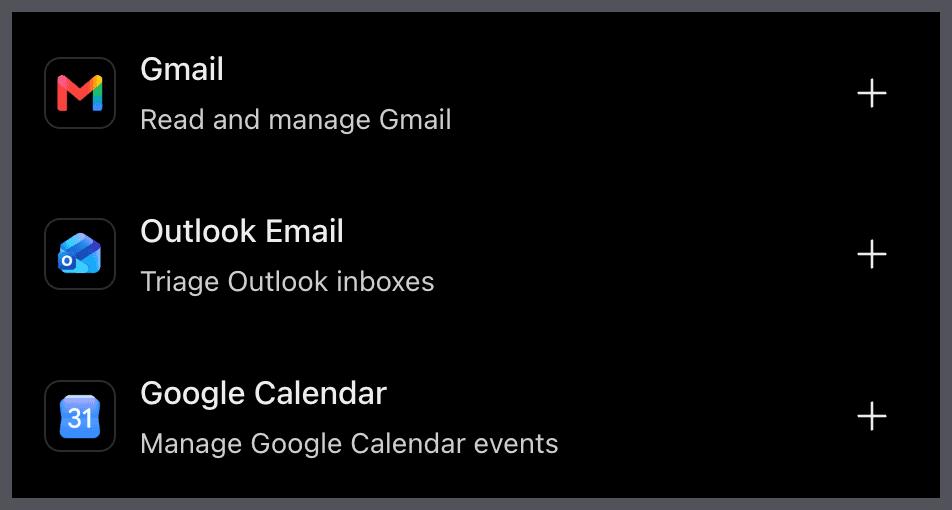
The listings as they appear in ChatGPT's directory, November 2026.
- Gmail (made by OpenAI). Summarizes your inbox, drafts replies and organizes threads. Best for catching up after a day away.
- Outlook Email (OpenAI). Searches, reads, drafts and sends Outlook email, in personal and shared mailboxes. Best if your work email is Microsoft.
- Google Calendar (OpenAI). Summarizes a day, checks availability, and creates, updates or deletes events. Best for planning a week without opening the calendar.
Files and notes
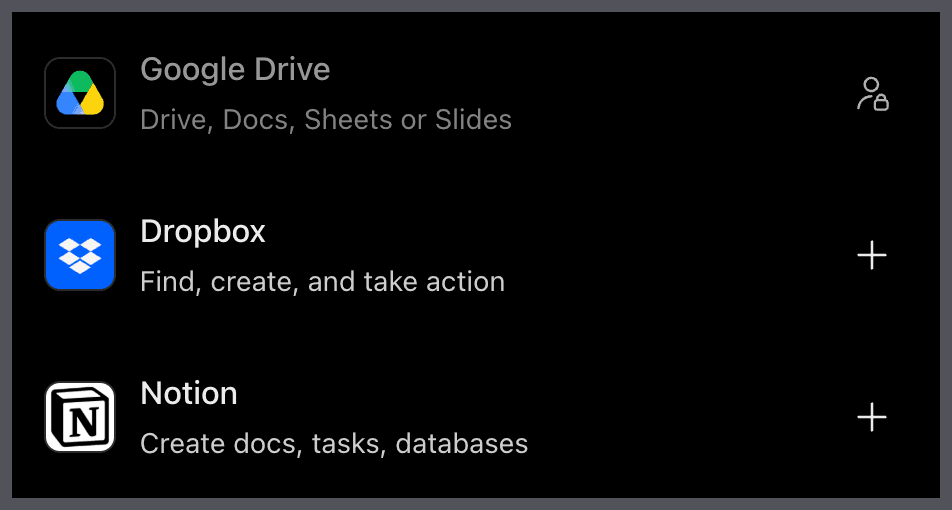
- Google Drive (OpenAI). One plugin for Drive, Docs, Sheets and Slides: search, organize, share and edit. Best for "where's that file?" On the Go plan it asked us to upgrade to Plus.
- Dropbox (Dropbox). Finds and summarizes files, saves ChatGPT's work to Dropbox and makes share links. Your existing Dropbox permissions still apply.
- Notion (Notion). Creates and edits pages, tasks and databases, and searches your workspace. Best for teams whose plans and notes live there.
Team chat, meetings and sales
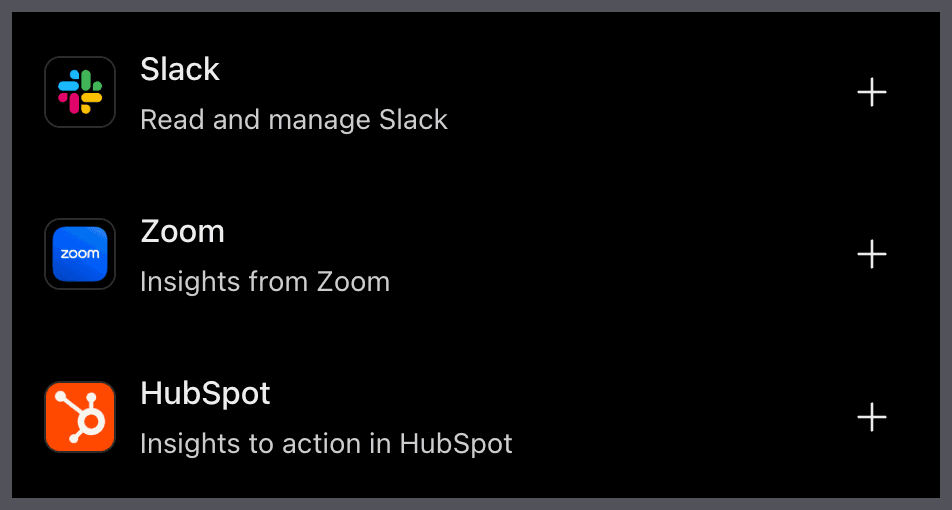
- Slack (Slack). Summarizes channels, drafts messages and organizes team conversations. Best for catching up on a busy week. Read anything addressed to a person before it goes out.
- Zoom (Zoom). Prepares and schedules meetings, searches your Zoom content and turns transcripts into decisions and action items. Best after a long call.
- HubSpot (HubSpot). Reads and updates deals, contacts, companies and tickets, and prepares reports. Best for small sales and marketing teams.
Design and video
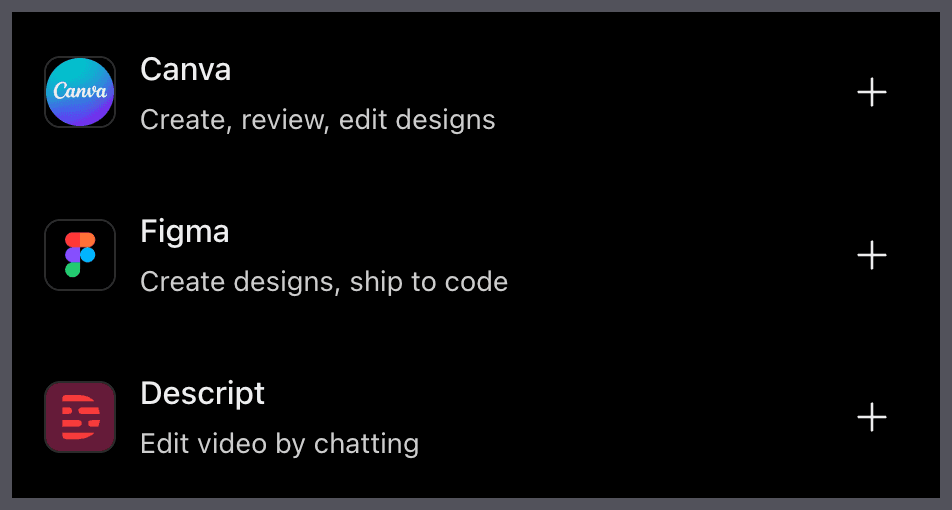
- Canva (Canva). Creates, refines and reviews Canva designs in conversation. Best for social posts and quick graphics.
- Figma (Figma). Sends product screens to Figma as editable layers and works on designs with you. Best for designers and developers working from the same files.
- Descript (Descript). Creates a video project from your files or links, and can edit it with Descript's own AI editor. Best for trimming talks and podcasts.
Research, money and travel
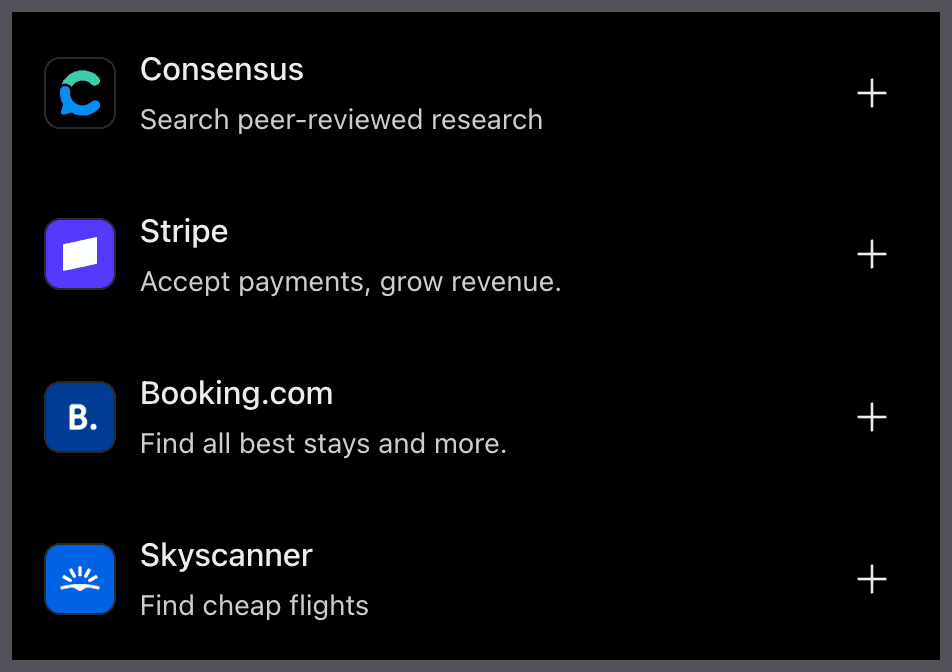
- Consensus (Consensus). Searches peer-reviewed research and narrows it by year, study design and field. Best when you need studies, not opinions.
- Stripe (Stripe). Brings Stripe's payment tools and guidance into ChatGPT. Best for questions about payments and pricing models. Read what it proposes before it changes anything in your account.
- Booking.com (Booking.com). Searches stays, attractions and rental cars. You book on Booking.com itself.
- Skyscanner (Skyscanner). Compares flight fares across airlines and travel sites, then sends you to the provider to book.
Websites and stores
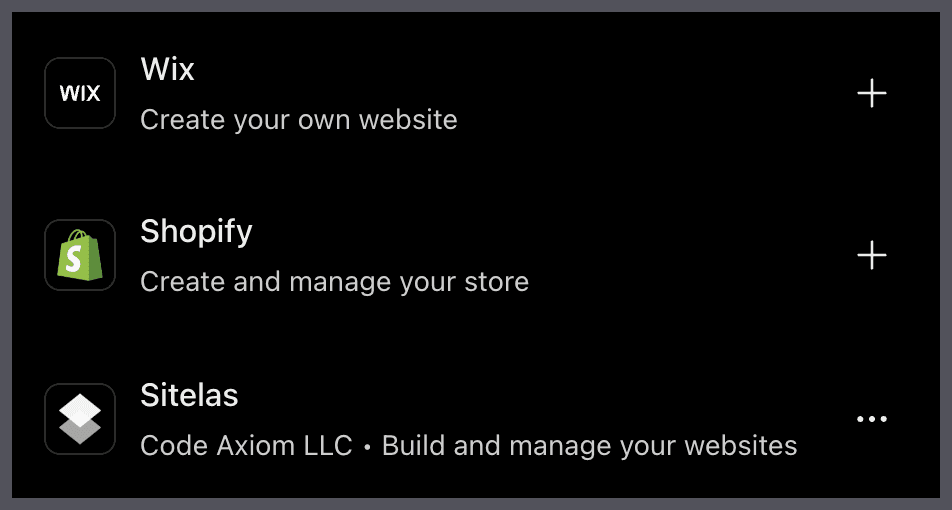
ChatGPT's directory, November 2026. Sitelas showed in search because it was installed on our account.
The right one depends on what you sell and where your site lives.
- Wix (Wix). Builds a site from a prompt, or puts a site you built elsewhere live with its hosting. Its listing says you can also buy a domain from the chat. Best if you want Wix's full editor and business tools behind the chat.
- Shopify (Shopify). Turns a business idea into an online store and helps you run it from the chat. Best when you sell many products and need a cart and checkout.
- Sitelas (Code Axiom LLC, our product). Describe the site you want and it designs it, writes the words, finds images and hosts it. Changes land on a private preview first, and the site goes live when you say so. Later you keep editing it and read its form messages from the same chat. Best for a small business or portfolio site you want to run by asking. There is no cart, so it is not a store.
We ran a dog groomer's site from Claude and ChatGPT in the easiest website builder for small business, booking requests included. The full ChatGPT walk-through is in how to build a website with ChatGPT. OpenAI also has its own site feature, ChatGPT Sites, compared in Sitelas vs ChatGPT Sites.
The best ChatGPT plugins to add first
Start with the two or three apps you already use all day. That is where a plugin saves you switching tabs. Email and calendar are a natural first pair.
Add the rest when a real task needs them. A short list is easier to trust and to keep track of.
Using Claude as well? Its version of plugins is called connectors, and the best Claude connectors covers the same jobs there.
Questions people ask
What are the best ChatGPT plugins? The ones for the tools you already use. A good start is Gmail or Outlook and a calendar. Then add a file plugin like Google Drive or Dropbox. The rest of this list is grouped by job, so you can pick yours.
Are ChatGPT plugins free? The directory is open on all plans. Some plugins need a paid ChatGPT plan, and some may need a paid account with the service itself. On our Go plan, Google Drive asked for Plus.
What is the difference between a ChatGPT app and a plugin? An app connects ChatGPT to one service, such as Slack. A plugin can include one or more apps plus skills, which are saved instructions for a task. ChatGPT's directory lists both under Plugins.
Do ChatGPT plugins still exist? Yes, under a new design. The 2023 beta stopped taking new installs in March 2024. Today's plugins live in the Plugins directory in ChatGPT's sidebar.
Can ChatGPT build a website? Yes, with a website plugin. Wix, Shopify and Sitelas all build sites from a chat. They suit different jobs. Wix is for a site on Wix's platform and Shopify is for a store. Sitelas is for a small site you keep running from the chat.
The short version
Open ChatGPT's Plugins page and install the two plugins for the tools you lean on. Then ask each one for a real task. If keeping a website current is one of your jobs, see what Sitelas does. It is in ChatGPT's plugin directory too.

Usman Haider
Founder of Sitelas — the website builder for AI agents.