

Best Claude Connectors: What Each One Does and Which to Add First
Twenty connectors from Claude's directory, grouped by job: email and calendar, files, teamwork, design, research, payments and websites. What each one does, from its own listing, and which to add first.

Usman Haider
Updated October 2026. Claude's connector directory lists more than 7,500 connectors. You can start with a few. This list of the best Claude connectors covers 20 of them. They are grouped by job: email, files, teamwork, design, research, payments and websites. Every one was opened on its real directory page for this guide, and each description comes from that page.
Disclosure: Sitelas is our product. It appears under websites, next to the alternatives.
New to connectors? What are Claude connectors? explains them in plain words. In short, a connector lets Claude read from and act in another app, with your permission.
How to pick the best Claude connectors for you
Start with the two or three apps you already live in all day. That is where a connector saves you switching between tabs.
Add more as you need them. A short list is also easier to keep track of.
Then check who made it. Every listing names its maker, and the directory adds a warning: only use connectors from developers you trust.
Email and calendar
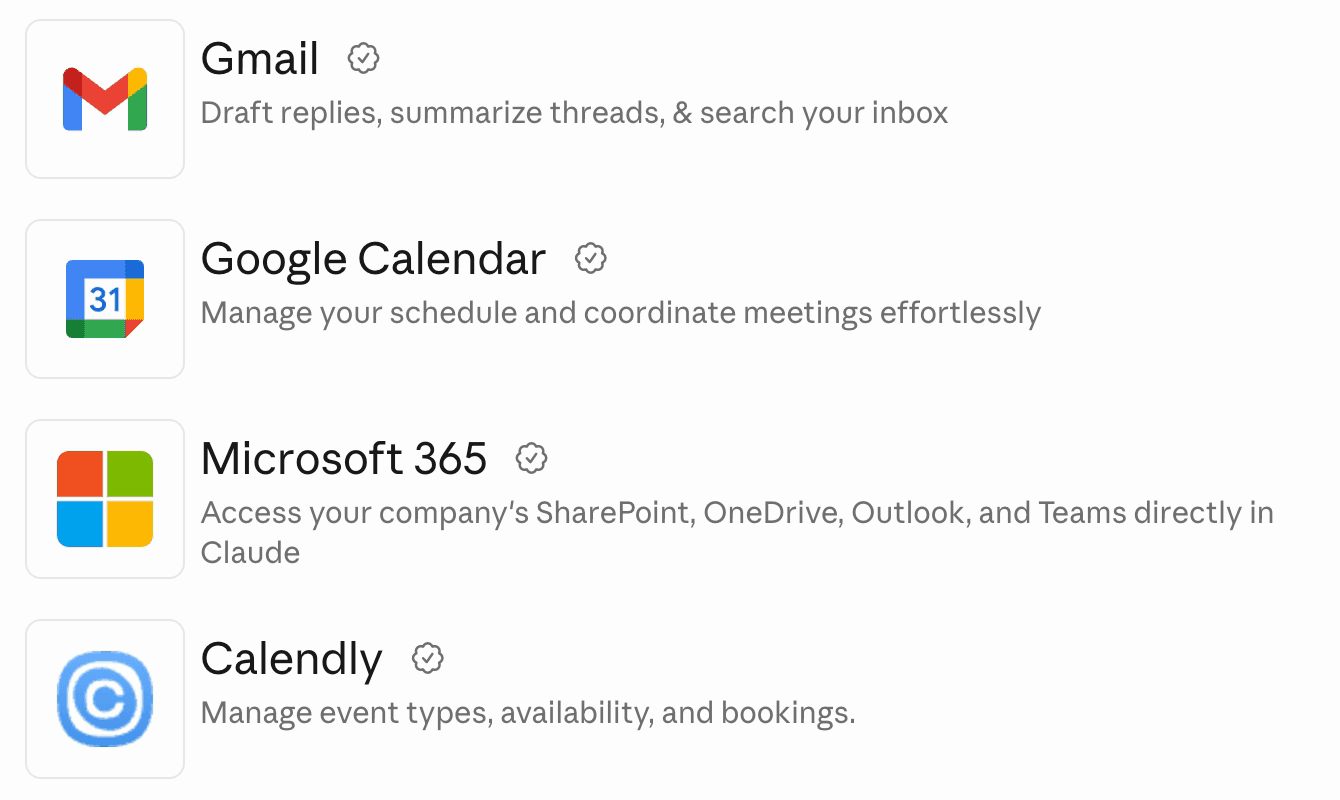
The listings as they appear in Claude's directory, October 2026.
- Gmail (made by Google). Searches your inbox, reads whole threads and drafts replies. Best for catching up on long email chains.
- Google Calendar (Google). Checks your availability, finds free slots, creates and updates events and answers invitations. Best for scheduling without the back-and-forth.
- Microsoft 365 (Anthropic). Reaches SharePoint, OneDrive, Outlook and Teams in one connector. Best if your company runs on Microsoft. It needs a work or school account; personal Outlook.com accounts aren't supported.
- Calendly (Calendly). Creates and updates event types, shares booking links and adjusts availability. Best if clients book time with you.
Files and notes
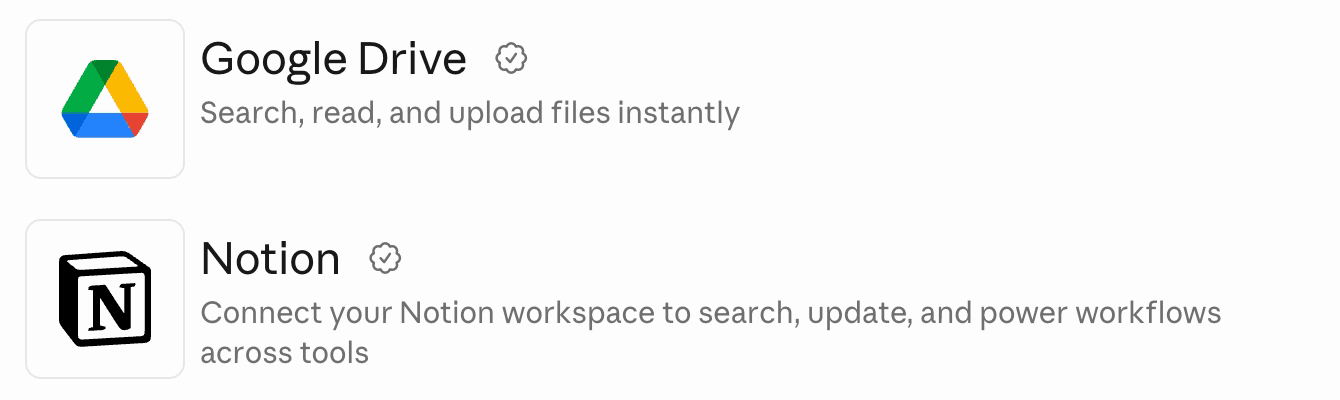
Claude's directory, October 2026.
- Google Drive (Google). Finds files even when you forget the name, reads Docs, Sheets, Slides and PDFs, and uploads files. Best for "where did I put that?"
- Notion (Notion). Searches and updates your Notion workspace. Best for teams whose notes and plans live there.
Team chat, projects and customers
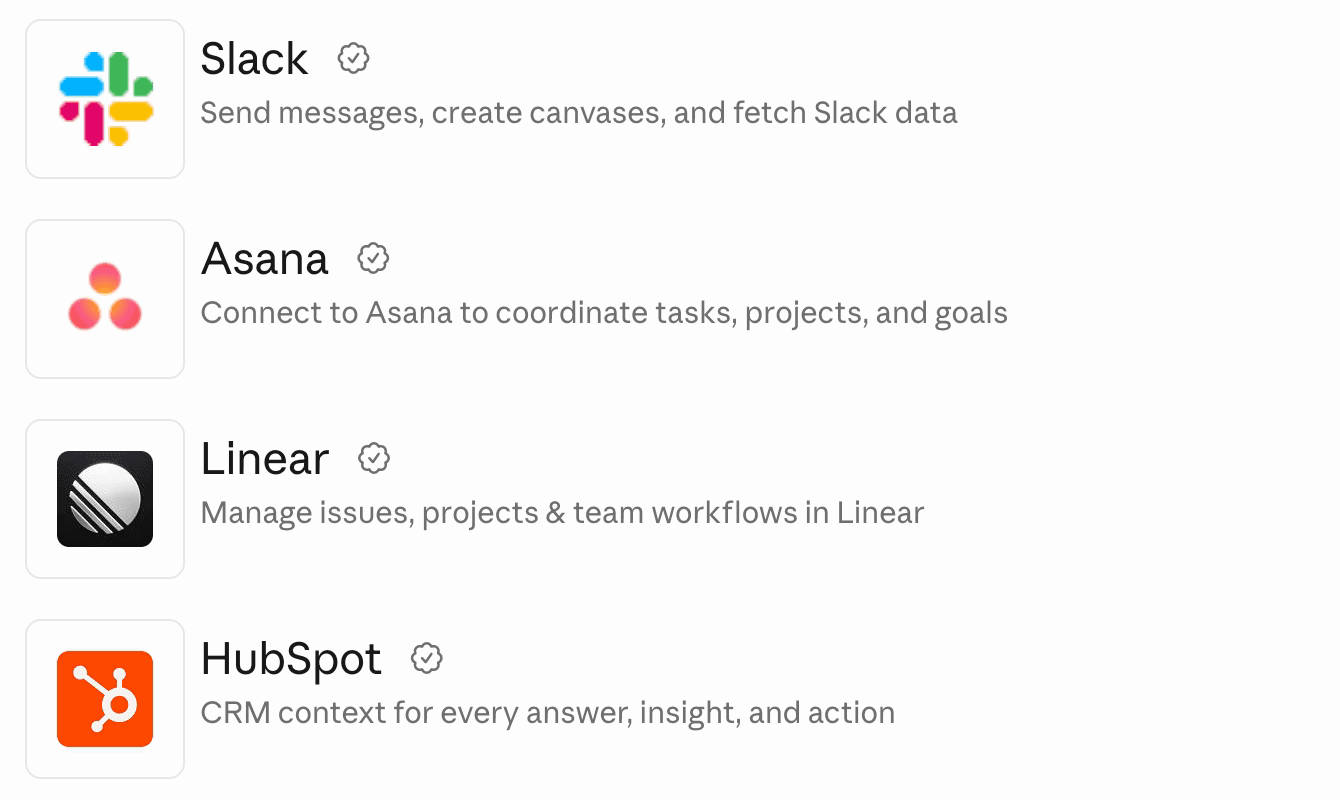
Claude's directory, October 2026.
- Slack (Slack). Searches messages, channels and threads, sends messages and creates canvases. Best for catching up on busy channels. Read anything addressed to a person before Claude sends it.
- Asana (Asana). Searches, creates and updates tasks, projects and goals. Best for turning a planning chat into real tasks.
- Linear (Linear). Creates and updates issues, tracks progress and plans cycles. Best for software teams.
- HubSpot (HubSpot). Searches and updates contacts, companies, deals and tickets, and reports on campaigns. Best for sales and marketing teams.
Design and research
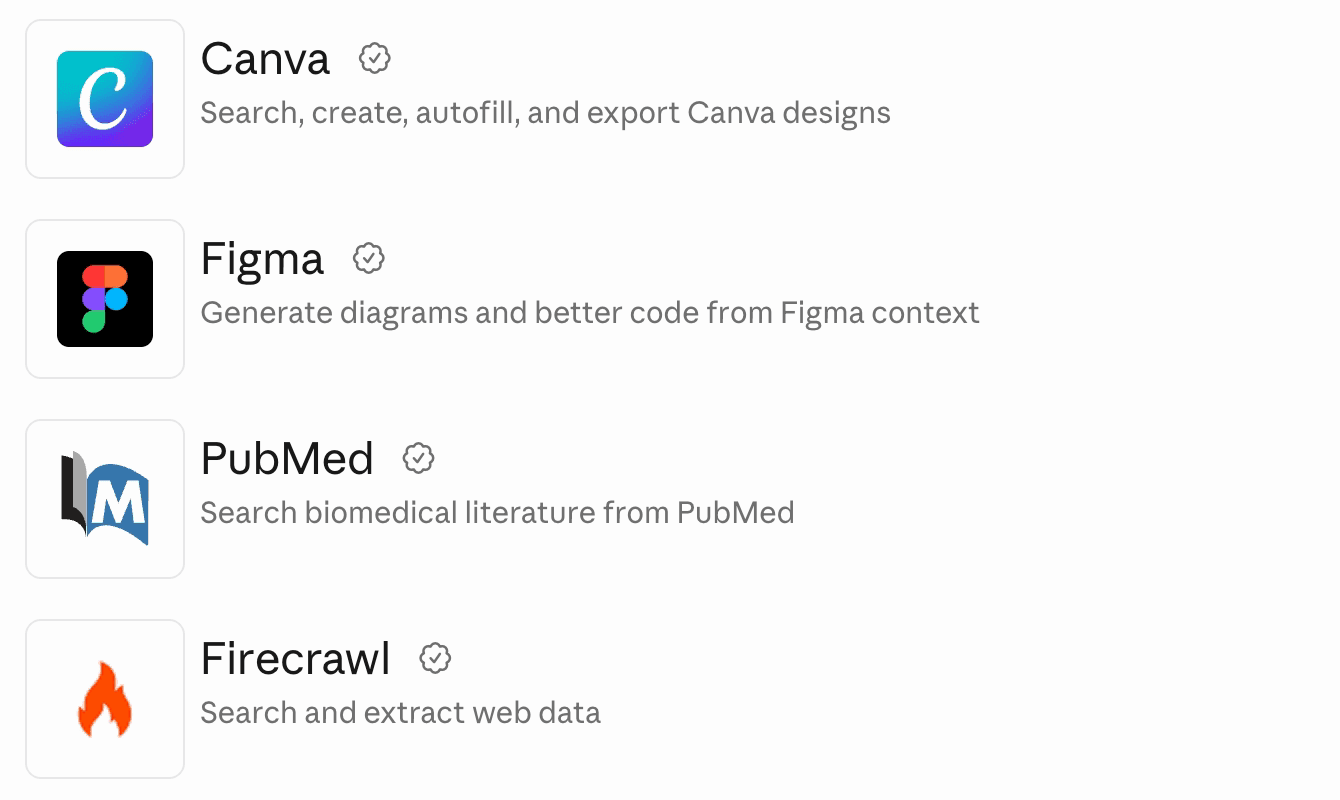
Claude's directory, October 2026.
- Canva (Canva). Browses, summarizes, autofills and generates Canva designs. Best for social posts and quick graphics.
- Figma (Figma). Pulls Figma design context into code. Best for designers and developers working from the same files.
- PubMed (Anthropic). Searches biomedical papers and abstracts, with full text where PubMed Central has it. Best for health and science research.
- Firecrawl (Firecrawl). Searches the web and pulls clean content out of pages and documents. Best for research that needs today's web, not Claude's memory.
Payments and automation
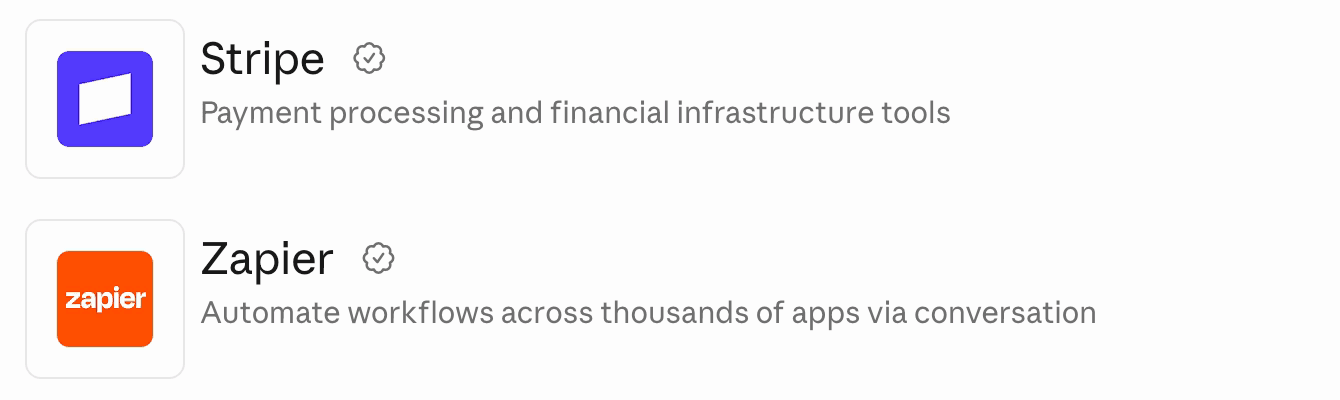
Claude's directory, October 2026.
- Stripe (Stripe). Reads your Stripe data, runs analytics and searches Stripe's documentation. Best for questions about payments and customers. Some of its tools can make changes in your account, so read what Claude proposes before you allow it.
- Zapier (Zapier). Reaches the 9,000 apps on Zapier, so Claude can send emails, update a CRM or schedule a meeting through them. Best when an app you use has no connector of its own.
Websites
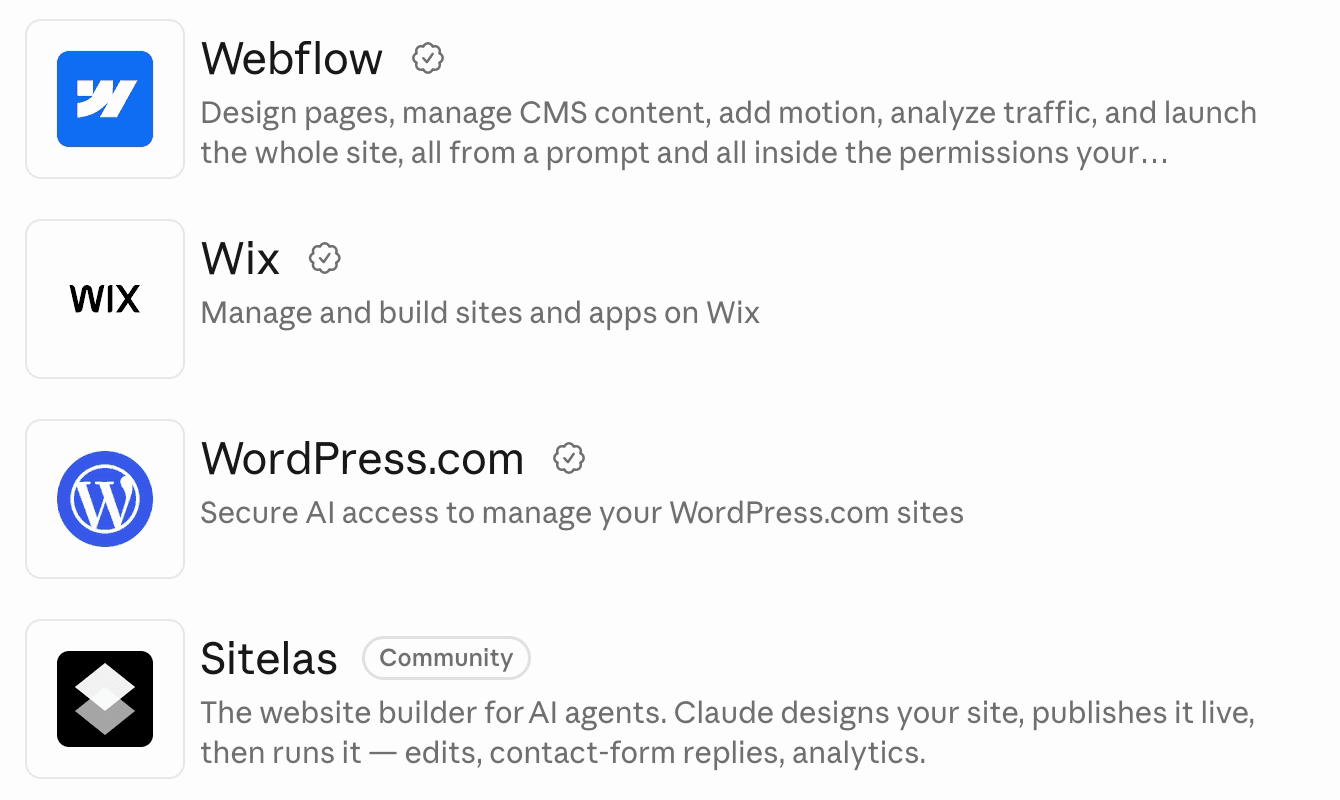
Claude's directory, October 2026. Sitelas is in the Community tier.
The right one depends on where your website lives.
- Webflow (Webflow). Designs pages, manages CMS content and launches the site, inside your Webflow workspace's permissions. Best if your site is already on Webflow.
- Wix (Wix). Manages the sites and apps on your Wix account, including Stores, Bookings and Blog. Best if you sell or take bookings on Wix.
- WordPress.com (Automattic). Finds posts, checks stats, drafts posts and updates pages. Best for a blog or site on WordPress.com. It needs a paid WordPress.com plan.
- Sitelas (our product). Builds a website from a template, shows you a preview, and publishes when you say so. Afterwards it edits the site and reads its contact-form messages from the same chat. Best if you don't have a site yet. It doesn't run an online store or take appointments, so Wix suits those better.
To see what building one looks like, build a website from a Claude chat walks through it.
Which Claude connectors to add first
- Running a small business: Gmail, Google Calendar and Google Drive. Add a website connector when the site needs work.
- Working in a team: Slack plus your task tool, Asana or Linear. Add Notion if your docs live there.
- Selling: HubSpot and Gmail, so Claude can prepare for a call from both. Add Stripe to answer billing questions.
- Building software: GitHub and Linear. GitHub sits in the directory as a connector made by Anthropic: "Connect your GitHub account to give Claude access to your repositories across Claude's products."
- Designing: Canva for marketing graphics, Figma for product design.
- Researching: Firecrawl for the web, PubMed for medical papers.
Connectors also work together. Say you add Sitelas and Gmail. Claude can then read a new message from your site's contact form and draft the reply in Gmail. How I hired an engineer without leaving a Claude chat shows Sitelas, Gmail and Google Calendar in one conversation. Run your website from a Claude chat shows the day-to-day.
How to add a connector
- In a chat, click +, hover over Connectors and choose Manage connectors. Or go to Customize, then Connectors.
- Click +, find the connector and open its page.
- Click Connect and sign in to that app.
- In a chat, check that the connector is switched on.
On Team and Enterprise plans, an owner must first turn a connector on for the organization. Each person then signs in with their own account.
In Claude Code, connectors you added in claude.ai carry over when you sign in with the same account. You can also add one from the terminal with one command. Setting up Sitelas in Claude Code shows how it works.
How to stay in control
- Read before it sends. Claude can ask before each tool it uses. Choose "Allow once" until you trust a connector.
- Grant only what you need. When you sign in, read what access the app asks for.
- Remove what you stop using. A connector you no longer need is one less thing with access.
Questions people ask
Are Claude connectors free? Connectors in the directory work on every Claude plan, including Free, according to Anthropic's help pages. The app on the other end may need its own paid plan; WordPress.com's connector does. Free users can add only one custom connector from outside the directory.
How many Claude connectors are there? Claude's directory listed 7,582 under "Top connectors" in October 2026. New ones keep arriving, and the directory has a "New" section for them.
What is the difference between a connector and a plugin? A connector links Claude to one app. A plugin in the directory is a package. It can bundle a connector with skills, which are written instructions for a task. Notion's plugin, for example, packages its connector with Notion skills for Claude Code.
Can I use connectors on my phone? Yes. Once you connect a service on the web or desktop app, it works in the Claude mobile apps. Adding new connectors from your phone is still in beta.
Which Claude connectors are best for a website? Use the one for the platform your site is on: Webflow, Wix or WordPress.com. If you don't have a site yet, Sitelas builds one from the chat and keeps running it.
If a website is next on your list, Sitelas builds one from a Claude chat. How to build a website with AI compares the other ways to do it.

Usman Haider
Founder of Sitelas — the website builder for AI agents.