

Moot Association website template
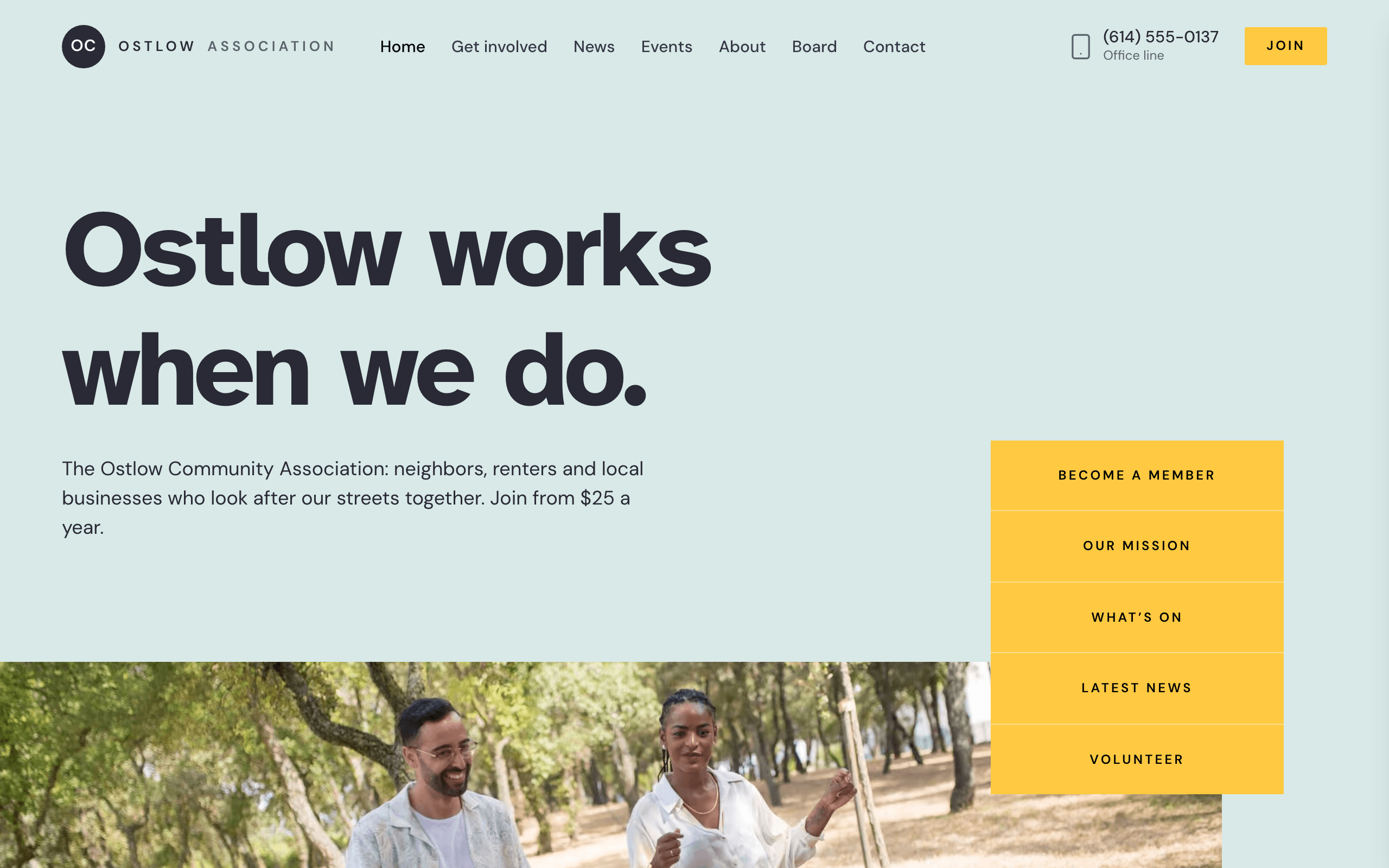
Moot is for an association that members join and a board runs: a neighborhood or civic association, a community club, or a local business or professional association. The home page says what you do and how to join, with five quick links beside the headline. There is a membership page with three tiers and a form, a page for each board member, pages for events and news, and a volunteer page.
Who Moot is for
- Neighborhood or civic association that members join for a yearly fee
- Residents' association with an elected board and a members' meeting
- Community club or society with membership tiers, events and a newsletter
- Professional or trade association with resident, household or business tiers
- Volunteer-run association recruiting committee members and helpers
- Association that takes dues through its own Stripe payment links or a membership form
- Local business association or merchants' group with breakfast meetings
- Group that publishes board decisions, meeting dates and news
What’s included
- Pages
- 9 pages, written and laid out
- Grows with you
- 8 person entries at /board/, 5 event entries at /events/, 5 post entries at /news/ — add one and its index and detail page both update
- Enquiries
- A working form — messages land in your Sitelas inbox
- Fonts
- Atkinson Hyperlegible and DM Sans · light theme
Build Moot by asking your AI agent
- 1Connect Sitelas to Claude, ChatGPT or another AI agent that supports MCP. How to connect
- 2Ask for it in plain words: “Build a website for a neighborhood or civic association that members join for a yearly fee using the Moot template.”
- 3Open the preview link it sends back, ask for changes, and publish when it reads right.
Then keep changing it from the same chat
- Rewrite the copy“Rewrite the ‘About’ page with my details, in a warmer voice.”
- Change the design“Keep the layout, but swap Atkinson Hyperlegible for another typeface and use my brand colours.”
- Add person entries“Add three person entries from these notes, each with its own page.”
- Swap the photos“Replace the photos on the ‘Board’ page with my own.”
Everything here can also be done by hand in the visual editor.
About the Moot template
Built for associations that members join
Moot suits a neighborhood or civic association, a community club, or a local business or professional association. The home page opens with who the association is for, a membership link and four other quick links, then says what you work on.
What's on the site
- Home: what you do, three things you work on, a few figures, questions, news and a newsletter sign-up
- About: your story, the board and your business members
- Board: every board member, each with a page
- Events and News: each item with its own page
- Membership: three tiers with a payment button each, a membership form and questions about dues
- Get involved: three projects and a volunteer form
- FAQs and Contact
What to know
Membership buttons open your own Stripe Payment Links; Sitelas does not process money or keep a member list. Forms, newsletter sign-ups included, send messages to your Sitelas inbox; Sitelas does not send newsletters, so send yours from your own email tool. There are no member log-ins, so anything members-only is something visitors ask the office for. Names, dues, figures and photos are samples to replace.
When to pick something else
Moot is the wrong template for these. Where there is a better one, it is linked.
- Charity raising money for programs with goals and progress bars — try Almoner
- Congregation publishing Sunday times, sermons and ministries — try Narthex
- Candidate or ballot campaign with endorsements and volunteers — try Quorum
- Association that needs member logins, a members-only document library or online voting
- Ecommerce
Free to use · No credit card required
Key Highlights
Questions about Moot
What should an association website include?
What the association does and who it is for, how to join and what it costs, who is on the board, what is coming up, what the board has decided, and how to get in touch. Moot has a page for each: a membership page with three tiers, a payment button for each and a membership form, a board page linking to a profile of every board member, events and news, a volunteer page with a sign-up form, questions and answers, and a contact page.
Can members pay their dues on the site?
Yes, through your own Stripe Payment Links: each membership tier has a button that opens a link you set up in Stripe. Sitelas does not process or hold money, and there are no member log-ins, member list or automatic renewal reminders. People who would rather pay by check can send the membership form instead. The tiers are samples: rename them to suit a club or a professional association.
Who is Moot for?
Moot is built for a neighborhood or civic association that members join for a yearly fee, a residents' association with an elected board and a members' meeting and a community club or society with membership tiers, events and a newsletter. Not built for charity raising money for programs with goals and progress bars — try Almoner instead.
What pages come with Moot?
9 pages, already written and laid out: Home, About, Board, Events, News, Membership, Get involved, FAQs and Contact. Add, rename or remove pages whenever you like.
Can Claude or ChatGPT build my site from Moot?
Yes. Connect Sitelas to your AI agent and ask for a site that uses Moot. It fills in your details, sends you a preview link, and publishes when you approve. The same chat can keep running the site afterwards.
Can I change Moot without code?
Yes. The Atkinson Hyperlegible and DM Sans type, all 9 pages and the person entries, every photo and every colour can be changed in the visual editor, or by asking your AI agent.
What does it cost?
Nothing to start, with no trial clock. A free site runs on a sitelas.com address; Pro is $9 a month per site ($90 a year) for your own domain, analytics and more room.
Make Moot yours
All 9 pages open in the editor already written, with 8 starter person entries. Make the words and photos yours, then publish.
Free to use · No credit card required
Related templates
All nonprofits, churches & campaigns templates →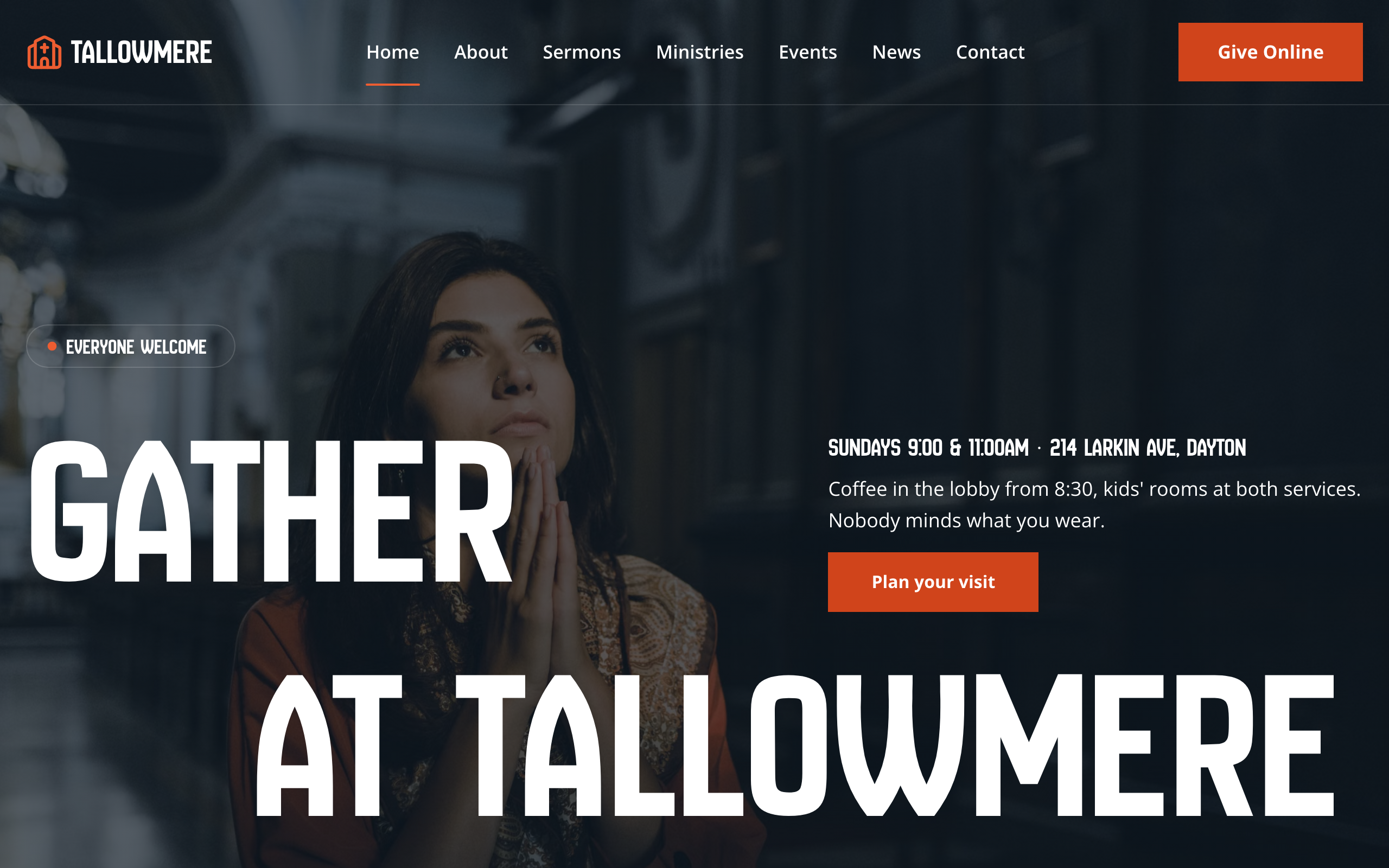
Narthex
For local churches: service times up front, sermons, ministries and events with their own pages, and online giving.
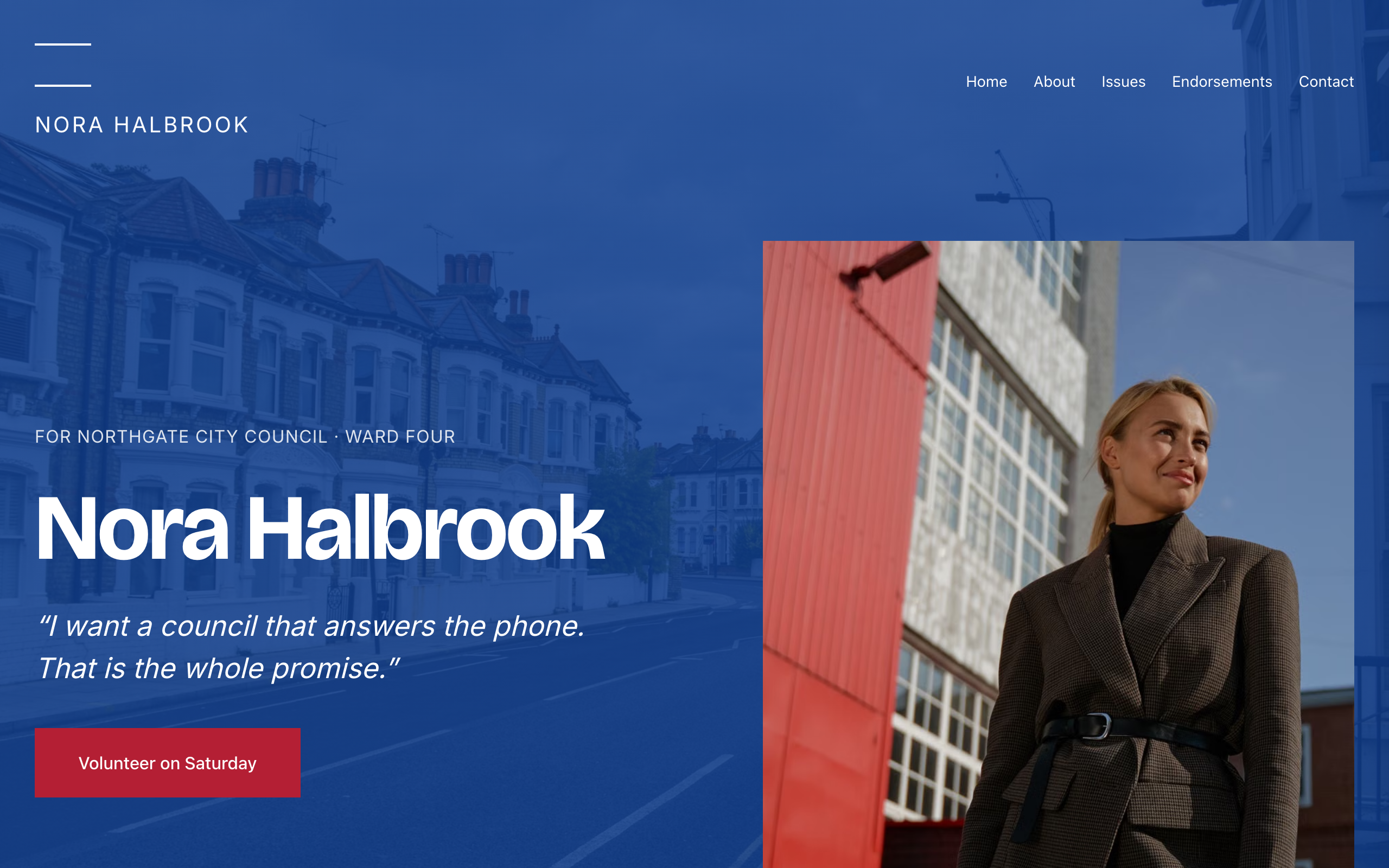
Quorum
For local candidates and campaigns: one strong statement per screen, issue pages, endorsements and a contact form.
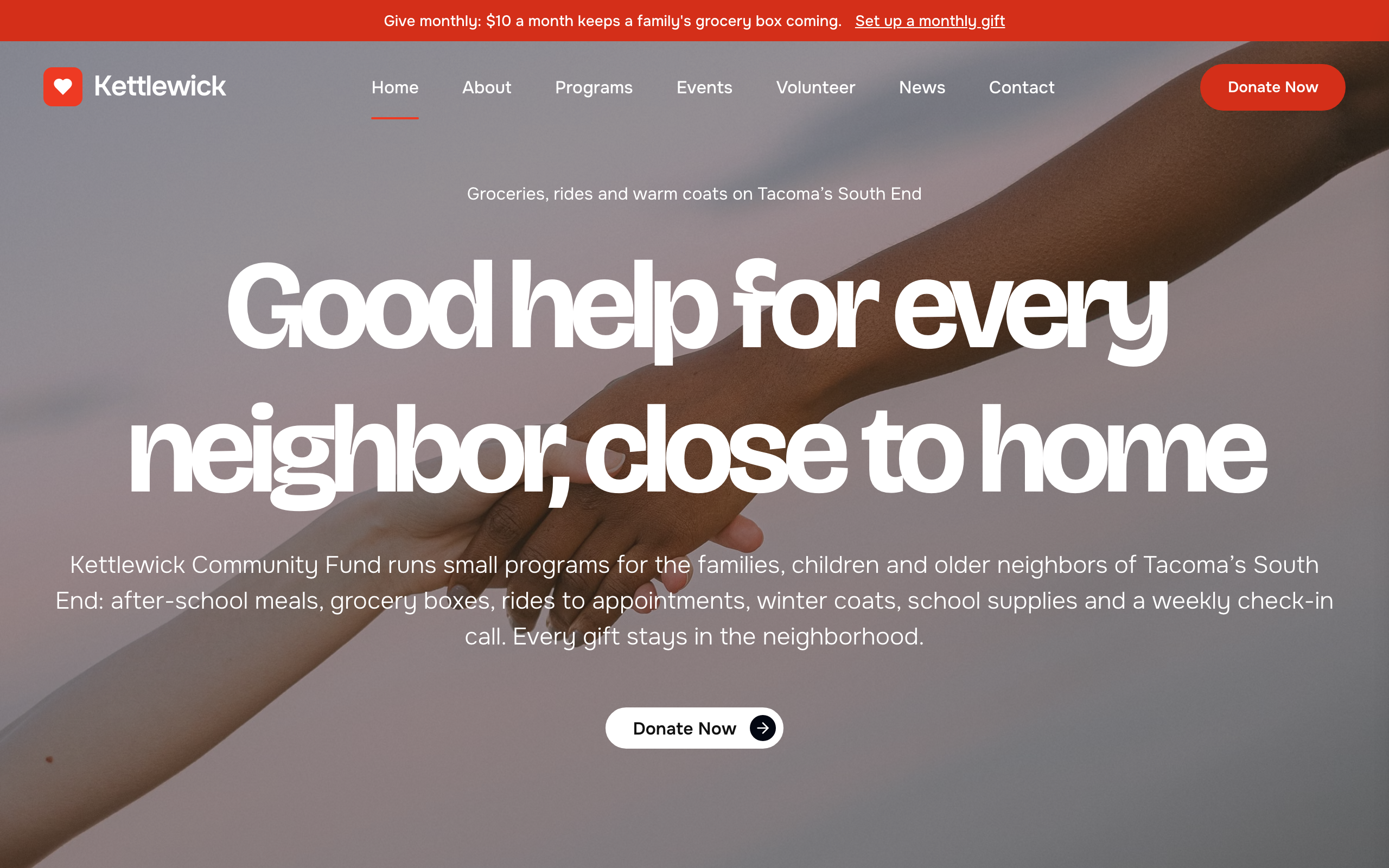
Almoner
For small charities: programs with goals and progress bars, donate buttons, volunteer sign-up, events and news.
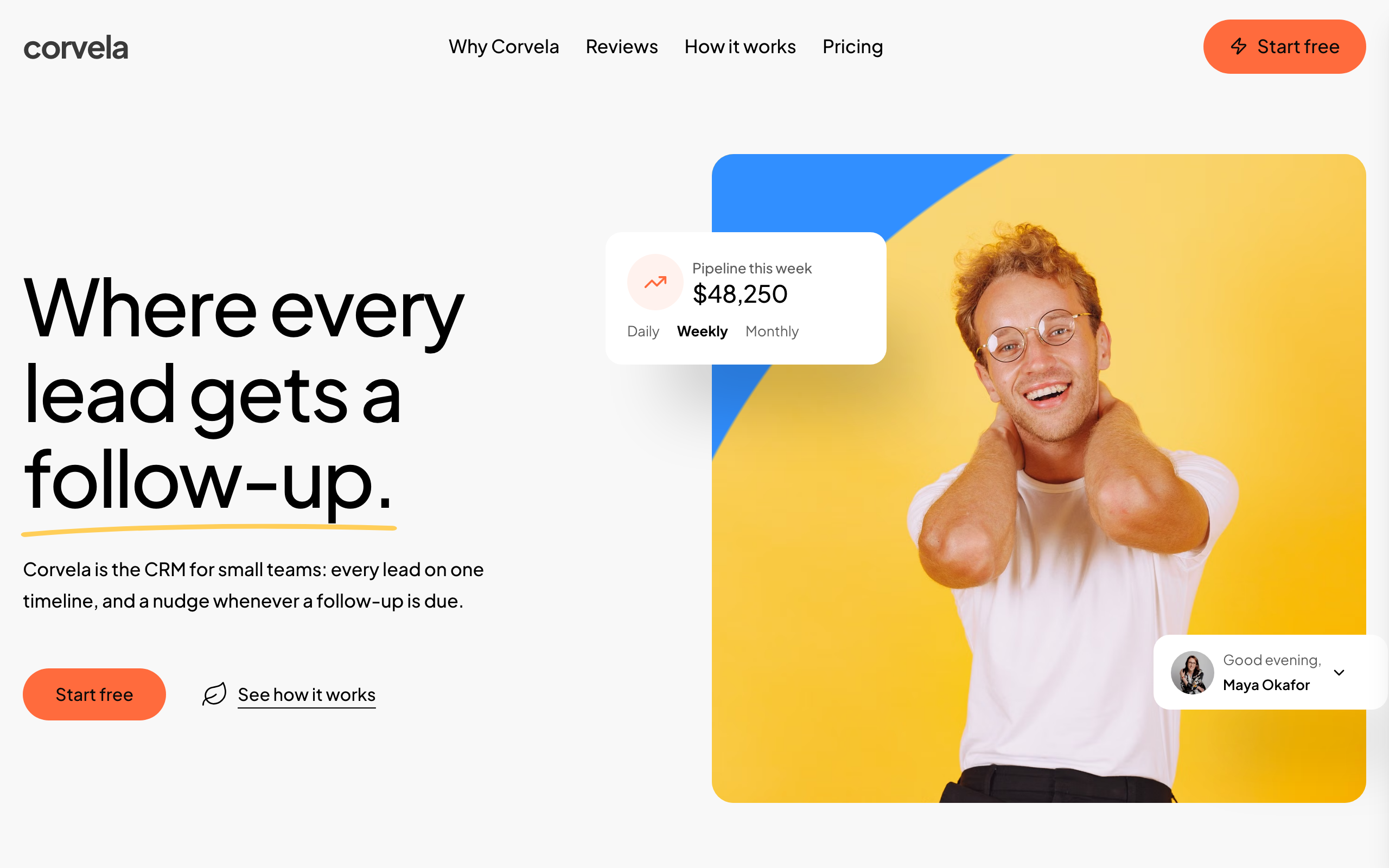
Orrery
A bright one-page site for a CRM or follow-up tool: a product tour, customer quotes, three plans and a sign-up form.
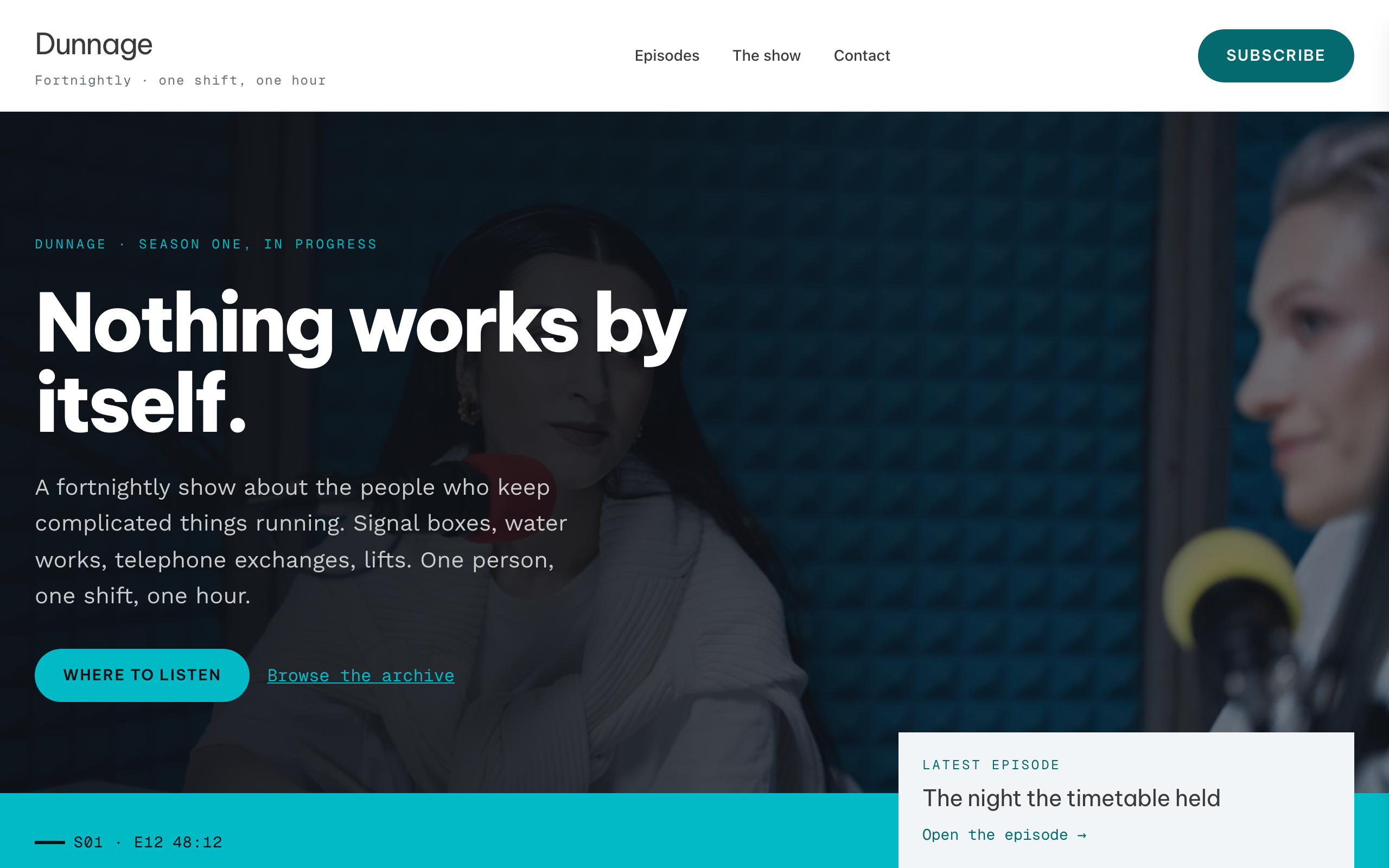
Patchbay
For podcasts with a long back catalogue: a scannable episode list, a player on each episode page and search.

Pazari
An ultra-minimal photography portfolio with category galleries and full-width images.