

Patchbay Podcast archive website template
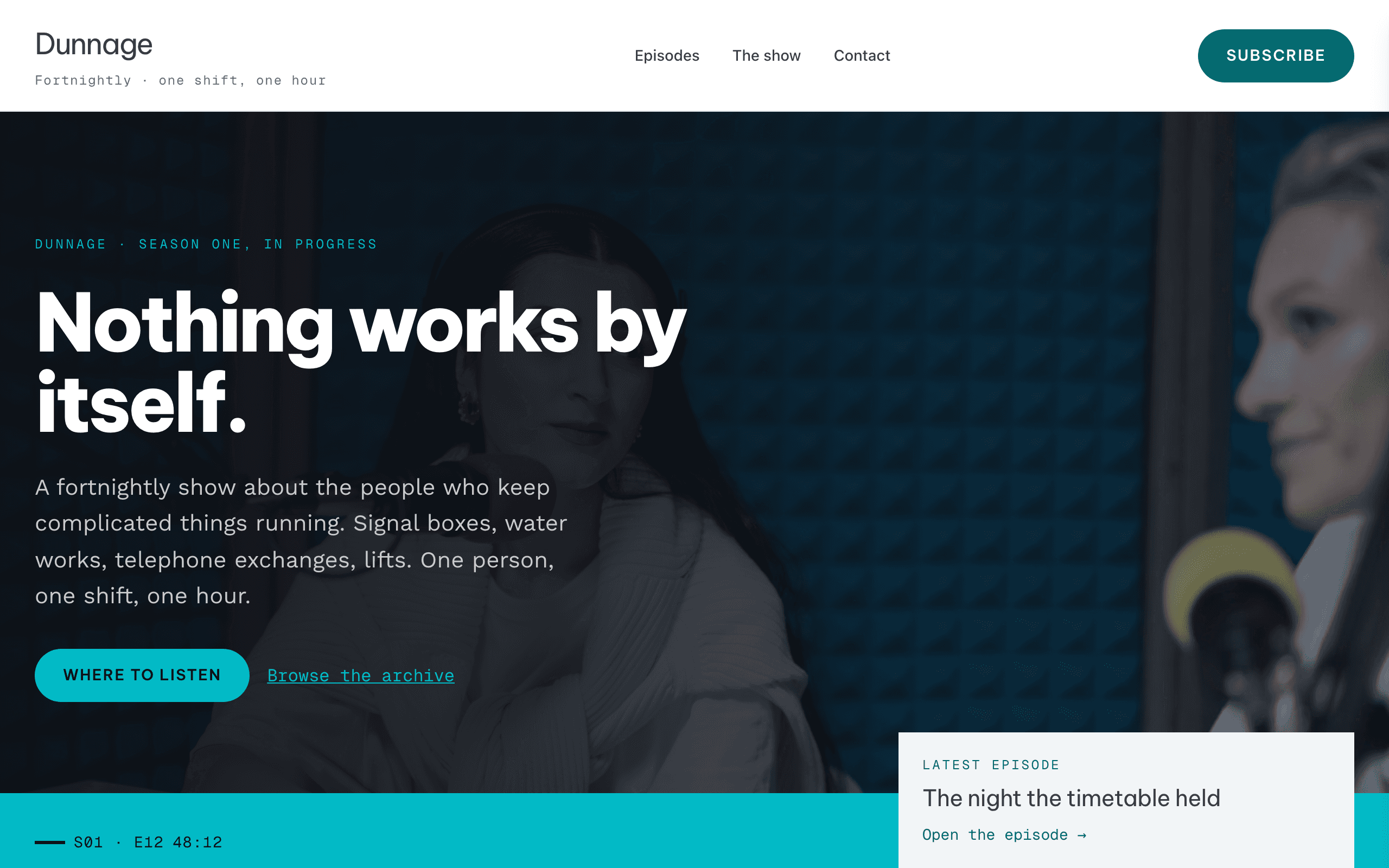
Patchbay is for interview and documentary podcasts with a back catalogue worth browsing. Episodes are listed as tidy rows with season, number and run time, so visitors can scan dozens at a glance, and each episode page has its own audio player.
Who Patchbay is for
- An interview or documentary podcast with a back catalogue worth browsing
- A show whose listeners arrive from a search or a link rather than the front page
- Anyone who publishes on a cadence and wants the archive to stay scannable at fifty episodes
- A small team — two hosts and a producer — rather than a network
- Shows that would rather be followed in an app than watched on a site
What’s included
- Pages
- 5 pages, written and laid out
- Grows with you
- 12 episode entries at /episodes/ — add one and its index and detail page both update
- Enquiries
- A working form — messages land in your Sitelas inbox
- Fonts
- Be Vietnam Pro and Work Sans · light theme
Build Patchbay by asking your AI agent
- 1Connect Sitelas to Claude, ChatGPT or another AI agent that supports MCP. How to connect
- 2Ask for it in plain words: “Build a website for my history podcast with the Patchbay template: our episodes with their audio links, where to listen and a form for guest pitches.”
- 3Open the preview link it sends back, ask for changes, and publish when it reads right.
Then keep changing it from the same chat
- Rewrite the copy“Rewrite the ‘Episodes’ page with my details, in a warmer voice.”
- Change the design“Keep the layout, but swap Be Vietnam Pro for another typeface and use my brand colours.”
- Add episode entries“Add three episode entries from these notes, each with its own page.”
- Swap the photos“Replace the photos on the ‘The show’ page with my own.”
Everything here can also be done by hand in the visual editor.
About the Patchbay template
Built for podcasts with a back catalogue
Every episode sits in a compact, searchable list, so a new listener can find the one that fits them.
What's on the site
- Home with the latest episodes
- Episodes, searchable, with a page and an audio player for each
- The show and Where to listen
- Contact
Keeping it current
Add an episode with its audio file and it appears everywhere at once, with a player on its page and no embed code to paste. Search always covers everything you have published.
When to pick something else
Patchbay is the wrong template for these. Where there is a better one, it is linked.
- One-host interview show led by a night-studio photo hero and a guest portrait wall
- A video-first channel: the player here is audio and the layout assumes it
- A portfolio of client work rather than a run of published episodes — try Dossier
- Selling a course or a paid membership — there is no payment link anywhere in this template
- A written blog with no audio at all — try Prive
- A warm, conversational two-host series funded on Patreon
- A church putting each week's preaching beside its service times and ministries — try Narthex
Free to use · No credit card required
Key Highlights
Questions about Patchbay
How do I add my podcast to my website?
Paste each episode's direct MP3 link from your podcast host into the episode, and a player appears on its page, with no embed code. The sample episodes have no audio, so their players stay hidden until you add your links. Your host keeps the files and the RSS feed: Sitelas does not host episodes, so put your own feed address on the Where to listen page.
Can listeners search old episodes?
Yes. Search runs over your published episodes, so it is always up to date.
Who is Patchbay for?
Patchbay is for an interview or documentary podcast with enough episodes that listeners want to browse them. Every episode is a row with its season, number and run time, the archive is searchable, and each episode has its own page with a player. It also has pages on the show and where to listen, and a contact form for guest pitches. For a DJ or producer sharing mixes and dates, pick Rivet.
What pages come with Patchbay?
5 pages, already written and laid out: Home, Episodes, The show, Where to listen and Contact. Add, rename or remove pages whenever you like.
Can Claude or ChatGPT build my site from Patchbay?
Yes. Connect Sitelas to your AI agent and ask for a site that uses Patchbay. It fills in your details, sends you a preview link, and publishes when you approve. The same chat can keep running the site afterwards.
Can I change Patchbay without code?
Yes. The Be Vietnam Pro and Work Sans type, all 5 pages and the episode entries, every photo and every colour can be changed in the visual editor, or by asking your AI agent.
What does it cost?
Nothing to start, with no trial clock. A free site runs on a sitelas.com address; Pro is $9 a month per site ($90 a year) for your own domain, analytics and more room.
Make Patchbay yours
All 5 pages open in the editor already written, with 12 starter episode entries. Make the words and photos yours, then publish.
Free to use · No credit card required
Related templates
All creators & podcasts templates →
Rivet
A loud one-page site for DJs and producers: links to your mixes and dates, a merch and vinyl drop, and a fan list.
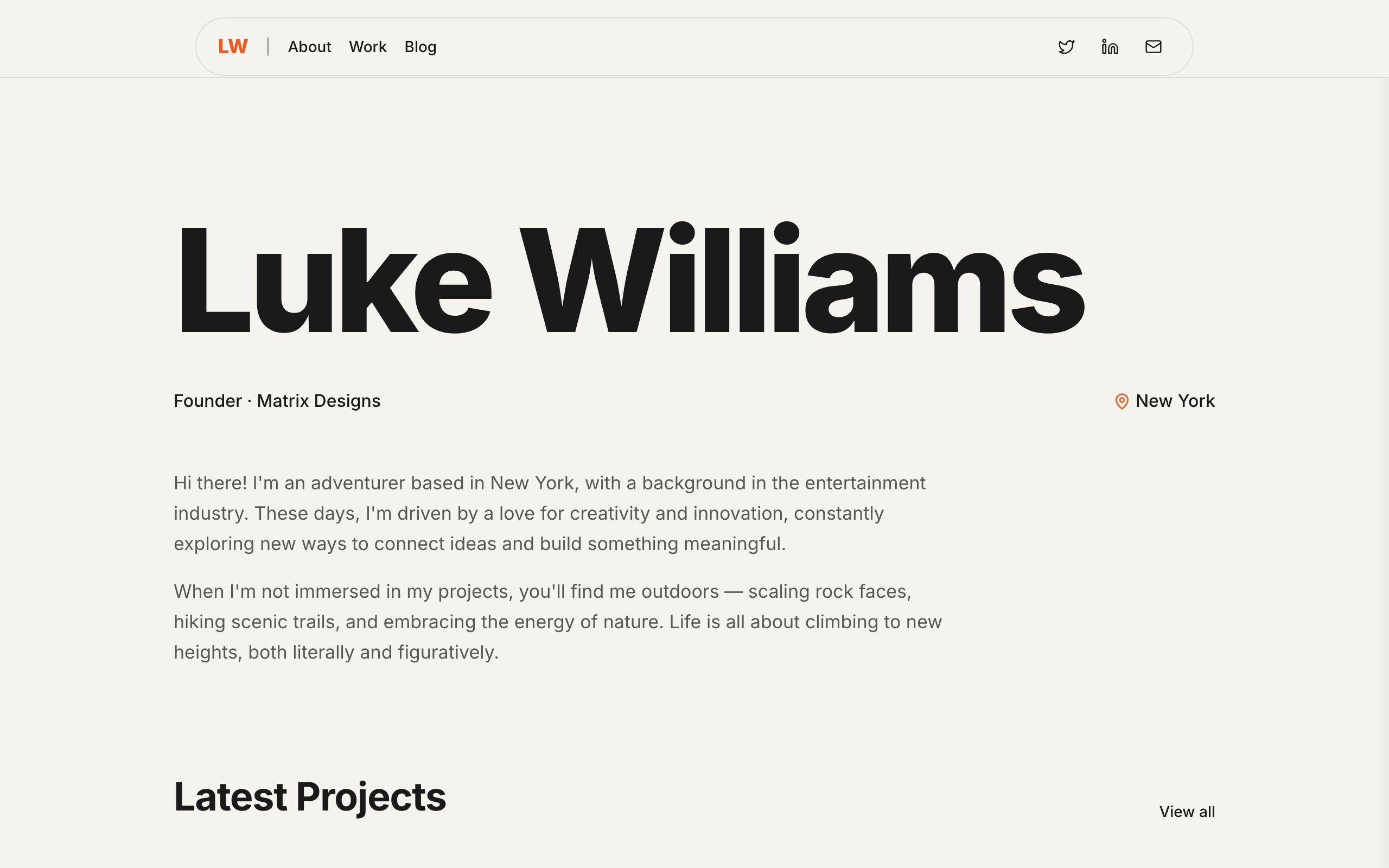
Prive
A minimal personal site for founders and creators whose name is the brand: projects, a blog and a newsletter.

Pazari
An ultra-minimal photography portfolio with category galleries and full-width images.
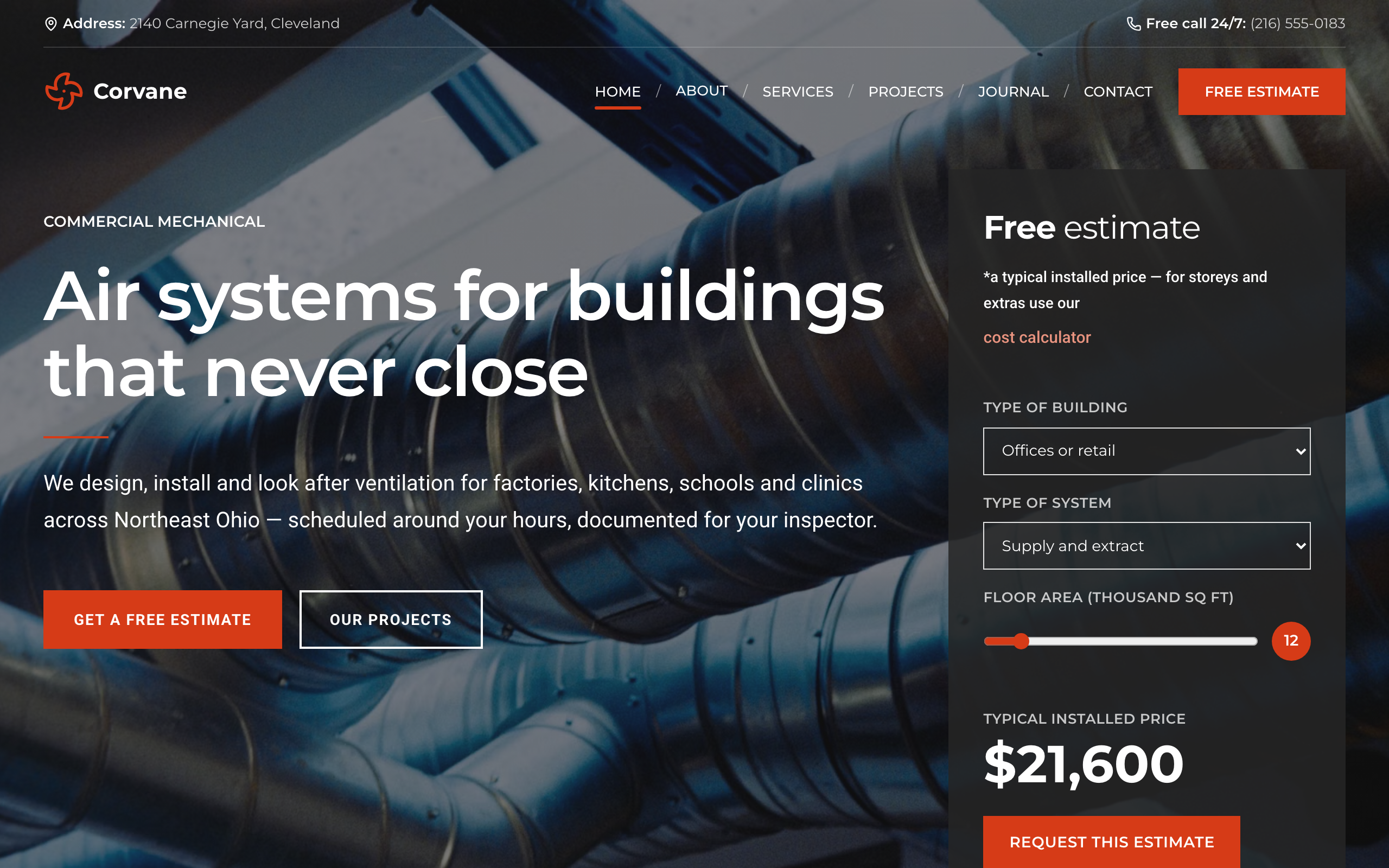
Plenum
For commercial ventilation and HVAC contractors: an instant estimate on the home page, project pages and a request form.
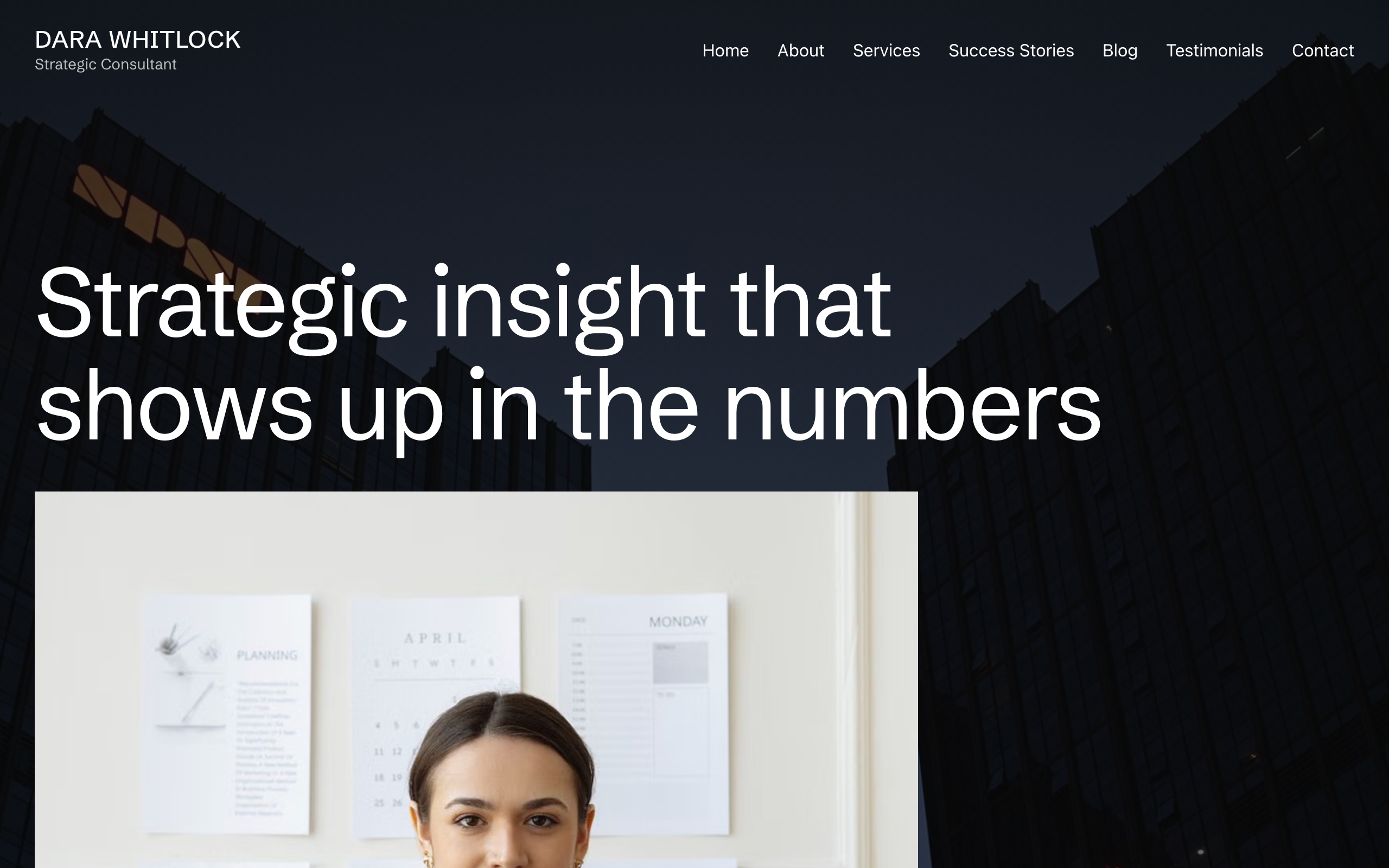
Plumbline
For independent consultants and coaches: full-bleed photography, services, success stories and a blog.
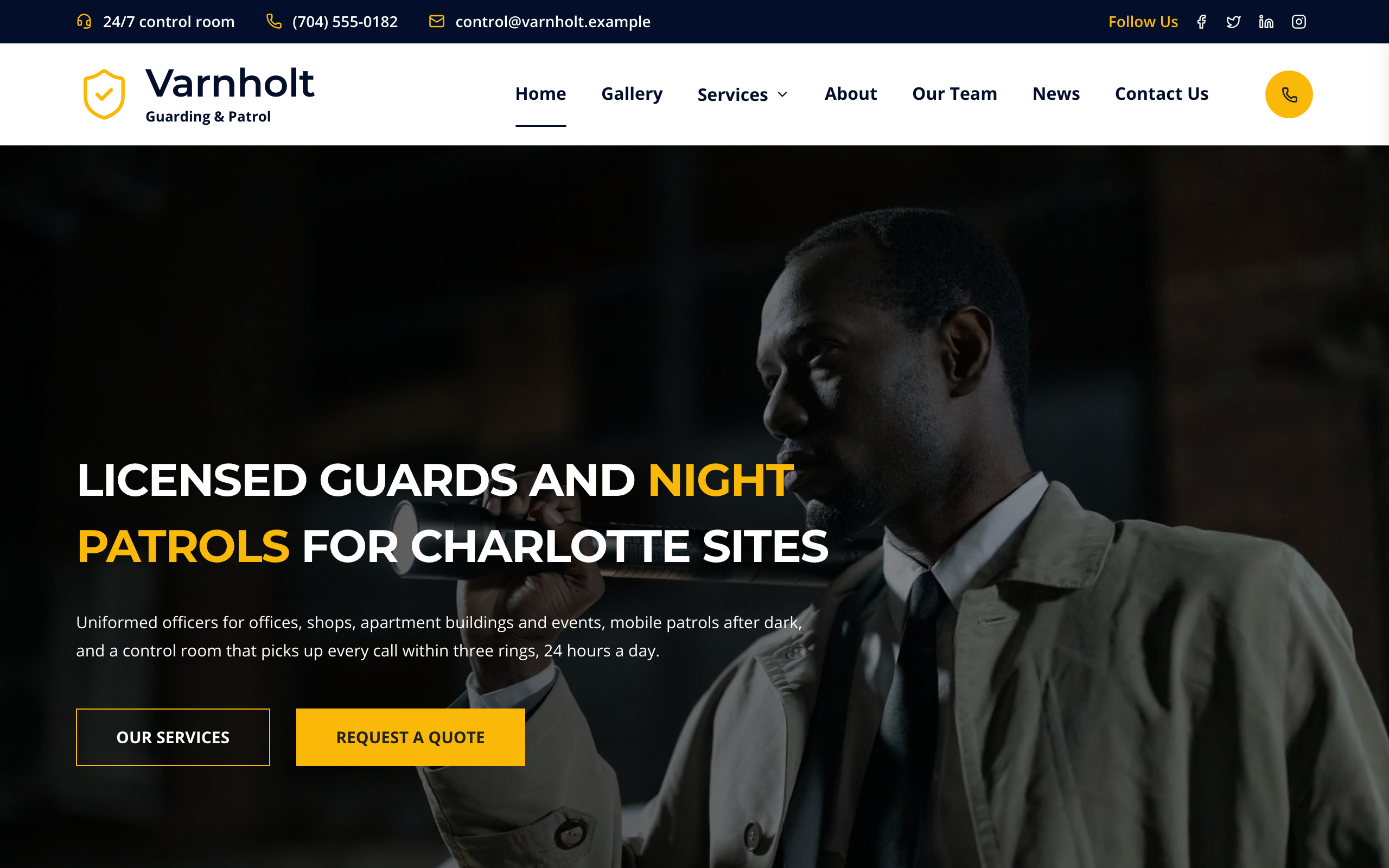
Postern
For guarding and patrol firms: a page per service, your officers, a 24/7 number on every page and a quote form.