

Ballast Financial advisor website template
Ballast is for a fee-only financial advisor or a small planning practice that wants households to see who they'll work with and what it costs. Eight services each have their own page, every advisor has a profile, the fees are set out as three plain options, and every page ends on a free consultation button and a footer disclosure linking Form ADV and Form CRS.
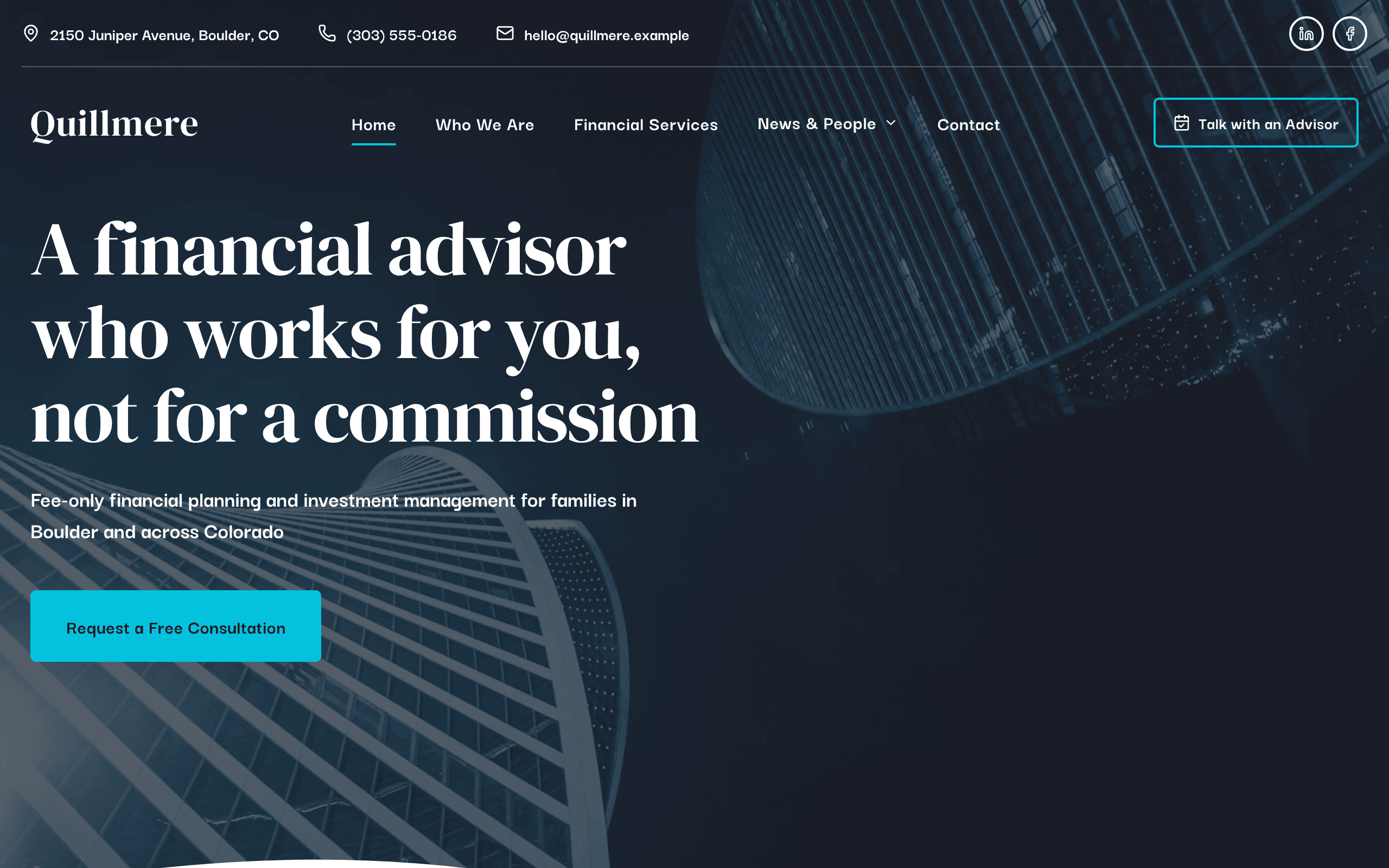
Who Ballast is for
- Fee-only financial advisor or planner with a small practice
- Independent registered investment adviser serving families and retirees
- Fiduciary financial planner who publishes flat fees
- Wealth management firm with a handful of advisors and an office
- Retirement planning specialist offering a free first consultation
- CFP professional writing articles on investing and taxes
- Financial planning practice for business owners and professionals
- Advisor who needs a Form ADV and Form CRS disclosure footer
What’s included
- Pages
- 7 pages, written and laid out
- Grows with you
- 8 service entries at /services/, 4 advisor entries at /team/, 6 story entries at /stories/, 3 post entries at /insights/ — add one and its index and detail page both update
- Enquiries
- A working form — messages land in your Sitelas inbox
- Fonts
- DM Serif Display and Darker Grotesque · light theme
Build Ballast by asking your AI agent
- 1Connect Sitelas to Claude, ChatGPT or another AI agent that supports MCP. How to connect
- 2Ask for it in plain words: “Build a website for a fee-only financial advisor or planner with a small practice using the Ballast template.”
- 3Open the preview link it sends back, ask for changes, and publish when it reads right.
Then keep changing it from the same chat
- Rewrite the copy“Rewrite the ‘Who We Are’ page with my details, in a warmer voice.”
- Change the design“Keep the layout, but swap DM Serif Display for another typeface and use my brand colours.”
- Add service entries“Add three service entries from these notes, each with its own page.”
- Swap the photos“Replace the photos on the ‘Financial Services’ page with my own.”
Everything here can also be done by hand in the visual editor.
About the Ballast template
Built for fee-only financial advisors
Ballast suits a small fee-only planning practice or independent RIA: one to a handful of advisors working with families and business owners. It is written for households weighing whether to hire an advisor, and every page leads to a free consultation.
What's on the site
- Home: what you do, why fee-only matters, client situations, your services and your team
- Who We Are: how your practice works, a few facts, and the team
- Financial Services: eight services, each with its own page, and three fee options
- Our Team: a page for each advisor
- Client Stories: illustrative situations, each with its own page
- Insights: articles with categories and authors
- Contact: your office, hours and a consultation request form
What to know
Advisor websites are advertising, so have your compliance contact review the site before you publish. The footer disclosure, fees, figures, credentials and client stories are samples to replace. Forms go to your Sitelas inbox, which isn't for account information, so the form asks visitors to leave it out. There's no client portal or scheduling; link to the ones you use.
When to pick something else
Ballast is the wrong template for these. Where there is a better one, it is linked.
- Mortgage broker or loan officer taking pre-qualification enquiries — try Lintel
- Law firm with attorneys and practice areas — try Proviso
- Business coach or strategy consultant selling one-to-one engagements — try Plumbline
- Bank, brokerage or robo-adviser with online account opening
- Insurance agency quoting and selling policies
- A site that needs a client portal, account aggregation or document vault
Free to use · No credit card required
Key Highlights
Questions about Ballast
Does it include compliance disclosures?
It includes places for them: a disclosure paragraph in the footer of every page with a link to Form ADV and Form CRS, a fees section on the Financial Services page, and a note on every article that it isn't personal advice. They ship as sample wording, so put in your own registration and fees and have your compliance contact review the site before you publish.
Are there client testimonials?
No. The client stories are illustrations of situations you help with, such as a new child, a layoff or nearing retirement, and each one is labelled as an illustration, not a testimonial. You can rewrite them from your own practice or remove them; if you add real testimonials, follow your regulator's disclosure rules.
Who is Ballast for?
Ballast is built for a fee-only financial advisor or planner with a small practice, an independent registered investment adviser serving families and retirees and a fiduciary financial planner who publishes flat fees. Not built for mortgage broker or loan officer taking pre-qualification enquiries — try Lintel instead.
What pages come with Ballast?
7 pages, already written and laid out: Home, Who We Are, Financial Services, Insights, Our Team, Client Situations and Contact Us. Add, rename or remove pages whenever you like.
Can Claude or ChatGPT build my site from Ballast?
Yes. Connect Sitelas to your AI agent and ask for a site that uses Ballast. It fills in your details, sends you a preview link, and publishes when you approve. The same chat can keep running the site afterwards.
Can I change Ballast without code?
Yes. The DM Serif Display and Darker Grotesque type, all 7 pages and the service entries, every photo and every colour can be changed in the visual editor, or by asking your AI agent.
What does it cost?
Nothing to start, with no trial clock. A free site runs on a sitelas.com address; Pro is $9 a month per site ($90 a year) for your own domain, analytics and more room.
Make Ballast yours
All 7 pages open in the editor already written, with 8 starter service entries. Make the words and photos yours, then publish.
Free to use · No credit card required
Related templates
All agencies & firms templates →
Lodestone
For advisory firms selling defined engagements, with services, published prices, articles and a contact form.
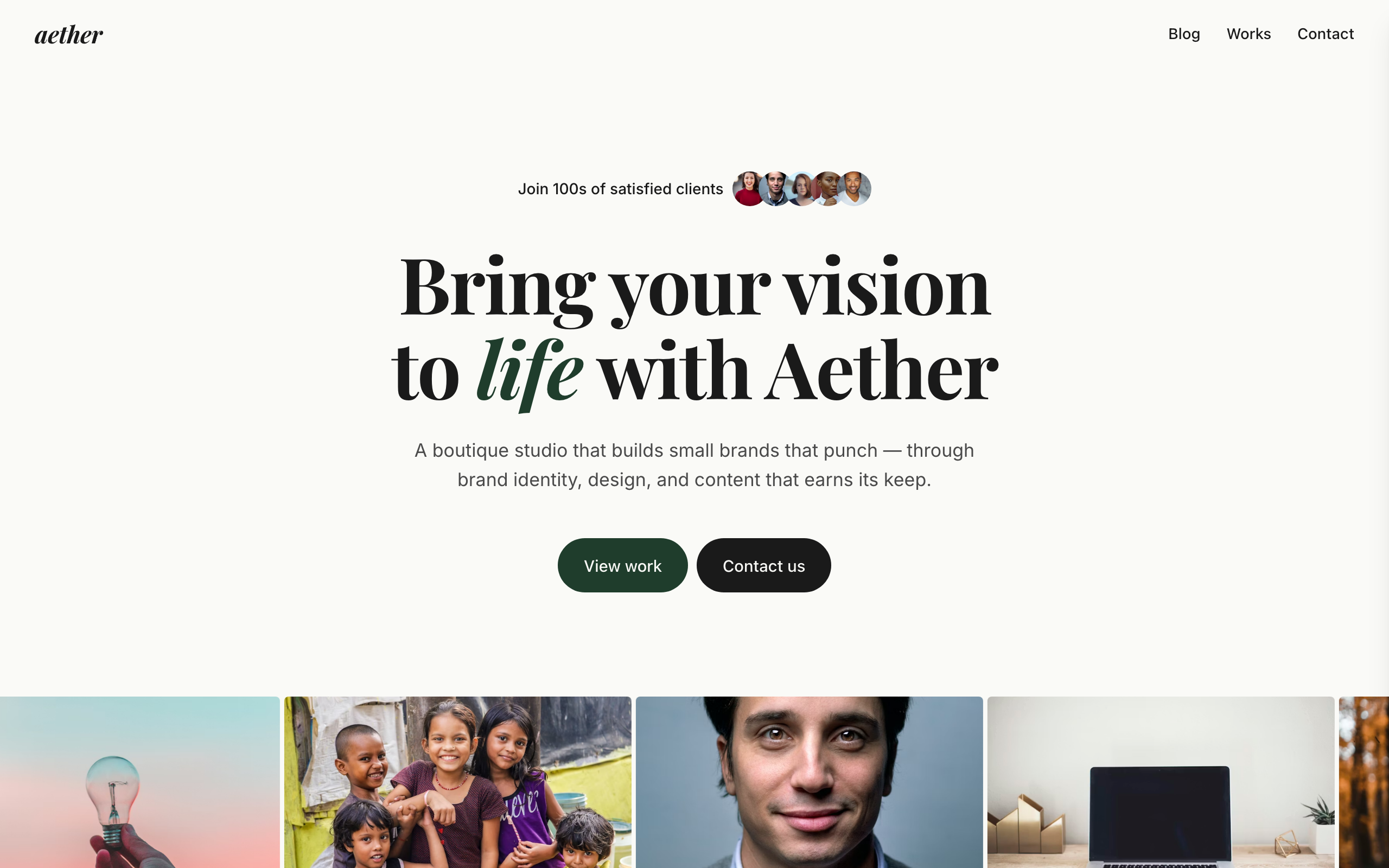
Obsidian
An editorial site for boutique creative agencies and brand studios, with projects, a blog and pricing.
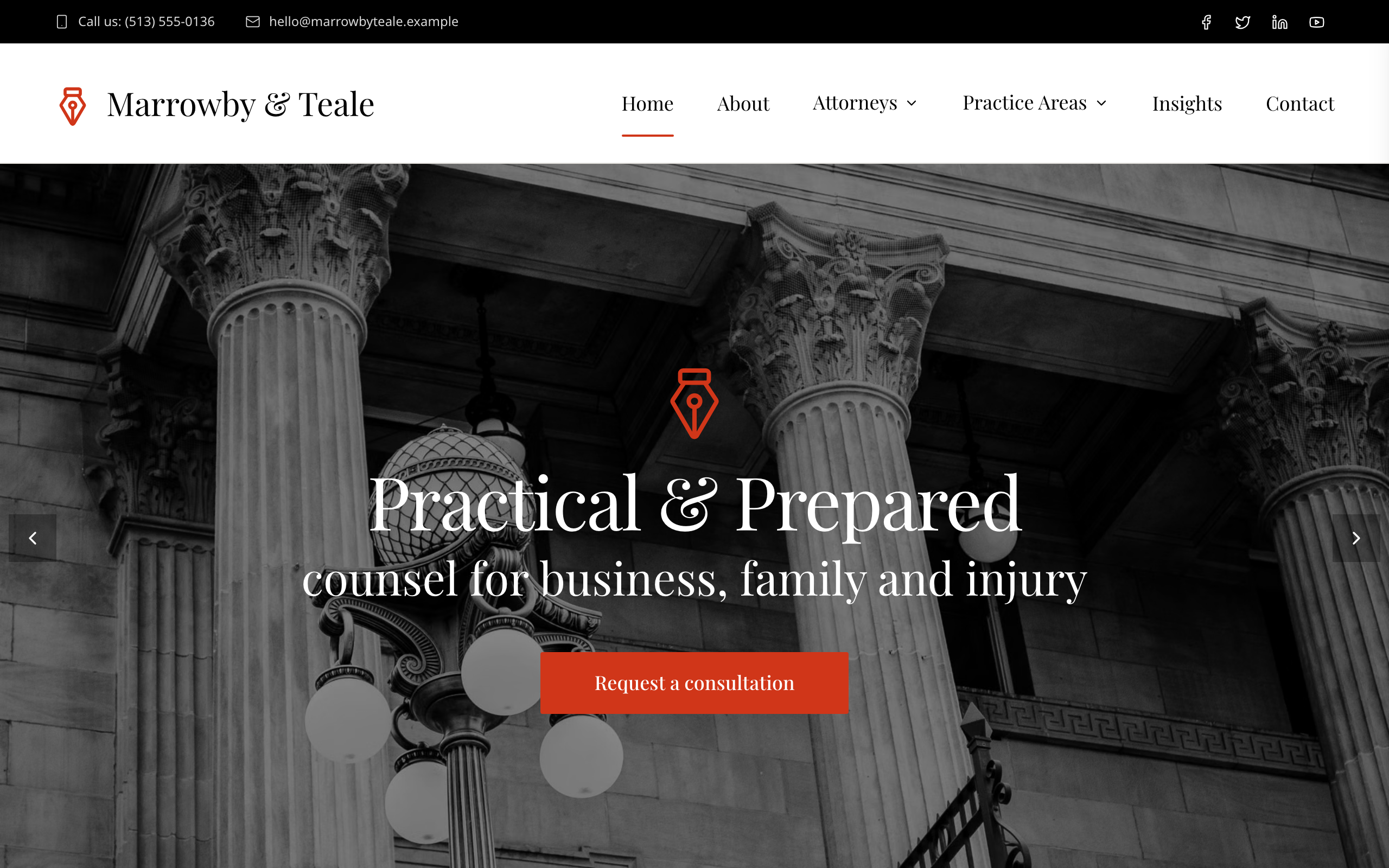
Proviso
For a small firm of several attorneys: a page per practice area, a profile per lawyer, articles and a consultation form.

Shortlist
For staffing companies and temp agencies: a jobs board by job type, CV applications and a page per service.
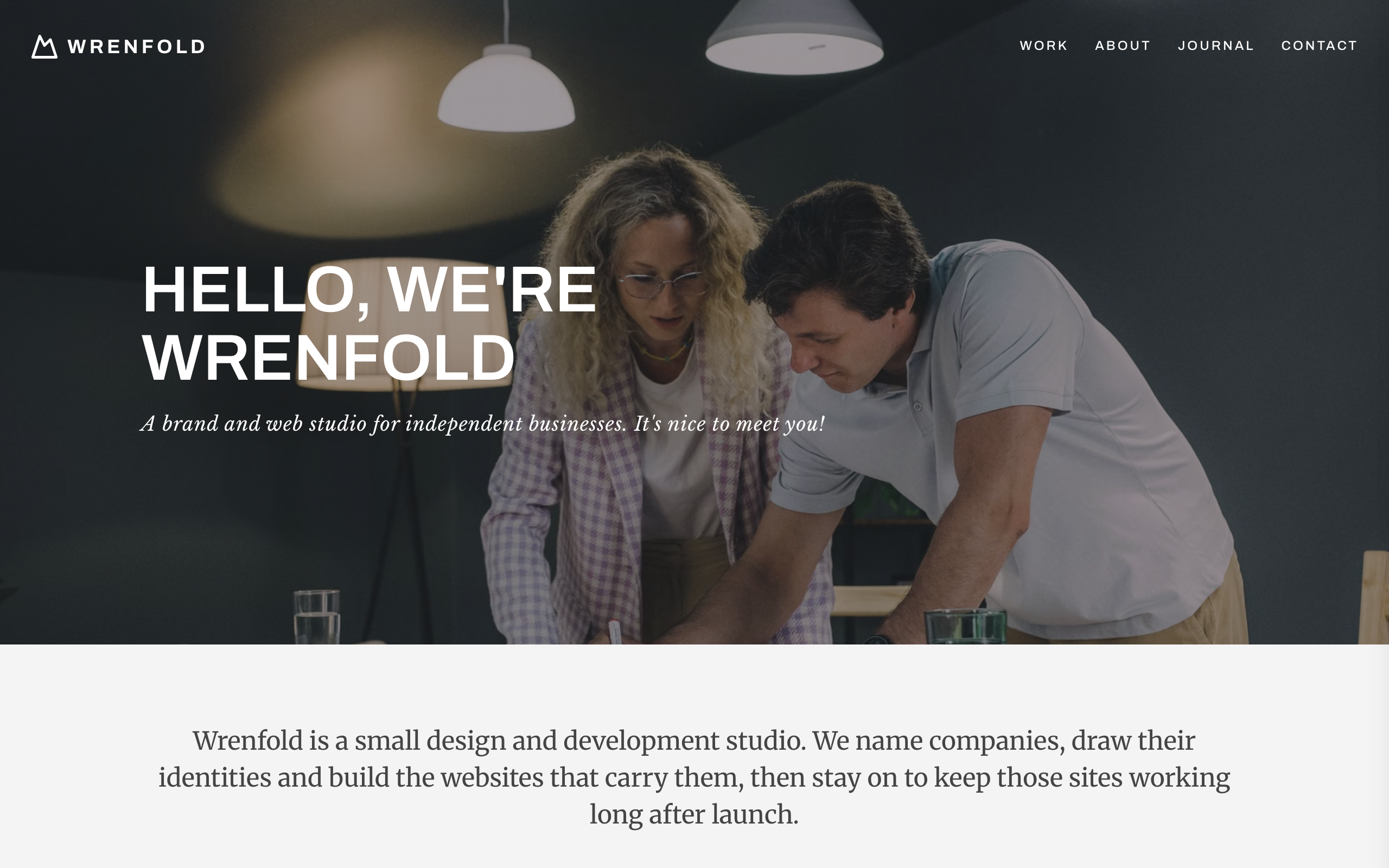
Spire
For brand and web design studios: a full-width project mosaic, a team photo grid, a journal and an enquiry form.
Tessel
A bright, friendly site for small web and marketing agencies: services, projects, team and contact.