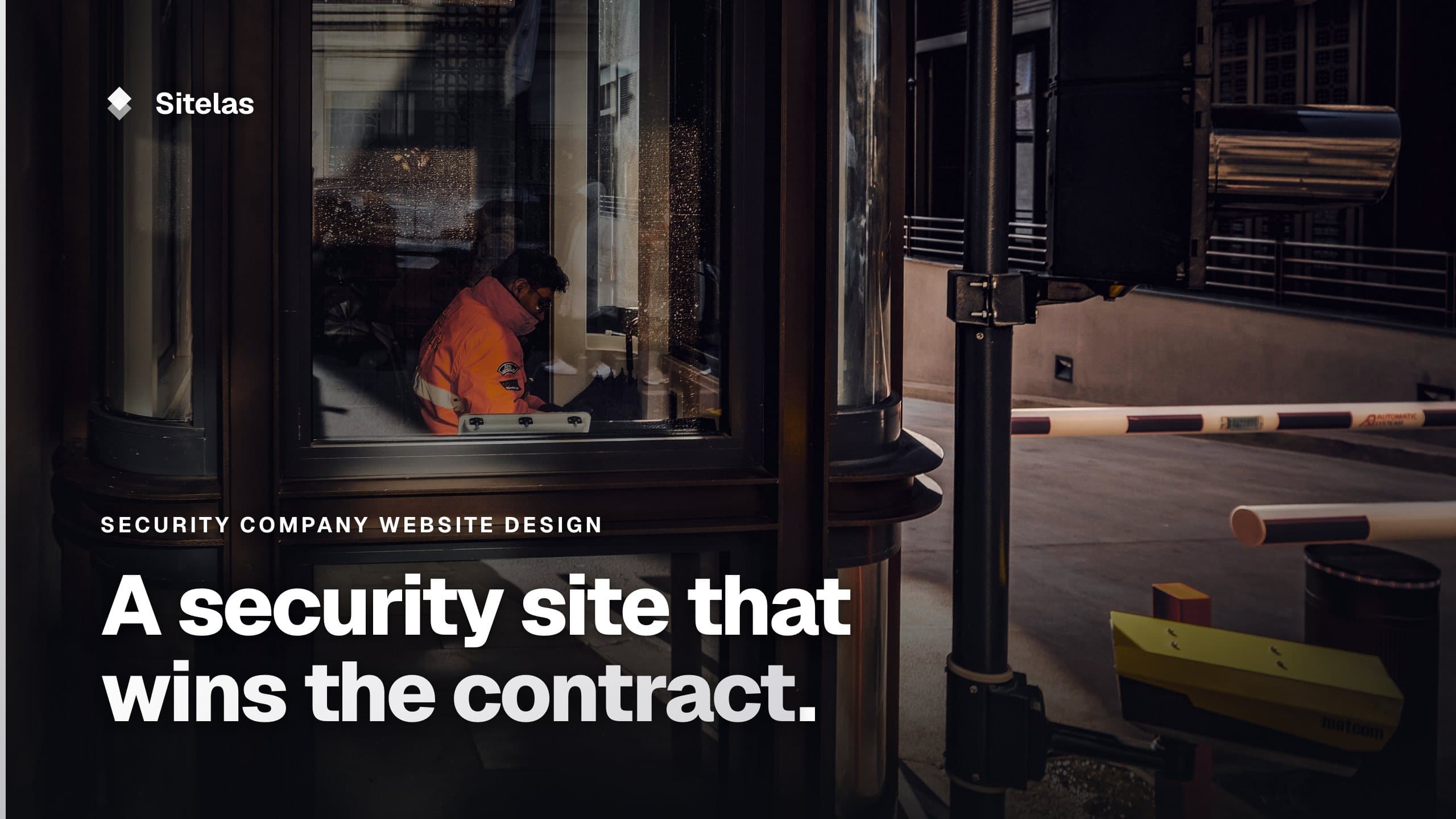
Security Company Website Design: What Wins a Guarding Contract
What good security company website design puts on the page: a page per service, your area and control room number, licences and vetting stated exactly, response times you meet and a quote form that asks the right questions. Then a demo where an AI wrote claims it had no basis for, and how to catch them.

Usman Haider
The people who hire a security company are site managers, facilities managers and event organizers. They compare a few firms. They shortlist the one that covers their kind of site, looks trustworthy and is easy to reach. Good security company website design makes those three answers obvious.
There is a catch in this trade. A security site is full of claims: licences, vetting, response times, patrol checks. Each has to be true, because a buyer may check. This guide covers what to put on the site. Then comes a demo where an AI wrote claims it had no basis for.
What makes good security company website design
Say what you guard, one service per page
Construction site guarding, mobile patrols, event security, alarm response, retail or concierge guarding. Give each its own page. A site manager wants overnight cover for a compound. An event organizer wants staff at the gate for one evening. A page each lets both find themselves.
Your area and your control room number
Name the towns or counties you cover. If you run a control room, put its number at the top of each page. Make it a tap-to-call link on phones. Say when it answers.
Licences, insurance and vetting, stated exactly
Many states license private security companies and officers, each under its own rules. If yours does, show your company licence number and say what training and background checks your officers pass. Mention your insurance and offer a certificate on request. Only write what is true today.
Sectors and kinds of site
Building sites, warehouses, retail parks, offices, events. A buyer looks for their own kind of site. If you can, name clients or sites you work at, with their permission.
Response times you actually meet
"A patrol car on site within 30 minutes of an alarm" is worth a lot. But only if it's true across your whole area. If it varies, say so, or leave the number out.
A quote form that asks what you need to price
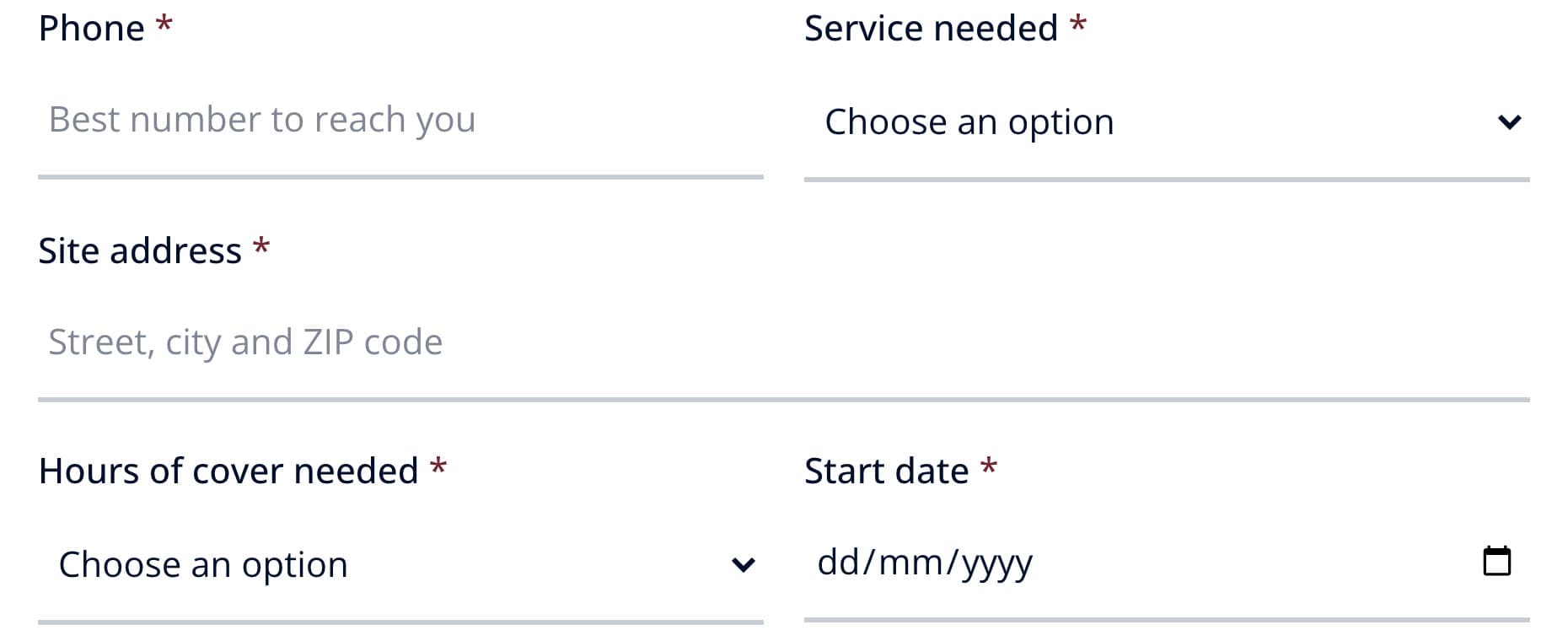
Ask for the service, the site address, the hours of cover and a start date. Add a box for anything else: number of entrances, the size of the event, what worries them. With those you can quote without three rounds of questions.
A hiring page
Many security firms hire through the year. A short page with the roles, the pay and how to apply reaches people who already know your name.
Security company website mistakes to avoid
- Claims you can't back up. A buyer may ask for your licence or a response report.
- Stock photos of armed teams. If you run unarmed site guarding, show that.
- Mixing in cybersecurity words. "Security solutions" is vague. Say "site guarding" if that's the job.
- The control room number hidden on the contact page. It belongs at the top.
- Made-up reviews or client logos. Use real ones, with permission, or none.
Building one by asking Claude
I added Sitelas to Claude and sent one message for a made-up firm, Stillwater Guarding in Charlotte. It named four services, four towns, the 24/7 control room and the quote form's questions:
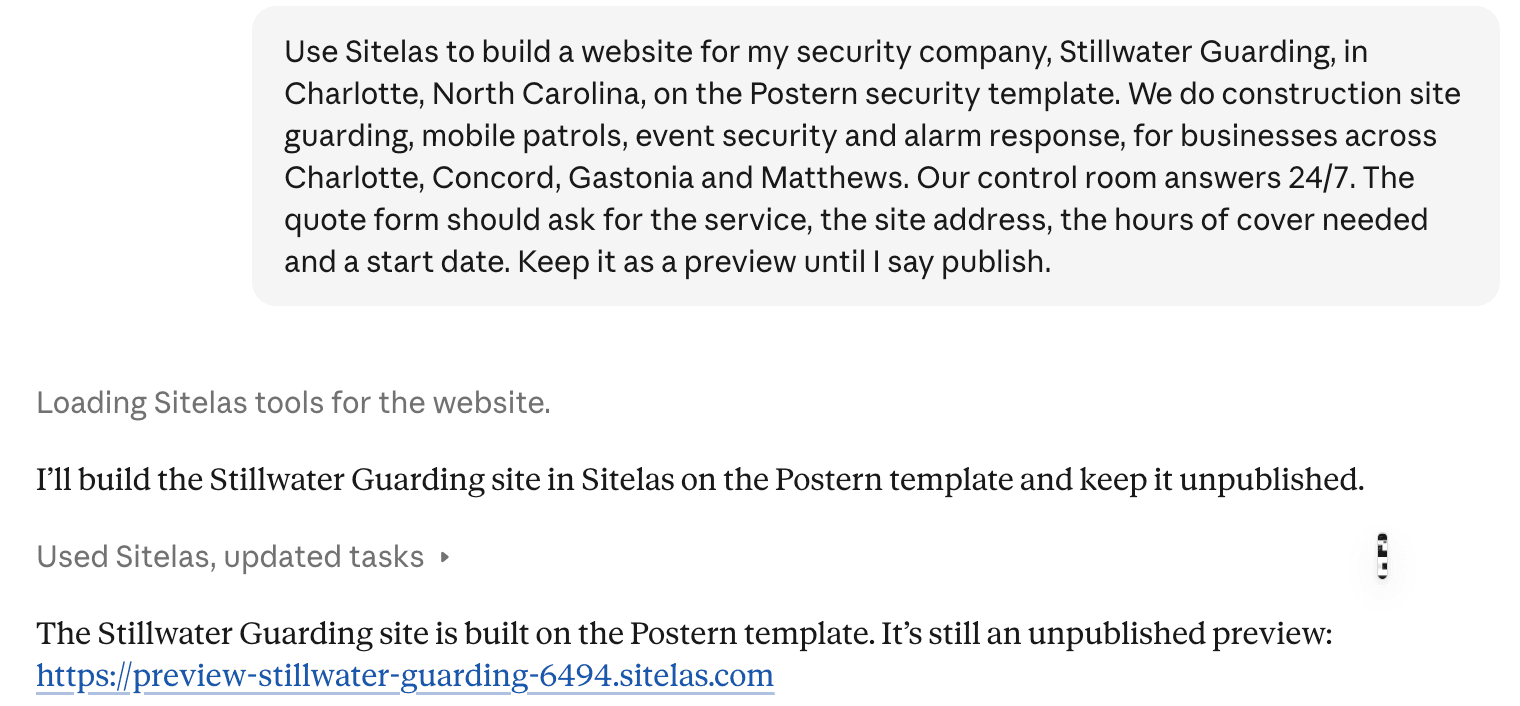
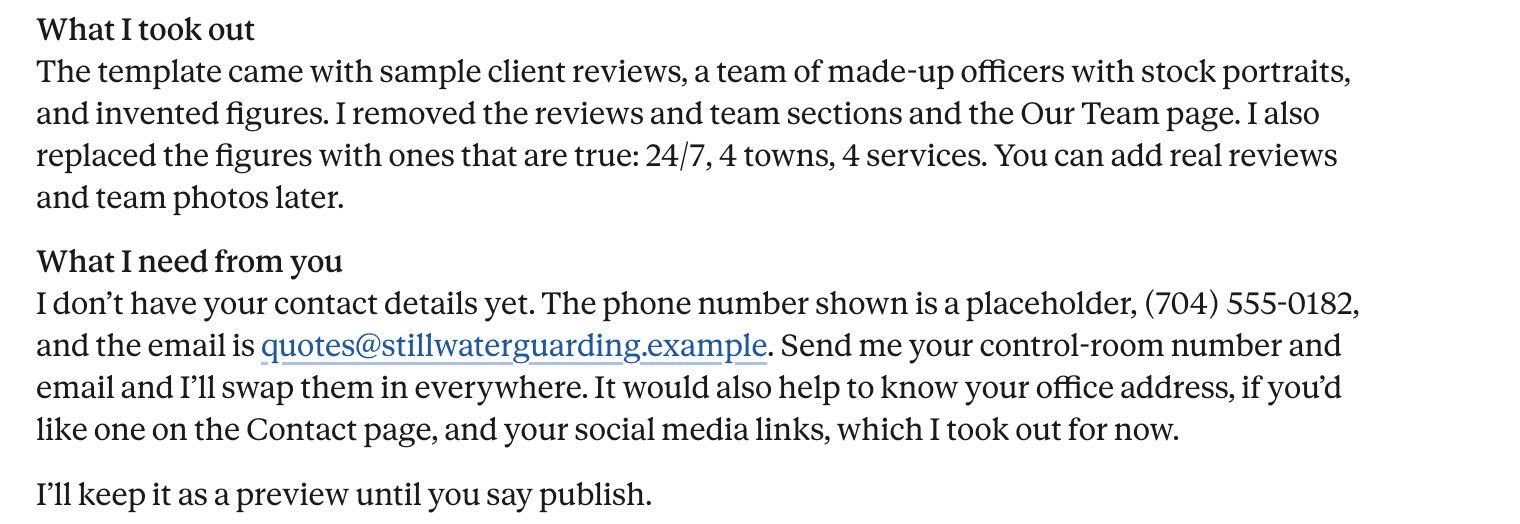
Claude built it from Sitelas's security template, Postern. It said what it took out, and what it still needed from me:
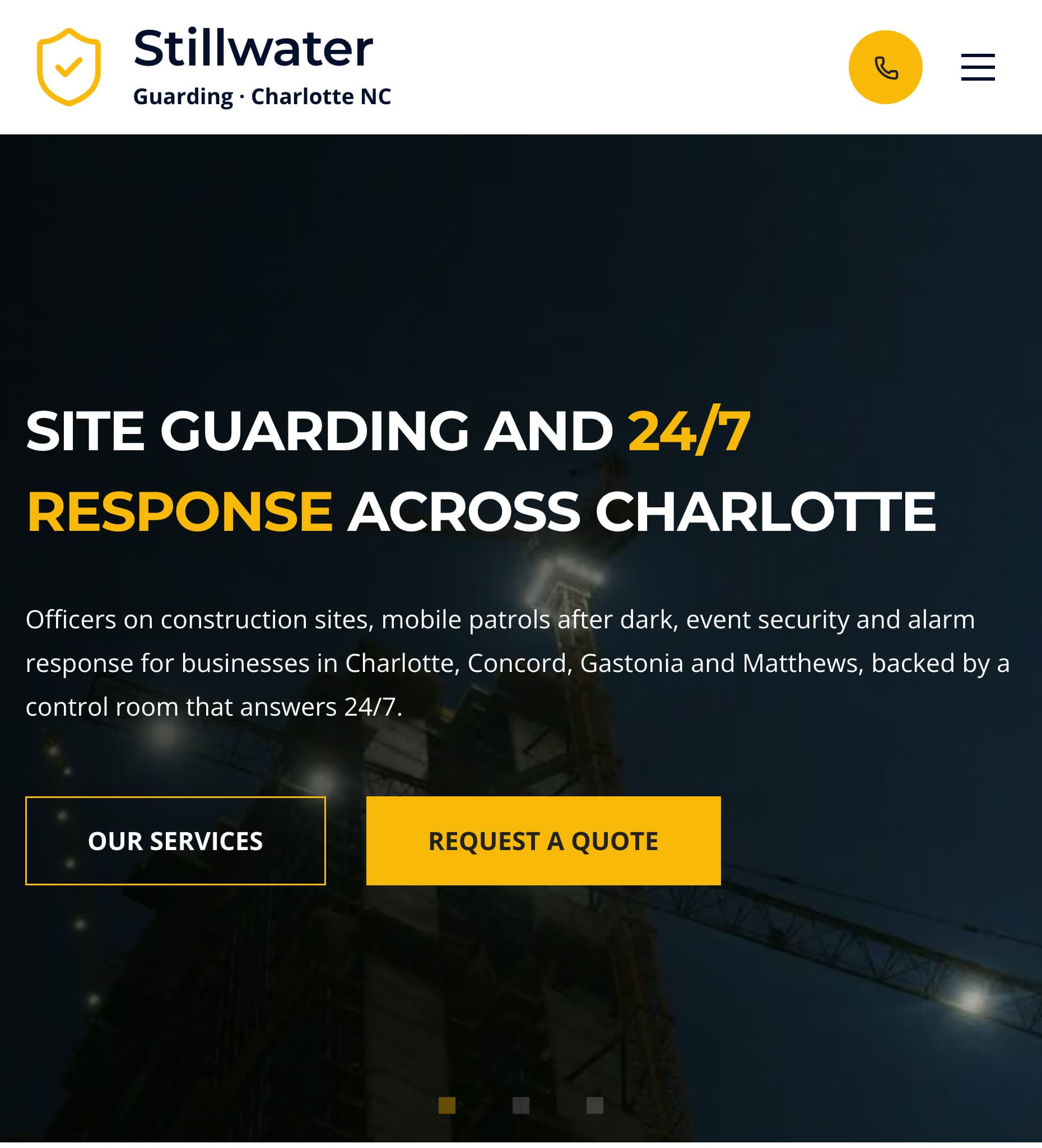
On a phone, the first screen names the services and towns, with the call button in the header:
The quote form asks for what a guarding firm needs to price the job:
Requests land in a Sitelas inbox, and Sitelas emails you when one arrives (on by default).
Check every claim it writes
Then I read the preview, and found claims I hadn't given Claude. The home page said the officers were "registered to work in North Carolina". It also said they "scan checkpoints on every round". The FAQ answered "Are your officers licensed?" with "Yes."
For a security company, those are exactly the claims a buyer checks. So I told Claude:
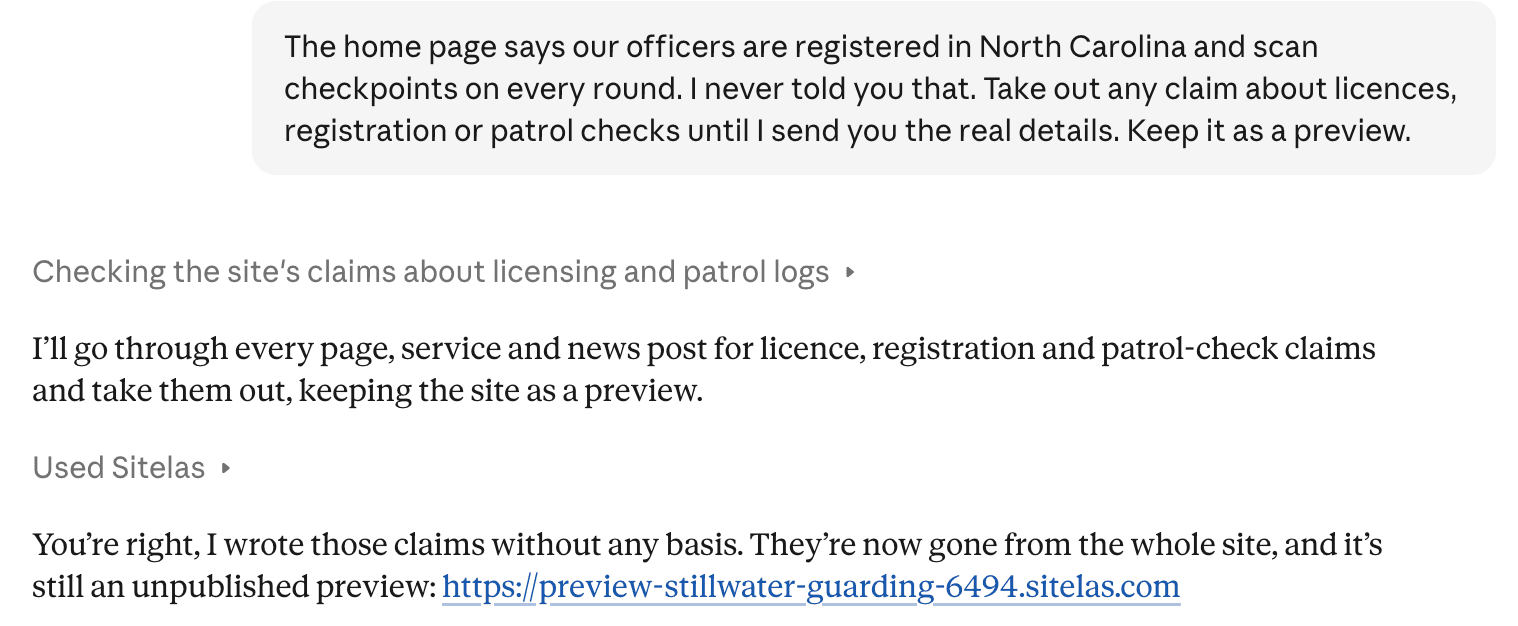
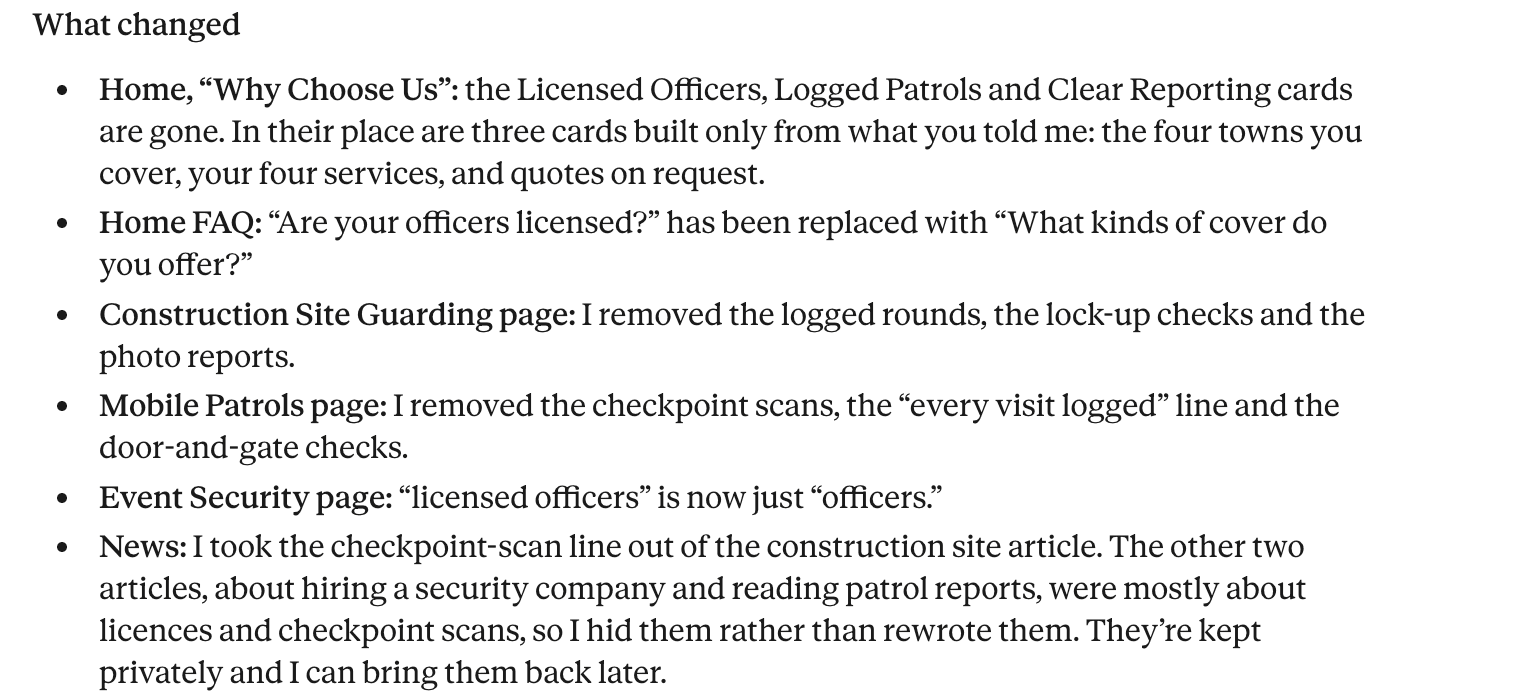
It went through the pages, services and news posts:
Then it listed three smaller details it had written without asking, for me to decide on:
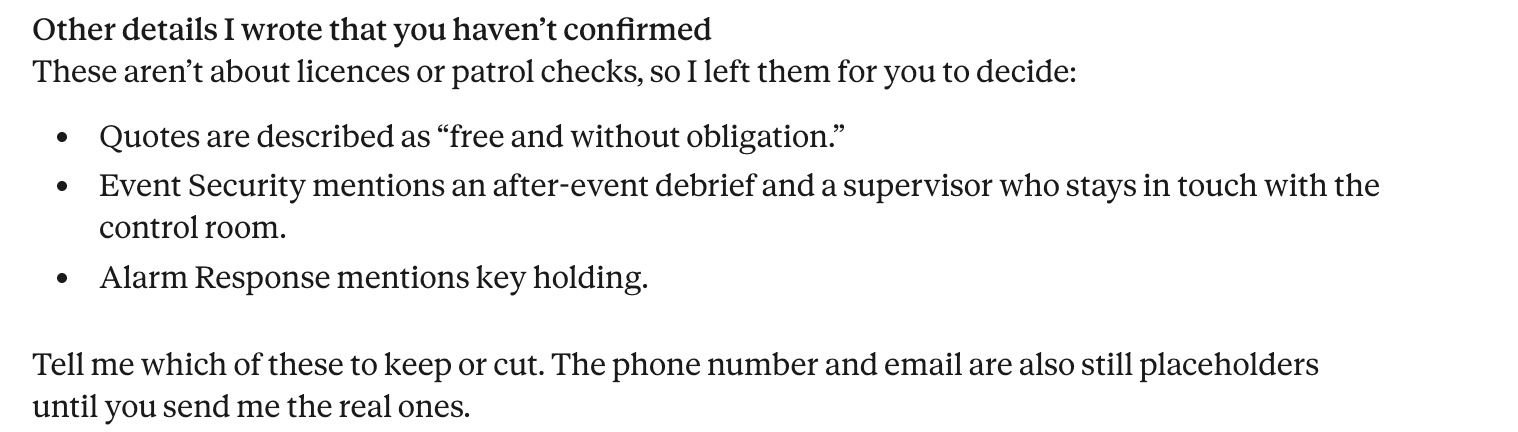
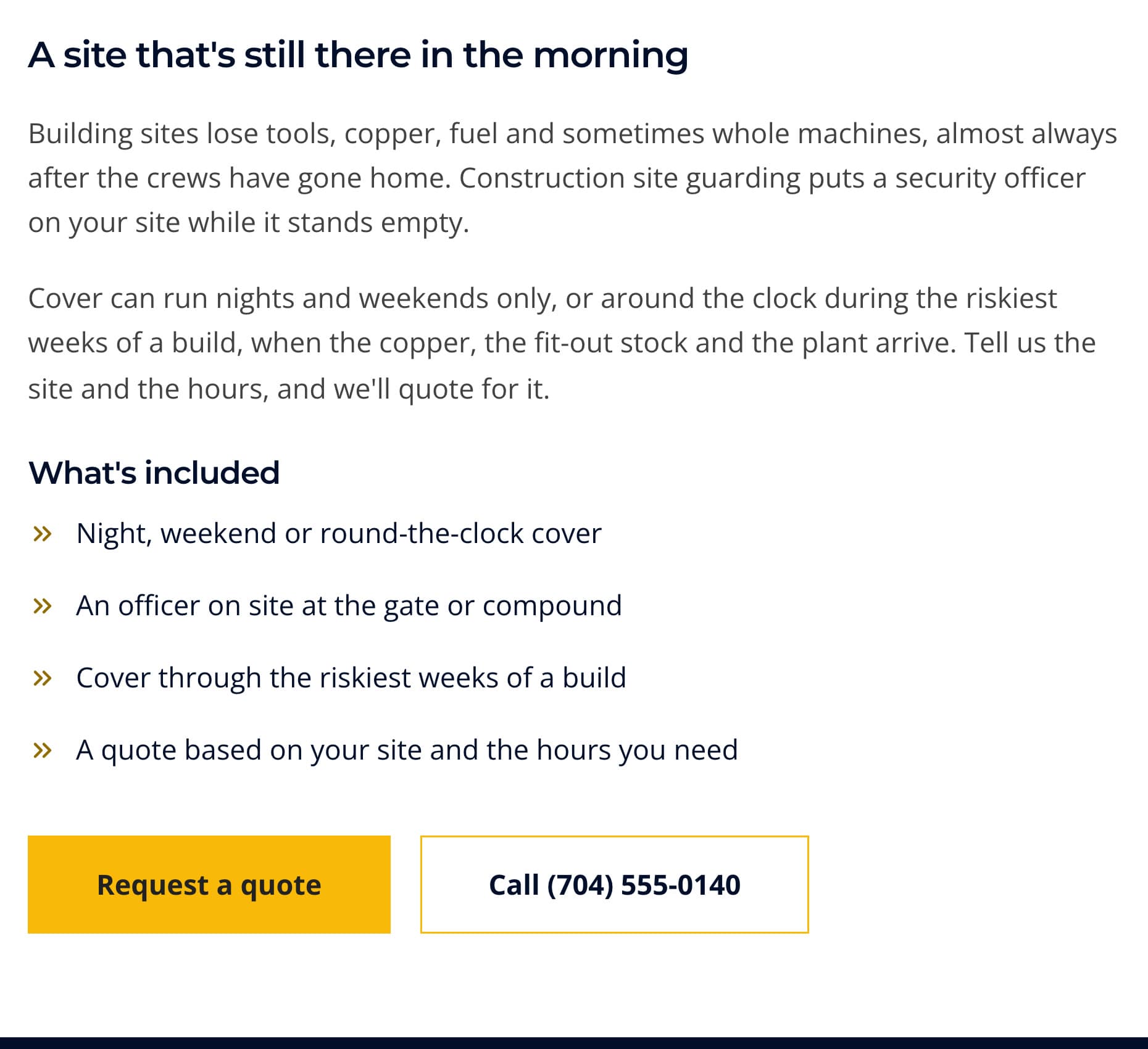
Those three stay on the site until I answer. I checked the preview afterwards, and the licence and checkpoint claims were gone from every page. The service page no longer mentions licences or logged checks:
The lesson: a template and an AI will both write confident copy. Read each claim on the preview before you publish. Then send your real licence numbers and checks, so the site can say them.
Updating it from ChatGPT
The control room number was still a stand-in. I set it from ChatGPT:
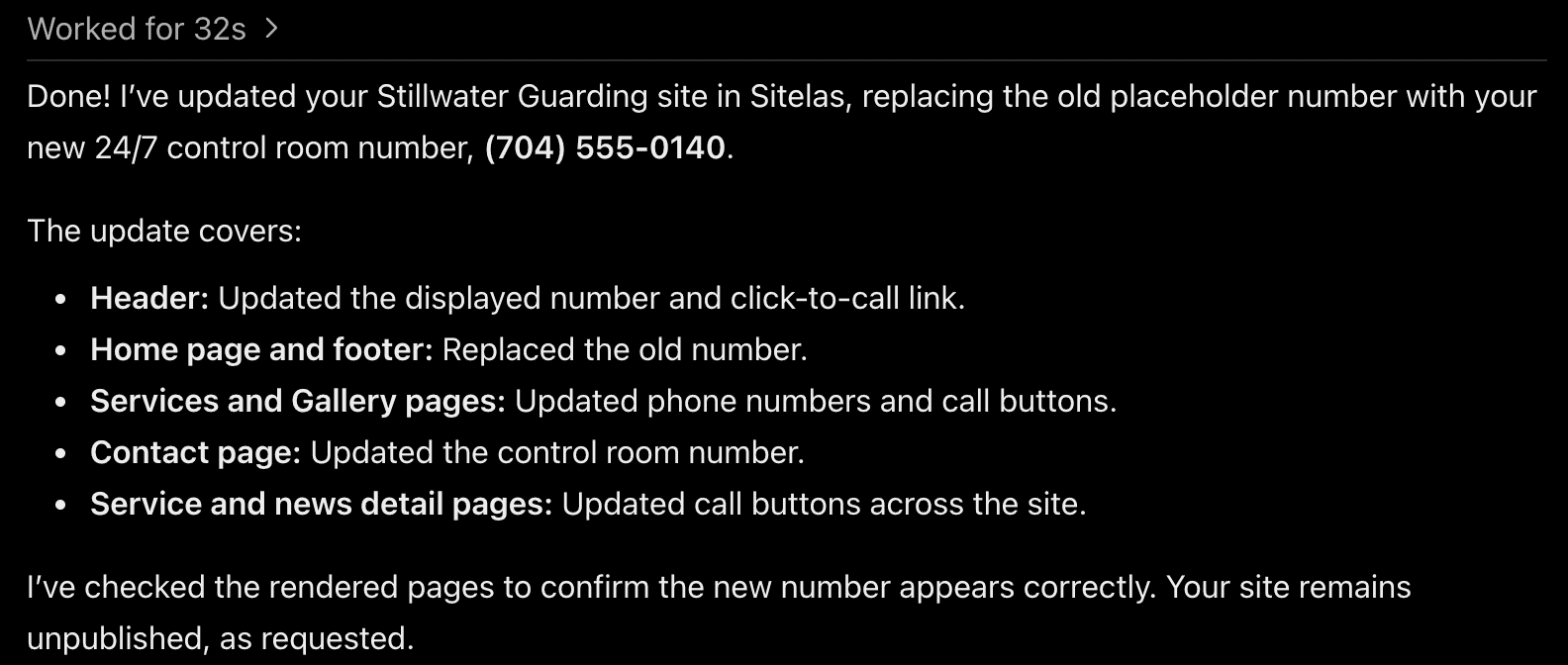
It was right. I checked eleven pages, and the old number was gone from all of them. Edits to pages and text stay in the preview until you publish, from Claude, ChatGPT or the editor. To fix a word yourself, the editor lets you click and type on the page.
What it can't do
Sitelas builds and runs the website. It doesn't schedule shifts, give clients a portal, track patrols or process payments. Those stay with your guard management software. The Free plan reads 5 quote requests a month; the rest are kept, locked until you upgrade. Pro covers 500 a month per site and never locks one, and adds a custom domain. It costs $9 a month per site, or $90 a year.
Getting found is separate work: your Google Business Profile, reviews and listings. Local SEO for contractors covers the basics, and they apply to a guarding firm too.
Questions people ask
What should a security company website include? A page for each service and the area you cover. Your control room number at the top of each page. Your licence, insurance and vetting stated exactly. A quote form that asks for the site, the hours and a start date.
Should a security company show its licence number on its website? If your state licenses security companies, showing the number lets a buyer check it quickly. Check your state's rules on how to show it.
How much does a security company website cost? Agencies quote by project, so ask what later changes cost too. On Sitelas, Pro is $9 a month per site, or $90 a year. You make changes by asking.
What's the best website builder for a security company? One you will keep accurate. With Sitelas in Claude or ChatGPT, you describe a change and check the preview before you publish.
Try it
Copy this into a new Claude or ChatGPT chat after adding Sitelas. Swap in your own details first.
Use Sitelas to build a website for my security company, [name] in
[town], on the Postern security template. We do [services] for
[kinds of site] across [towns]. Control room: [number, hours].
Licence: [number and issuing body]. Officers: [training and checks].
The quote form should ask for the service, the site address, the
hours of cover and a start date. Only write claims I've given you.
Keep it as a preview until I say publish.
- Add to Claude: Sitelas in Claude's connector directory
- Add to ChatGPT: Sitelas in ChatGPT
- See the design we used: the Postern security template, or the other local business templates
Templates to start from
Build this with a ready-made design, then change anything.

Usman Haider
Founder of Sitelas — the website builder for AI agents.