Painting Contractor Website: What Wins the Estimate
What a painting contractor website needs: a free-estimate button, a page per job, your own before-and-after photos, your towns and a short form. Then a real build from one message to Claude.

Usman Haider
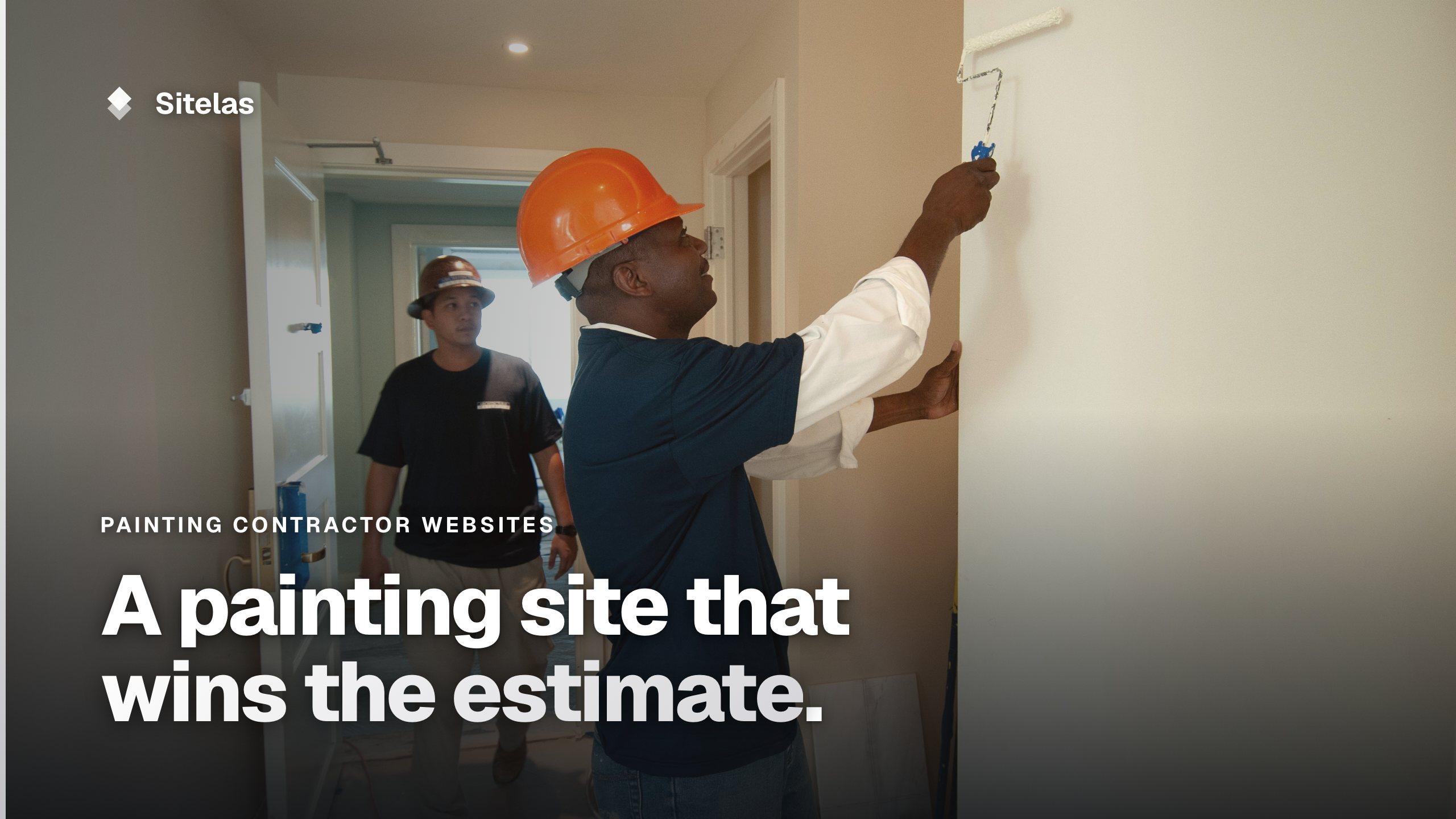
A homeowner wants the living room and hallway repainted before the holidays. They search, open three painting contractor websites on their phone, and ask one for an estimate. They pick the one that shows real rooms and names their town. It also makes the next step obvious.
That is the main job of a painting contractor website. This guide covers what to put on it. Then it shows a real build for a made-up crew in Raleigh: one message to Claude, and a second change made from ChatGPT.
What a painting contractor website needs
Your phone number and a free-estimate button, up top
Painting is a planned job, and a free estimate is the natural first step. Put a tap-to-call number in the header and a "Get a free estimate" button on the first screen. If your estimates are free and written, say so in those words.
A page for each kind of job
Interior repaints, exterior repaints, cabinets, decks and fences are different searches. Someone looking for "cabinet painting Cary" should land on a page about cabinets. Say what the job includes, how long it usually takes and what changes the price.
Before-and-after photos of your own work
Paint is visual. Your own finished rooms beat any stock photo. A before shot next to the after shows the difference you made. Label each job with the room, the town and the scope: "Two-story colonial in Apex, siding and trim."
How you work, step by step
People worry about mess, furniture and strangers in the house. A short process page answers that. Cover the estimate visit, how you protect floors and furniture, and the number of coats. Then the walk-through and the clean-up. Only write what you really do.
License, insurance and a warranty if you give one
If your state or city licenses painting contractors, show the number. Say you're insured. If you stand behind your work for a set time, write the terms plainly.
The towns you serve, by name
"Raleigh, Cary, Apex and Wake Forest" tells a visitor at once whether to keep reading.
Real reviews and a short estimate form
Link reviews to where they came from, such as your Google profile. Keep the estimate form short: name, email, phone, town, what needs painting and a box for details. Ask only what you need for the estimate.
Mistakes painting websites make
- Stock photos of someone else's rooms. Your work is the one thing visitors came to see.
- One "Services" page for everything. It can't match five different searches.
- No towns named. "Serving the area" doesn't help a visitor or a search engine.
- Last spring's offer still on the home page. It suggests the site is left alone.
- An untested form. Send yourself an estimate request after each change.
Building a painting contractor website by asking Claude
I added Sitelas to Claude and sent one message. It was for a made-up company, Ridgeline Painting, a crew of five in Raleigh, North Carolina:
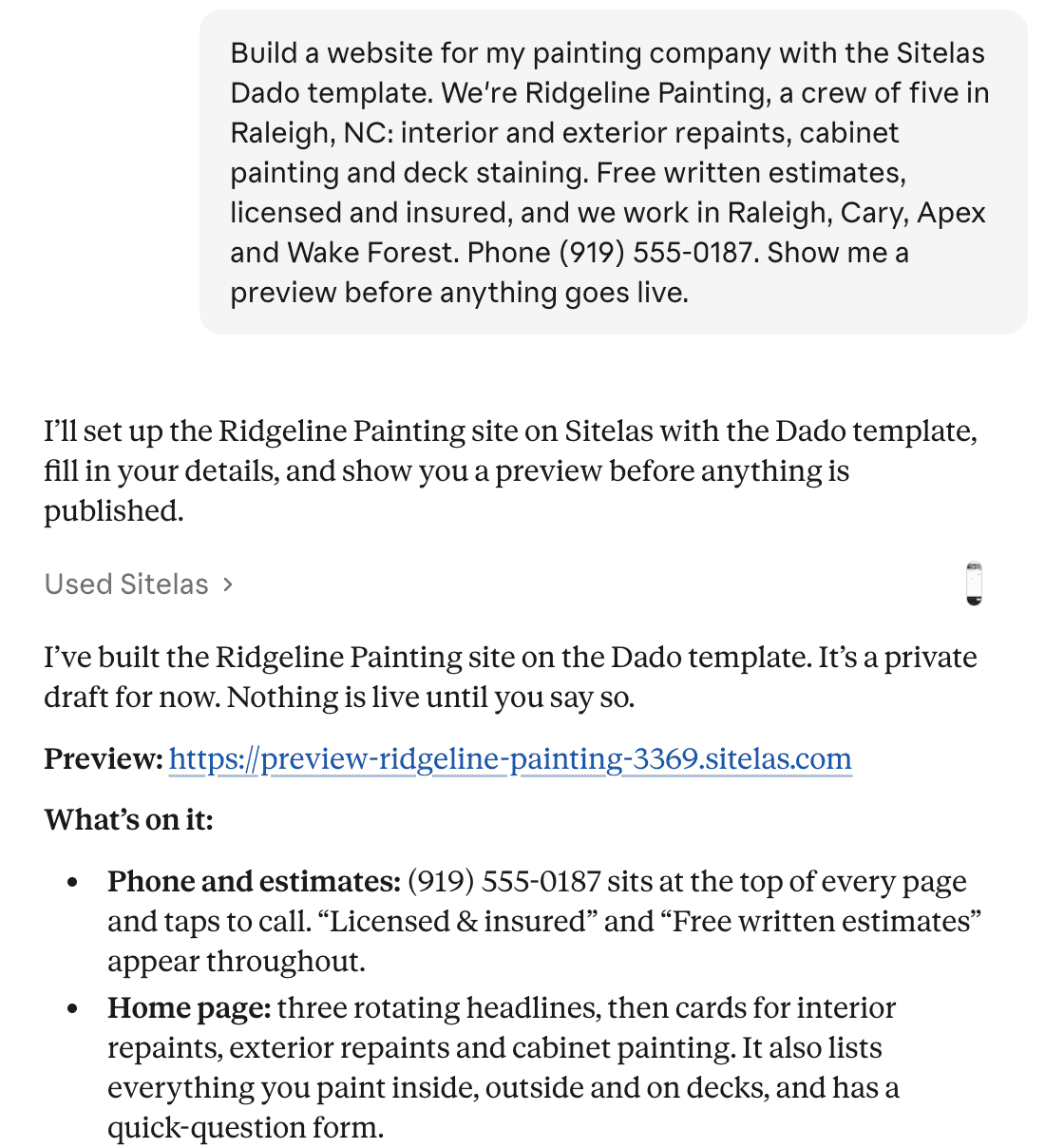
Claude used Dado, Sitelas's house painter template. Nothing went live: it saved a private draft and sent a preview link.
The first screen on a phone has a headline naming the work, a free-estimate button and a tap-to-call band:

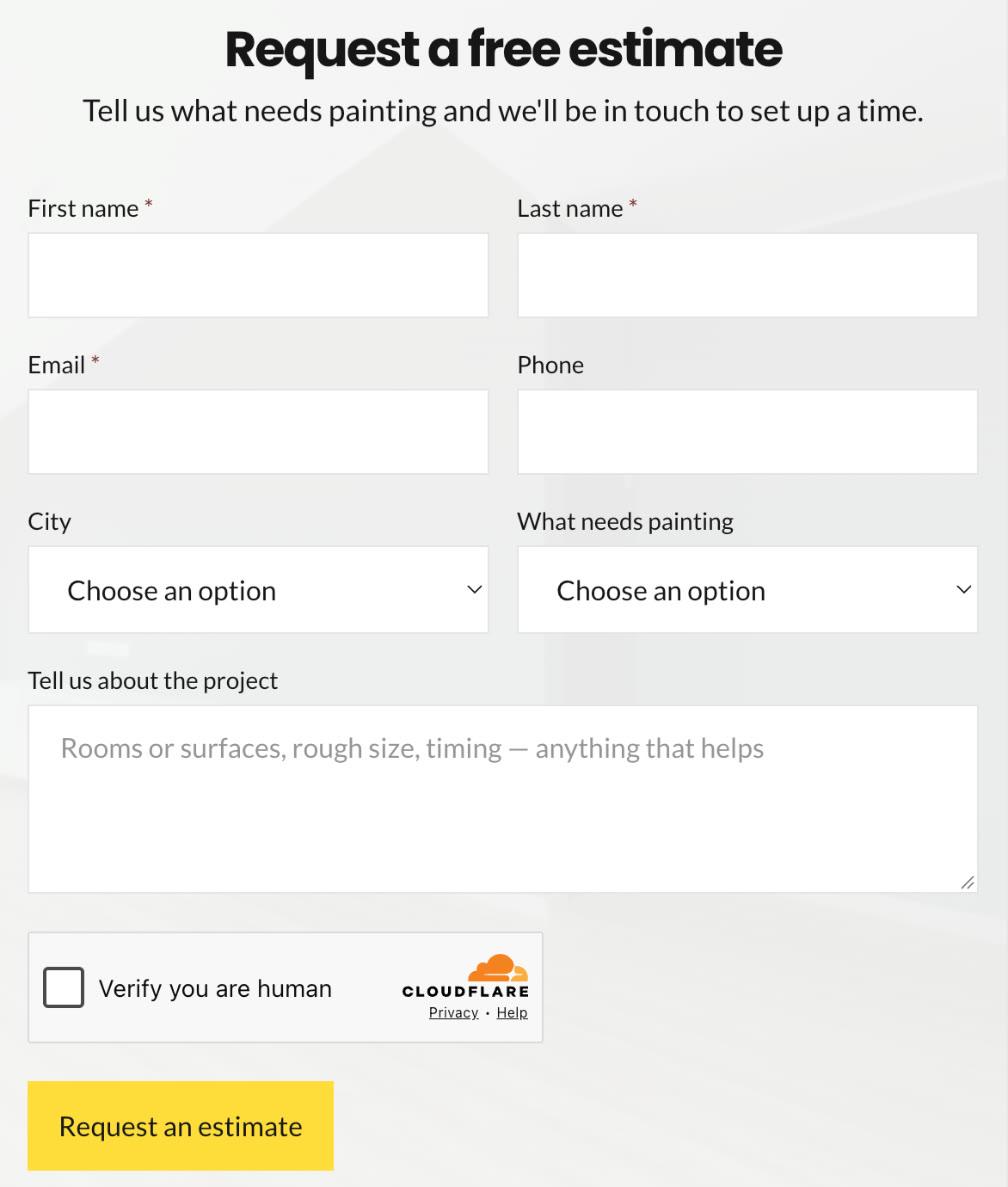
It made one page per service, each with your four towns and an estimate button. The Contact page has the estimate form. It asks which town the job is in and which of the four services it is:
Claude also wrote About and Process pages. The journal got five short articles, from choosing a white to restaining a deck.
What Claude left out
The useful part was what Claude refused to make up:
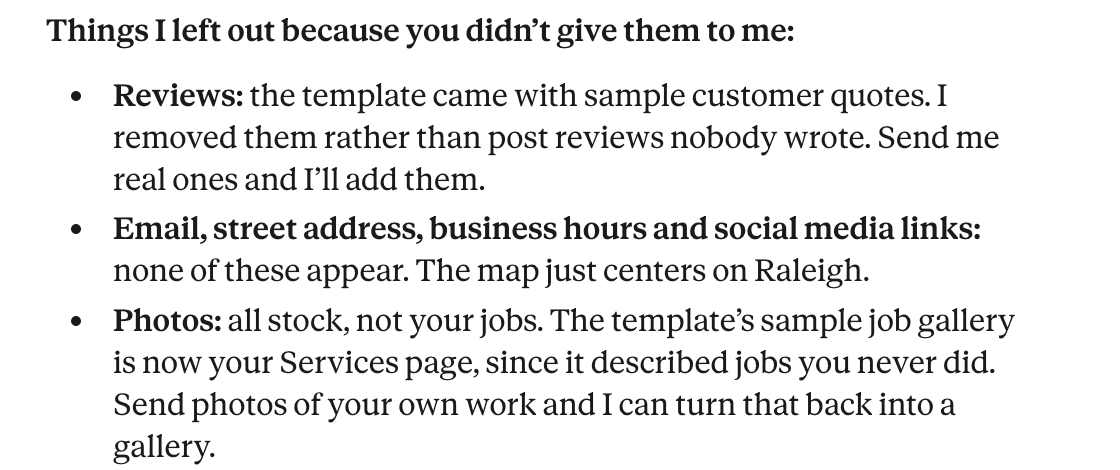
It removed the template's sample reviews and its gallery of jobs this crew never did. The photos are still stock. Before publishing, a real company would send its own job photos. Claude can then turn the Services page back into a gallery.
A change from ChatGPT
Claude had left the hours out, so I added them from ChatGPT, with Sitelas added there too:
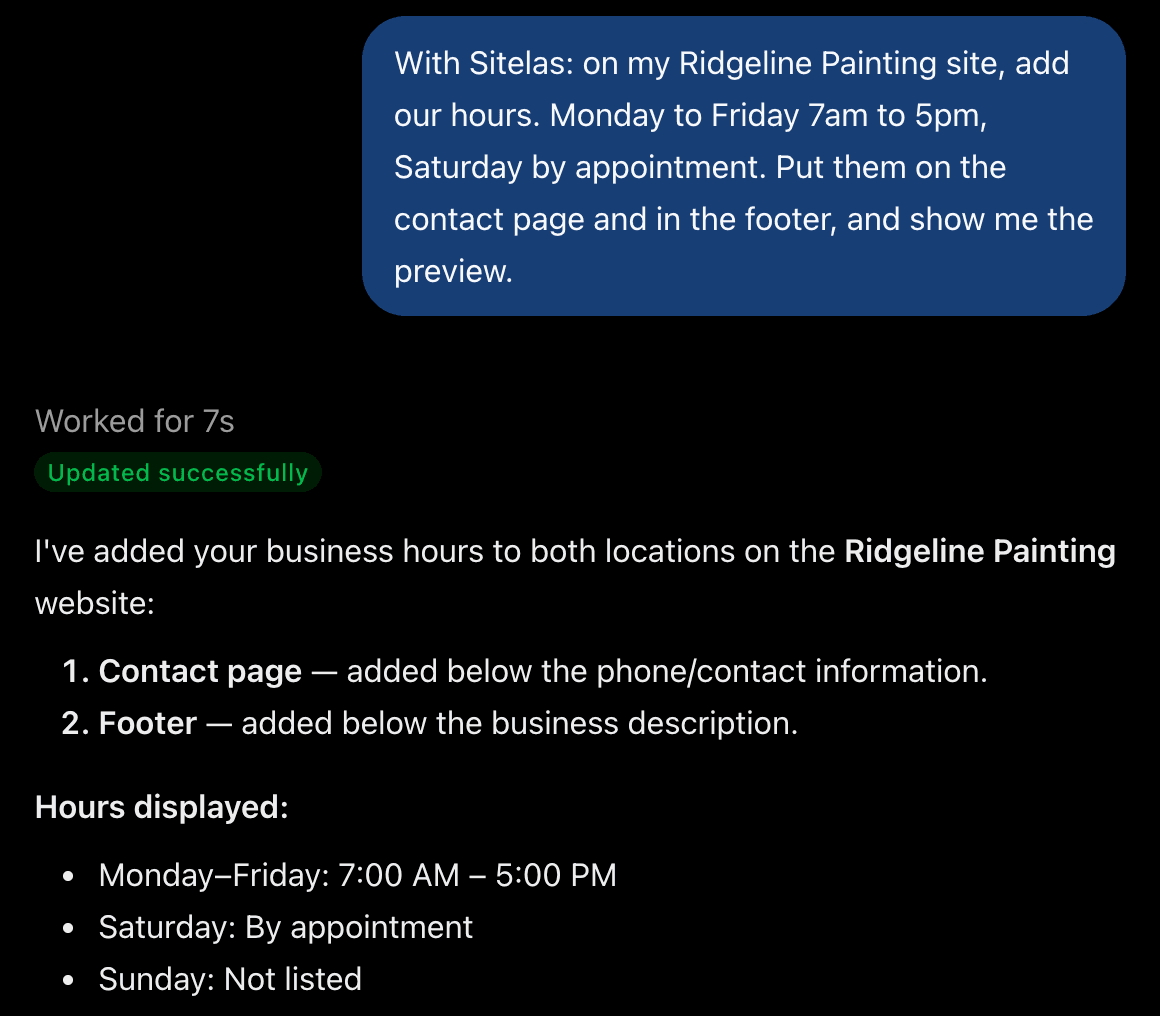
The hours appeared on the Contact page and in the footer of the preview. Nothing goes live until you publish.
What it can't do
Sitelas builds and runs the website. It doesn't book estimate visits into a calendar, send quotes or invoice. Those stay with your phone and your job software.
Estimate requests land in a Sitelas inbox. The Free plan lets you read 5 a month, and a busy spring will pass that. Pro reads up to 500 a month and adds your own domain. It costs $9 a month per site, or $90 a year.
Getting found is separate work. Local SEO for contractors covers it, and our Google Business Profile guide walks through the profile. For more ways to win jobs, see contractor marketing.
Questions people ask
What should a painting contractor website include? A tap-to-call number and a free-estimate button on the first screen. A page per service, and your own before-and-after photos. Then your towns, how you work, your license and insurance, real reviews and a short form.
Should painters put prices on their website? A starting price for common jobs sets expectations before the call. One room or a set of cabinets are good examples. Say that the final price comes after the estimate visit.
Do painters need a website if they have a Google profile? The profile puts you on the map. The website is where people look at your rooms, read how you work and ask for an estimate. On the website, each service can have a full page of its own.
Which Sitelas template suits a painter? Dado is built for painting and decorating firms. A handyman who publishes a price list fits Jamb. A company covering several trades fits Spanner.
Try it
Copy this into a new Claude or ChatGPT chat after adding Sitelas. Swap in your own details first.
Use Sitelas to build a website for my painting company, [name] in [town],
on the Dado template. We do [interior, exterior, cabinets, decks...].
Free written estimates, licensed and insured. Towns: [list].
Phone: [number]. Hours: [hours].
Keep it as a preview until I say publish.
- Add to Claude: Sitelas in Claude's connector directory
- Add to ChatGPT: Sitelas in ChatGPT
- See the design we used: the Dado template
- More contractor templates: all contractor templates
Templates to start from
Build this with a ready-made design, then change anything.

Dado
For house painters and decorators: your phone, hours and a quick-question form in a column on the home page.

Jamb
For handymen and home maintenance crews who publish prices: a pricing page, a book-a-visit form and recent projects.

Spanner
For home repair companies with a crew: a page per trade, projects filtered by trade, the team and a quote form.

Usman Haider
Founder of Sitelas — the website builder for AI agents.