

Sward Lawn care website template
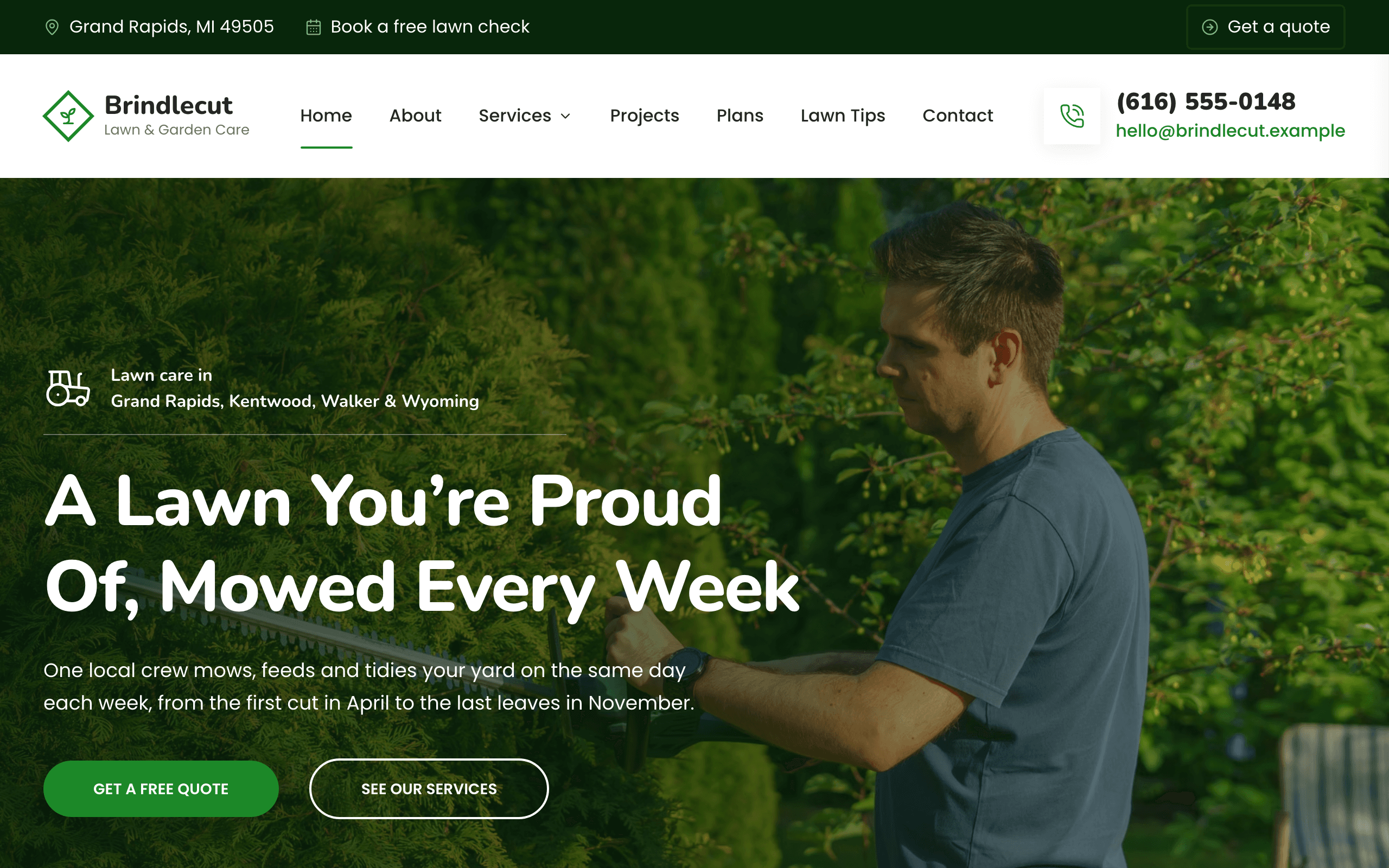
Sward is for an owner-run lawn care company that mows, feeds and tidies yards on a weekly round and clears snow in winter. Each service has its own page with what a visit includes and a price line, finished yards appear as before-and-after photos you drag to compare, and the quote form asks for the yard's address and size.
Who Sward is for
- Lawn care company that mows, fertilizes and aerates residential yards
- Lawn mowing service with season plans priced per visit
- Landscaping and yard maintenance crew with before-and-after photos
- Landscape gardening crew maintaining lawns, hedges and beds
- Lawn treatment business offering weed control and overseeding
- Spring and fall leaf removal and yard tidy-up service
- Lawn service that also does snow plowing in winter
- Grounds maintenance for HOAs, offices and rental properties
- Owner-operated lawn business taking quote requests by form
What’s included
- Pages
- 7 pages, written and laid out
- Grows with you
- 6 service entries at /services/, 4 project entries at /projects/, 3 tip entries at /tips/ — add one and its index and detail page both update
- Enquiries
- A working form — messages land in your Sitelas inbox
- Fonts
- Nunito and Poppins · light theme
Build Sward by asking your AI agent
- 1Connect Sitelas to Claude, ChatGPT or another AI agent that supports MCP. How to connect
- 2Ask for it in plain words: “Build a website for a lawn care company that mows, fertilizes and aerates residential yards using the Sward template.”
- 3Open the preview link it sends back, ask for changes, and publish when it reads right.
Then keep changing it from the same chat
- Rewrite the copy“Rewrite the ‘About’ page with my details, in a warmer voice.”
- Change the design“Keep the layout, but swap Nunito for another typeface and use my brand colours.”
- Add service entries“Add three service entries from these notes, each with its own page.”
- Swap the photos“Replace the photos on the ‘Services’ page with my own.”
Everything here can also be done by hand in the visual editor.
About the Sward template
Built for lawn care companies
Sward suits an owner-run lawn crew that mows, feeds and tidies yards on a weekly round and clears snow in winter. Visitors want to know whether you cover their street, what it costs and how to get a quote: the home page names your towns and has a quote form, service cards and Plans show prices, and Contact maps the area.
What's on the site
- Home: residential and commercial tiles, your crew and promises, services, before-and-after photos, numbers, reviews, a quote form and lawn tips
- Services: a page per service with what each visit includes, the season, a price line, questions and a quote form
- Projects: before-and-after photos with a slider you drag to compare, and a page for each job
- Plans: three season plans with prices, a commercial section and questions
- Lawn Tips: short how-to pages on mowing, feeding and seasonal jobs
- About (the crew and how it works) and Contact with a service-area map
What to know
The quote form asks for the yard's address, the service and the lawn size, and books nothing; you reply with a price. Prices, plans, numbers, reviews, names and photos are samples to replace.
When to pick something else
Sward is the wrong template for these. Where there is a better one, it is linked.
- Handyman taking odd jobs and repairs around the house — try Mainstay
- House painting and decorating firm — try Dado
- Plumbing or drain service with emergency call-outs — try Flange
- Landscape architect drawing plans and planting schemes, with no maintenance round
- Garden centre or plant nursery selling products online
- Online booking of visit slots with payment
Free to use · No credit card required
Key Highlights
Questions about Sward
How do customers ask for a quote?
They fill in the quote form on the home page, the Contact page, any service page or any project page: name, phone, email, the service, the yard's street address and roughly how big the lawn is (the longer forms also ask for anything else you should know). It lands in your Sitelas inbox and you reply with a price; nothing is booked or paid online.
Can I show before-and-after photos of my work?
Yes. Projects are a collection: add one with a before photo, an after photo, the neighborhood and the service, and it joins the Projects page and the strip on the home page as a slider visitors drag to compare. Each project also gets its own page with what you did.
Who is Sward for?
Sward is built for a lawn care company that mows, fertilizes and aerates residential yards, a lawn mowing service with season plans priced per visit and a landscaping and yard maintenance crew with before-and-after photos. Not built for handyman taking odd jobs and repairs around the house — try Mainstay instead.
What pages come with Sward?
7 pages, already written and laid out: Home, About, Services, Projects, Plans, Lawn Tips and Contact. Add, rename or remove pages whenever you like.
Can Claude or ChatGPT build my site from Sward?
Yes. Connect Sitelas to your AI agent and ask for a site that uses Sward. It fills in your details, sends you a preview link, and publishes when you approve. The same chat can keep running the site afterwards.
Can I change Sward without code?
Yes. The Nunito and Poppins type, all 7 pages and the service entries, every photo and every colour can be changed in the visual editor, or by asking your AI agent.
What does it cost?
Nothing to start, with no trial clock. A free site runs on a sitelas.com address; Pro is $9 a month per site ($90 a year) for your own domain, analytics and more room.
Make Sward yours
All 7 pages open in the editor already written, with 6 starter service entries. Make the words and photos yours, then publish.
Free to use · No credit card required
Related templates
All contractors & trades templates →
Flange
For plumbing companies with a crew: a price calculator, a page per service, special offers and your number on each page.

Flue
For heating and HVAC contractors: an emergency number up top, a page per service and project, and a quote form.
Girder
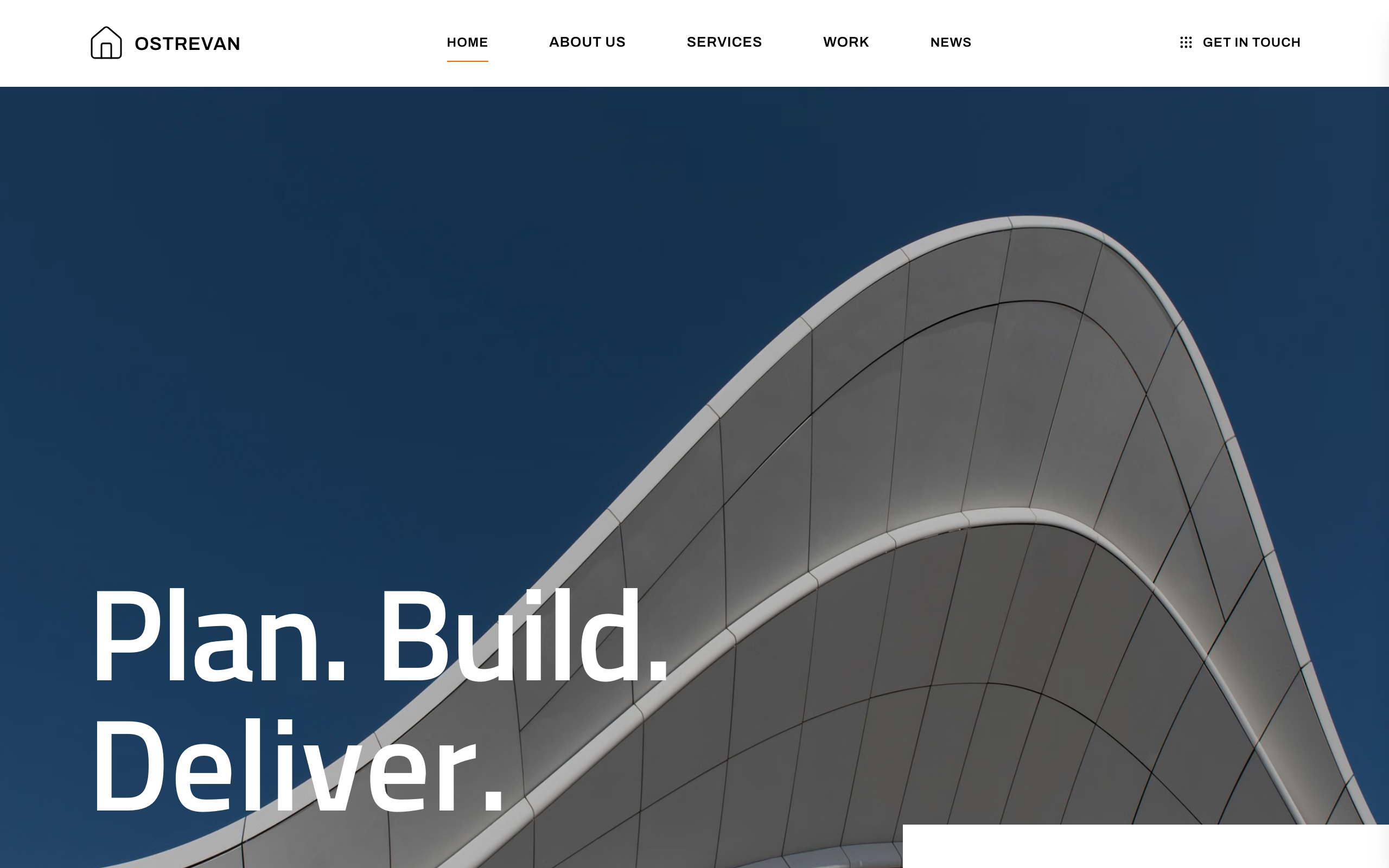
For general contractors and construction managers: a project strip, services, news, careers and an enquiry form.

Helio
For solar installers: a page per service and project, a how-solar-works explainer and a bill-based quote form.

Ironclad
For civil engineering firms and heavy trades: services, a real project record and a contact form.

Jamb
For handymen and home maintenance crews who publish prices: a pricing page, a book-a-visit form and recent projects.