

Helio Solar installer website template
Helio is for companies that design and fit rooftop solar, inverters, home batteries and EV chargers. It explains how a home system works in one band, gives every service and every project its own page, and asks for the electricity bill and the roof before you visit. The sample business is in Tucson; change the town and the copy follows.

Who Helio is for
Built for these, and tested against them.
- Solar panel installer
- Rooftop solar company for homes and small businesses
- Solar and home battery storage installer
- Inverter replacement and solar repair specialist
- Solar panel cleaning and maintenance company
- Renewable energy contractor fitting solar, batteries and EV chargers
- Solar installer that wants a quote form asking about the electricity bill and the roof
- Solar company showing residential, farm and commercial projects
What’s included
Everything below ships with the template, already filled in.
- Pages
- 8 pages, written and laid out
- Grows with you
- 6 service entries at /services/, 6 project entries at /projects/, 4 post entries at /blog/ — add one and its index and detail page both update
- Enquiries
- A working form — messages land in your Sitelas inbox
- Fonts
- Montserrat and Roboto · light theme
- Everywhere
- Built and checked at phone, tablet and desktop widths
- Yours to change
- Every colour, word and photograph — in the editor or by asking an AI agent
Build Helio by asking your AI agent
No editor required. The agent writes your copy, swaps the photos and publishes the site.
- 1Connect Sitelas to Claude, ChatGPT or another AI agent that supports MCP. How to connect
- 2Ask for it in plain words: “Build a website for a solar panel installer using the Helio template.”
- 3Open the preview link it sends back, ask for changes, and publish when it reads right.
Then keep changing it from the same chat
- Rewrite the copy“Rewrite every page in a warmer, friendlier voice.”
- Change the design“Make the colours earthier and use a serif for headings.”
- Add or remove pages“Add a Pricing page and remove the Blog.”
- Rearrange sections“Move the testimonials higher and add an FAQ.”
- Swap the photos“Replace the photos with ones that fit my business.”
- Run the site“Show me this week's form messages, then publish.”
Everything here can also be done by hand in the visual editor.
About the Helio template
Built for solar installers
Helio suits a company that designs and fits rooftop solar, inverters and home batteries for homes and small businesses. It explains how a home system works and ends every page on your email, phone and hours in a green band.
What's on the site
- Home — three service cards, your main services, how solar works, a project mosaic, how a quote works and your installers
- About — the founder's note, your track record, the team, projects and posts
- Services — installation, inverters, an FAQ, maintenance and monitoring, and a page per service
- Projects and Blog — a page for every project and post
- Special offers — priced offers that ask for a quote
- Contact and Get a quote — a site visit form, office details, a map and a quote form
What to know
Services, projects and posts are collections you add to from the editor or your AI agent. The forms calculate no price or savings, so every number you quote is your own.
When to pick something else
Helio is the wrong template for these. Where there is a better one, it is linked.
- Electrician whose customers compare published call-out rates and test certificates — try Busbar
- Emergency electrician or locksmith wanting a dark, loud look — try Conduit
- Furnace, boiler and heat pump contractor — try Flue
- One-van sole trader covering a postcode area — try Mainstay
- Utility-scale solar developer selling by tender — try Girder
- Shop selling panels, batteries or kits online with a checkout — try Stockroom
Free to use · No credit card required
- 1Opens in the editor with the starter content in place
- 2Change the words and pictures to yours
- 3Publish to a sitelas.com address, or your own domain
Key Highlights
Questions about Helio
Does the quote form calculate savings?
No. It asks for the monthly bill, the roof type, shade, interest in a battery and timing, and sends them to your Sitelas inbox. You work out the system and the savings yourself and send your own quote, so no number on the site is one you did not choose.
Can I run seasonal offers?
Yes. The Special offers page has priced offer cards and an offer band, each with a button that asks for a quote. Change the prices or delete an offer when it ends, in the editor or by asking your AI agent.
Who is Helio for?
Helio is built for a solar panel installer, a rooftop solar company for homes and small businesses and a solar and home battery storage installer. Not built for electrician whose customers compare published call-out rates and test certificates — try Busbar instead.
What pages come with Helio?
8 pages, already written and laid out: Home, About Corvane Solar, Solar services in Tucson, Solar projects, Solar advice from Corvane Solar, Contact Corvane Solar, Get a solar quote and Special offers on solar and batteries. Add, rename or remove pages whenever you like.
Can Claude or ChatGPT build my site from Helio?
Yes. Connect Sitelas to your AI agent and ask for a site that uses Helio. It fills in your details, sends you a preview link, and publishes when you approve. The same chat can keep running the site afterwards.
Can I change Helio without code?
Yes. Click any text, photo or colour to change it in the visual editor, or ask your AI agent to make the change. Nothing is locked.
What does it cost?
Nothing to start, with no trial clock. A free site runs on a sitelas.com address; Pro is $9 a month per site ($90 a year) for your own domain, analytics and more room.
Can I use my own domain?
Yes, on Pro. Point your domain at the site and the SSL certificate is issued and renewed for you.
Make Helio yours
It opens in the editor with every page already written. Change what you want, publish when it reads like you.
Free to use · No credit card required
Related templates
All contractors & trades templates →
Busbar
A dark, technical site for electricians and call-out trades: rates on every service and a job log.

Conduit
For electricians with a 24/7 line: the emergency number up front, priced services, projects and careers.

Flue
For heating and HVAC contractors: an emergency number up top, a page per service and project, and a quote form.
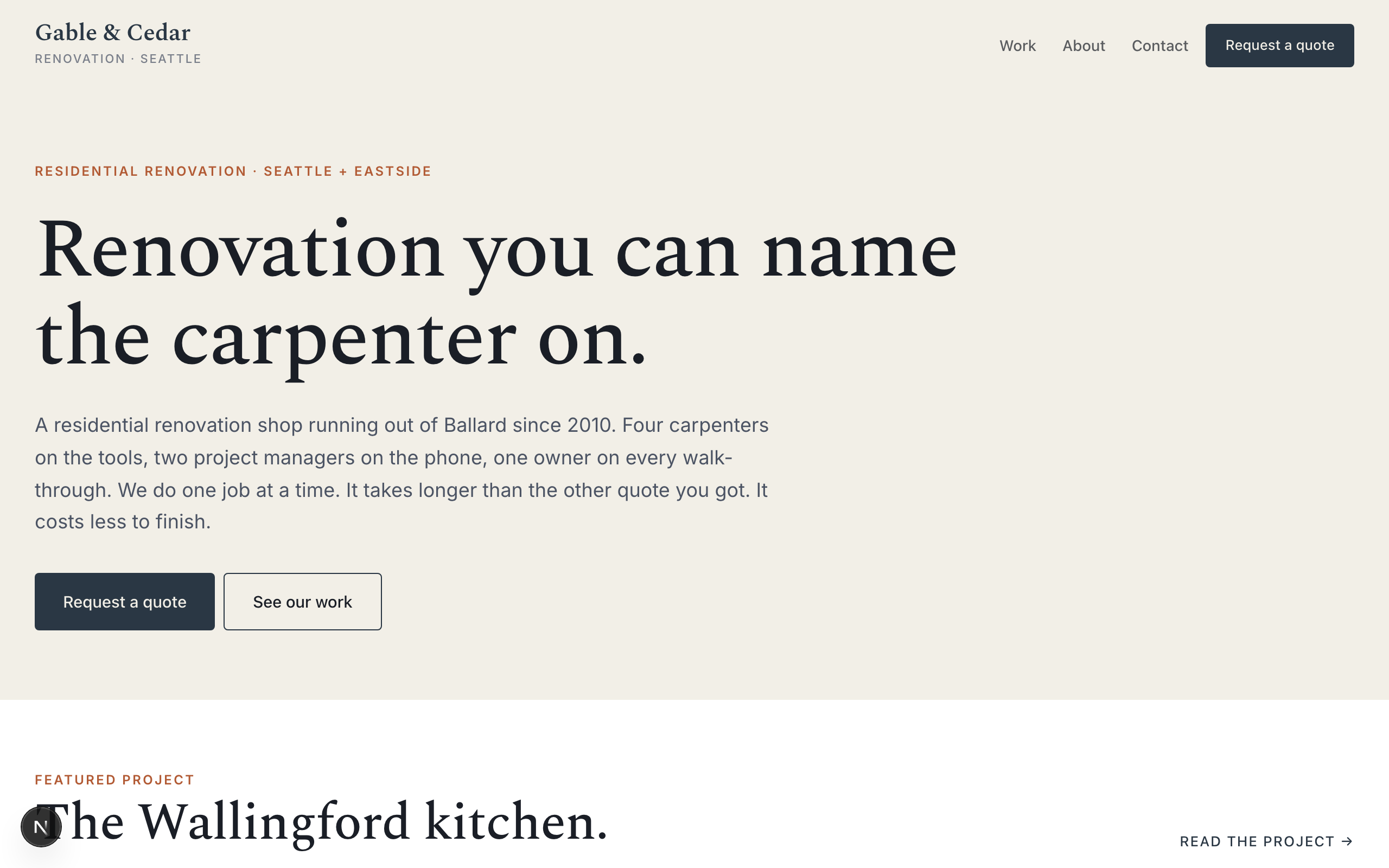
Gable
For renovation contractors who compete on craft: before-and-after projects and a detailed quote form.
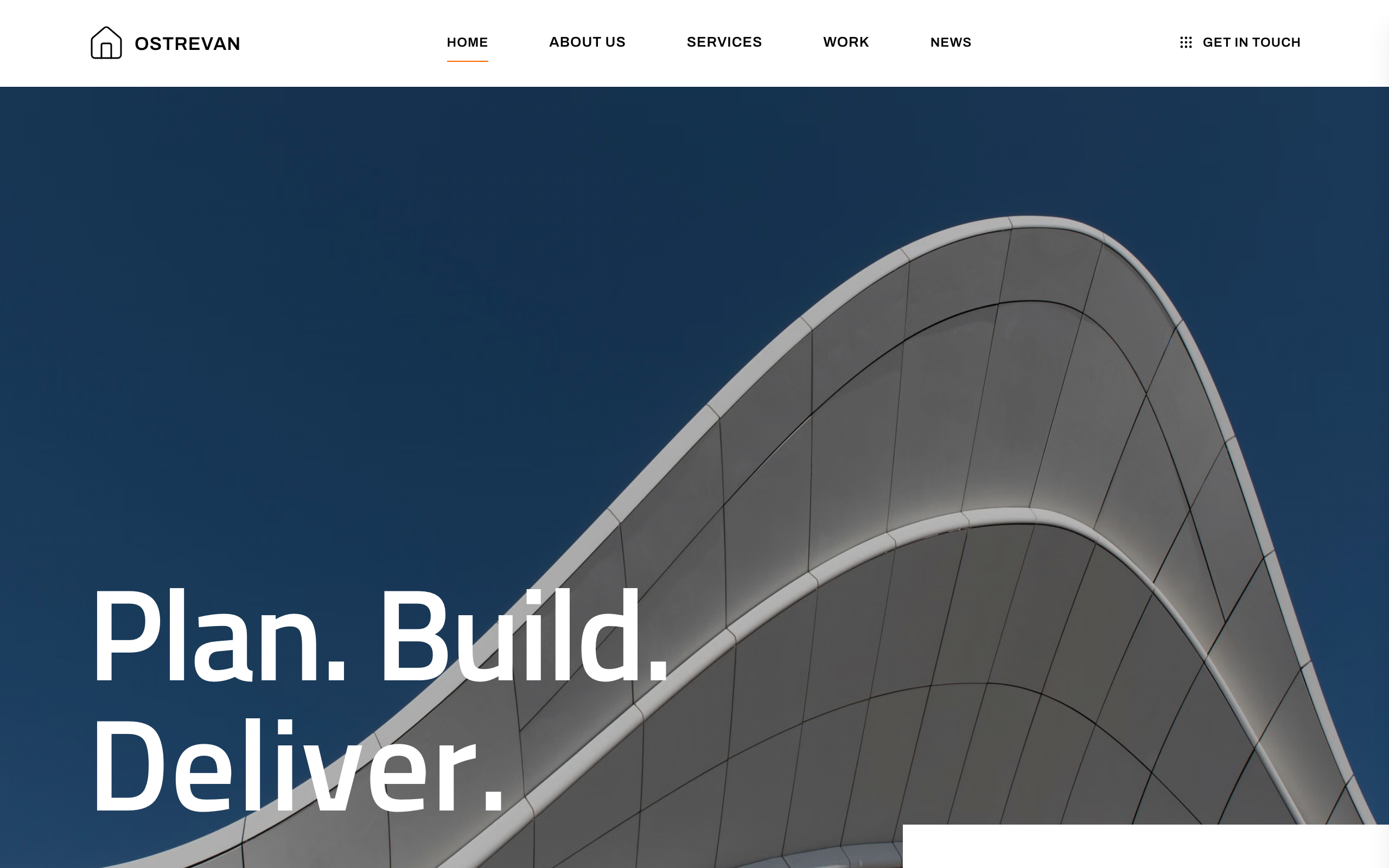
Girder
For general contractors and construction managers: a project strip, services, news, careers and an enquiry form.

Ironclad
For civil engineering firms and heavy trades: services, a real project record and a contact form.