

Narrative Personal blog website template
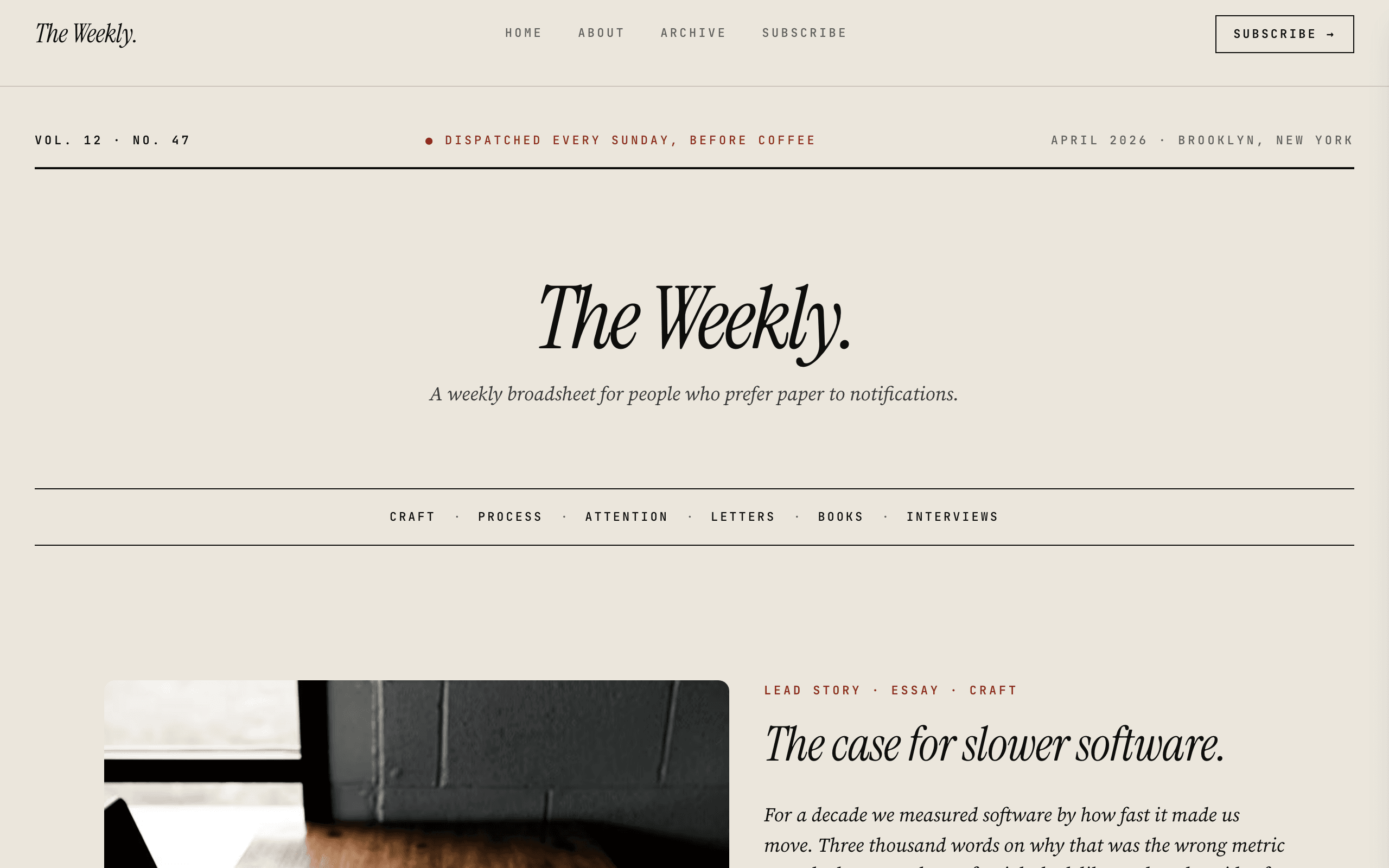
Narrative is for writers who want the words to lead. A newspaper-style masthead, a featured post, a chronological archive and a narrow reading column make it feel like a well-designed independent publication.
Who Narrative is for
Built for these, and tested against them.
- Personal blogs and writing portfolios
- Newsletter landing pages
- Company blogs and content hubs
- Magazine and editorial sites
- Thought leadership platforms
What’s included
Everything below ships with the template, already filled in.
- Pages
- 4 pages, written and laid out
- Grows with you
- 8 blog entries at /blog/ — add one and its index and detail page both update
- Enquiries
- A working form — messages land in your Sitelas inbox
- Fonts
- Instrument Serif and Source Serif 4 · light theme
- Everywhere
- Built and checked at phone, tablet and desktop widths
- Yours to change
- Every colour, word and photograph — in the editor or by asking an AI agent
Build Narrative by asking your AI agent
No editor required. The agent writes your copy, swaps the photos and publishes the site.
- 1Connect Sitelas to Claude, ChatGPT or another AI agent that supports MCP. How to connect
- 2Ask for it in plain words: “Build a website for an essayist solo blog using the Narrative template.”
- 3Open the preview link it sends back, ask for changes, and publish when it reads right.
Then keep changing it from the same chat
- Rewrite the copy“Rewrite every page in a warmer, friendlier voice.”
- Change the design“Make the colours earthier and use a serif for headings.”
- Add or remove pages“Add a Pricing page and remove the Blog.”
- Rearrange sections“Move the testimonials higher and add an FAQ.”
- Swap the photos“Replace the photos with ones that fit my business.”
- Run the site“Show me this week's form messages, then publish.”
Everything here can also be done by hand in the visual editor.
About the Narrative template
Built for writers
Narrative is for essayists, bloggers and newsletter writers who want the words to lead. It feels like a well-designed independent publication, with a masthead, a featured post and a comfortable reading column.
What's on the site
- Home with a featured post and the latest writing
- About and an Archive with category tags
- Subscribe, with a newsletter signup
- A page for every post
What to know
Posts are a collection, so publishing is one entry. Subscribers land in your Sitelas inbox and can be forwarded to your email tool by webhook; Sitelas does not send newsletters itself.
When to pick something else
Narrative is the wrong template for these. Where there is a better one, it is linked.
- SaaS marketing
- Podcast show — try Airwave
- Portfolio with blog
- Ecommerce
Free to use · No credit card required
- 1Opens in the editor with the starter content in place
- 2Change the words and pictures to yours
- 3Publish to a sitelas.com address, or your own domain
Key Highlights
Questions about Narrative
Can readers subscribe to my newsletter?
Yes. There is a subscribe page and signup form. Addresses land in your Sitelas inbox and can be forwarded to your email tool by webhook.
Can I tag posts by topic?
Yes. Posts are a collection with category tags, and the archive lists them in date order.
Who is Narrative for?
Narrative is built for an essayist solo blog, a newsletter author site and a long-form editorial blog. Not built for saaS marketing.
What pages come with Narrative?
4 pages, already written and laid out: Home, About, Archive and Subscribe. Add, rename or remove pages whenever you like.
Can Claude or ChatGPT build my site from Narrative?
Yes. Connect Sitelas to your AI agent and ask for a site that uses Narrative. It fills in your details, sends you a preview link, and publishes when you approve. The same chat can keep running the site afterwards.
Can I change Narrative without code?
Yes. Click any text, photo or colour to change it in the visual editor, or ask your AI agent to make the change. Nothing is locked.
What does it cost?
Nothing to start, with no trial clock. A free site runs on a sitelas.com address; Pro is $16 a month per site ($160 a year) for your own domain, analytics and more room.
Can I use my own domain?
Yes, on Pro. Point your domain at the site and the SSL certificate is issued and renewed for you.
Make Narrative yours
It opens in the editor with every page already written. Change what you want, publish when it reads like you.
Free to use · No credit card required
Related templates
All creators & podcasts templates →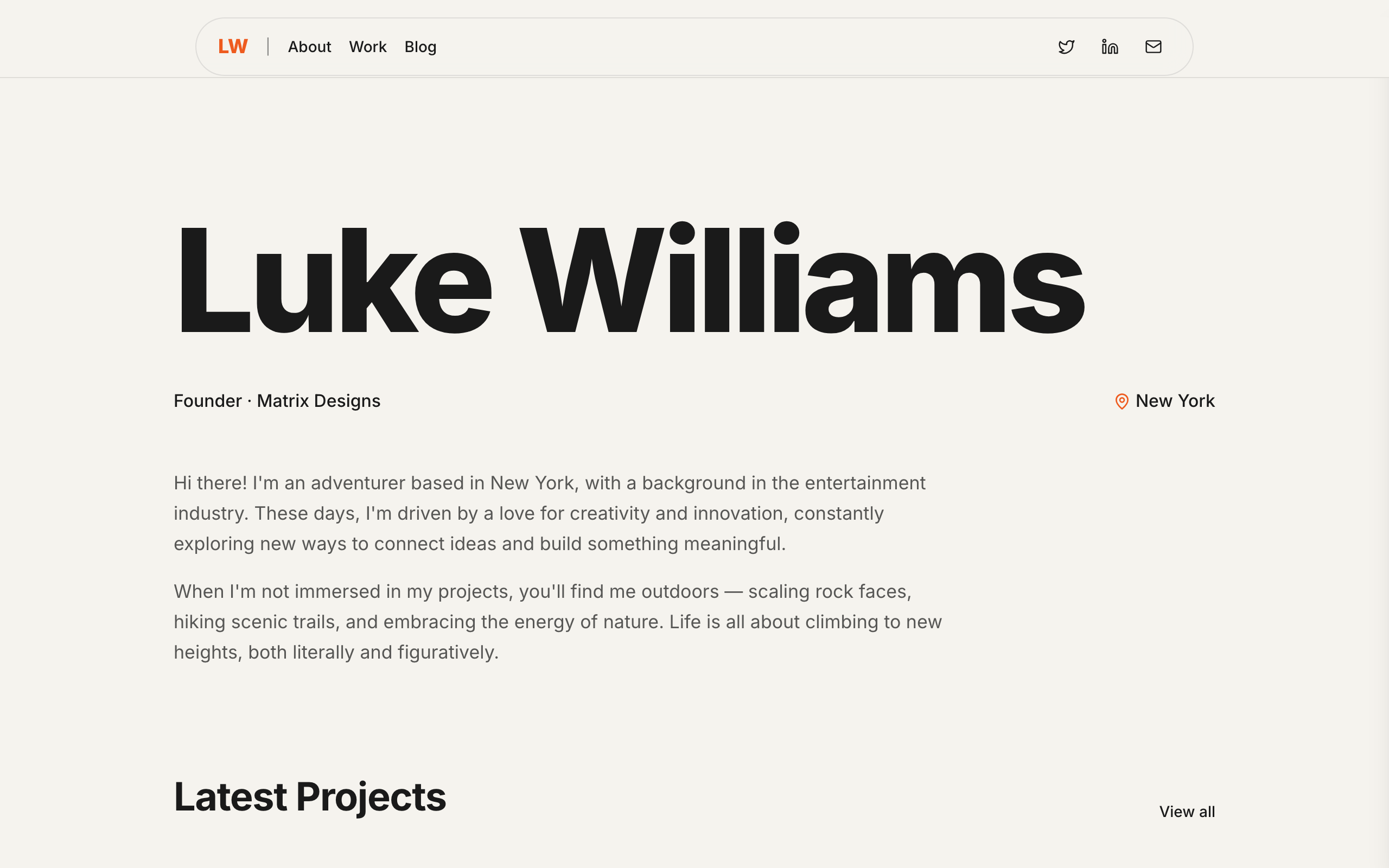
Prive
A minimal personal site for creator-founders: your name as the brand, projects, a blog and a newsletter.
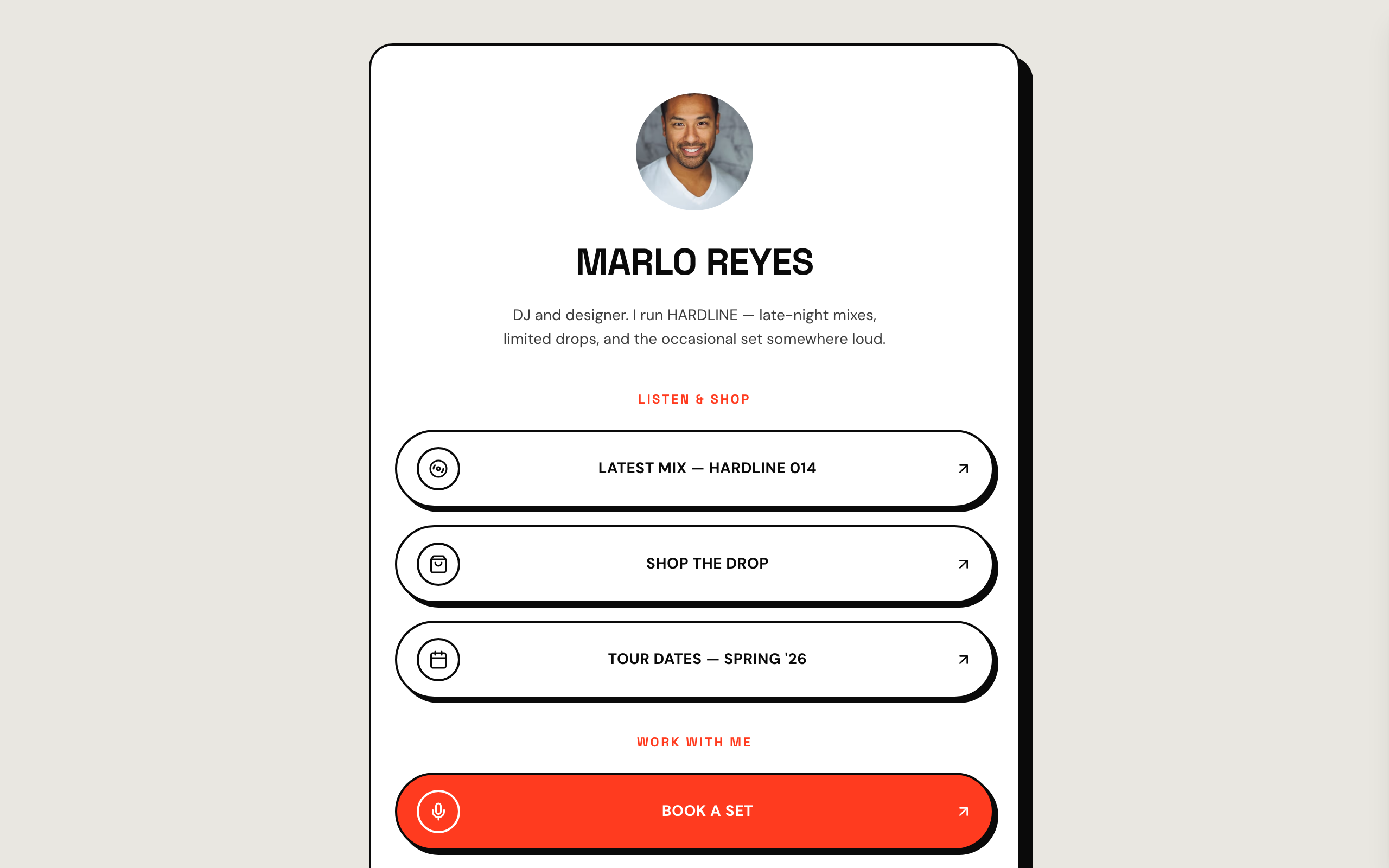
Rivet
A bold, brutalist link-in-bio page for DJs, producers and streetwear brands, with a drop strip.
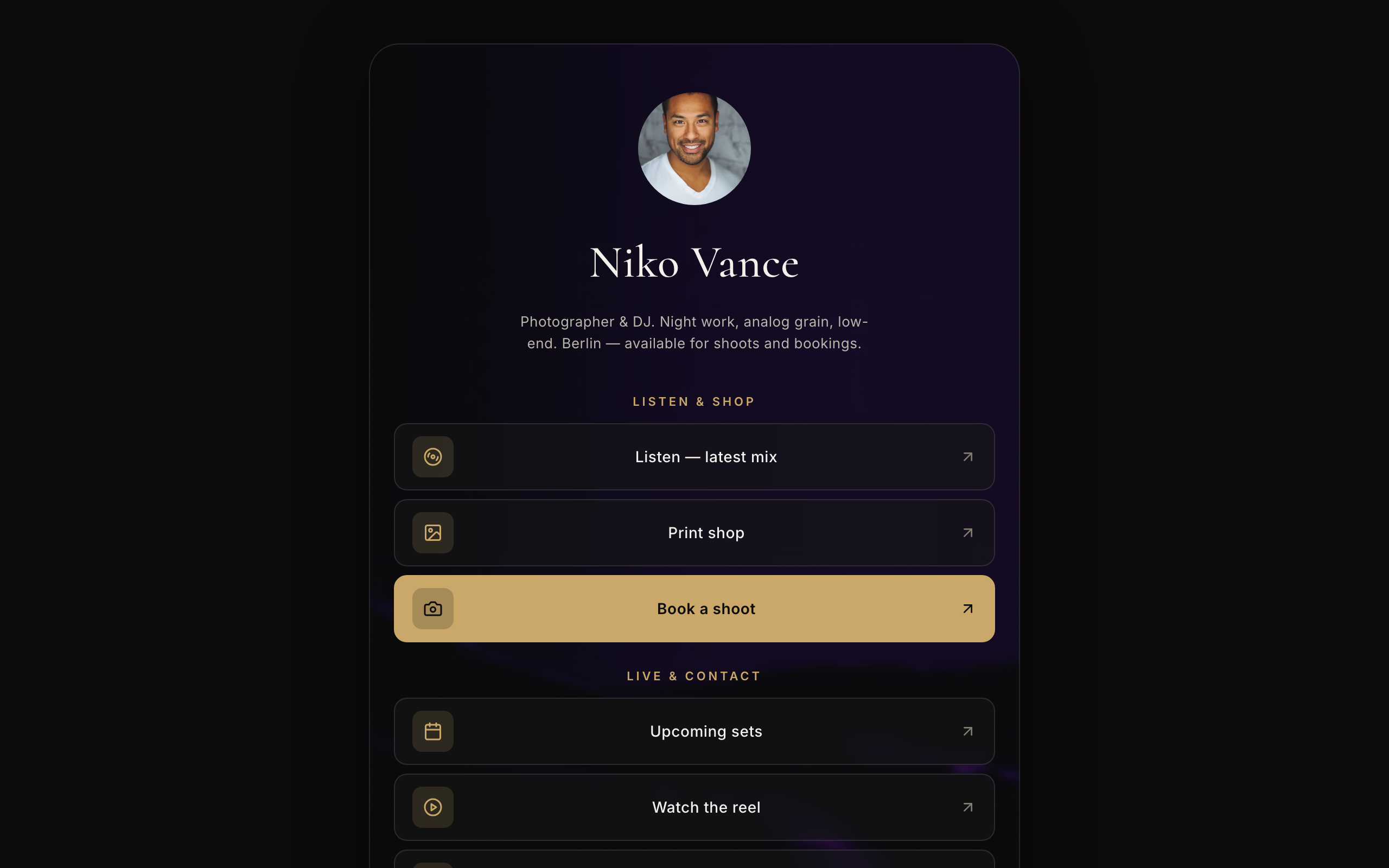
Vista
A dark, cinematic link-in-bio page for photographers and visual artists, with a print shop strip.
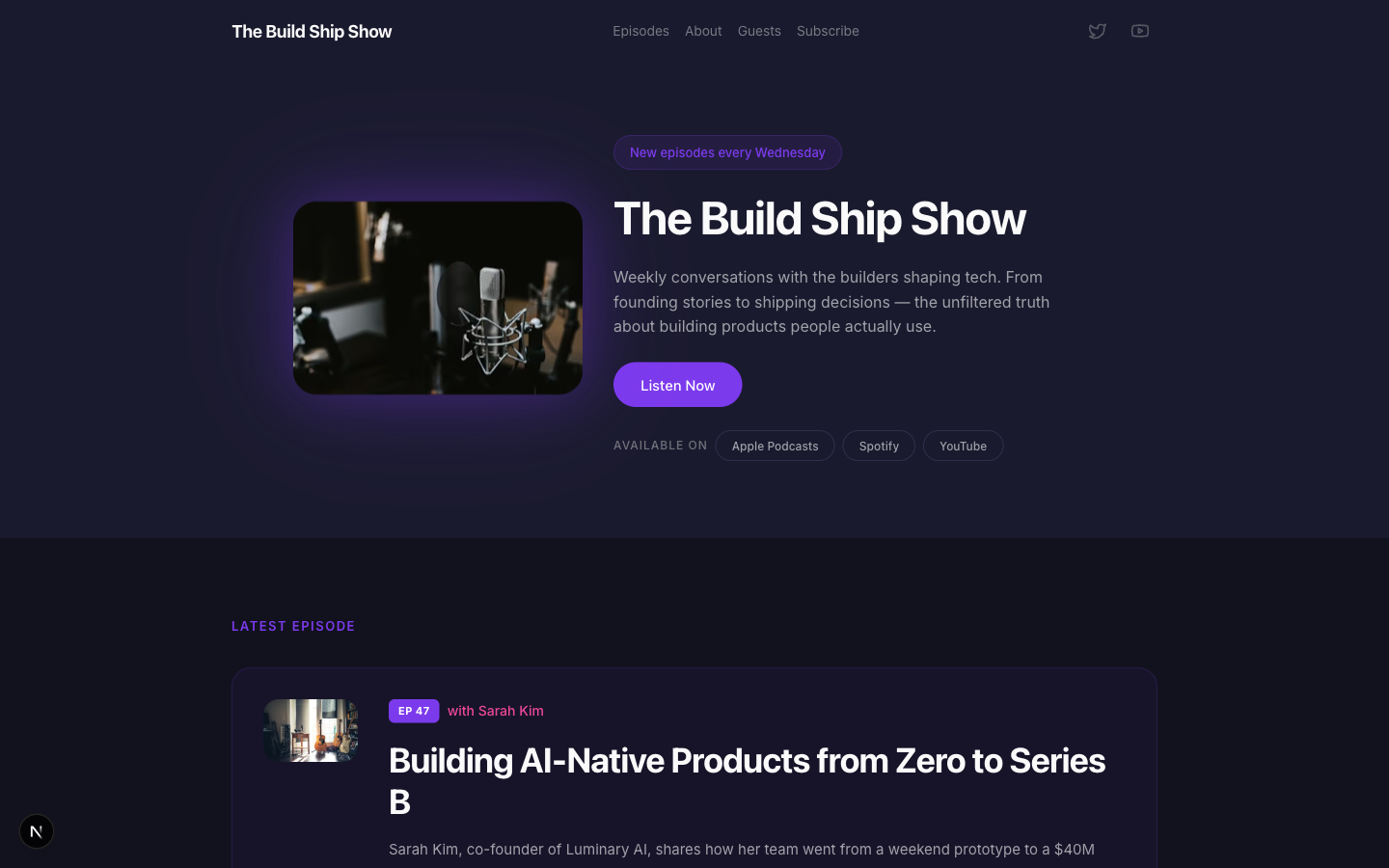
Airwave
A dark podcast site: cover art up front, the latest episode, an episode archive, guests and listening links.
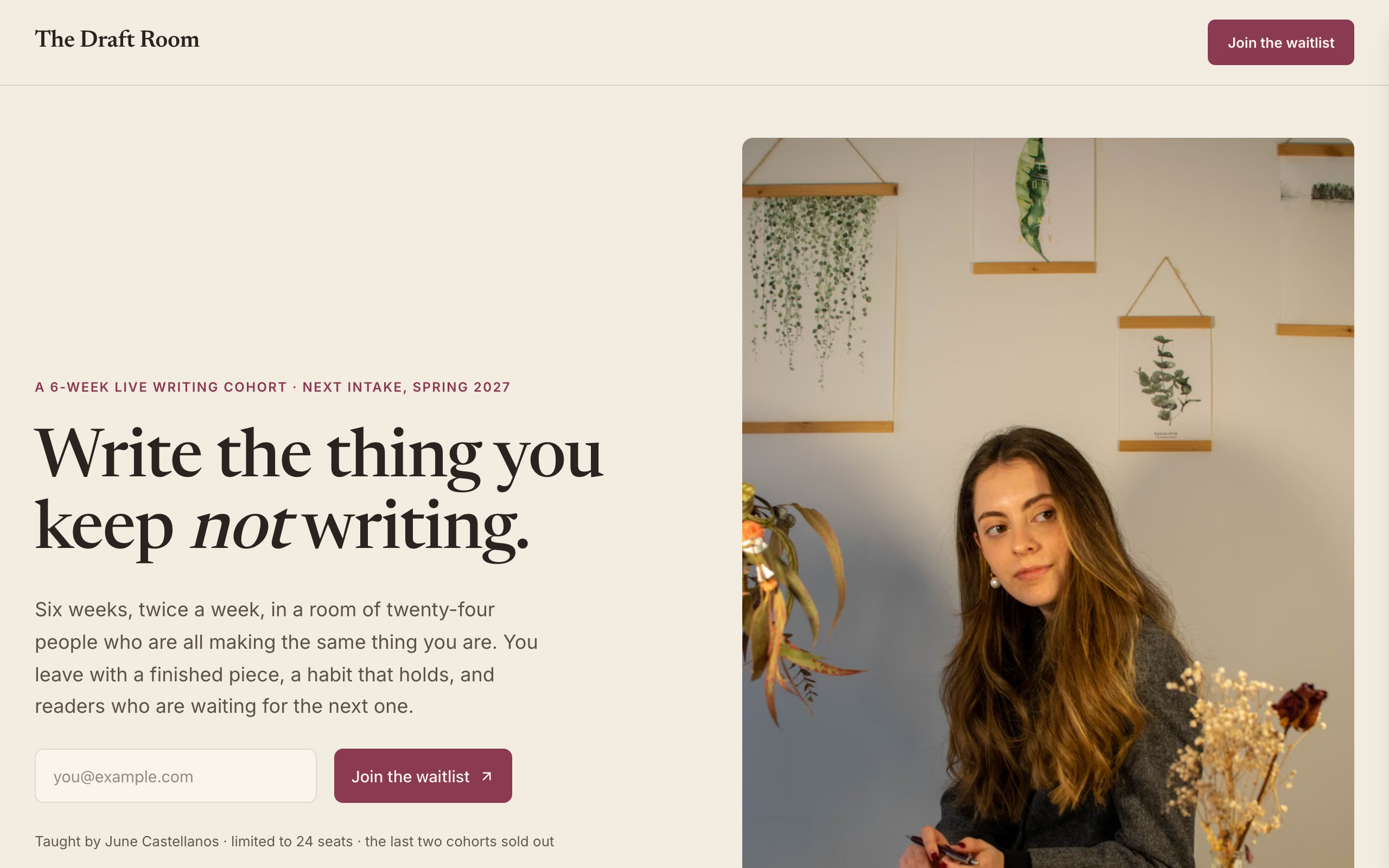
Atelier
A waitlist page for a cohort course: the instructor, the syllabus week by week and a join-the-list form.
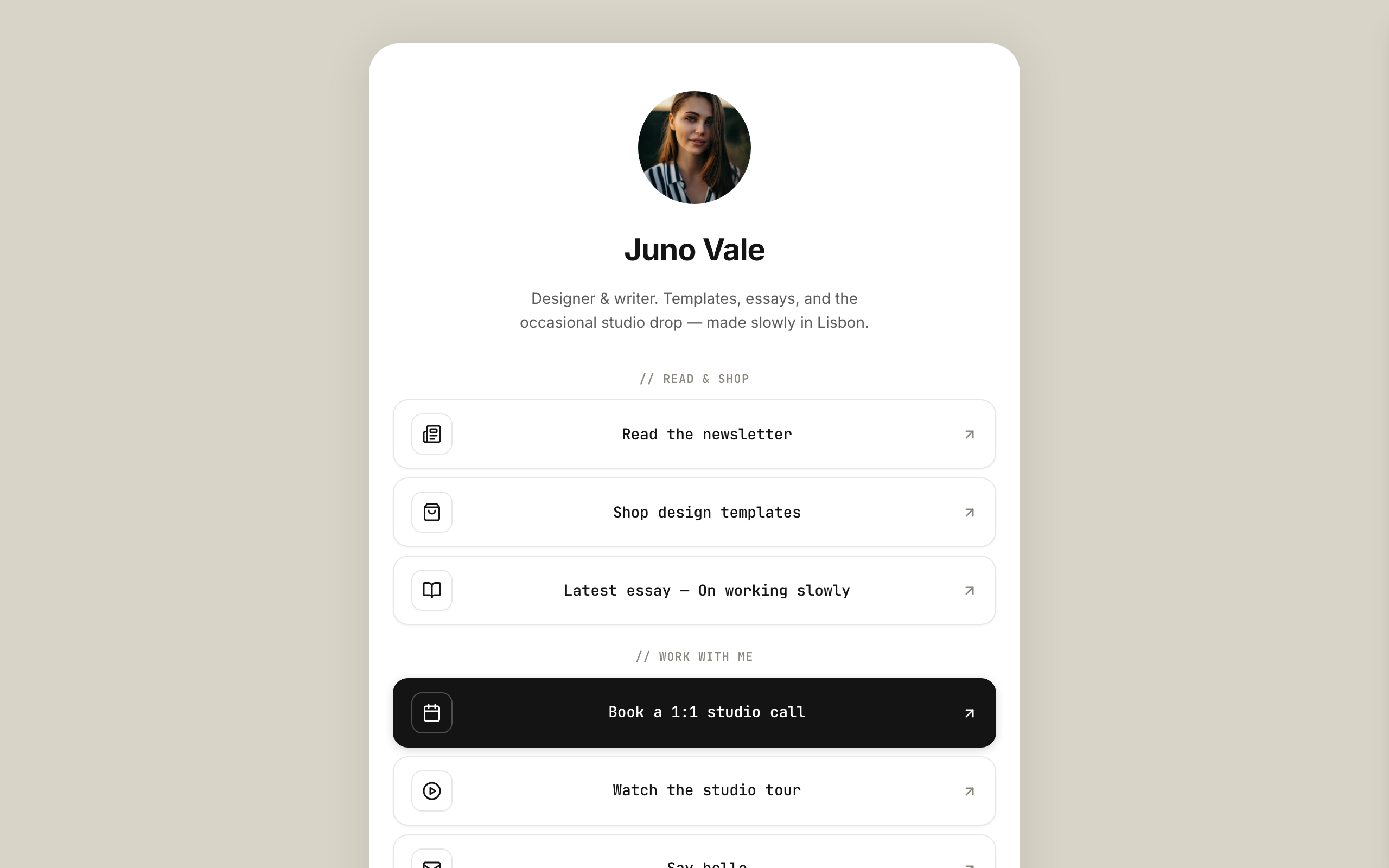
Halo
A clean link-in-bio page you own: your links, socials, a small shop strip and an email signup.