Sell and Take Bookings With Stripe and Calendly
Sitelas doesn't run a shop or a calendar. Instead you add a Stripe buy button or your Calendly booking page to any page, and keep your customers and money in your own accounts.

Usman Haider

Plenty of small sites need to take a payment or a booking. A coach sells sessions. A potter sells a few pieces. A consultant wants people to book a call. Sitelas handles this by connecting the specialist tools you already trust, rather than building a weaker version of them.
Sell with a Stripe buy button
- In your Stripe account, create a Payment Link for the product and copy it.
- In the Sitelas editor, add a Stripe buy button to the page and paste the link. Or ask your agent: "Add a buy button for the $35 print on the shop page, linked to this Stripe link."
- Visitors click the button and pay on Stripe's own checkout.
The money goes straight to your Stripe account. Sitelas never handles the payment, so there's no extra fee from us and nothing to reconcile.
The limit: one buy button per item. There's no cart, stock count or order system. That suits a small range of products, a session or a deposit. For a full online store, a dedicated shop platform is the better fit.
Take bookings with Calendly
- Create an event in Calendly and copy its link.
- Add a Calendly booking block to any page and paste the link.
- Visitors pick a time without leaving your site.
Calendly handles the reminders, rescheduling and time zones. Sitelas just shows the booking page.
Other things you can add
- Videos from YouTube.
- Players and widgets from services such as Spotify, Apple Podcasts or a newsletter tool, by pasting their embed code.
- Forms for enquiries or sign-ups, which save to your Sitelas inbox. See Where Your Form Submissions Go.
Do it from a chat
If Sitelas is connected to Claude, you don't need the editor at all:
Add a "Book a free call" section to the home page with my Calendly link, and a buy button for the starter package using this Stripe link.
Claude adds both, shows you a preview and publishes when you approve.
Common questions
Can I sell a subscription? Yes, if you set the Payment Link up as a subscription in Stripe. The button works the same way.
Can I take a deposit? Yes. Create a Payment Link for the deposit amount and add it as a button, for example on a trip or project page.
Do visitors leave my site to pay? They finish on Stripe's secure checkout page, which is what most people expect. Calendly bookings happen right on your page.
Why it works this way
Stripe and Calendly have spent years getting payments and scheduling right. Using them directly means your customer list, payments and calendar stay in your own accounts. If you ever leave Sitelas, none of that breaks.
Templates that already use this
Several templates come with buy buttons or booking in place. Browse the maker and small shop templates for selling, or the consultant and coach templates for booking calls.
Try it
Pick a template, add your Stripe or Calendly link, and publish. If you'd rather not click around, add Sitelas to Claude and ask it to do it for you. Start at sitelas.com.
Templates to start from
Build this with a ready-made design, then change anything.
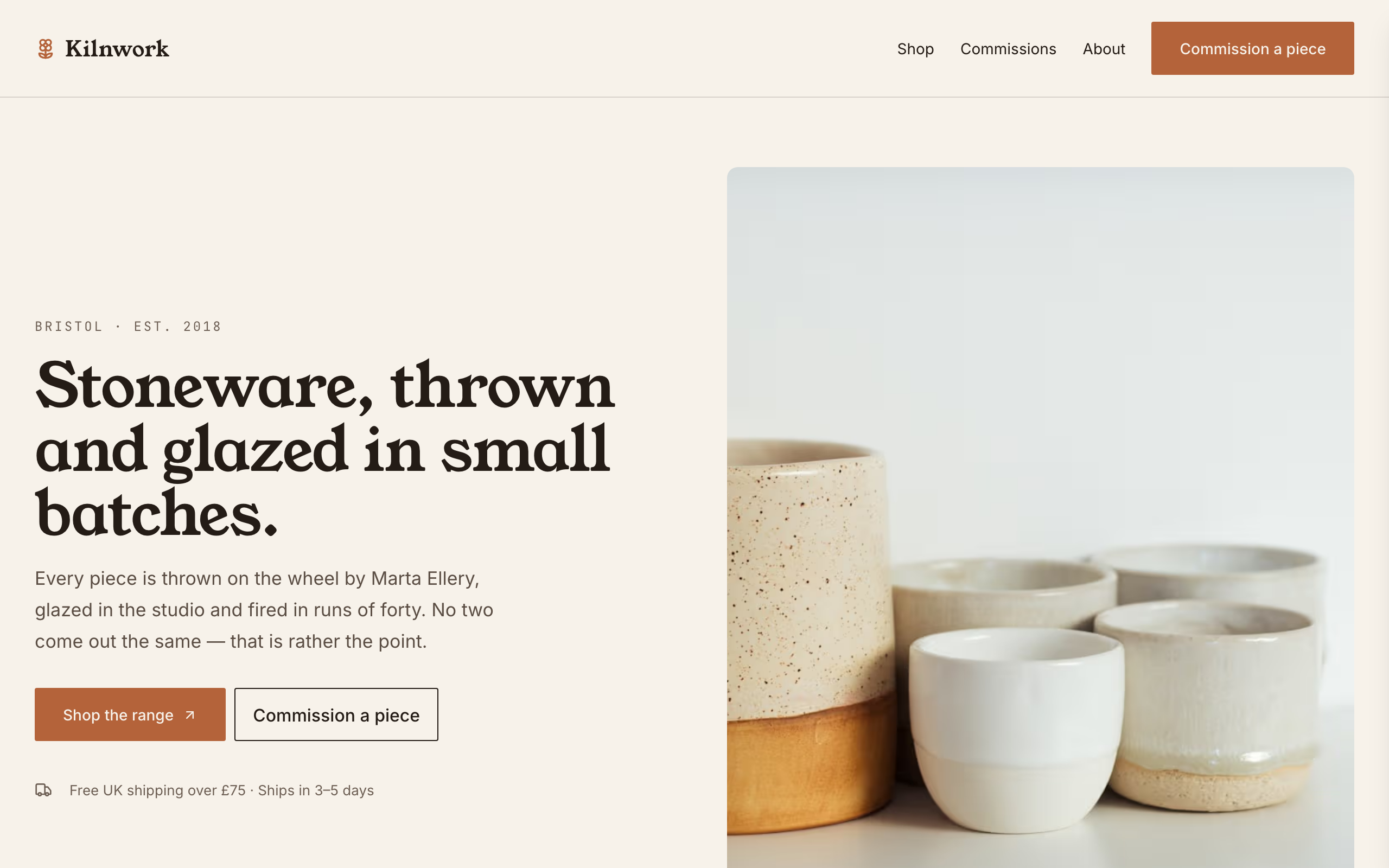
Kilnwork
For potters and makers selling a stocked range: a shop with Stripe buy links and a commissions form.
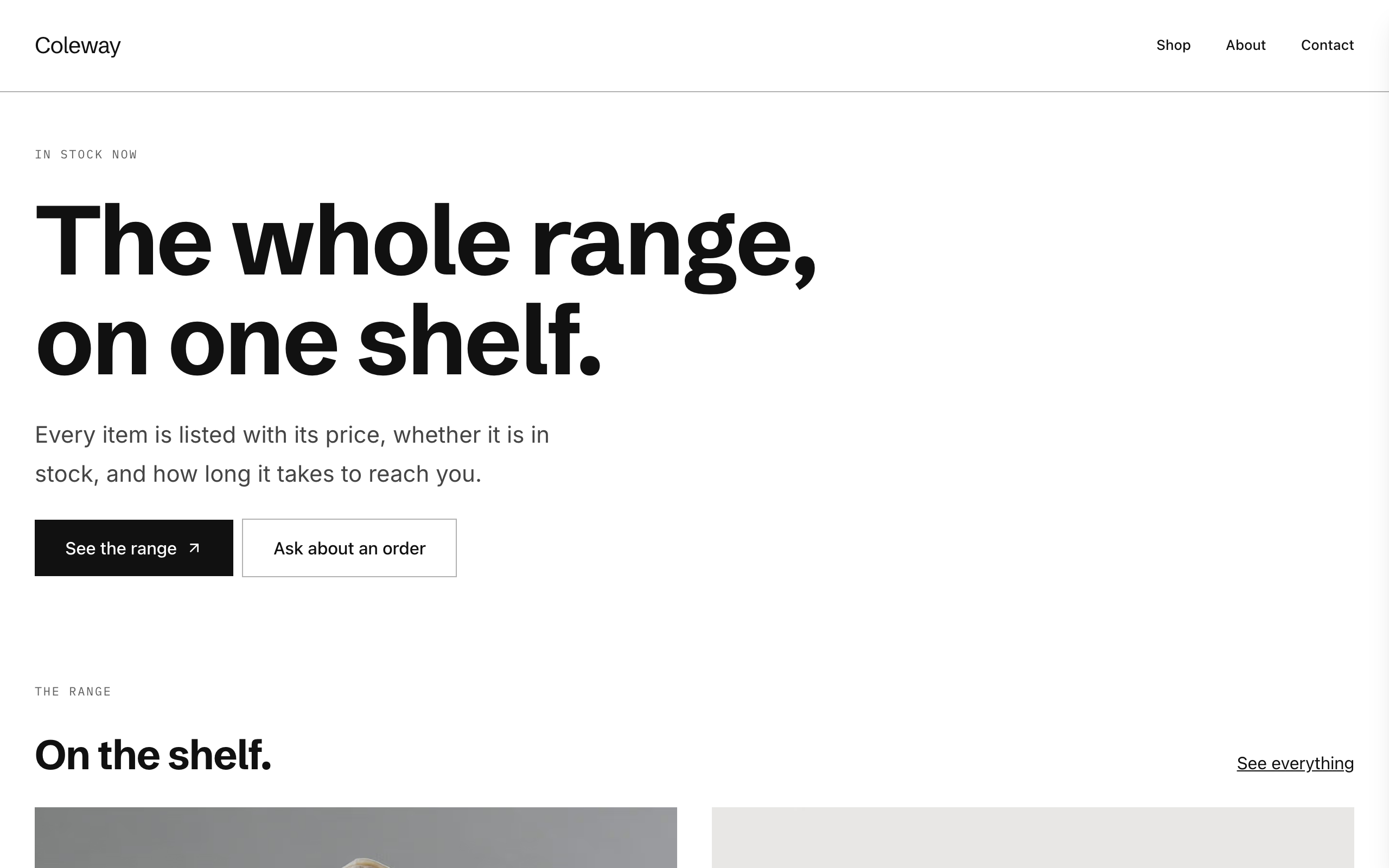
Counter
A plain, modern catalogue for small shops: each product with availability and a Stripe buy link.
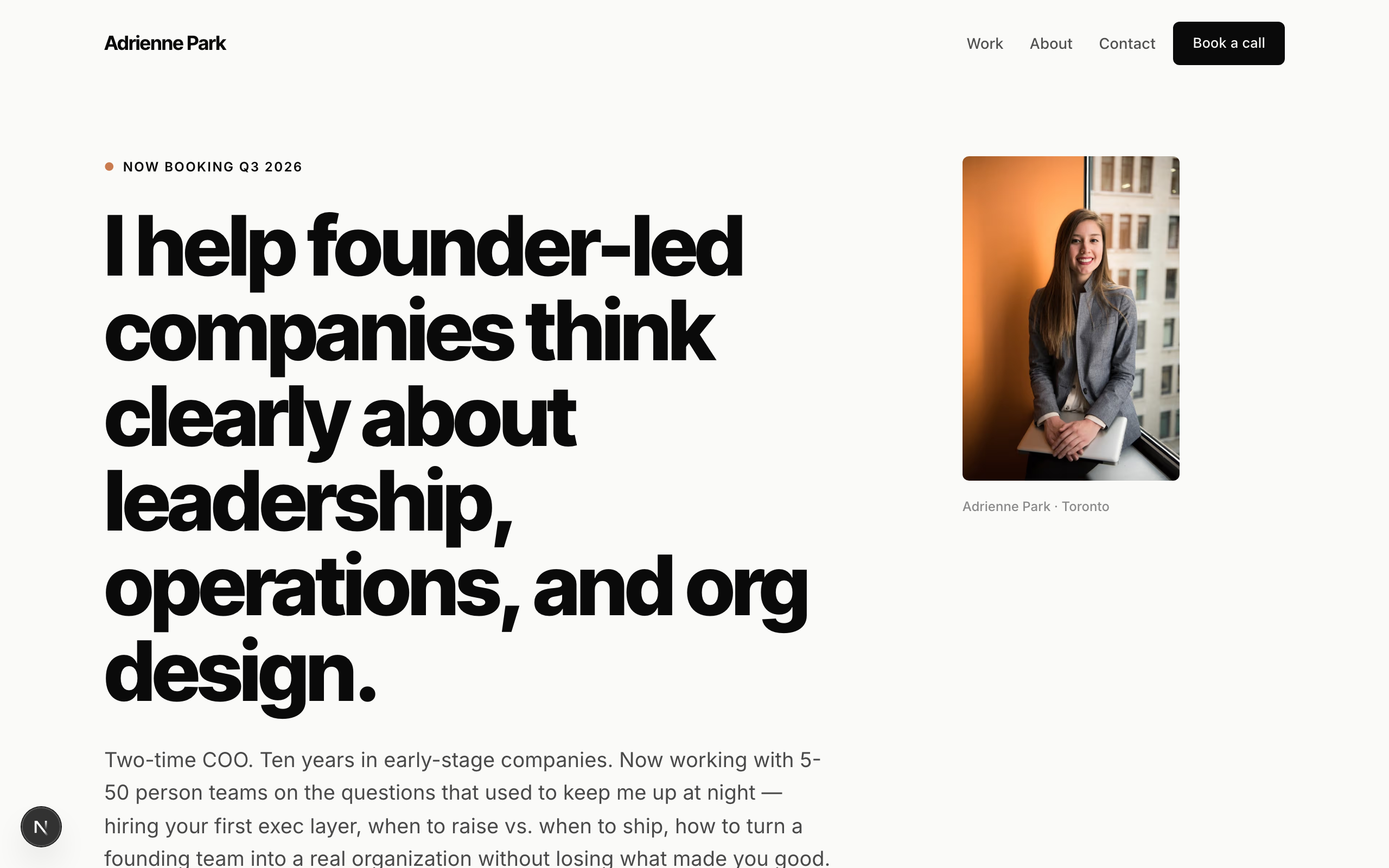
Park
A modern, minimal site for coaches and solo advisors, with case studies and a discovery-call form.

Usman Haider
Founder of Sitelas — the website builder for AI agents.